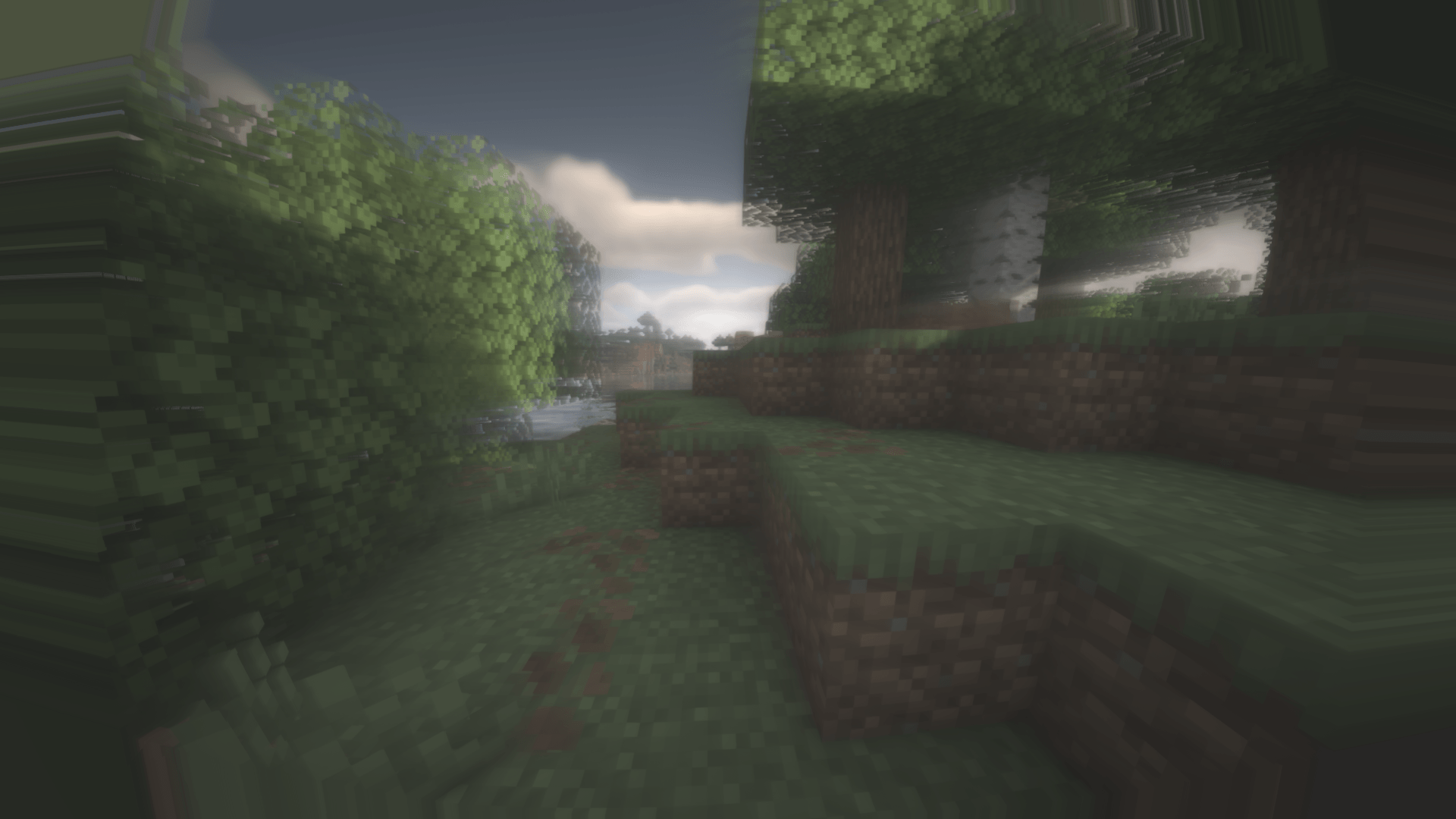
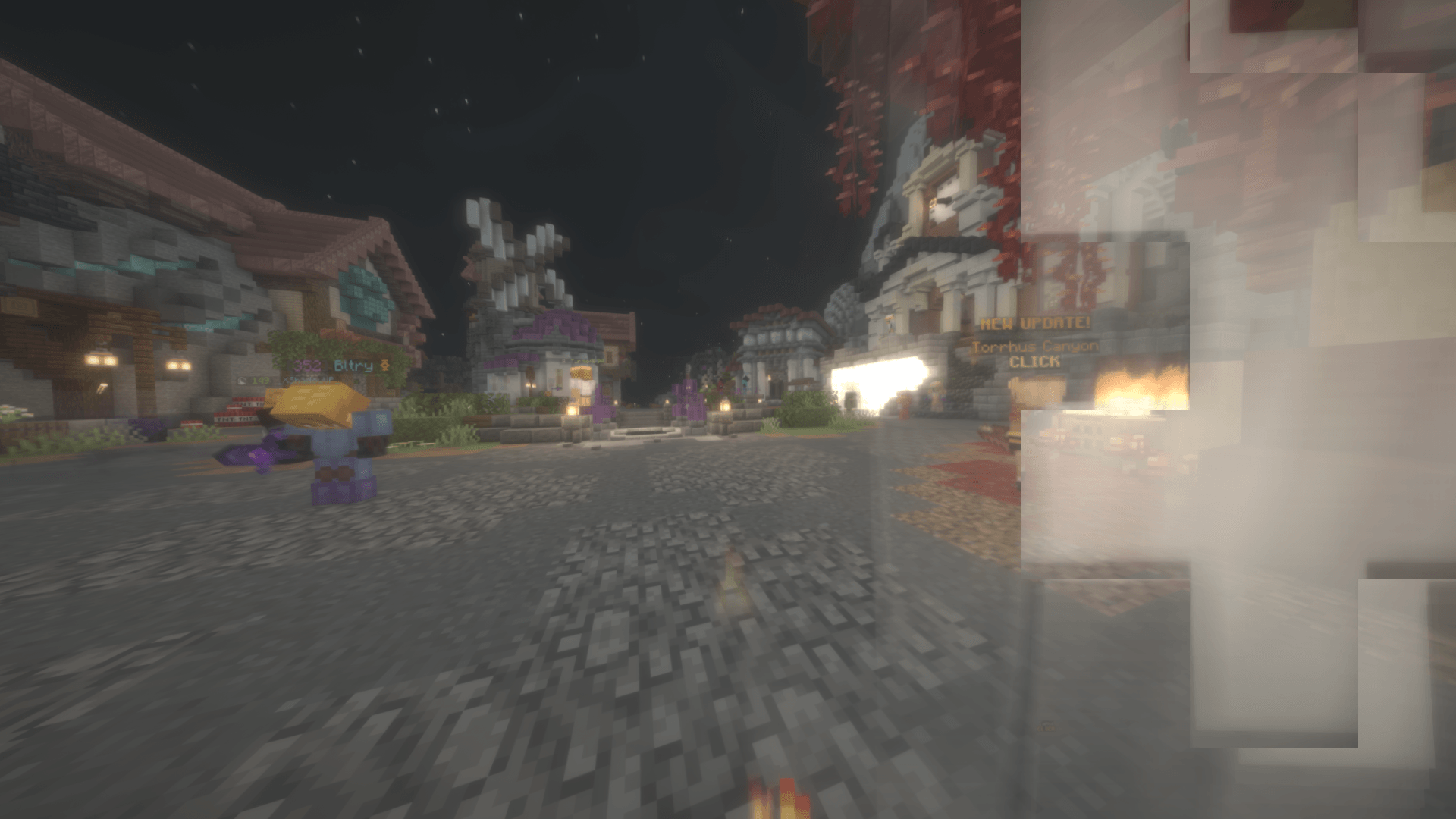
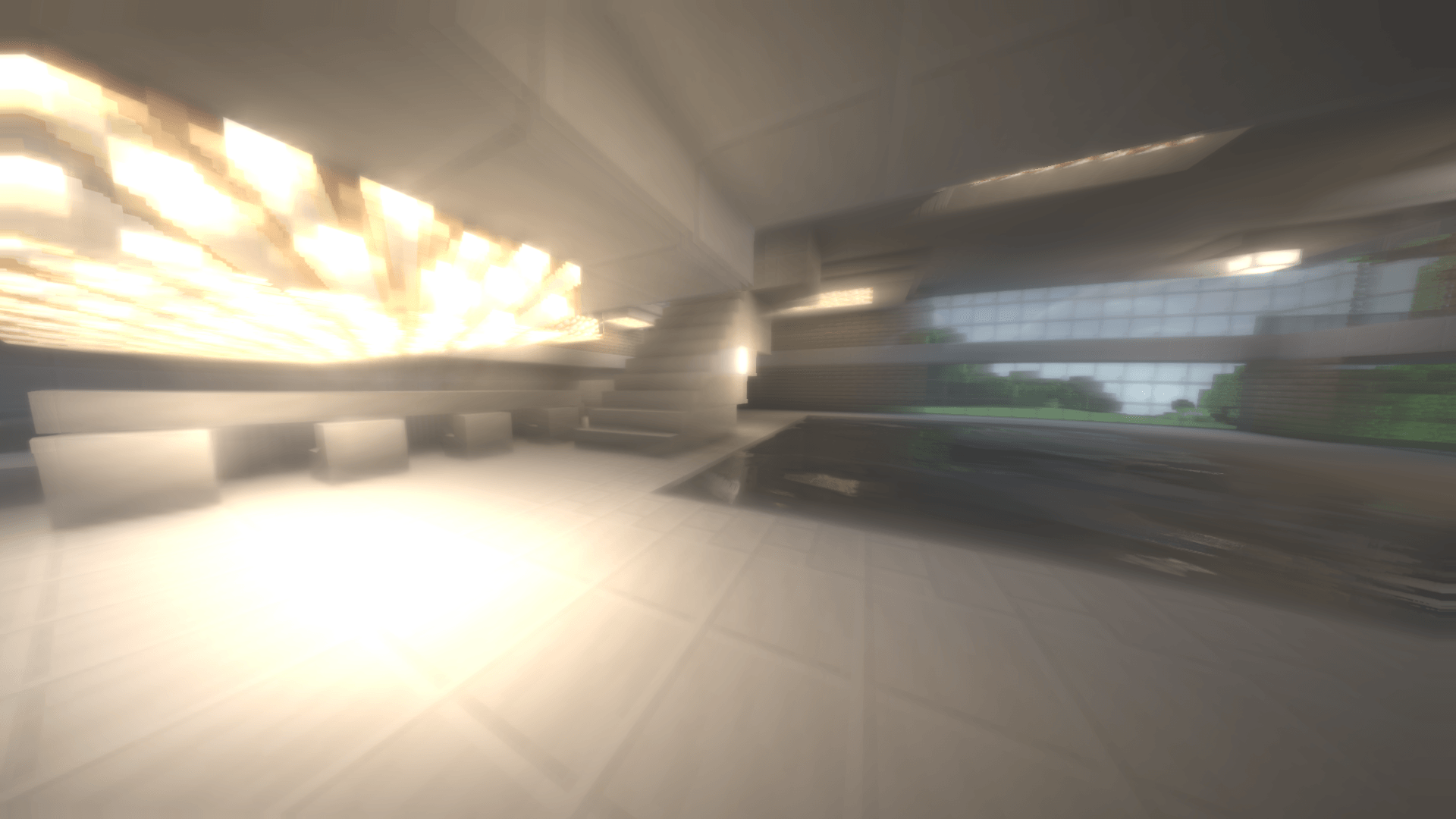
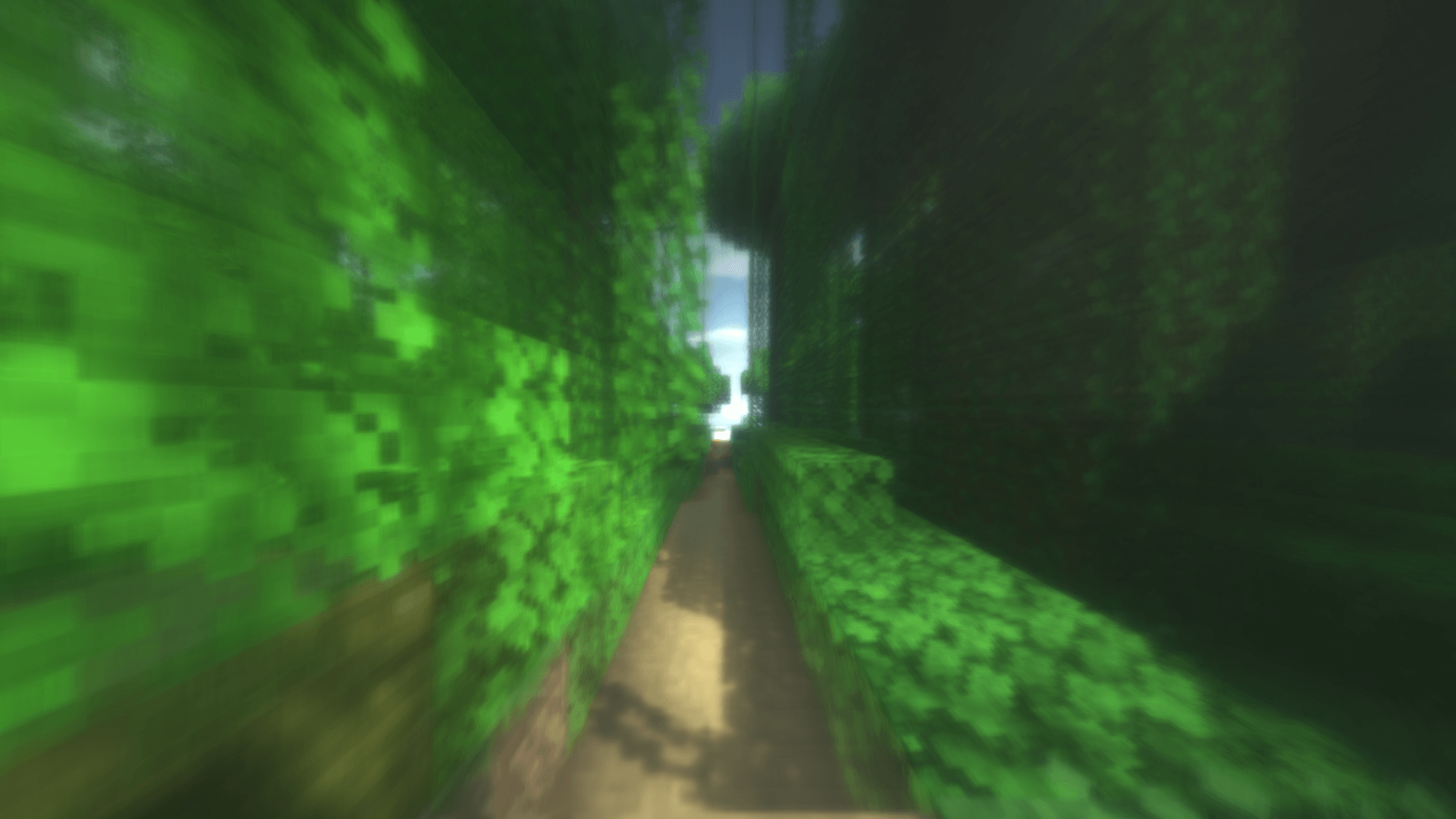
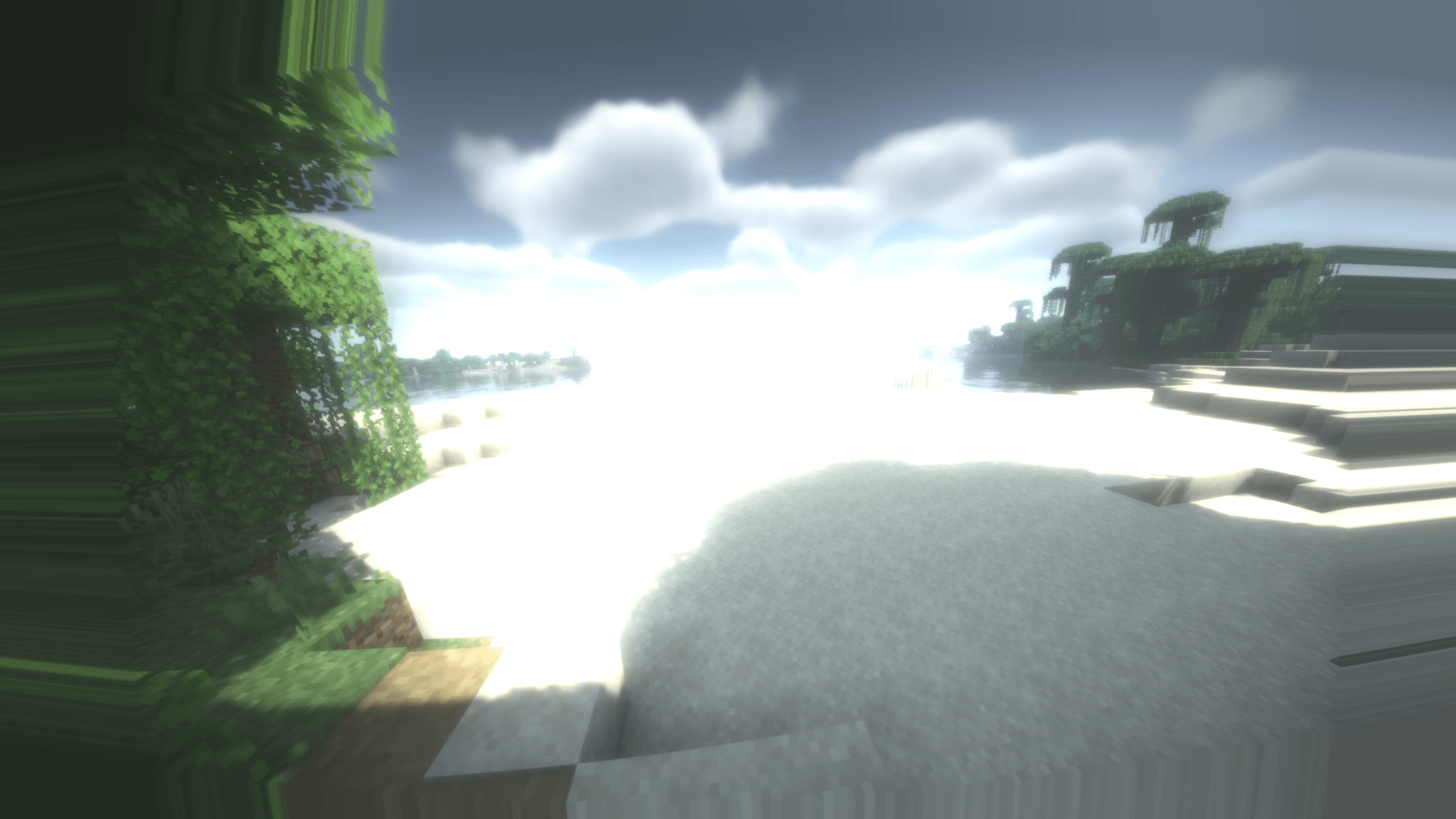
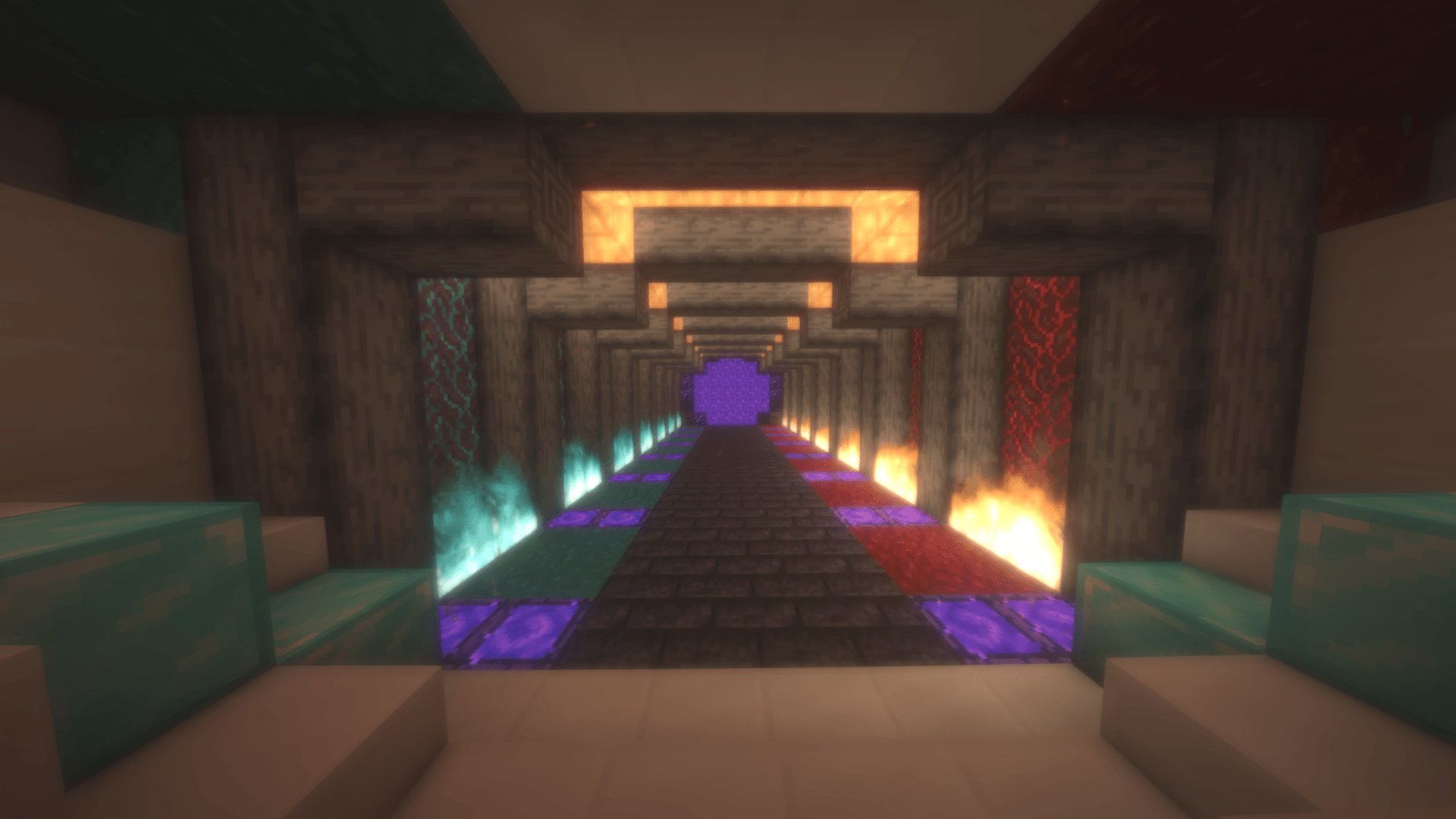
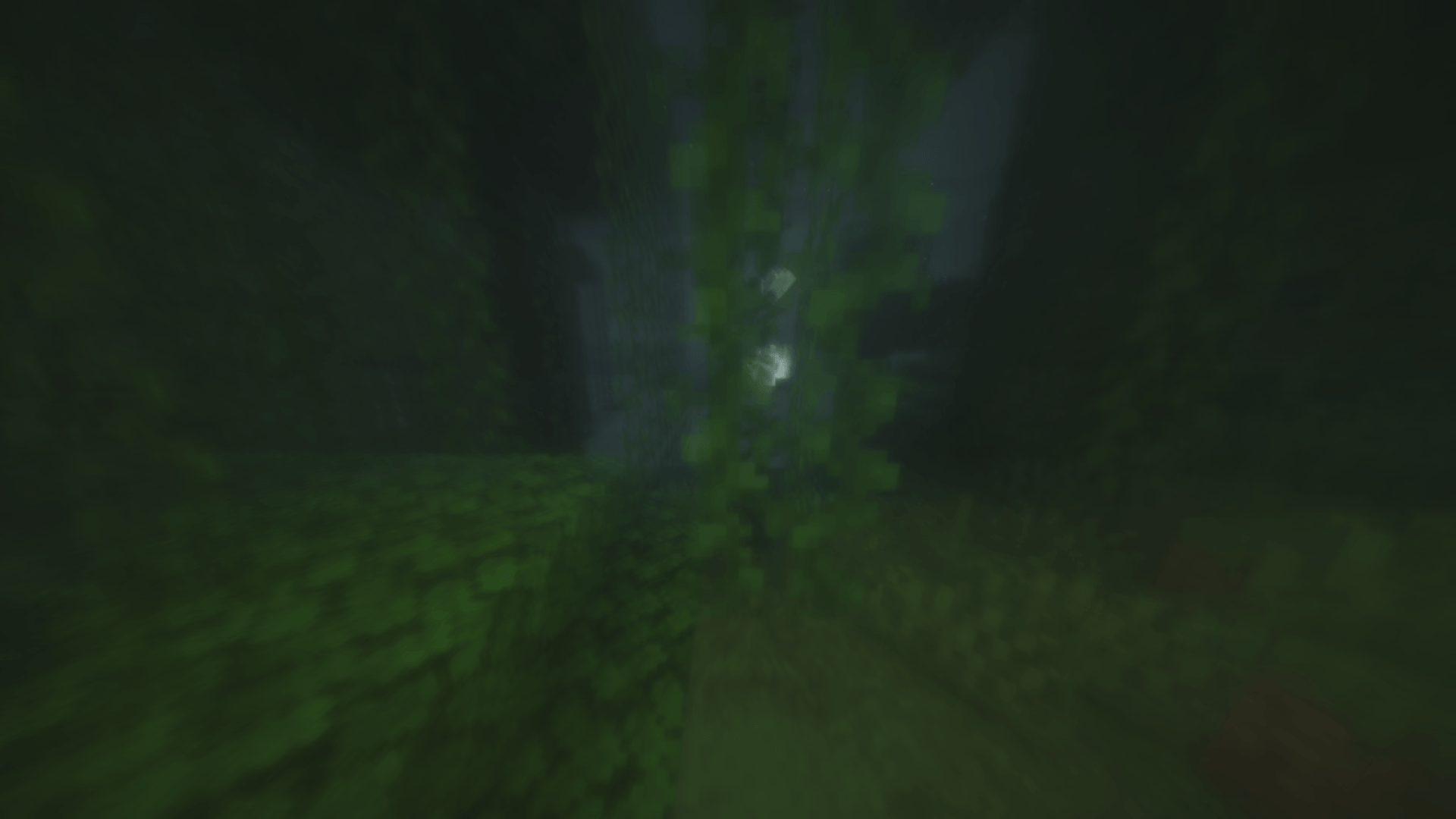
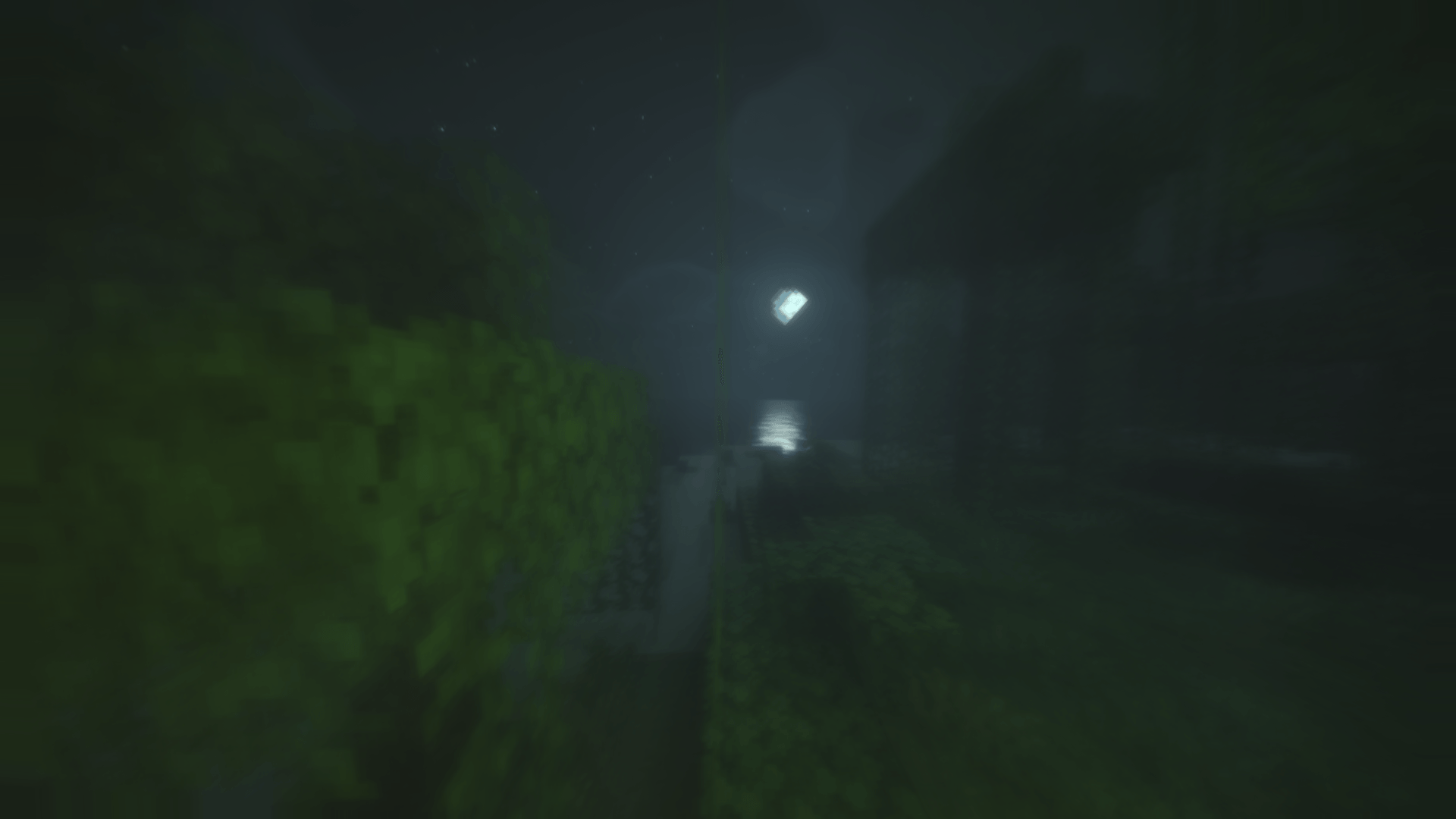
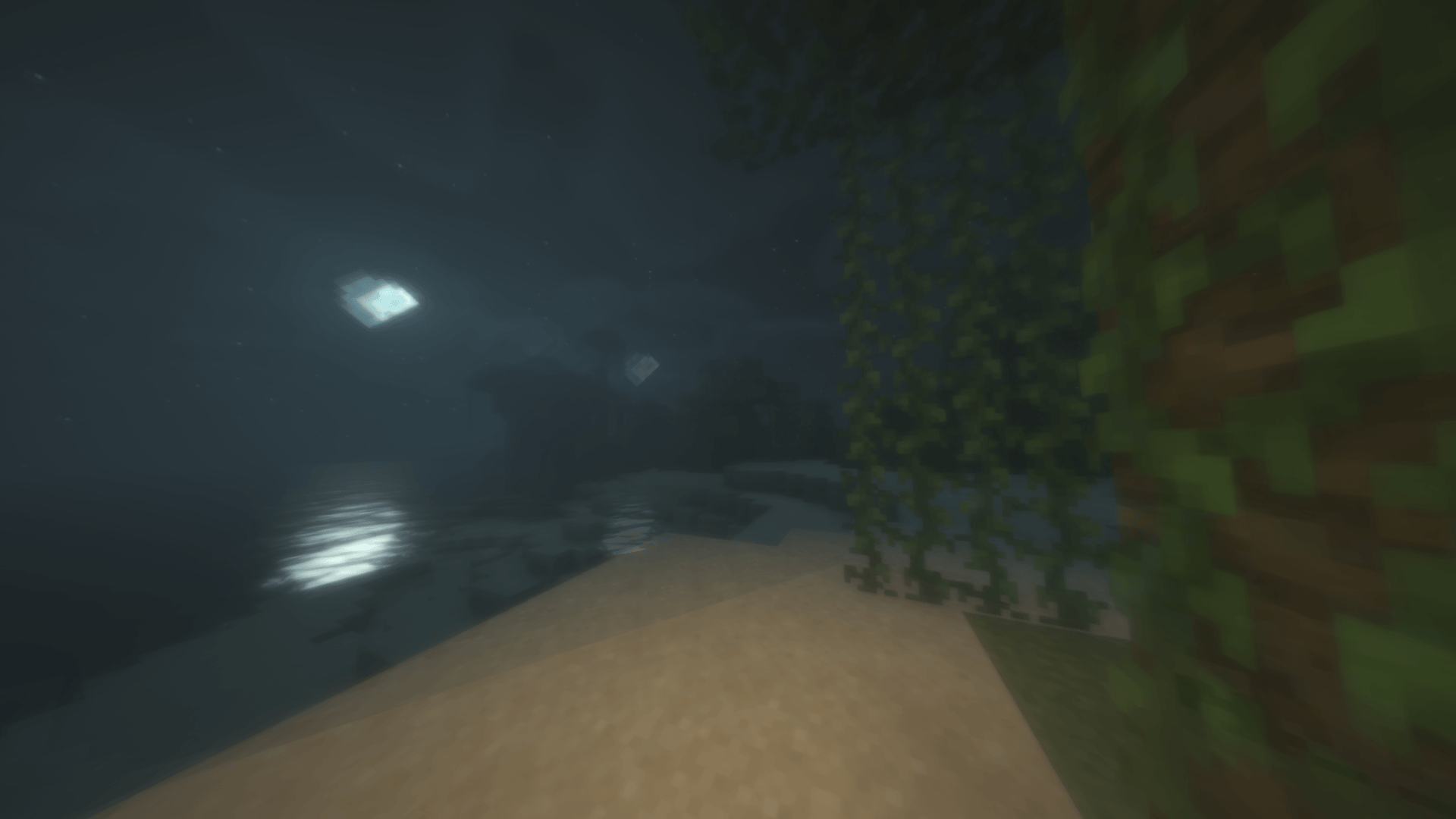
Drunk Goggles is a BSL edit that simulates what impaired vision actually looks like, layer by layer, scaled along a curve. The base shader is based off of BSL; the impairment sits on top as a post-processing pass.
You can either pick the intensity with a slider, or let it build up on you over a session and wear off on its own.
This is the part I care about, so here's the whole list. Every effect has its own threshold, so turning the dial up keeps adding new problems rather than making one problem louder.
Early — you'd barely notice
Middle — noticible
Later — heavy imparement/disorientation
The Extreme
Slider mode (default) just holds you at a level. Pick a number, that's where you stay. Good for screenshots, builds, or a roleplay server where you want a consistent look.
Session mode is the fun one. Press a key and it adds one standard drink to the simulation, then models the whole thing properly:
Optional readout in the corner: a level bar with markers, a counter showing how many you've had, or both. Off by default.
Everything's under Shader options → Drunk Goggles, split into pages:
Every single one can be turned off on its own. Want overshoot and nothing else, as a challenge run? Fine. Want the colour grade with no distortion? Also fine.
Peripheral narrowing is a real part of this, and the first version of the pack leaned on it hard. It was miserable to play with and you end up looking down a tiny circle.
So it's been pulled back. It defaults to 50% and now bottoms out as a dimmed edge rather than an iris closing to a pinhole. The field of view effects took over as the main spatial disorientation instead, which is both more accurate and a lot more fun to actually play with. Crank it back up on the Late Stage page if you want the straw.
Effects below their threshold are compiled out entirely, so at zero the pack costs nothing and performs exactly like normal BSL. Focus blur is the heaviest layer; drop Quality to Fast if you need frames.
Why the Toggle HUD key for drinks? Shader packs get no keyboard input whatsoever. That key is the only dedicated press a shader can actually see, so it's what I had to use. It hides your HUD as a side effect and I can't fix that without shipping a Java mod alongside, which I'm not doing.
Does it lower my FPS? No. Everything here is post-processing on the image. Your input stays exactly as responsive as it was.
Can I get stuck at max? Reload the shader, and everything resets instantly. Or just wait — it clears on its own.
Is it playable? Up to about the middle of the range, yes, and that's where it's most fun. The top end is deliberately rough. If you get motion sick, turn down Sway and Field Of View first.
Photosensitivity? No full-screen strobing anywhere in the pack. The eyelid effect is a slow fade, not a flash.
This is a visual effects pack — a post-processing filter with a timer on it. No items, no gameplay, no crafting. It simulates what impairment looks like, just like drunk goggles used in road safety demonstrations, and nothing else.
Built on BSL Shaders by Capt Tatsu. All the lighting, shadow and reflection work underneath is his — this adds an impairment layer on top. Please respect the original pack's terms.
Drunk Goggles by WetCardboardMC.