Danix Low-End PC Shaders
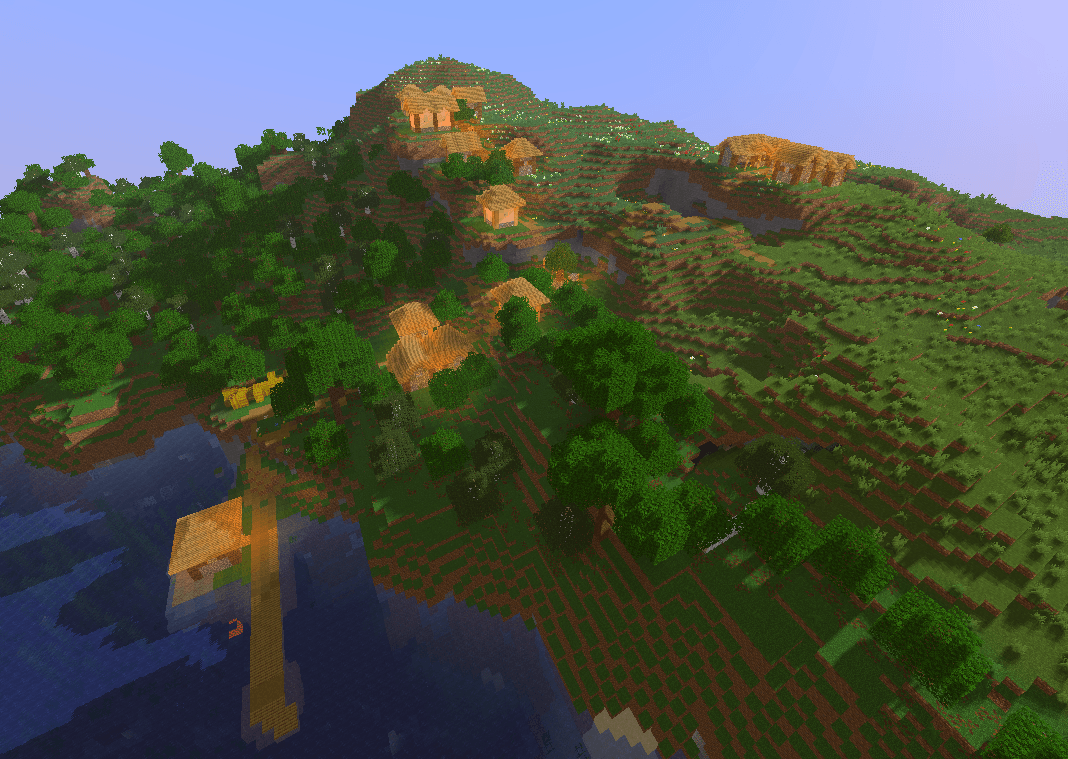
Danix Low-End PC Shaders is a lightweight Minecraft shader pack designed to improve the game's visuals while remaining suitable for lower-end PCs.
The goal of this shader is to provide a better-looking Minecraft experience without requiring a powerful graphics card. It focuses on visual improvements that have a reasonable performance cost, making it a good choice for players who want shaders but cannot run heavy shader packs smoothly.
Features
Improved lighting and atmosphere
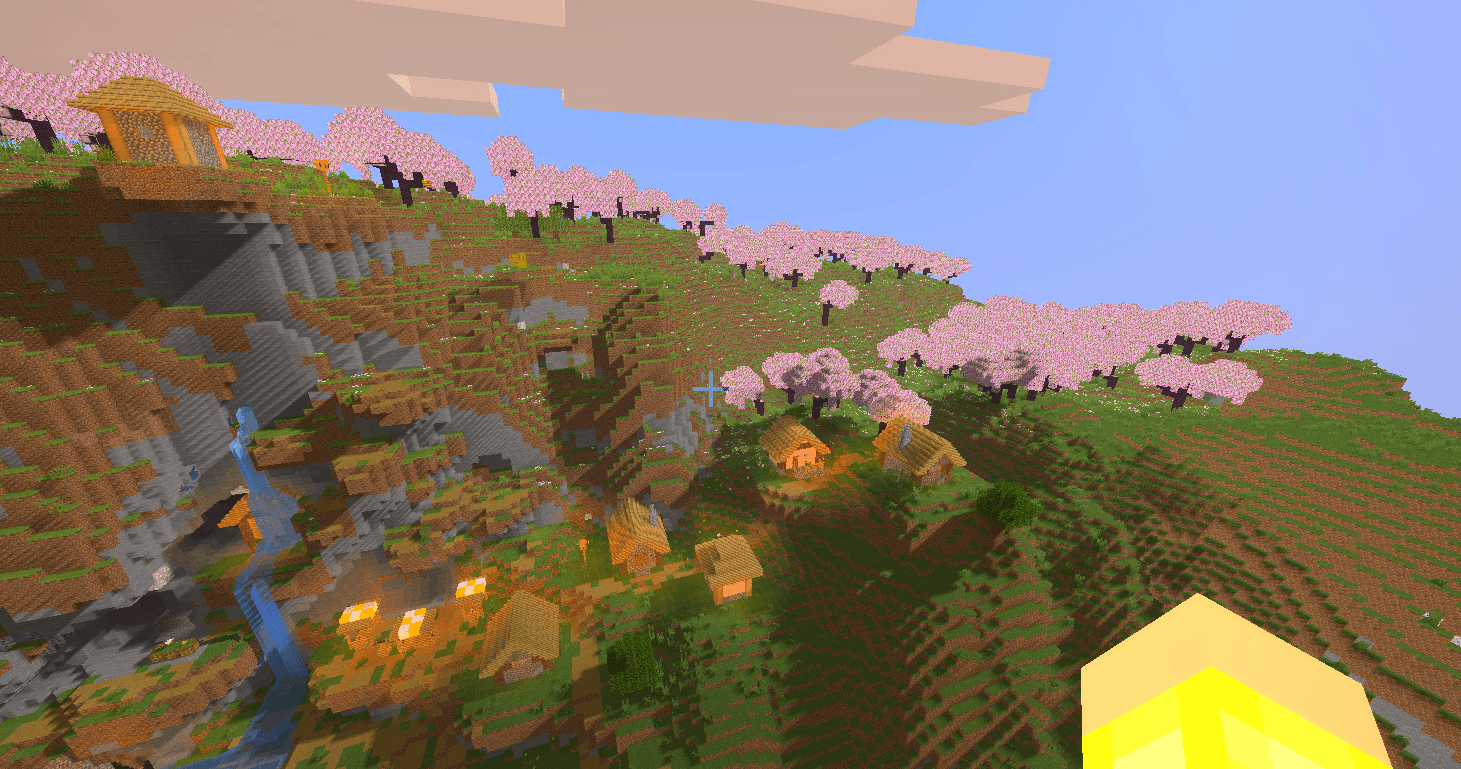
Dynamic shadows
Improved water appearance
Enhanced sunlight
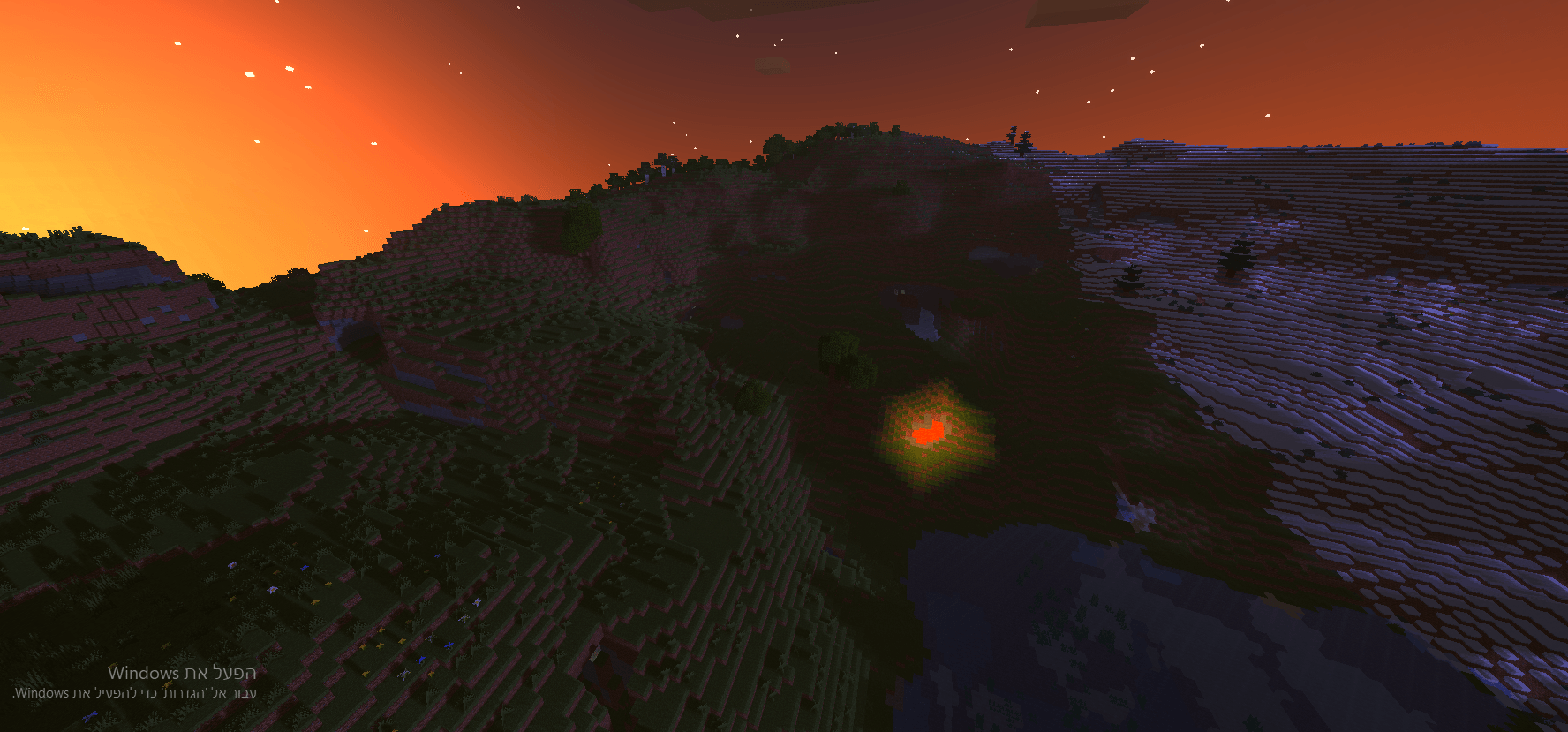
Better-looking skies and sunsets
Improved nighttime atmosphere
More immersive environmental visuals
Optimized with lower-end hardware in mind
Designed to maintain playable FPS compared with heavier shader packs
Performance
Danix Low-End PC Shaders is specifically designed with performance in mind.
It is intended for players who want to use shaders on hardware that may struggle with demanding shader packs. Performance will vary depending on your CPU, GPU, RAM, Minecraft settings, resolution, and other mods.
For the best performance, lower your Minecraft render distance and shader quality settings if necessary.
Why use Danix Low-End PC Shaders?
Many shader packs prioritize visual quality at the cost of performance. Danix Low-End PC Shaders aims for a balance between visual improvements and performance, giving lower-end PC users an opportunity to enjoy a more atmospheric Minecraft world.
Installation
Download the latest version of Danix Low-End PC Shaders.
Install a compatible shader loader/mod for your Minecraft version.
Place the shader ZIP file in your shaderpacks folder.
Open Minecraft.
Go to Options → Video Settings → Shaders.
Select Danix Low-End PC Shaders.
Adjust the shader settings to match your PC's performance.