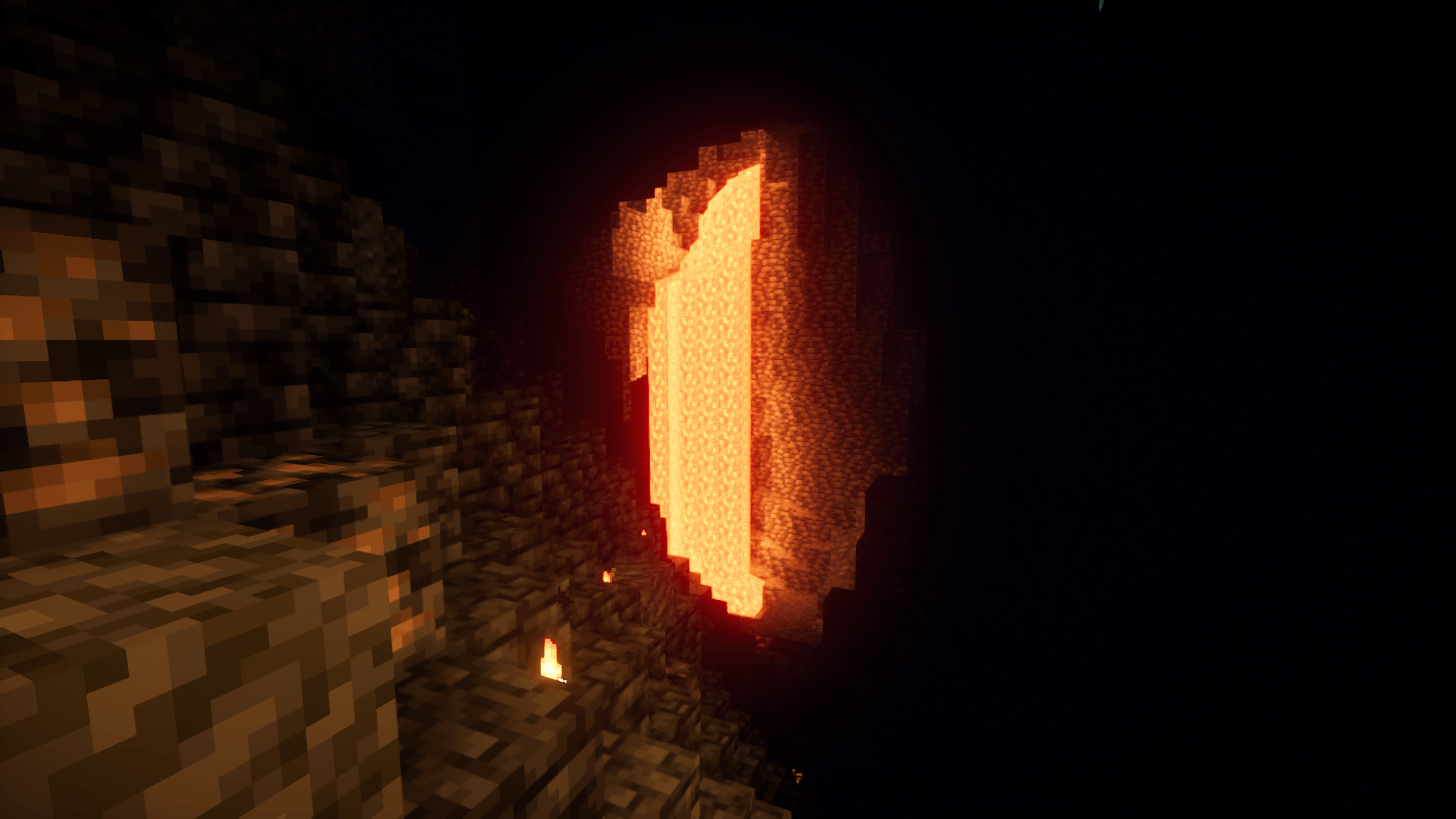
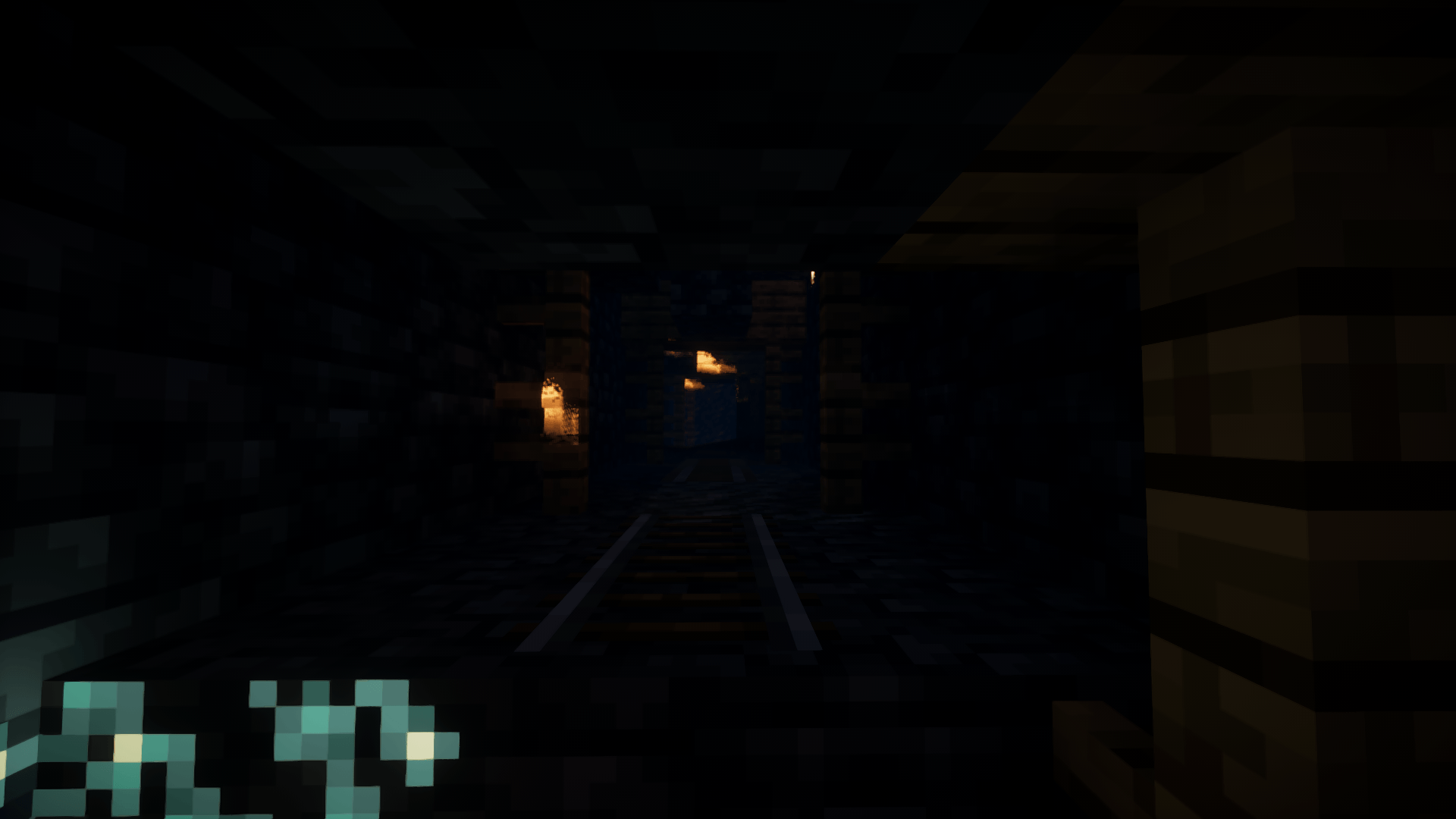
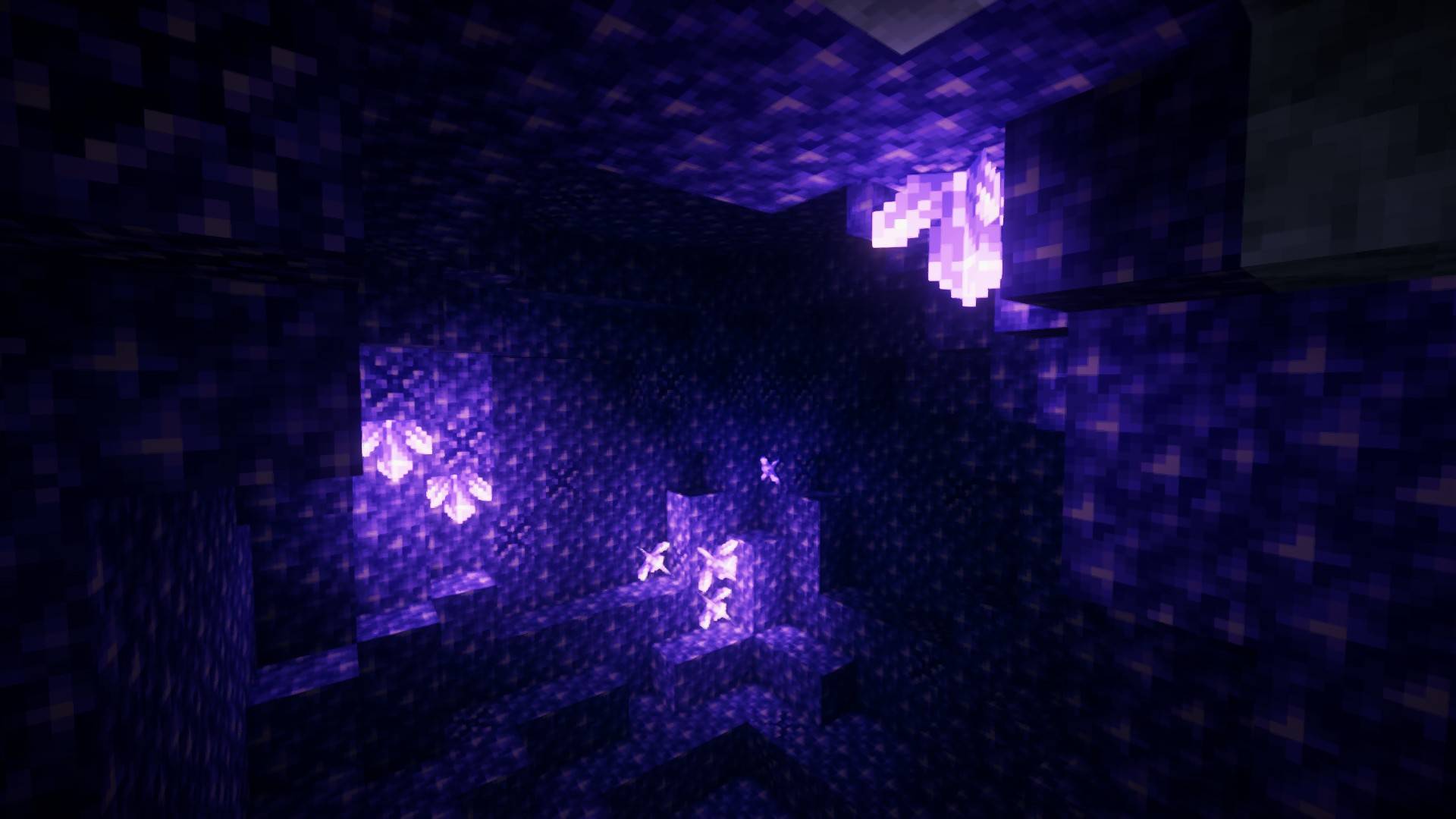
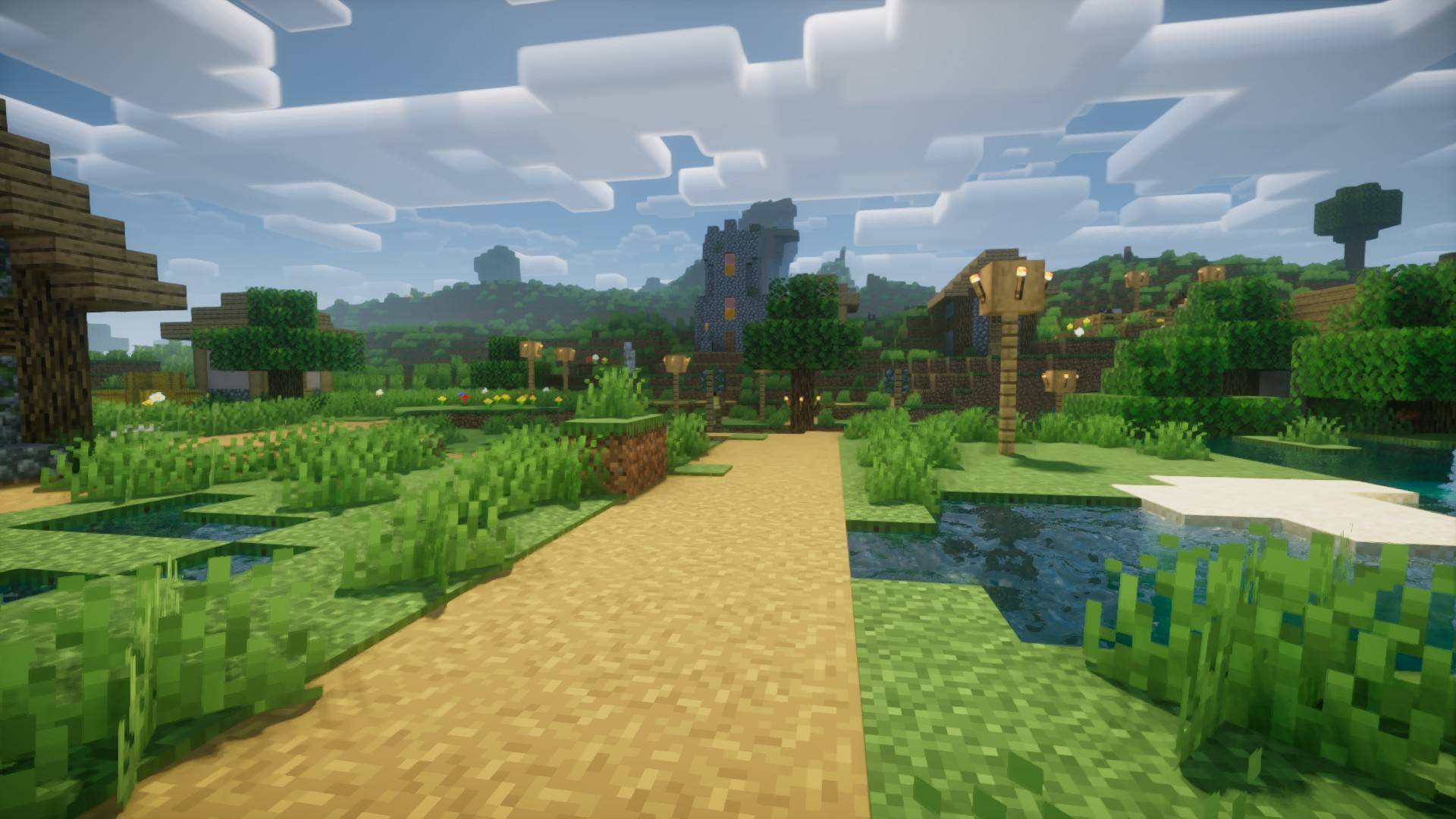
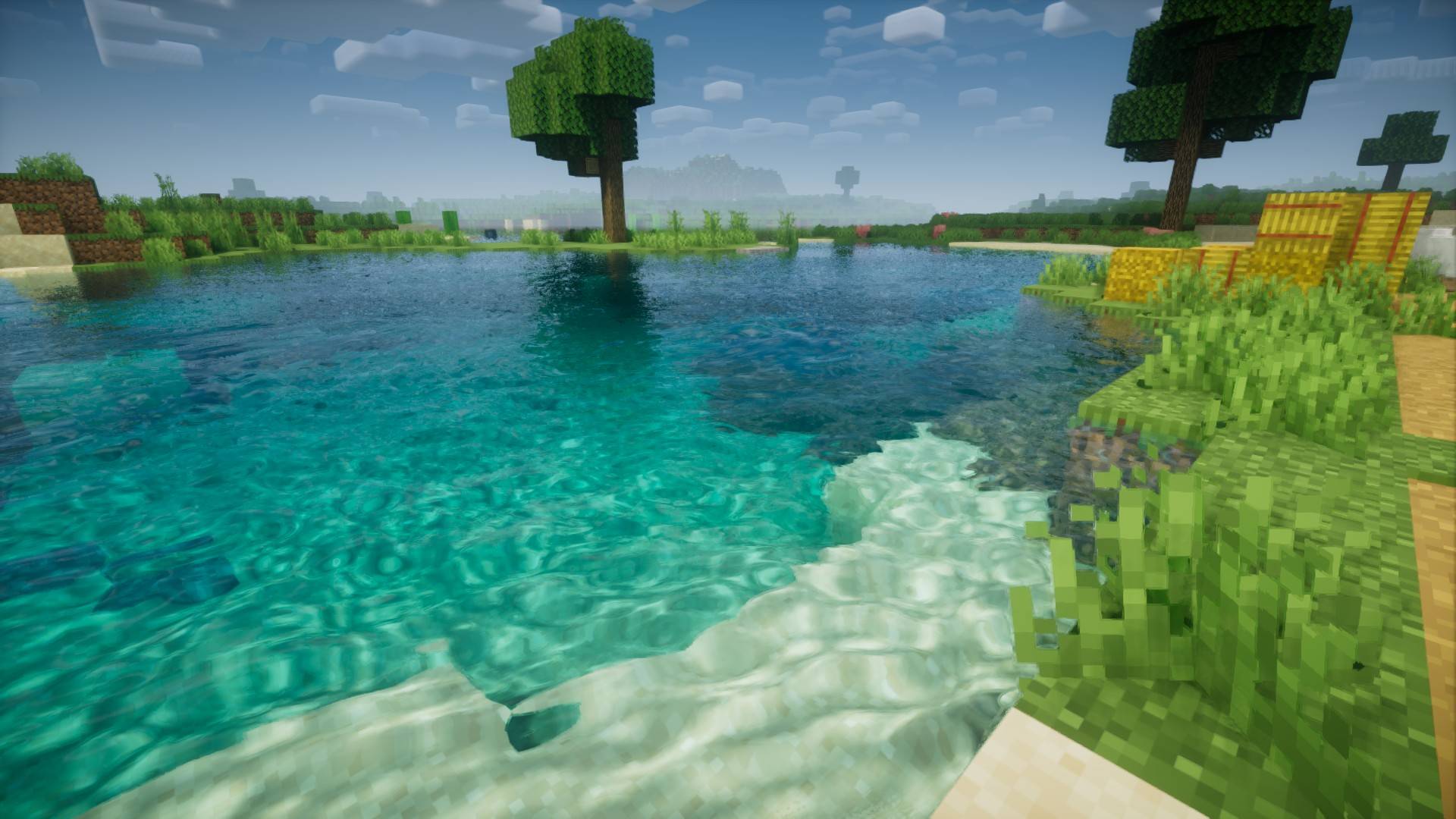
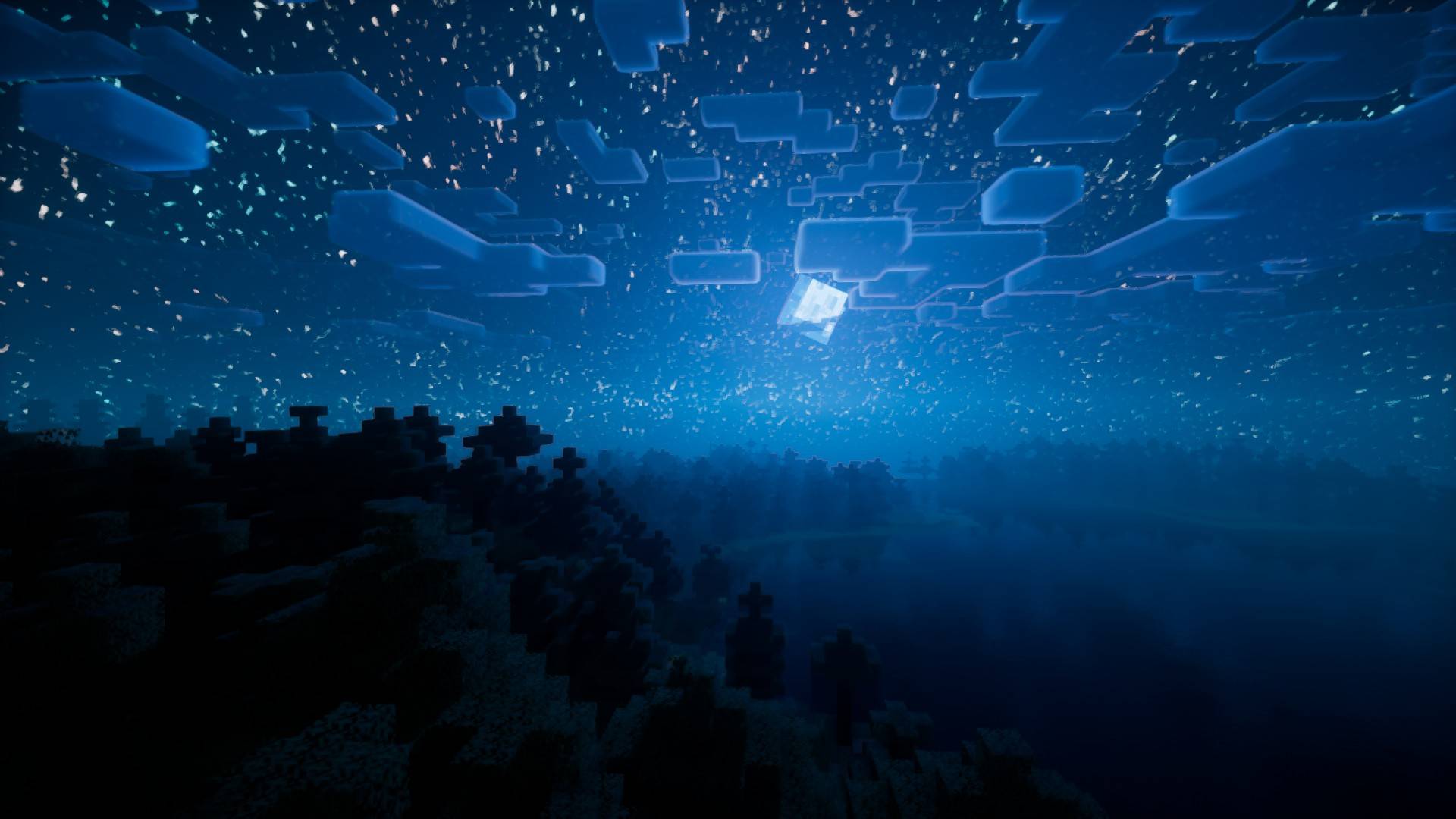
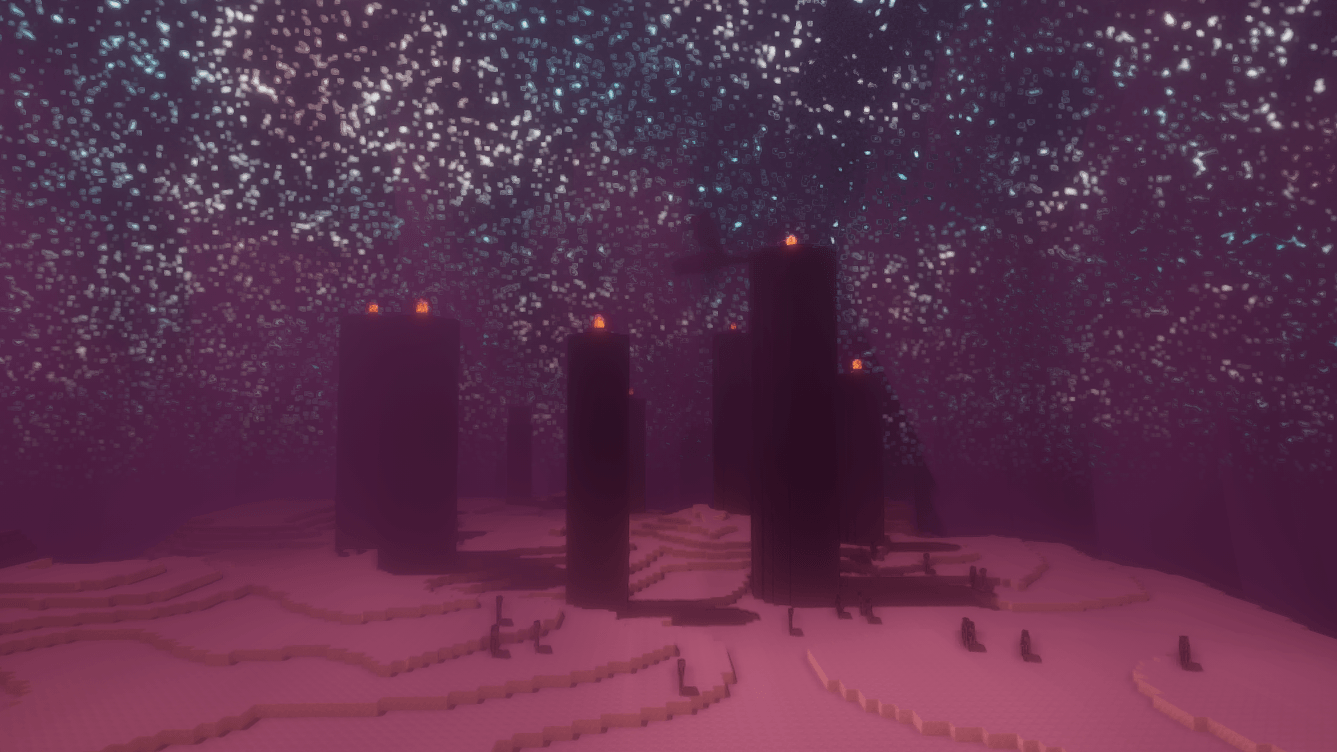
ChromaVision Shaders completely overhauls your game's visuals by pushing lighting, contrast, and color vibrancy to a cinematic standard. Built to deliver an immersive, high-end look while maintaining smooth frame rates, this pack brings every environment to life.
Key Features
Vibrant Color Grading: Richer, saturated tones that make biomes, blocks, and structures pop.
Dynamic Lighting: Smooth light shafts, crisp contact shadows, and balanced exposure to prevent harsh glare.
Refined Water Effects: Crystal-clear water transparency with realistic surface wave distortion.
Atmospheric Skies: Seamless sunset/sunrise gradients accompanied by lightweight volumetric fog.
Performance-Friendly: Carefully optimized code to ensure stable FPS across a wide range of hardware.
Installation
Download and install Iris Shader Loader (recommended) or OptiFine.
Download the ChromaVision Shaders ZIP file.
Open your game, navigate to Options > Video Settings > Shader Packs.
Drag and drop the downloaded ZIP file into the shaders folder and select it.