Mineuniverse
Shaders
Chara's Vibrant Shaders

Chara's Vibrant Shaders

SHADER
A light but high quality shader, with lots of visual bugs.
by Chara10163
Download Claim this project
767 downloads
0 likes
0 followers
Updated Oct 14, 2026
0 hypes
Follow0
Fantasy Vanilla
Advertisement Remove ads with Premium →

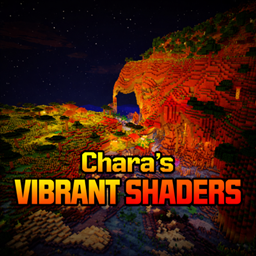
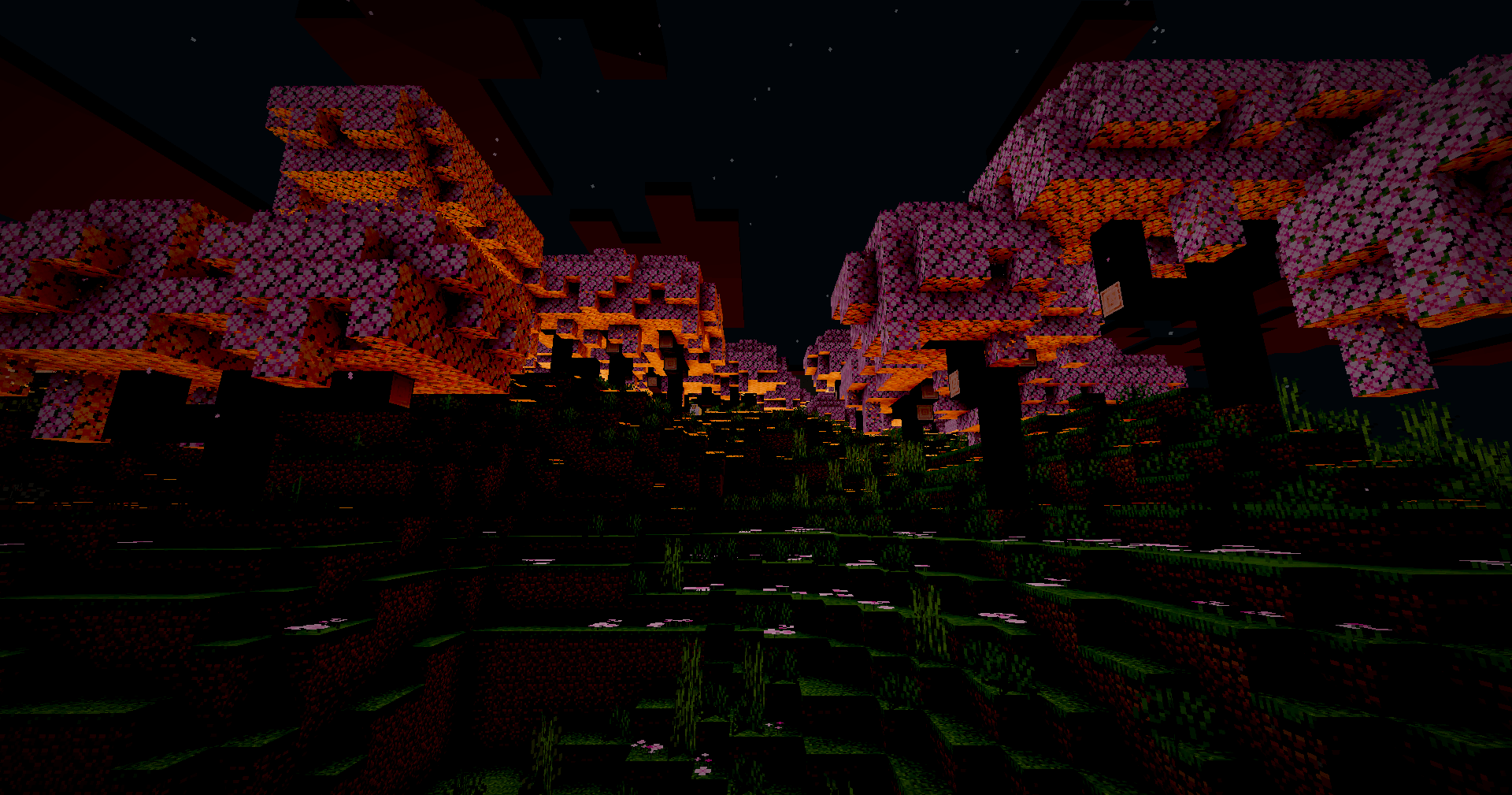
Chara’s Vibrant Shaders feels like a world turned up too far—colors too bright, light too intense, everything just a little unstable. Greens glow almost unnaturally, water shimmers like liquid glass, and the sky bleeds vivid shades into the horizon. It’s beautiful in a loud, overwhelming way, like reality trying to outdo itself.

But it never quite settles. Light flickers when it shouldn’t, shadows shift unpredictably, and parts of the world seem to glitch or warp for a moment before snapping back. Sometimes it looks broken—other times, accidentally perfect.

It’s vibrant, messy, and unpredictable. Like something that wasn’t meant to work, but somehow does anyway.


As I already stated, this shader is packed full with visual bugs, mainly at night, but also with the godrays. It's also got a weird layout for the settings menu, which doesnt have much customization, but hey, its my first shader, so it's fine (i guess). If anyone wants to they can make their own shaderpack using this one, i dont mind it.

 

CharasVibrantShaders.zip v1.0
MC OptiFine, Iris, 1.21.11
Release 2026-03-22 Get

Requirements & install

How to use this shader in Minecraft
Shader loader
Iris OptiFine
Minecraft
1.21.11
Install folder
.minecraft/shaderpacks

How to install shaders

  1. Install a shader loader for your Minecraft version: Iris (with Sodium) or OptiFine.
  2. Download the shader pack .zip file (do not extract it).
  3. Put the .zip into the shaderpacks folder (.minecraft/shaderpacks).
  4. In game open Options → Video Settings → Shader Packs, select the pack and apply it.
Browse more: Iris shaders OptiFine shaders Shaders for 1.21.11 All shaders

More from Chara10163

Advertisement Remove ads with Premium →

You Might Also Like