Mineuniverse
Shaders
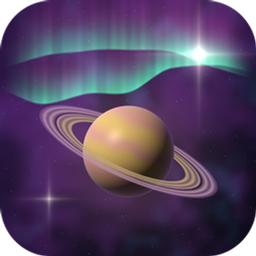
Aetherglow

Aetherglow

SHADER
A fantasy Minecraft shader with very nice visuals, and runs very well.
by Chara10163
Download Claim this project
378 downloads
0 likes
0 followers
Updated Oct 14, 2026
0 hypes
Follow0
Fantasy Realistic
Advertisement Remove ads with Premium →

**Aetherglow** is a fantasy-focused Minecraft shader designed to transform the game into a vibrant, otherworldly experience. It combines beautiful lighting, atmospheric effects, enhanced skies, glowing visuals, and detailed environmental effects to create a world that feels both magical and cinematic.

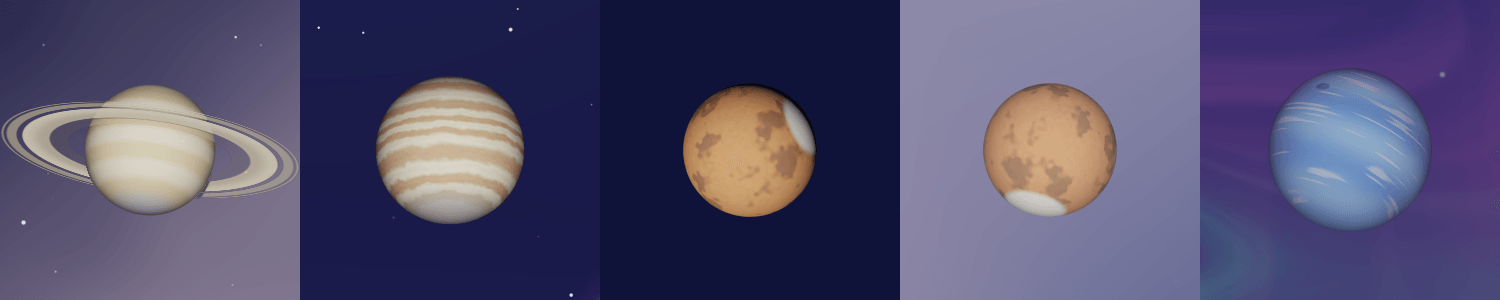
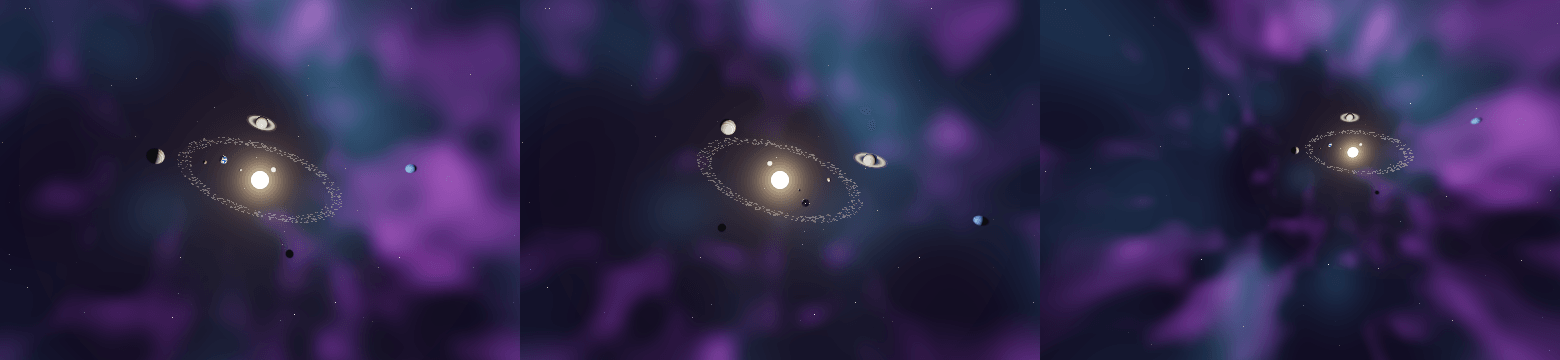
The End takes Aetherglow even further, featuring a massive **black hole** surrounded by a breathtaking **solar system**, with distant planets and cosmic phenomena filling the sky. Whether you're exploring the Overworld, wandering through the Nether, or venturing into the depths of the End, Aetherglow brings a unique sense of scale, color, and wonder to every world.

**Aetherglow — see Minecraft in a whole new universe.**

Aetherglow-v1.1.zip
MC 1.21, 1.18.1, Vanilla, 1.19.3, 1.20.2, 1.19.4, 1.21.8, 1.20.5, 1.21.5, 1.18, 1.21.4, 1.20.1, 1.20, OptiFine, 1.20.6, 1.21.1, 1.21.6, 1.21.3, 1.21.7, 1.19.1, 1.20.4, 1.18.2
Release 2026-10-05 Get
Aetherglow-v1.0.zip
MC 1.21, 1.18.1, Vanilla, 1.19.3, 1.20.2, 1.19.4, 1.21.8, 1.20.5, 1.21.5, 1.18, 1.21.4, 1.20.1, 1.20, OptiFine, 1.20.6, 1.21.1, 1.21.6, 1.21.3, 1.21.7, 1.19.1, 1.20.4, 1.18.2
Release 2026-10-03 Get

Requirements & install

How to use this shader in Minecraft
Shader loader
OptiFine
Minecraft
1.21 – 1.21.8
Install folder
.minecraft/shaderpacks

Install with OptiFine

  1. Install OptiFine for your Minecraft version (optifine.net) and start it once.
  2. Download the shader pack .zip (do not extract it).
  3. Put the .zip into .minecraft/shaderpacks.
  4. In game open Options → Video Settings → Shaders and select the pack.
Browse more: Iris shaders OptiFine shaders Shaders for 1.21.8 All shaders

More from Chara10163

Advertisement Remove ads with Premium →

You Might Also Like