Mineuniverse
Shaders
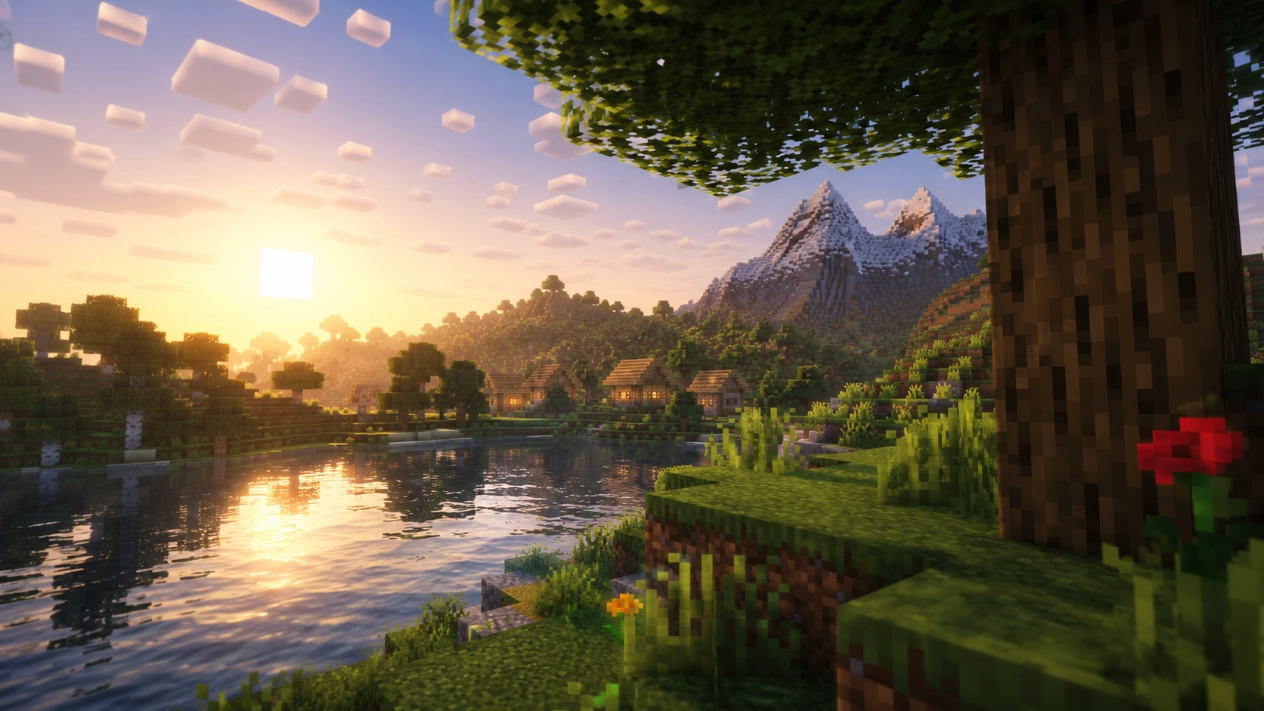
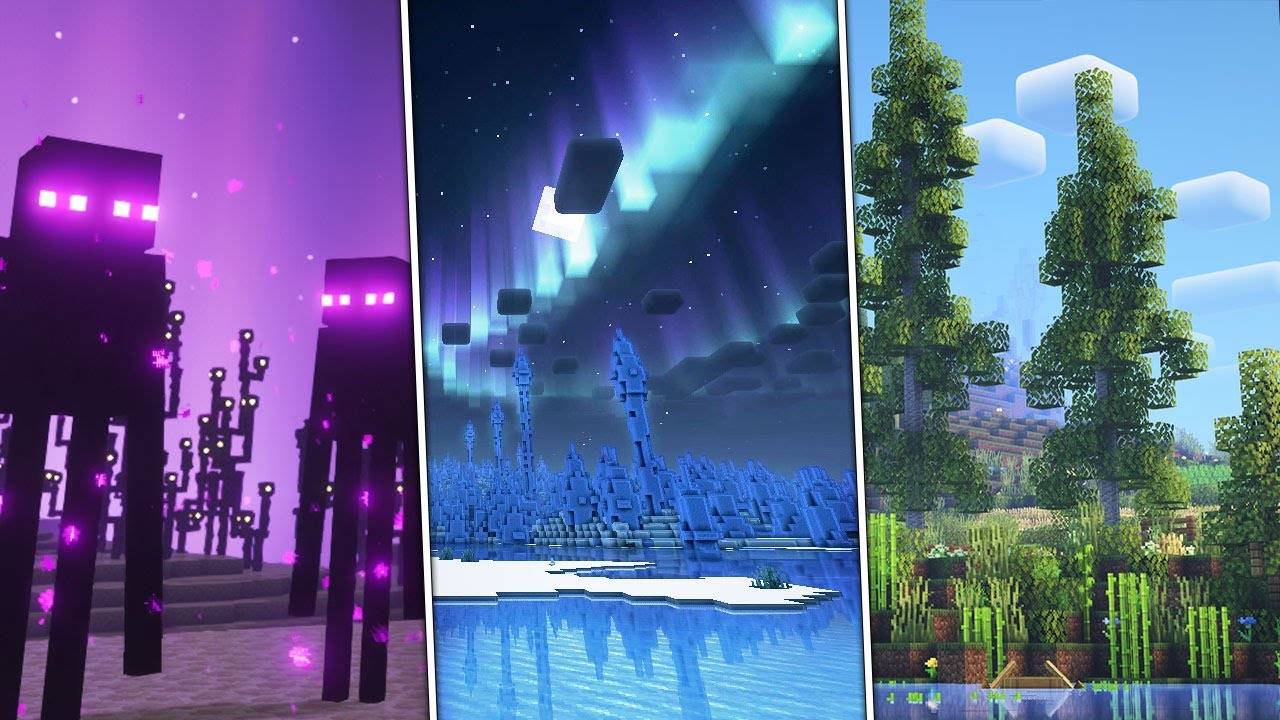
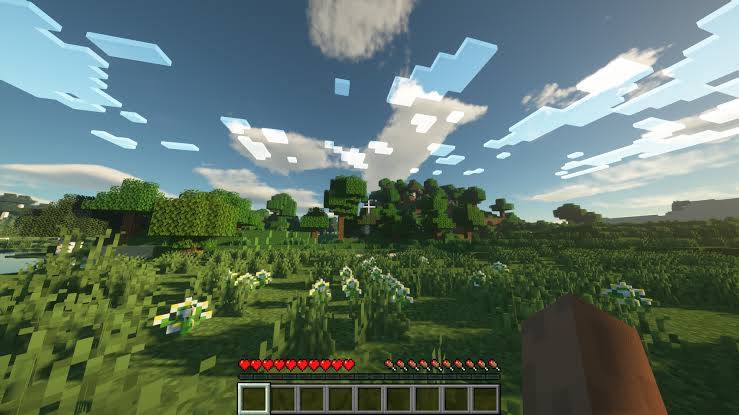
Aurora Shader

Aurora Shader

SHADER
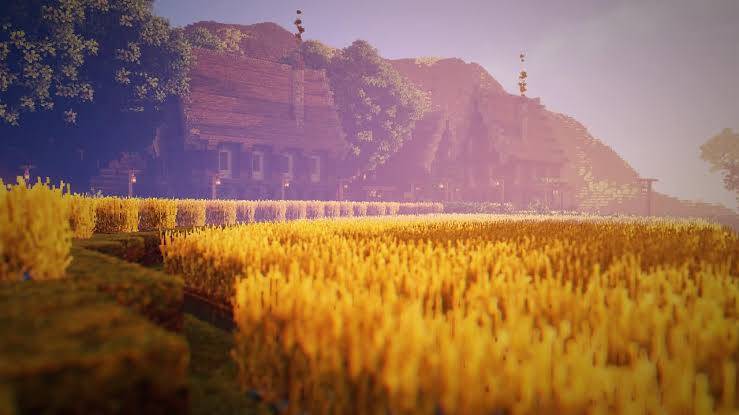
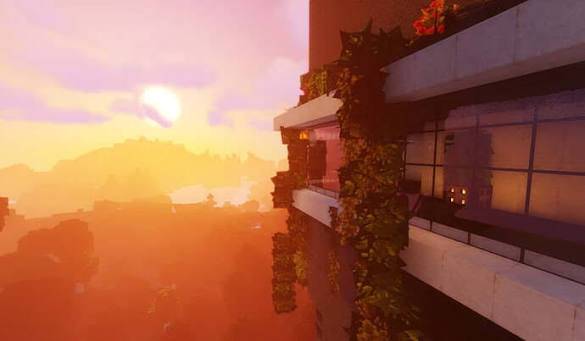
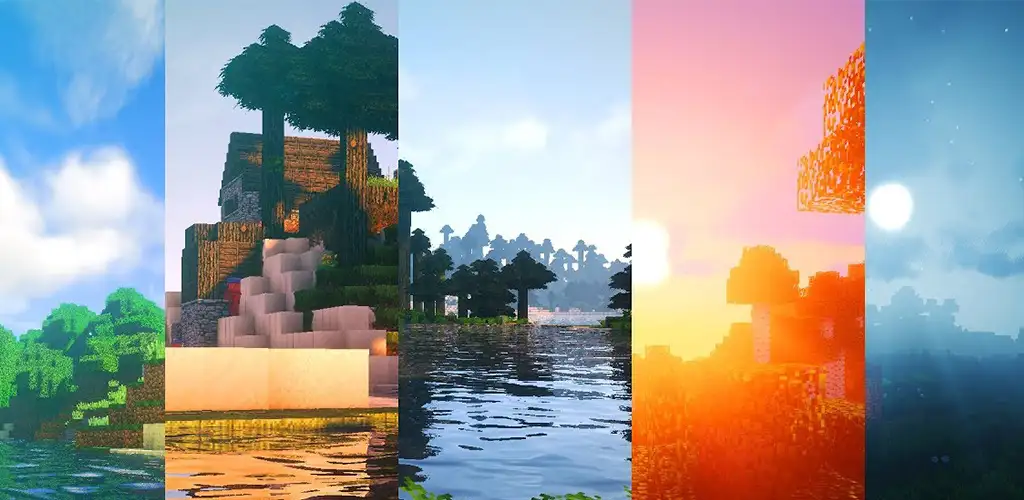
This is a optimized shader for both low end and high end.
by GrandUnknown
Download Claim this project
Add a badge to your pageLink to Aurora Shader from a README, website or forum post.
Preview: Badge

Badges update automatically and link to the shader page on MineUniverse.

863 downloads
0 likes
0 followers
Updated Nov 10, 2026
0 hypes
Follow0
Fantasy Realistic Vanilla
Advertisement Remove ads with Premium →

How to Install Aurora Shader

Step 1: Install Minecraft Java Edition on your PC and make sure it runs properly.

Step 2: Install Fabric Loader for your Minecraft version, then install Iris Shaders. Sodium is recommended for better performance.

Step 3: Download the Aurora Shader ZIP file. Do not extract it.

Step 4: Press Win + R on your keyboard, type %appdata%\.minecraft\shaderpacks, and press Enter. If the shaderpacks folder does not exist, create it inside the .minecraft folder.

Step 5: Copy the Aurora Shader ZIP file into the shaderpacks folder.

Step 6: Open the Minecraft Launcher and launch Minecraft using your Fabric profile.

Step 7: Go to Options → Video Settings → Shader Packs and select Aurora Shader from the list.

Step 8: Click Apply or Done if available, then enter your Minecraft world and enjoy the beautiful lighting, skies, water, and atmosphere of Aurora Shader!

Note: Aurora Shader requires a compatible shader pack and Iris Shaders installation. Make sure you download the correct version for your Minecraft edition.


AuroraShaders.zip
MC 1.16.3, 1.16-Snapshot, 1.17.1, 1.21.2-Snapshot, 1.21, 1.21.6-snapshot, 1.16.1, 1.18.1, 1.20.2-Snapshot, 1.20.5-Snapshot, 1.16, 1.19-Snapshot, 1.21.1-Snapshot, 1.16.5, 1.19.3, 1.20.2
Release 2026-10-19 Get

Requirements & install

How to use this shader in Minecraft
Shader loader
Iris or OptiFine
Minecraft
1.19.3 – 1.21.6-snapshot
Install folder
.minecraft/shaderpacks

How to install shaders

  1. Install a shader loader for your Minecraft version: Iris (with Sodium) or OptiFine.
  2. Download the shader pack .zip file (do not extract it).
  3. Put the .zip into the shaderpacks folder (.minecraft/shaderpacks).
  4. In game open Options → Video Settings → Shader Packs, select the pack and apply it.
Browse more: Iris shaders OptiFine shaders Shaders for 1.21.6-snapshot All shaders
Advertisement Remove ads with Premium →

You Might Also Like