Mineuniverse
Shaders
Aureveil

Aureveil

SHADER
A realistic shader pack about light passing through air: sunrises, morning mist, light shafts, auroras and atmospheric Nether and End.
by Antaurora
Download Claim this project
Add a badge to your pageLink to Aureveil from a README, website or forum post.
Preview: Badge

Badges update automatically and link to the shader page on MineUniverse.
140 downloads
0 likes
0 followers
Updated Nov 10, 2026
0 hypes
Follow0
Realistic
Advertisement Remove ads with Premium →

Aureveil Shaders: light through the veil

Aureveil Shaders is a shader pack for Minecraft 1.20.1 on Forge with Oculus. It is about light passing through air: a low sun through morning mist, light shafts, sunsets and auroras, the haze of the Nether and the void of the End.
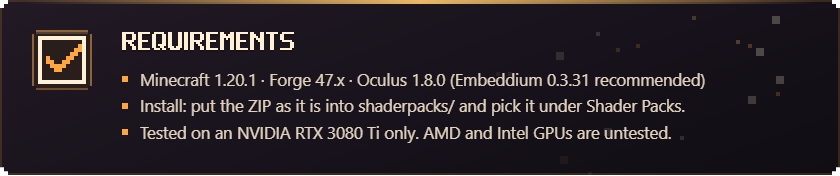
Requirements: Minecraft 1.20.1, Forge 47.x, Oculus 1.8.0

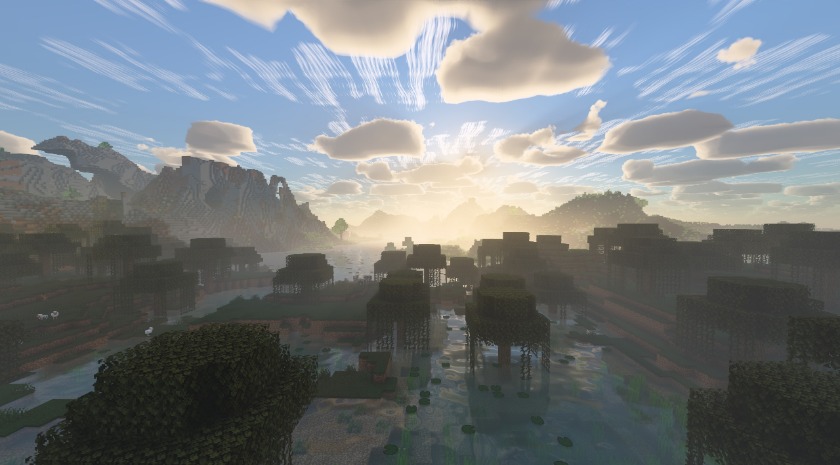
Morning mist over a swamp at sunrise

Features

Sky and atmosphere

  • Physical sky and atmosphere, sunrises and sunsets.
  • Volumetric clouds and cirrus, shadows, global illumination.
  • Volumetric fog and light shafts; plants swaying in the wind.

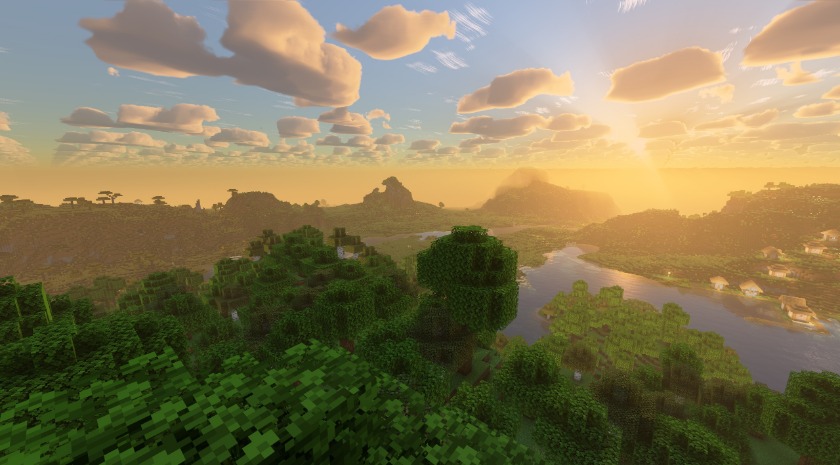
Sunset over a river valley

Night sky

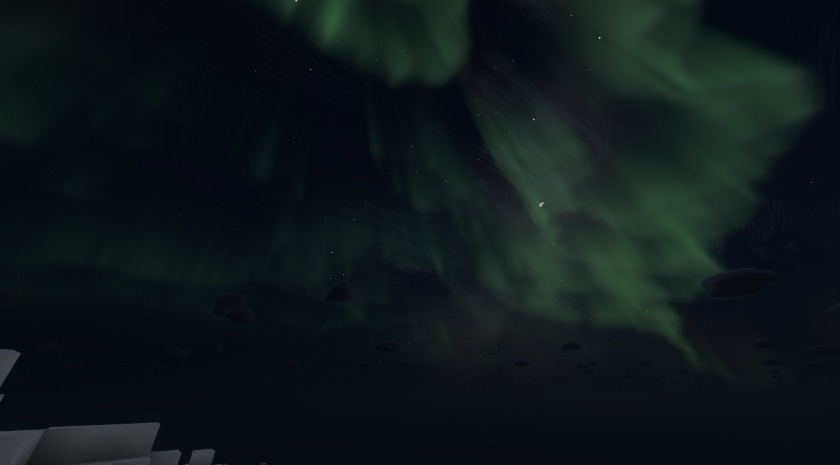
An aurora over snowy plains

Water

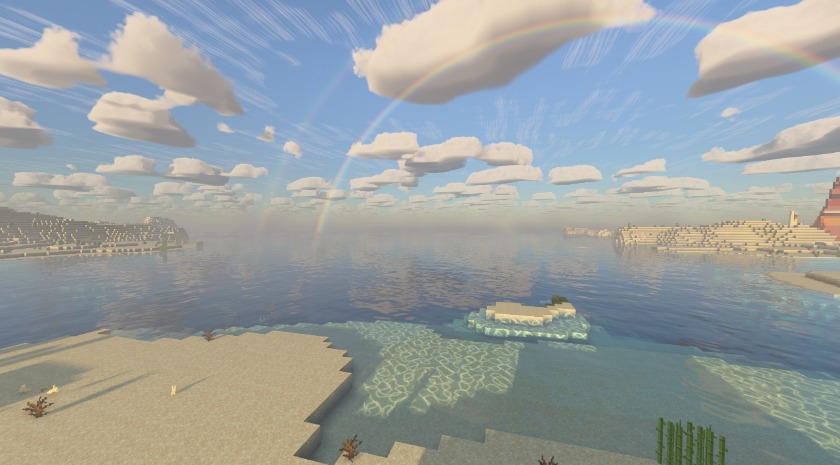
A warm ocean shore

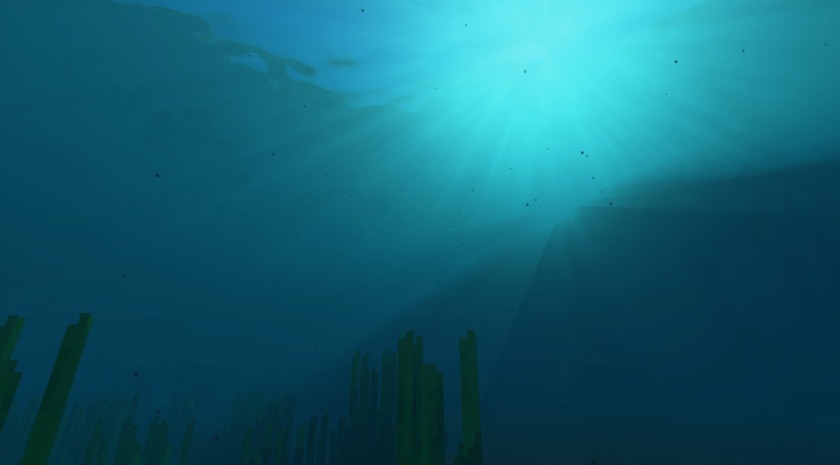
Light under water

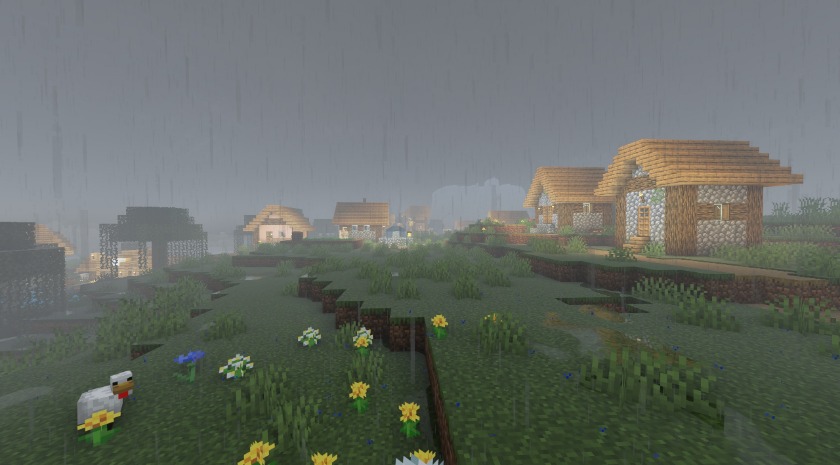
Rain and storms

A village in the rain

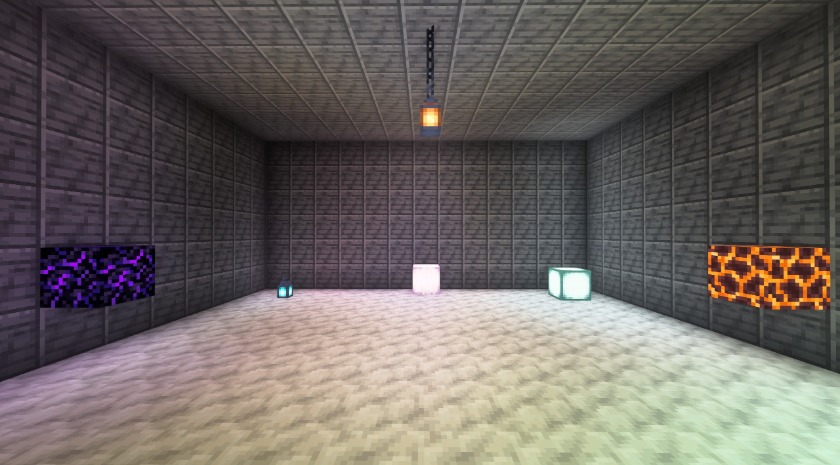
Coloured light

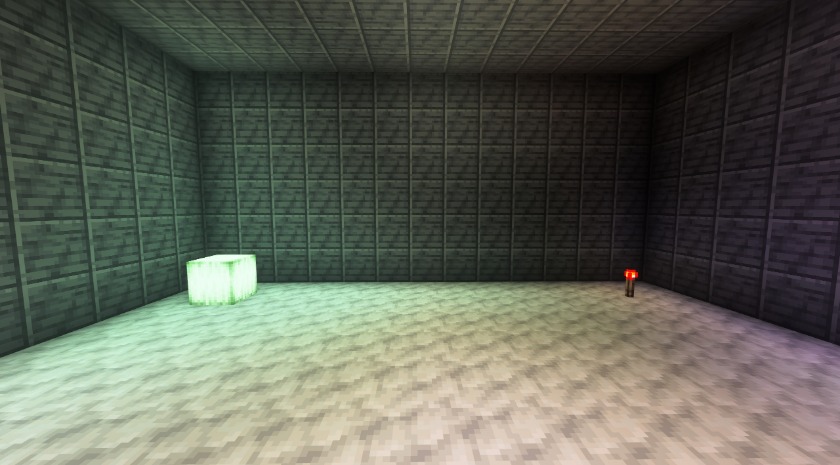
Coloured light in a white room

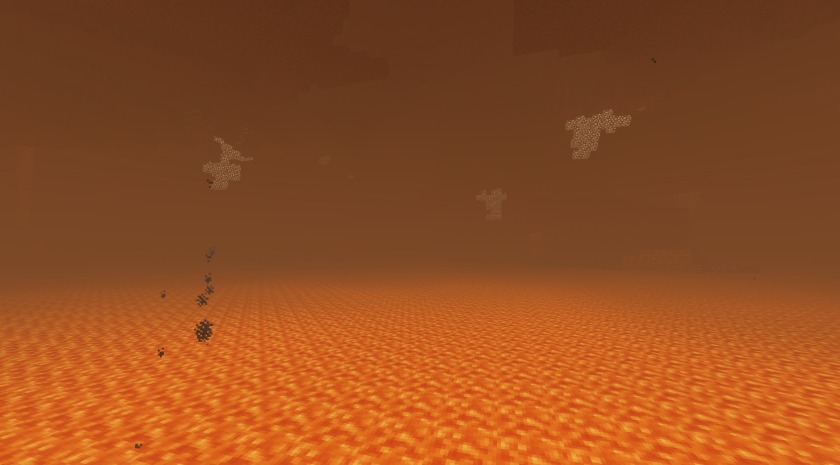
The Nether

The lava sea in the Nether

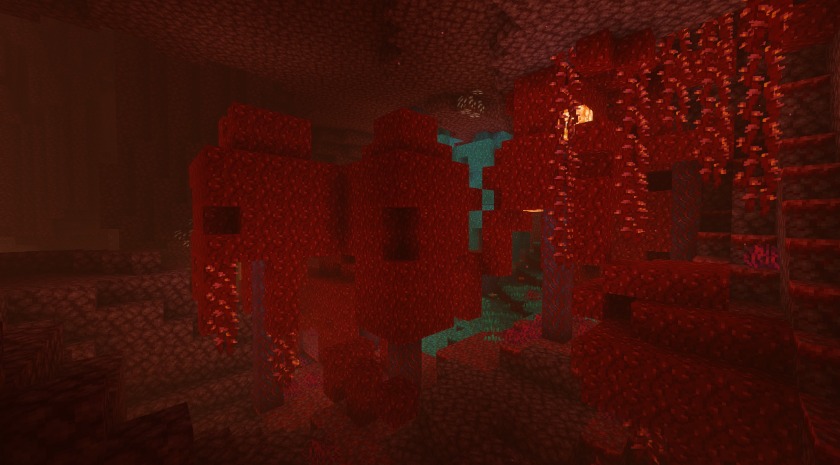
A crimson forest

The End

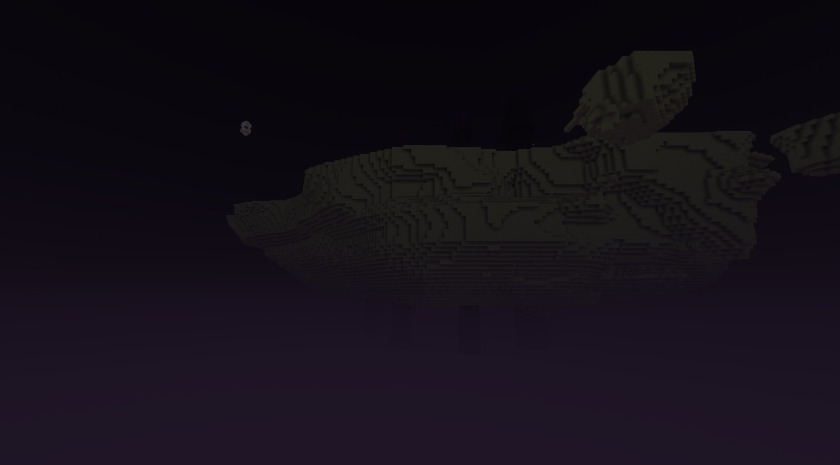
The End island in the void

Portals

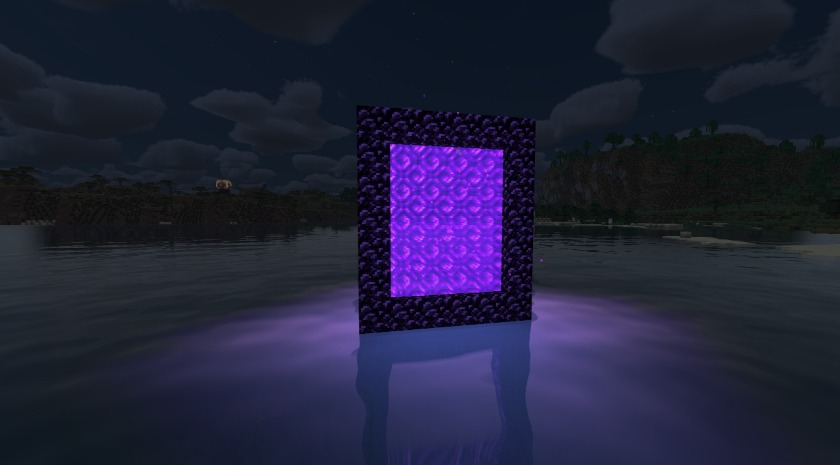
A nether portal at night

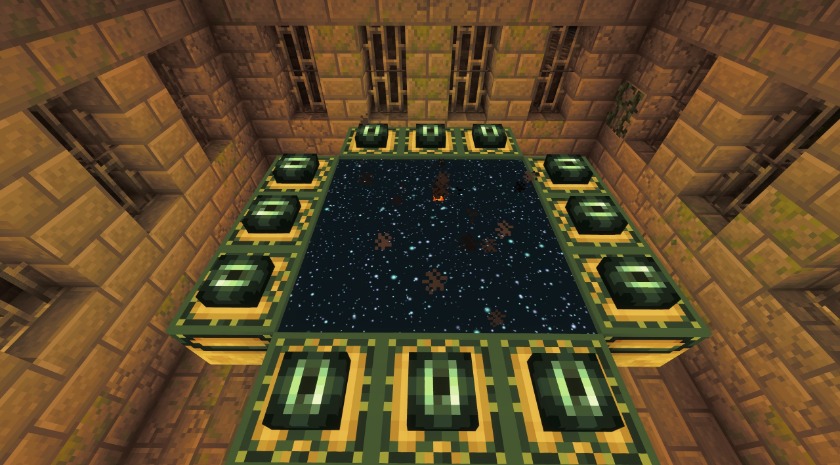
An end portal as a starfield

Gallery

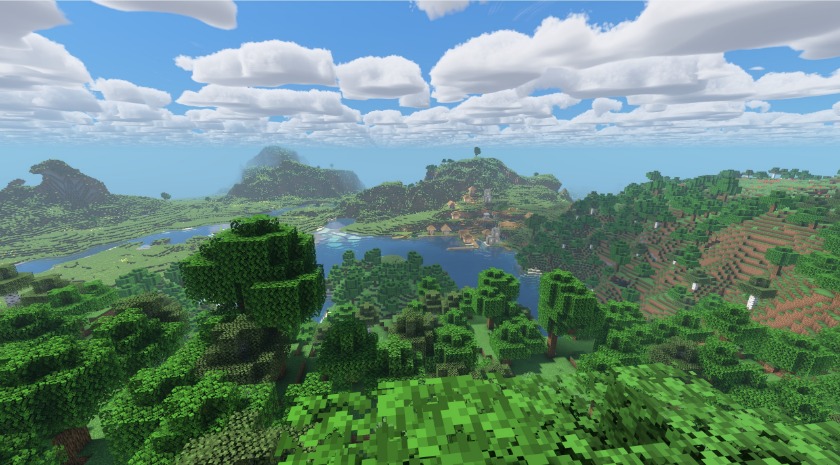
Noon over forests and rivers

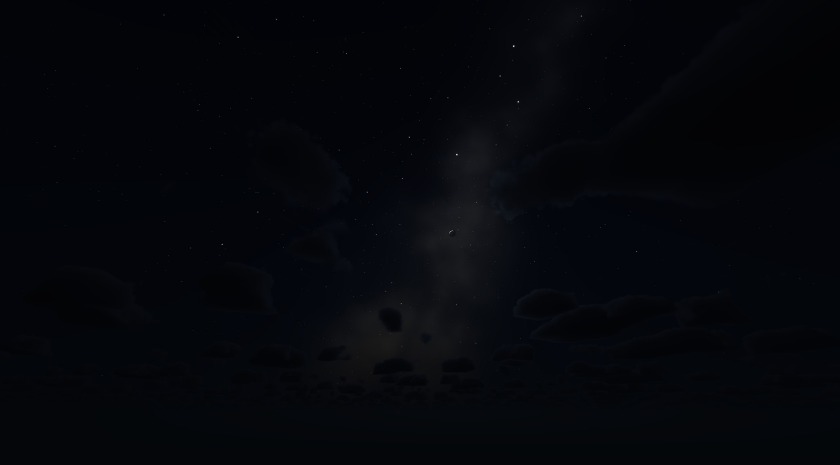
The Milky Way

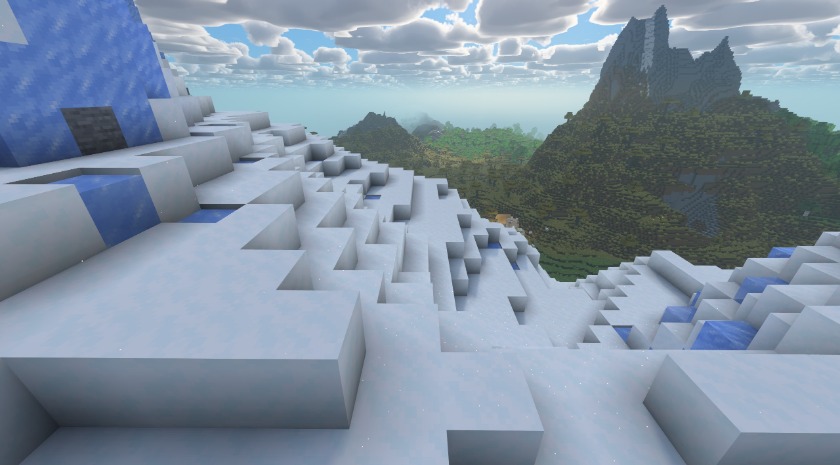
Snowy slopes

Coloured light from a sea lantern

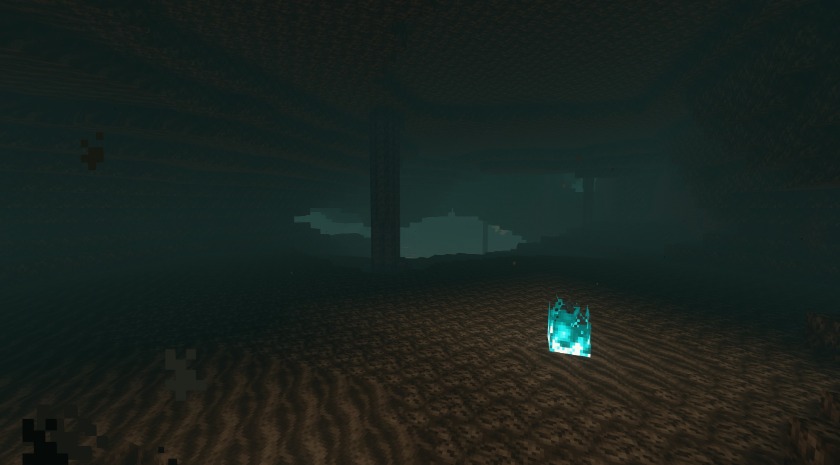
A soul sand valley

Setup and notes

Profiles: Low, Balanced, Quality

Known limits

Found a problem? Please report it on GitHub.
How it was made: written by an AI, tested by Antaurora

License: CC BY-ND 4.0

Aureveil-Shaders-1.1.0.zip
MC 1.20.1, Iris
Release 2026-11-10 Get

Requirements & install

How to use this shader in Minecraft
Shader loader
Iris
Minecraft
1.20.1
Install folder
.minecraft/shaderpacks

Install with Iris

  1. Install Iris with the Iris installer (irisshaders.dev); it sets up Fabric and Sodium for you.
  2. Download the shader pack .zip (do not extract it).
  3. Put the .zip into .minecraft/shaderpacks.
  4. In game open Options → Video Settings → Shader Packs, select the pack and click Apply.
Browse more: Iris shaders OptiFine shaders Shaders for 1.20.1 All shaders

More from Antaurora

Advertisement Remove ads with Premium →

You Might Also Like