Mineuniverse
Shaders
Amber

Amber

SHADER
Minecraft through fossilized amber.
by xsoras
Download Claim this project
274 downloads
0 likes
Updated Oct 14, 2026
0 hypes
Fantasy Vanilla
Advertisement Remove ads with Premium →

Partner image

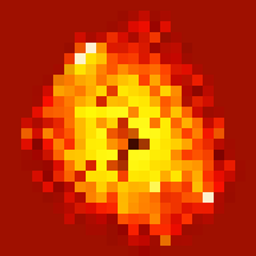
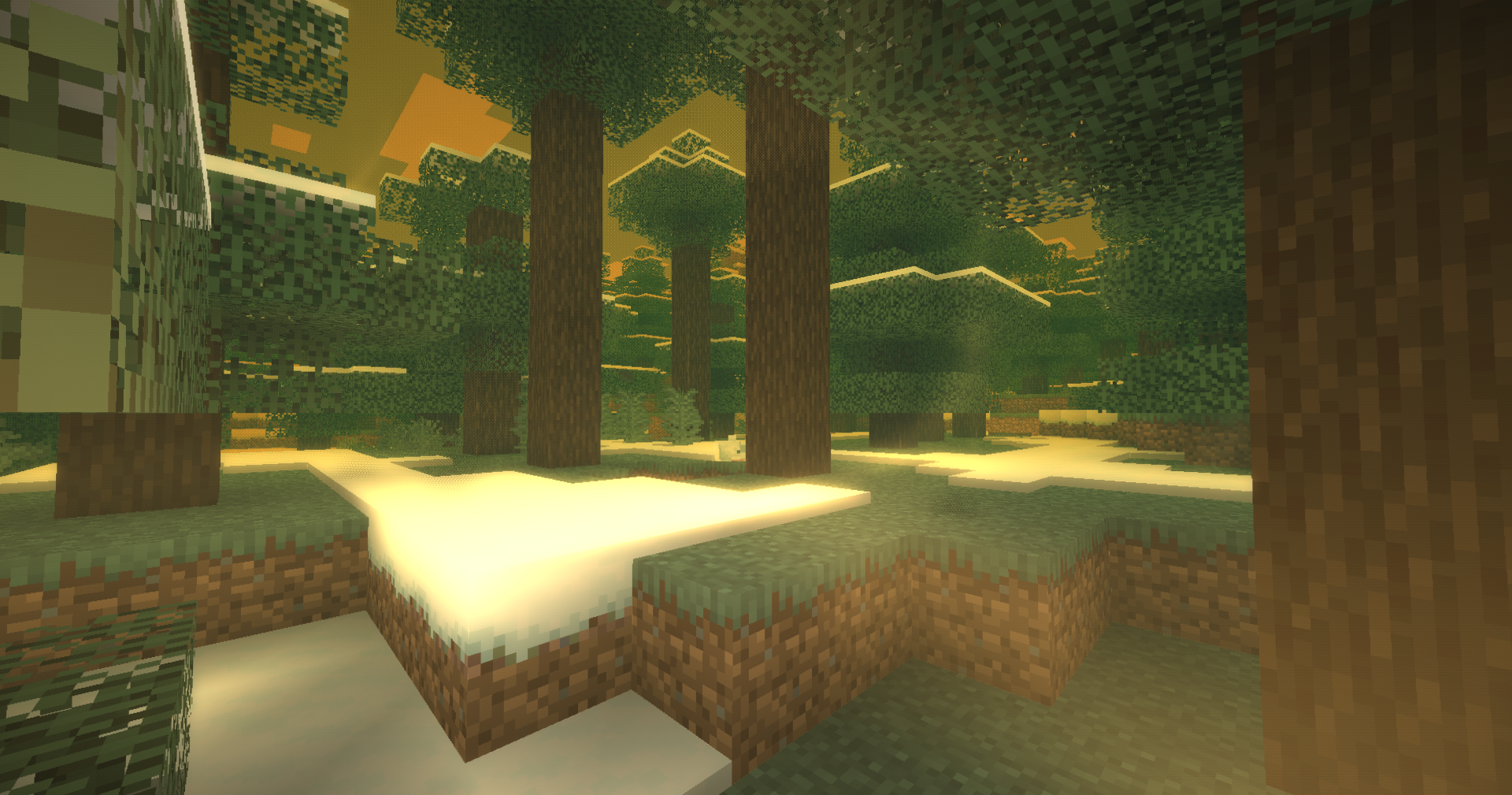
Amber is a shaderpack that makes the world feel like it's trapped inside a piece of fossilized resin.
eambr

Light gets absorbed as it travels through the resin, shifting distant areas toward warm amber tones. Small fractures, debris, internal flow patterns, refraction, and surface reflections give the effect more depth as you move around.

The look can be changed quite a bit through the shader settings, from clear golden amber to darker and denser resin.

Includes:

  • Resin light absorption and scattering
  • Internal flow patterns
  • Sun spangles and trapped debris
  • Refraction and curved glass-like distortion
  • Rim reflections
  • Surface highlights
  • Internal glow
  • Optional fluorescence
  • 5 resin presets
  • Iris and OptiFine support
Amber 1.0
MC 1.16.3, 1.13.1, 1.9.3, 1.8.7, 1.7.4, 1.7.7, 1.7.6, 1.16-Snapshot, 1.17.1, 1.9.1, 1.21.2-Snapshot, 1.21, 1.21.6-snapshot, 1.15-Snapshot, 1.7.5, 1.16.1, 1.18.1, 1.20.2-Snapshot
Release 2026-09-21 Get

Requirements & install

How to use this shader in Minecraft
Shader loader
Iris or OptiFine
Minecraft
1.16.1 – 1.21.6-snapshot
Install folder
.minecraft/shaderpacks

How to install shaders

  1. Install a shader loader for your Minecraft version: Iris (with Sodium) or OptiFine.
  2. Download the shader pack .zip file (do not extract it).
  3. Put the .zip into the shaderpacks folder (.minecraft/shaderpacks).
  4. In game open Options → Video Settings → Shader Packs, select the pack and apply it.
Browse more: Iris shaders OptiFine shaders Shaders for 1.21.6-snapshot All shaders

More from xsoras

Advertisement Remove ads with Premium →

You Might Also Like