# 🌌 Aetheria Shaders
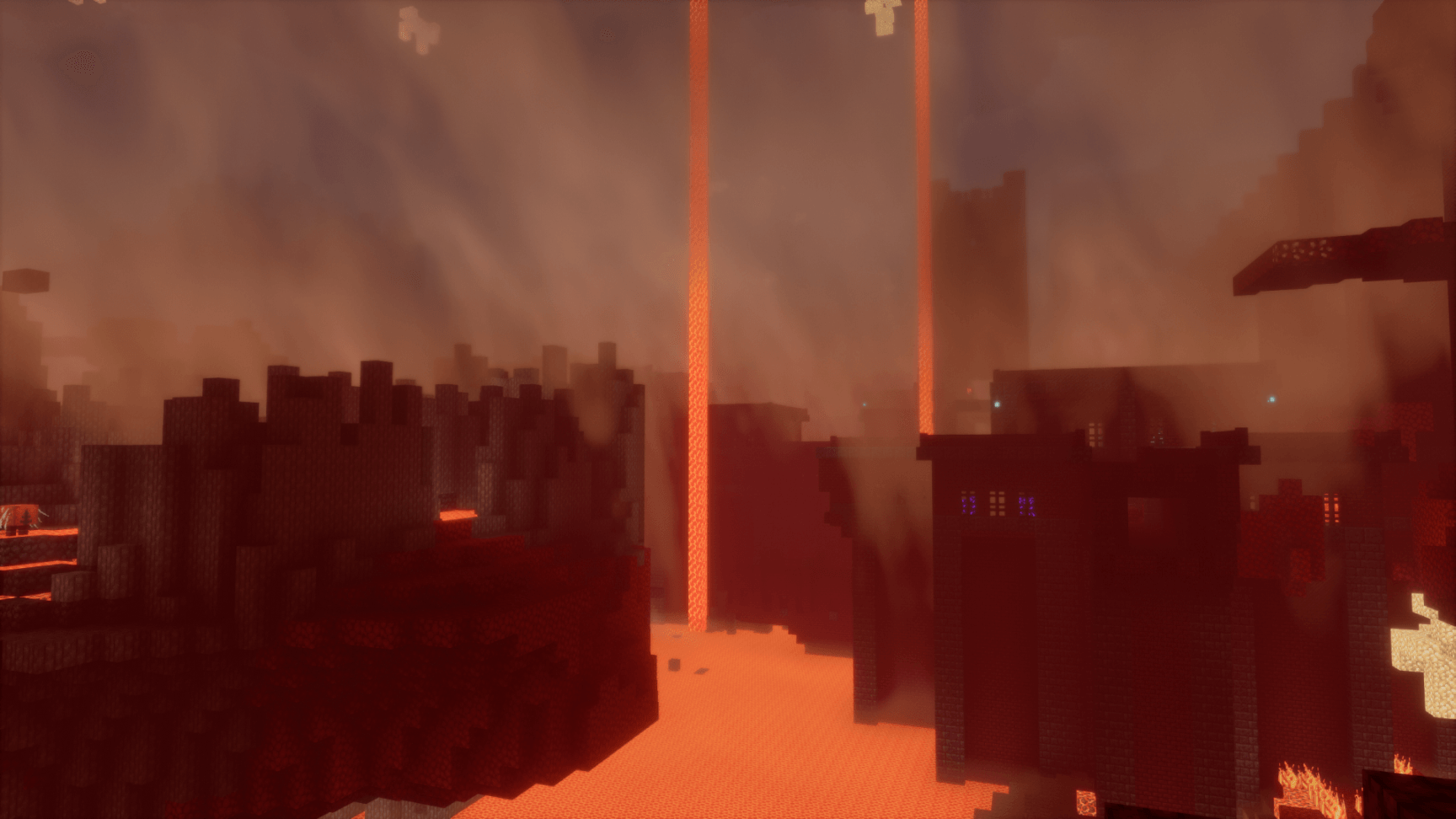
**Aetheria Shaders** is a high-end, visual enhancement shader pack designed to transform Minecraft into a breathtaking, cinematic world. Built upon advanced atmosphere and volumetric rendering techniques, Aetheria offers a perfect balance between performance and modern visuals.
---
## ✨ Key Features
* **Sun & Celestial Lighting:** A perfectly round, intense white sun accompanied by dynamic godrays and soft atmospheric scattering.
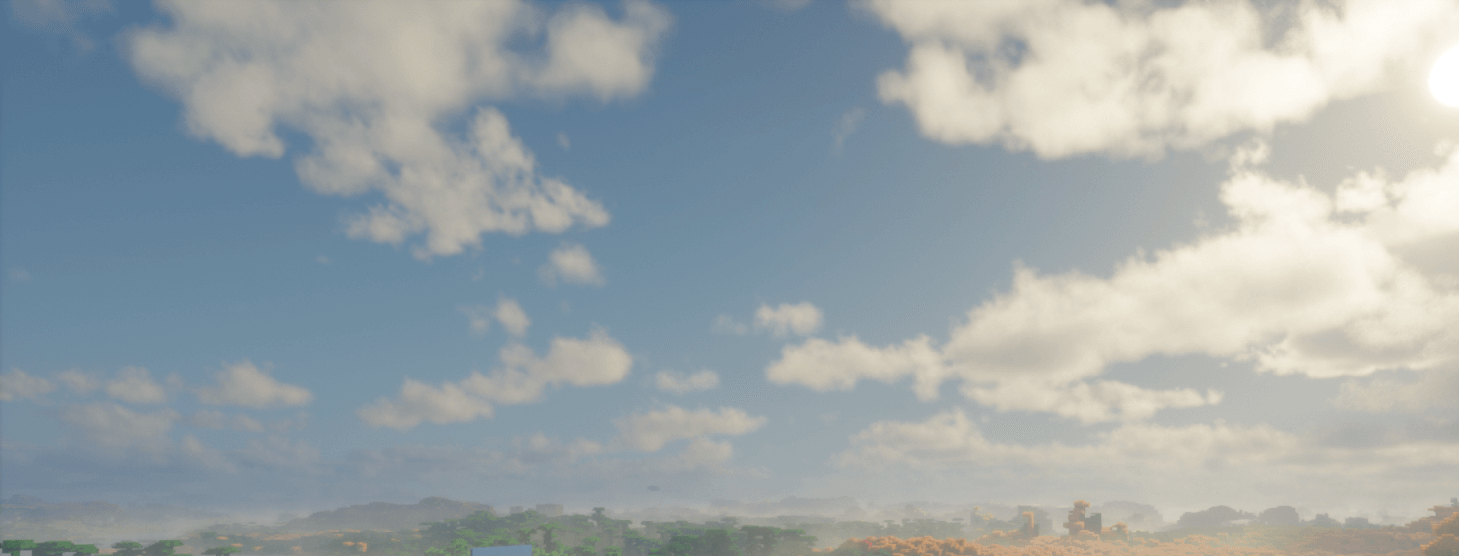
* **Atmospheric Skies:** Custom volumetric clouds and dynamic sky coloring that adapt smoothly to time and weather transitions.
* **Redesigned End Dimension:** Step into a mysterious realm featuring a custom cosmic black hole with realistic light distortion, event horizon, and a swirling accretion disk.
* **Performance Optimized:** Clean code structures and modular toggles ensure smooth gameplay without sacrificing visual fidelity.
---
## ⚙️ Requirements & Compatibility
* **Mod Loaders:** Fabric, NeoForge, or Forge
* **Required Mods:** Iris Shaders (Recommended) or OptiFine
* **Hardware:** Compatible with dedicated and integrated GPUs (AMD / NVIDIA / Intel)
---
## 📜 Credits & Licensing
Aetheria Shaders is developed with custom visual shaders and modified code routines based on **Bliss Shader** by *XorDev*, distributed under the **GPL-3.0 License**.
Special thanks to the open-source Minecraft graphics community for making projects like this possible!