Mineuniverse
Shaders
Accurate Atmosphere Shader

Accurate Atmosphere Shader

SHADER
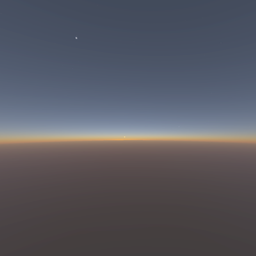
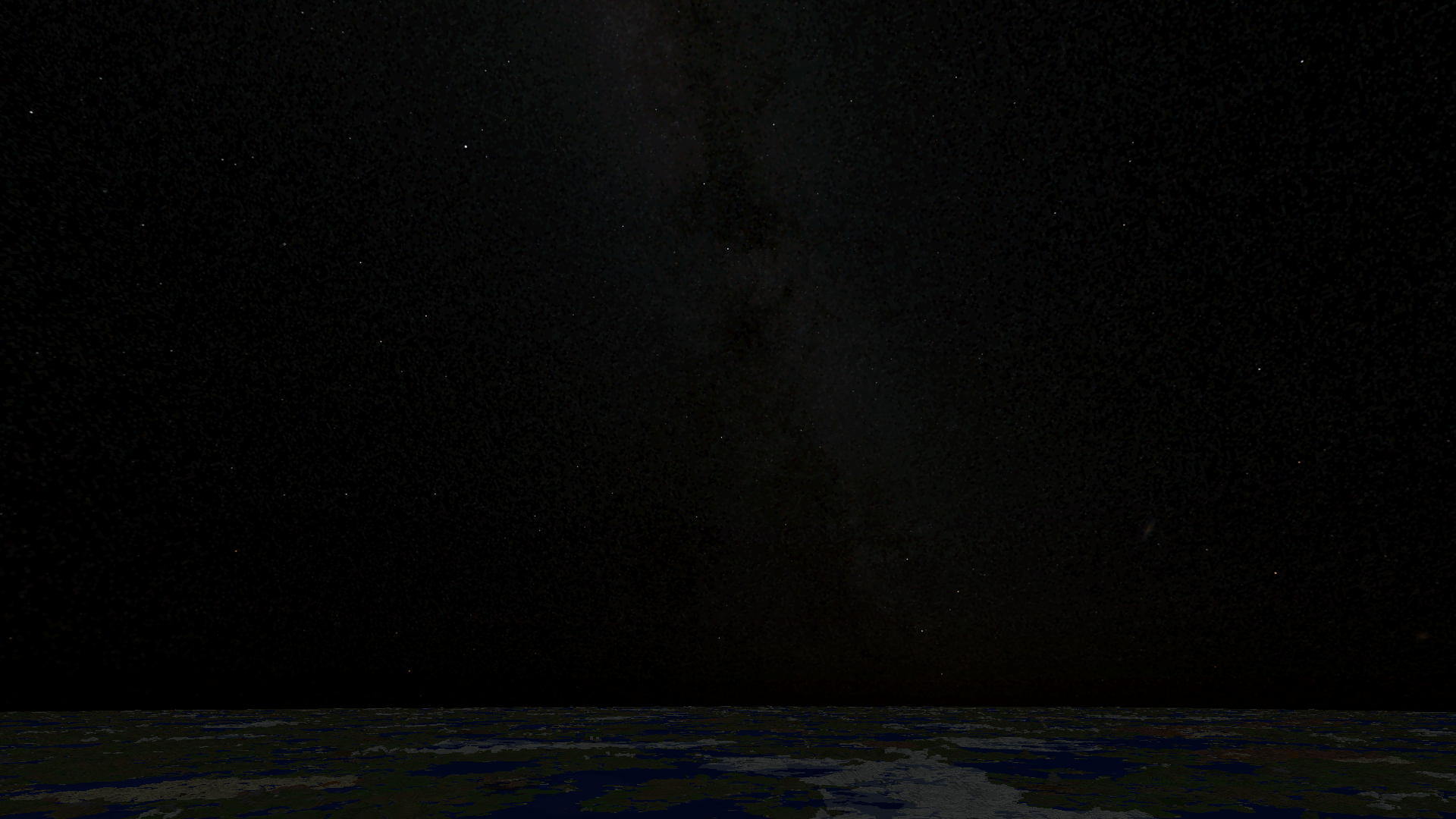
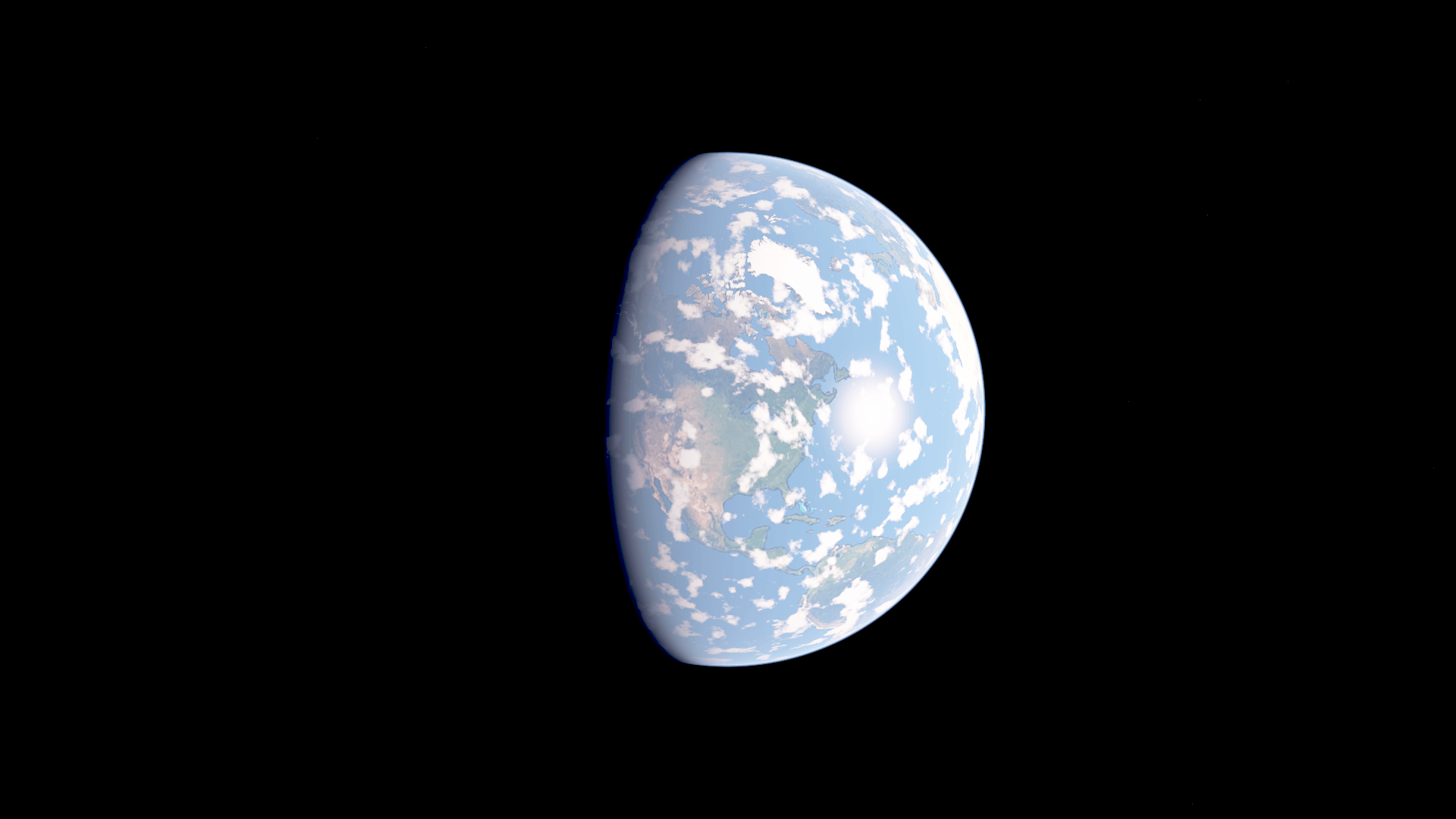
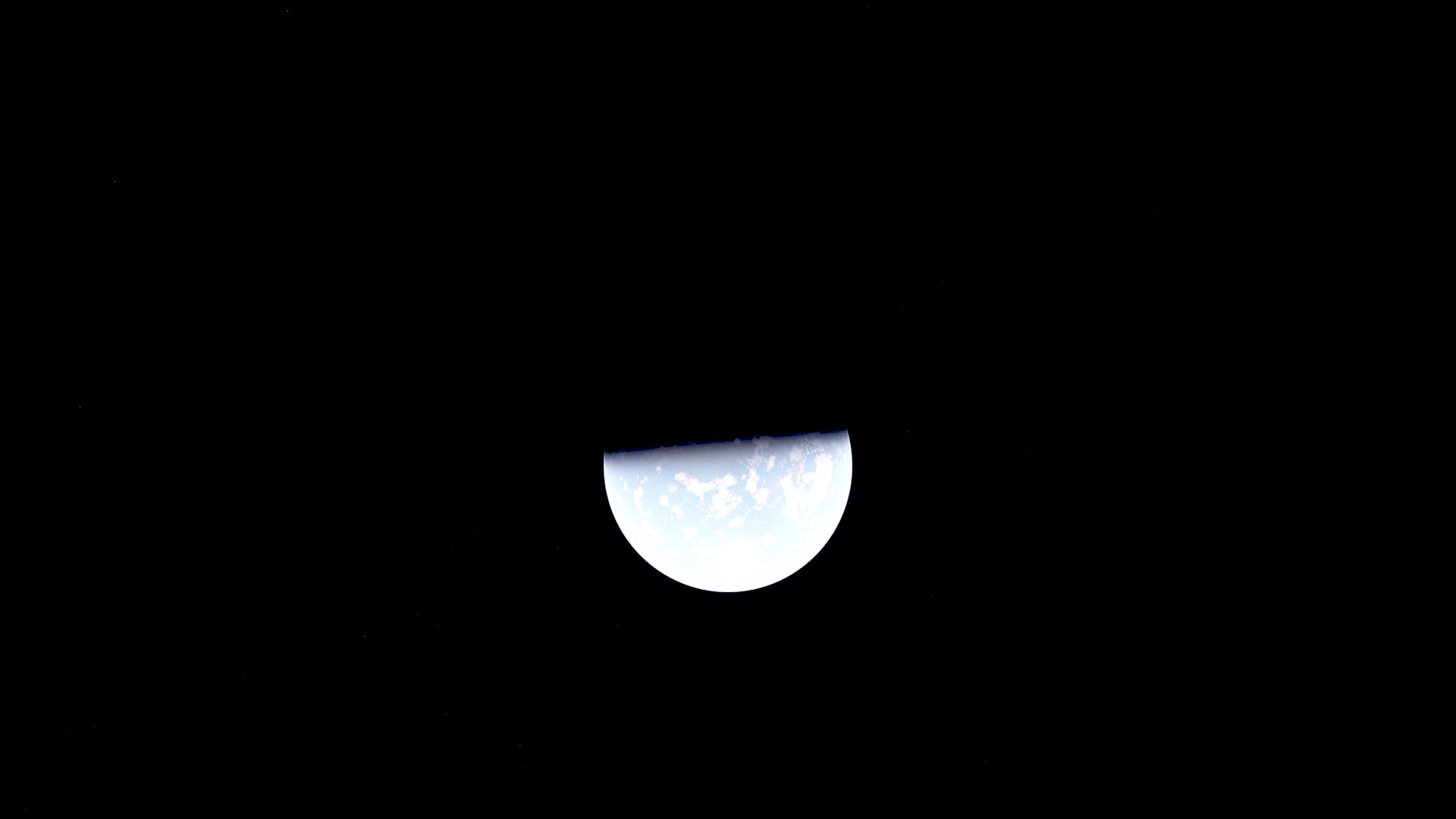
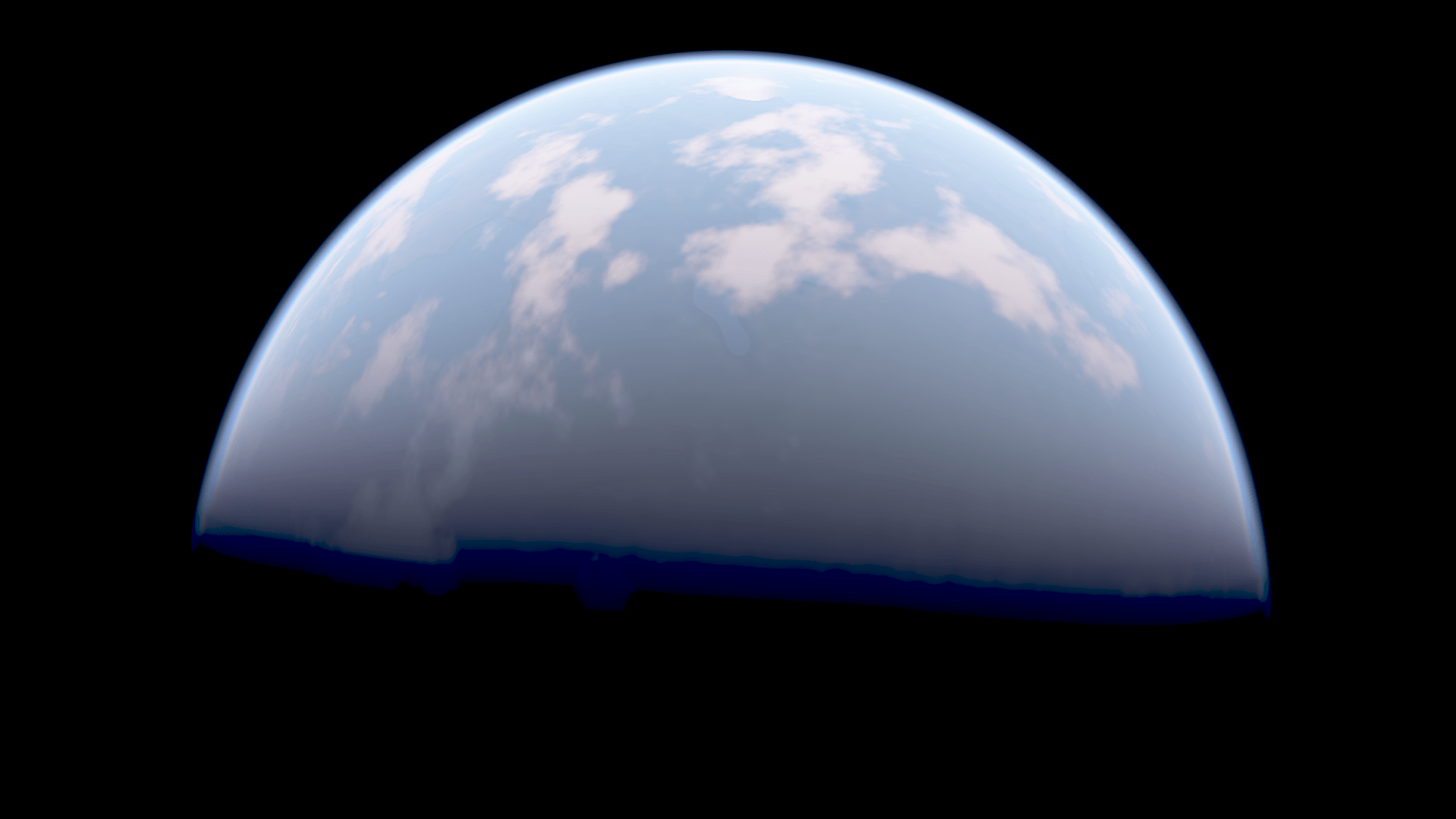
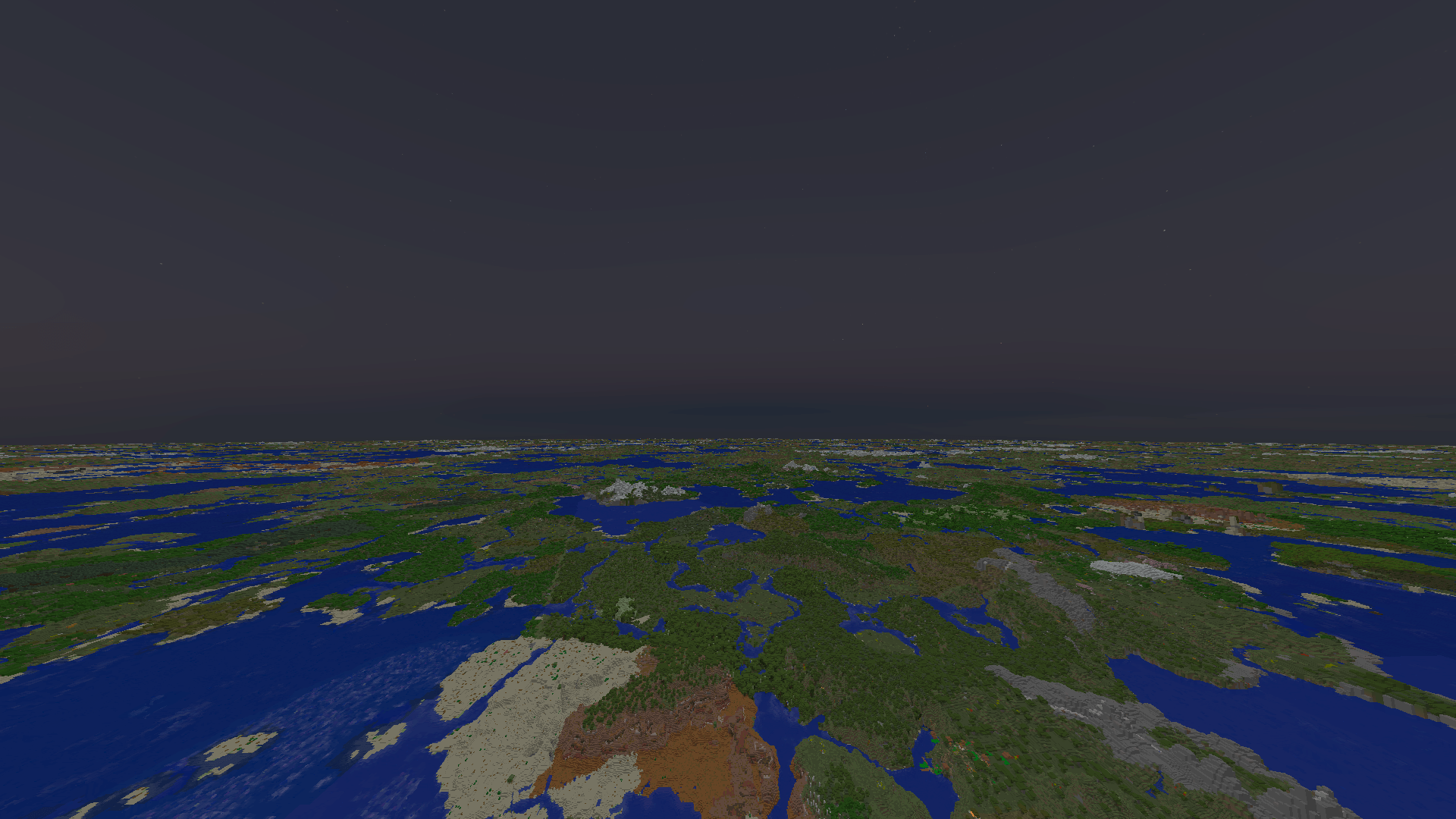
AI-shader shader that simulates earth and its atmosphere around your world.
by CrispyBlazin
Download Claim this project
20 downloads
0 likes
0 followers
Updated Oct 14, 2026
0 hypes
Follow0
Realistic Vanilla
Advertisement Remove ads with Premium →

HOW TO INSTALL


For Fabric 1.21.1


Install Astrocraft


Download "astrovenus bridge" and put it in your MODS FOLDER


Download "VenusSky -v0.9.1-Sun-Sky-Hotfix" and put it in your "shaderpacks" folder


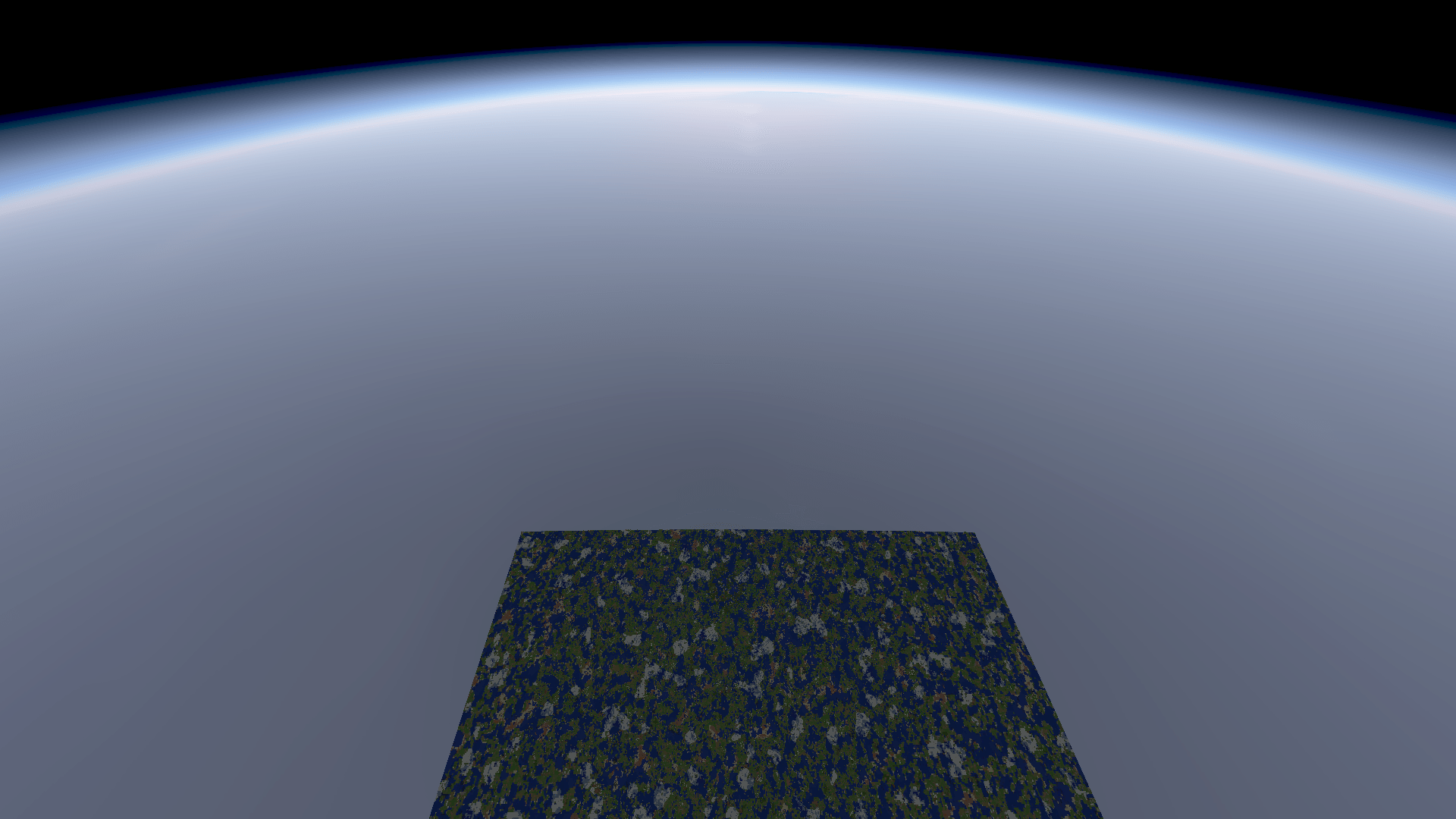
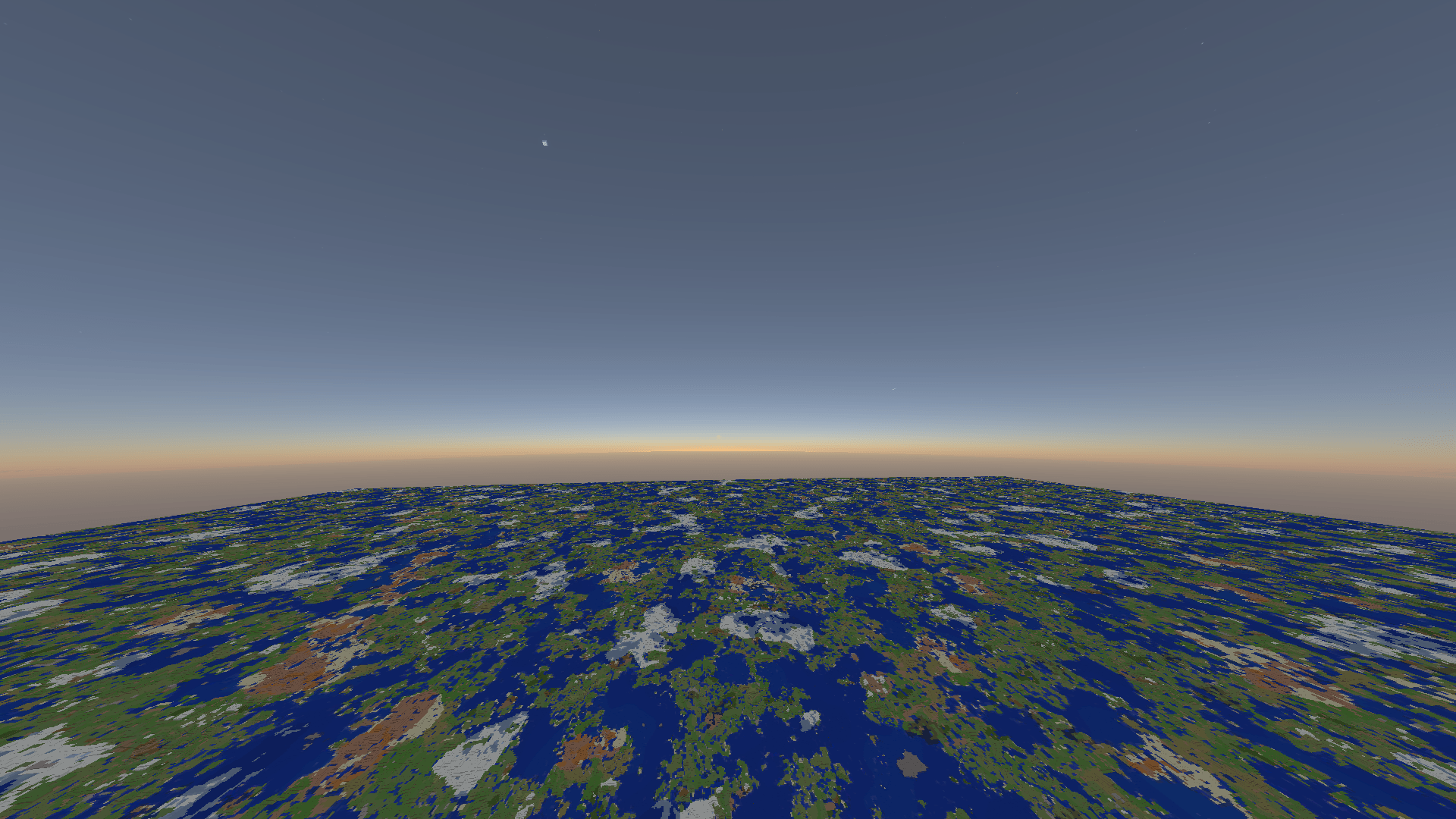
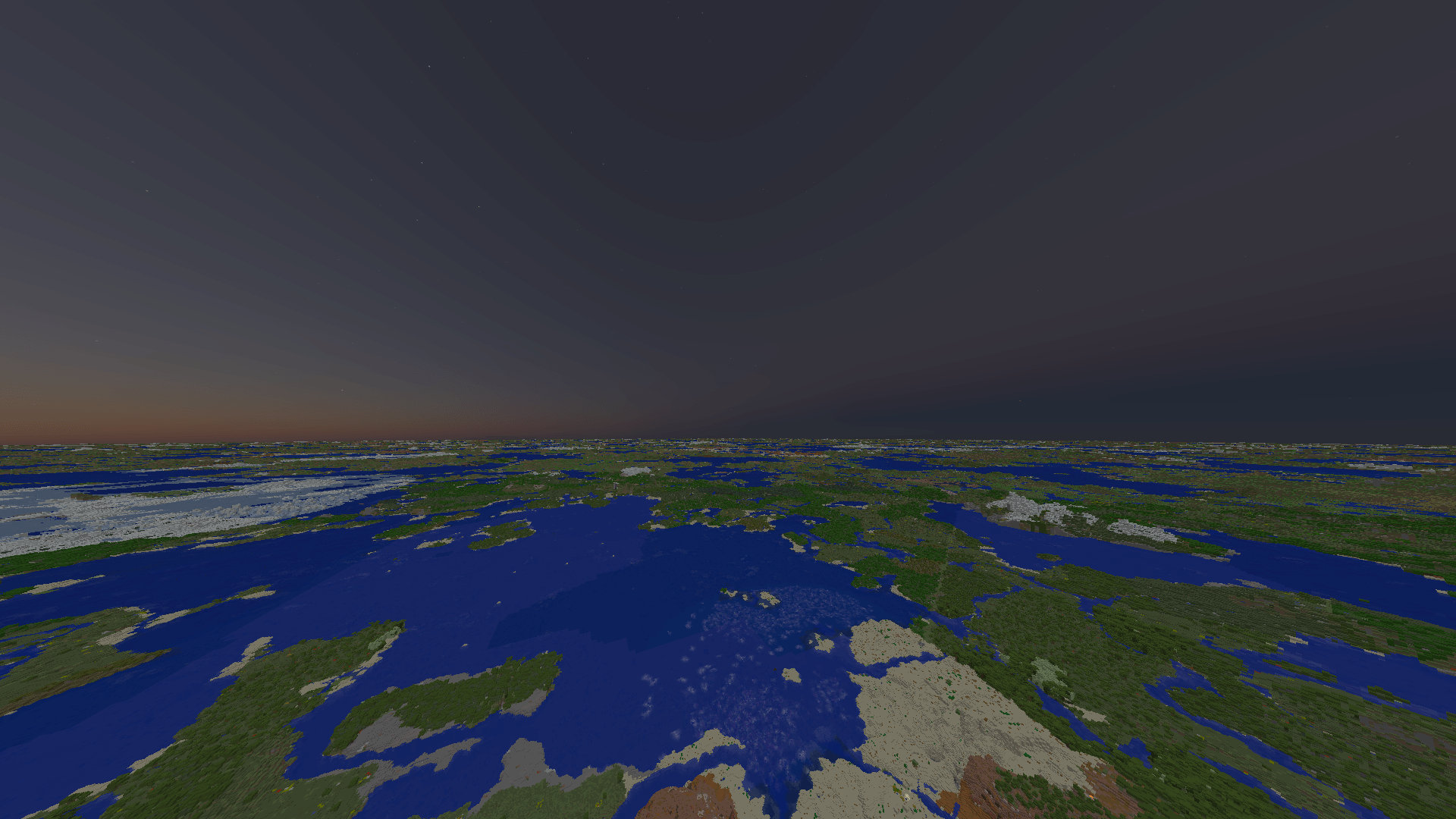
The shader fully simulates earth and its atmosphere. It is dependent on astrocraft for fabric 1.21.1. It was generted with AI, so I recommend turning off shadows and water effects. Its main purpose is to offer realstic skies and effects, like the belt of venus, and also a visible horizon. It is also compatible with distant horizons. The shader will naturally curve your chunks down with the curvature of the rendered planet. 


it requires a mod. i uploaded it its called "astrovenusbridge" or something

VenusSky-v0.9.1-Sun-Sky-Hotfix.zip
MC 1.21.1, Iris
Release 2026-10-06 Get
AstroVenusBridge-Fabric-1.21.1.zip
MC 1.21.1, Iris
Release 2026-10-06 Get

Requirements & install

How to use this shader in Minecraft
Shader loader
Iris
Minecraft
1.21.1
Install folder
.minecraft/shaderpacks

Install with Iris

  1. Install Iris with the Iris installer (irisshaders.dev); it sets up Fabric and Sodium for you.
  2. Download the shader pack .zip (do not extract it).
  3. Put the .zip into .minecraft/shaderpacks.
  4. In game open Options → Video Settings → Shader Packs, select the pack and click Apply.
Browse more: Iris shaders OptiFine shaders Shaders for 1.21.1 All shaders
Advertisement Remove ads with Premium →

You Might Also Like