Mineuniverse
Shaders
Absolute Daybreak

Absolute Daybreak

SHADER
Cinematic, physically based lighting that keeps Minecraft's look – written from scratch, with seamless ground transitions.
by DelinkedDE
Claim this project
Add a badge to your pageLink to Absolute Daybreak from a README, website or forum post.
Preview: Badge

Badges update automatically and link to the shader page on MineUniverse.

265 downloads
0 likes
0 followers
Updated Nov 10, 2026
0 hypes
Follow0
Realistic Vanilla
Advertisement Remove ads with Premium →

Infinity OneBlock Absolute AFK Cinema Absolute Hearts Absolute Radio Mod Absolute Daybreak Absolute Inventory Buttons

Watch the showcase on YouTube: https://youtu.be/bEb7NNydiNs

Absolute Daybreak is a cinematic shader pack for Minecraft: Java Edition that keeps the game's blocky charm while giving it real light, real skies and real water. Every line of it is written from scratch. It is not an edit or fork of another shader pack.
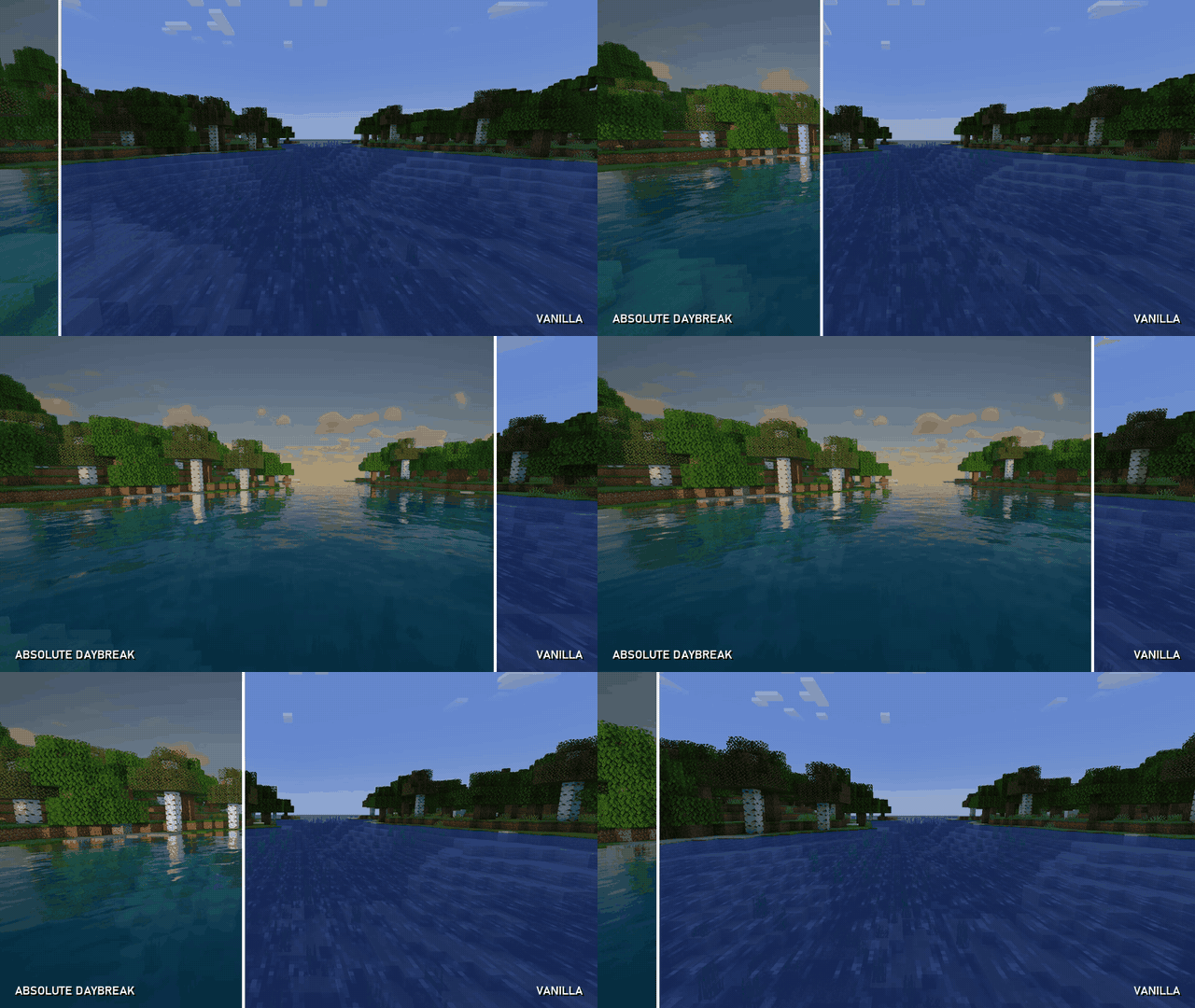
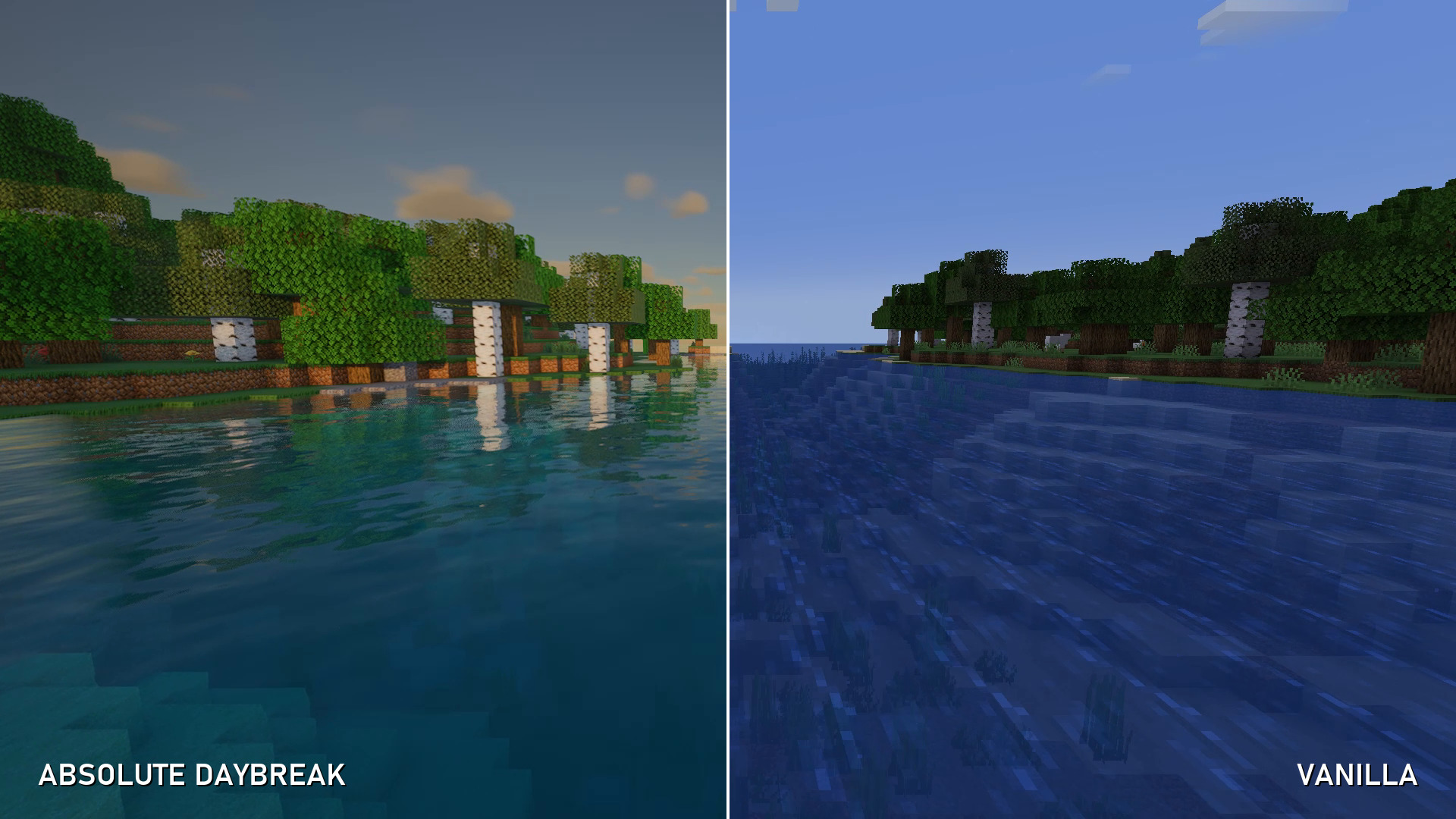
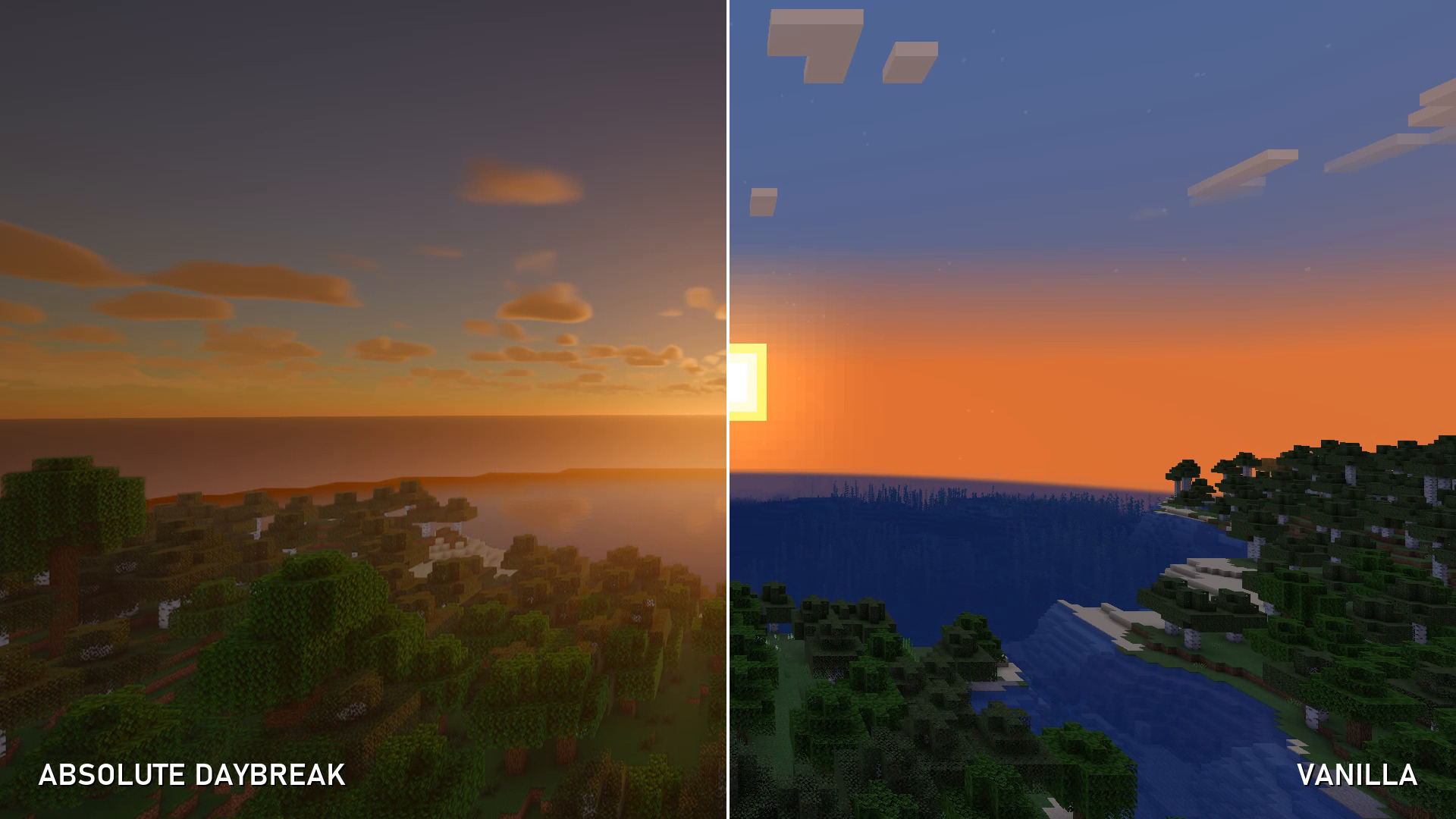
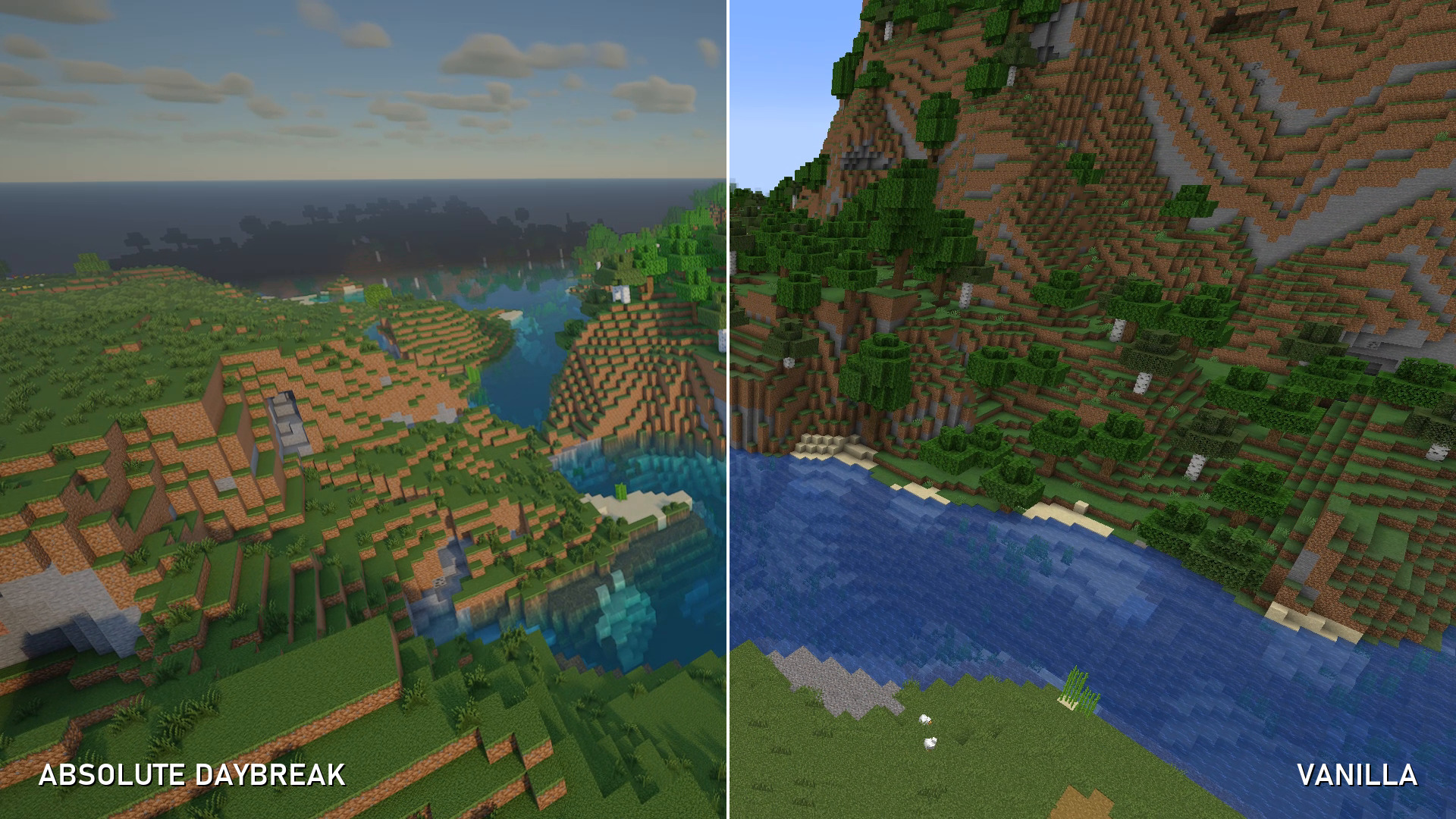
Vanilla vs. Absolute Daybreak

What makes it different

  • Seamless ground transitions: grass, dirt, sand, gravel, snow, moss and paths softly blend into each other at block edges, using the real neighbouring texture and biome colour. No more hard block seams on the ground.
  • HD relief for vanilla textures: every block texture gets subtle generated depth, so stone, dirt and wood catch the light without any resource pack.
  • Built for screenshots and videos: AgX film tonemapping, temporal anti-aliasing with sharpening, and smooth, flicker-free shadows.

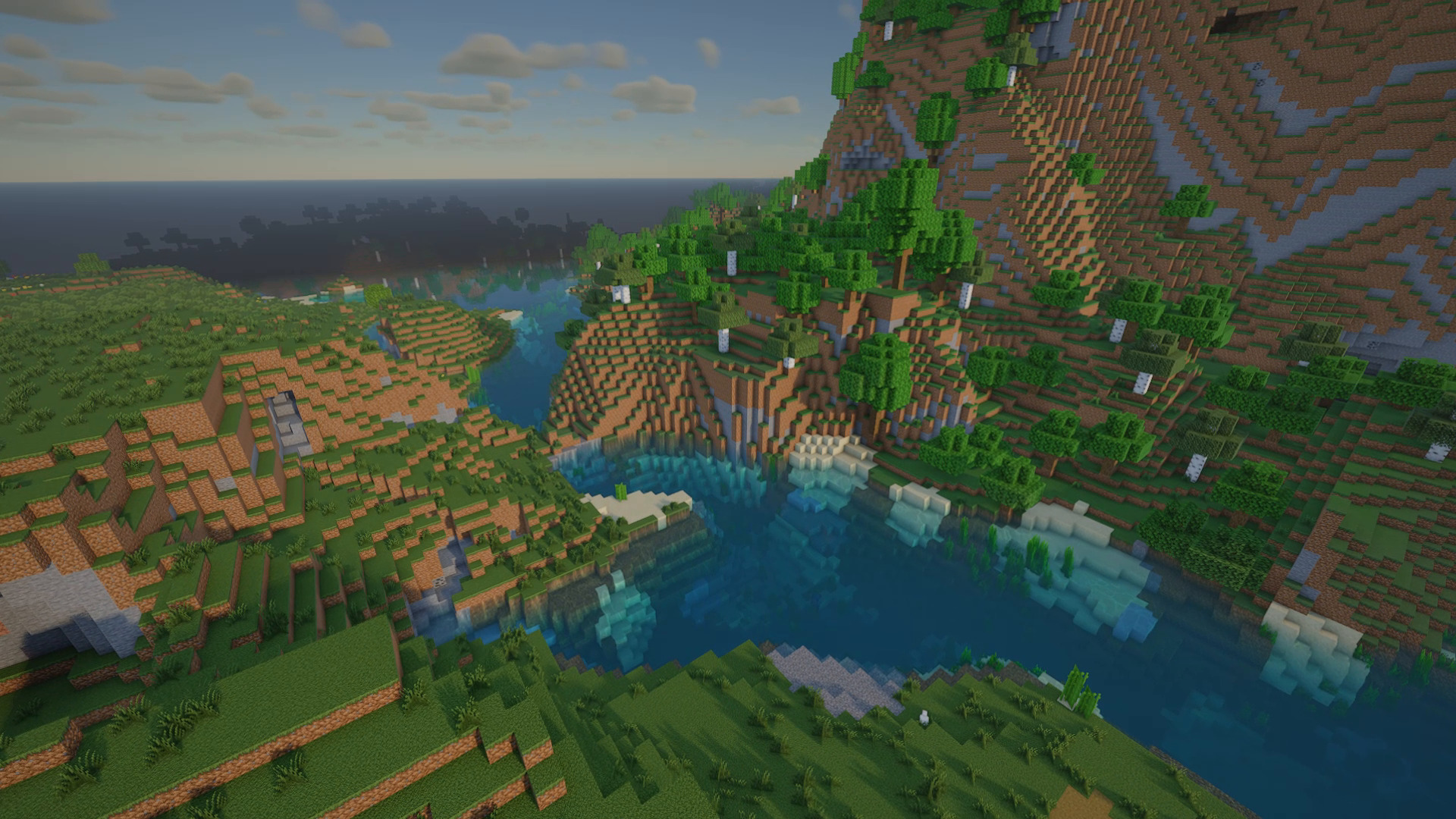
Golden hour on the river – Vanilla vs. Absolute Daybreak

Features

Lighting

  • Soft real-time shadows with variable penumbras (PCSS): sharp near contact, soft further away
  • Coloured shadows through stained glass, sunlight through water with caustics
  • Leaves and grass glow when backlit (subsurface scattering)
  • Ground-truth ambient occlusion
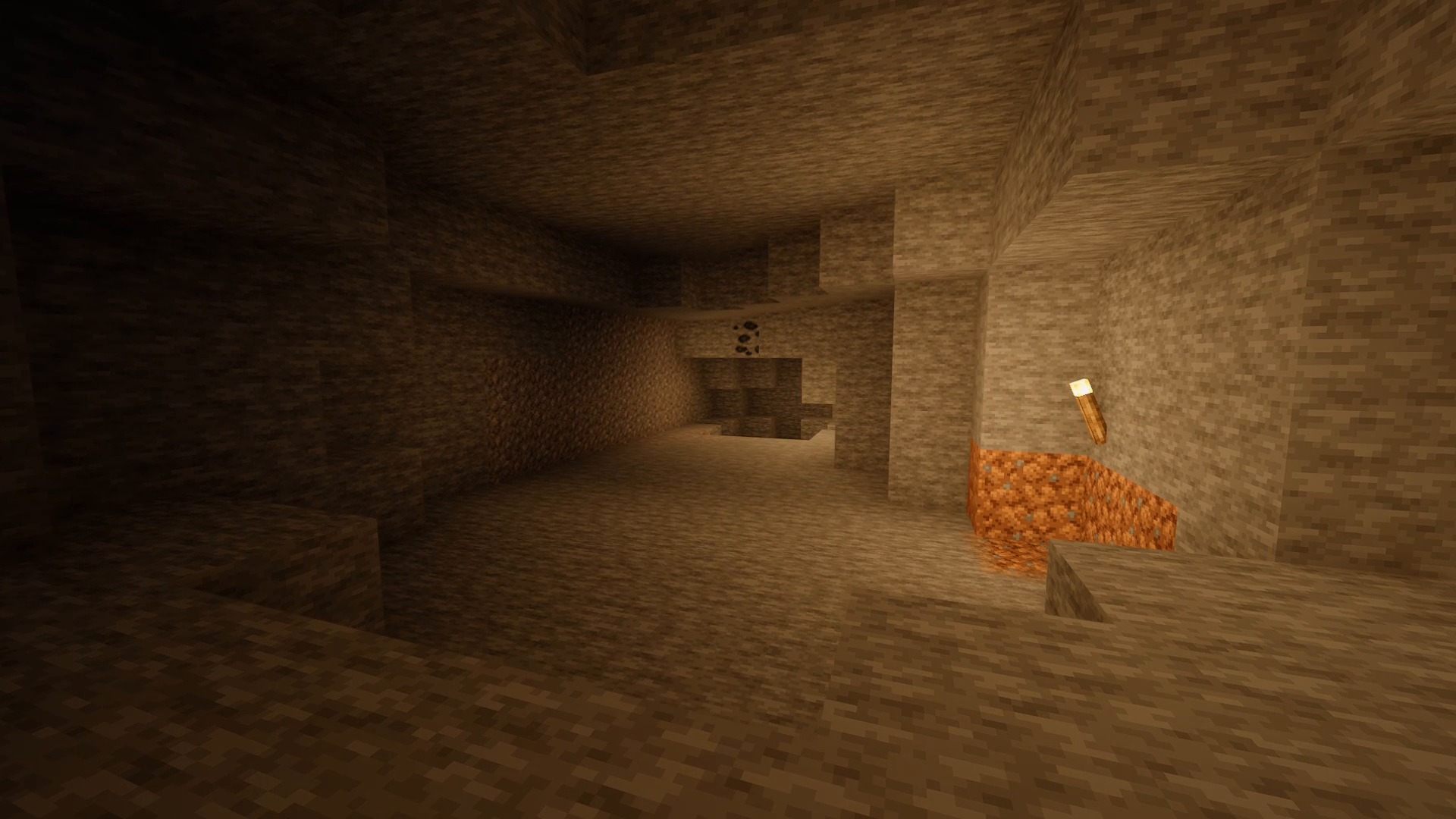
  • Warm, natural block light, held torches light up the world around you
  • First-person player shadow

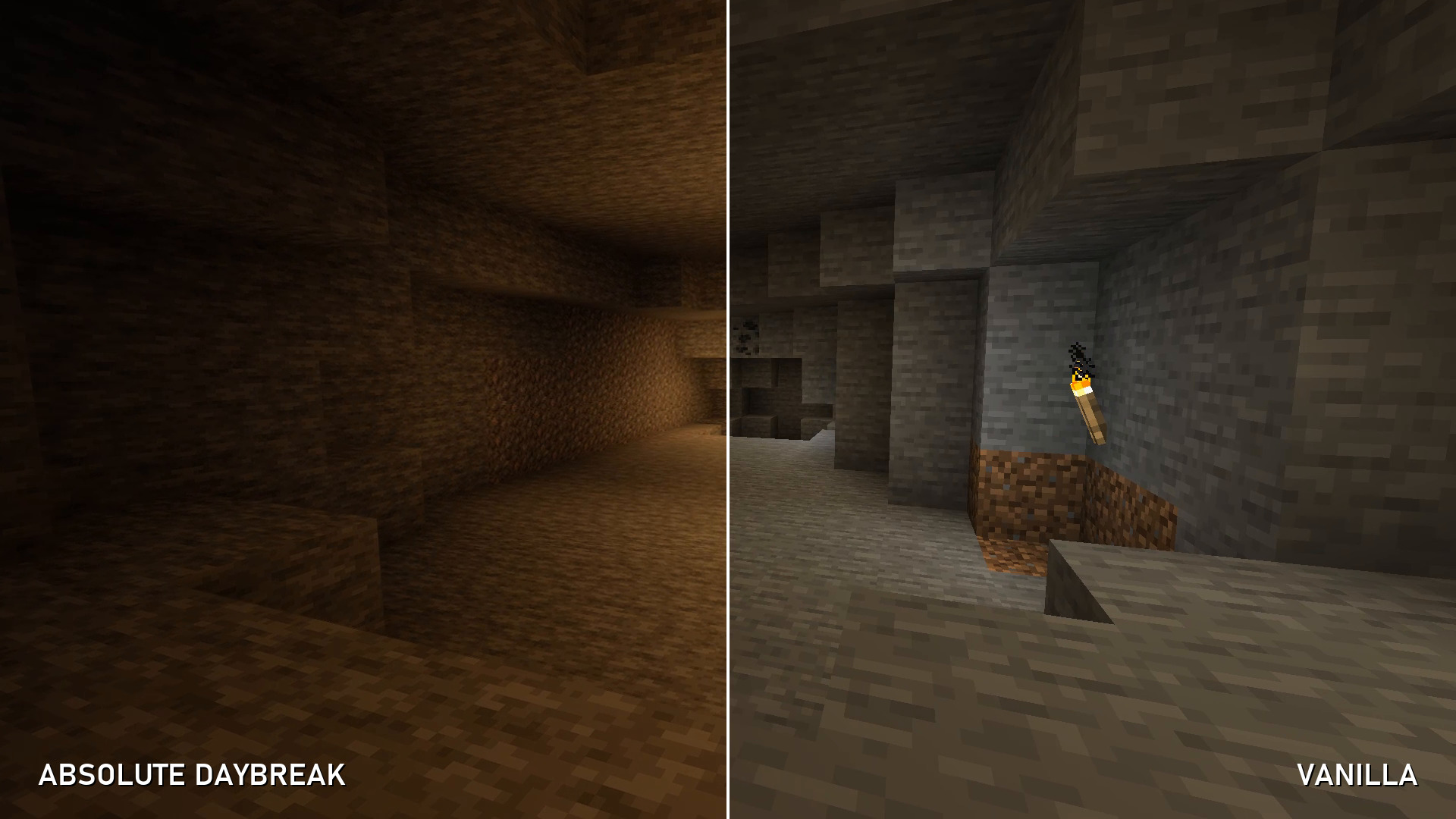
Torchlit cave

Atmosphere

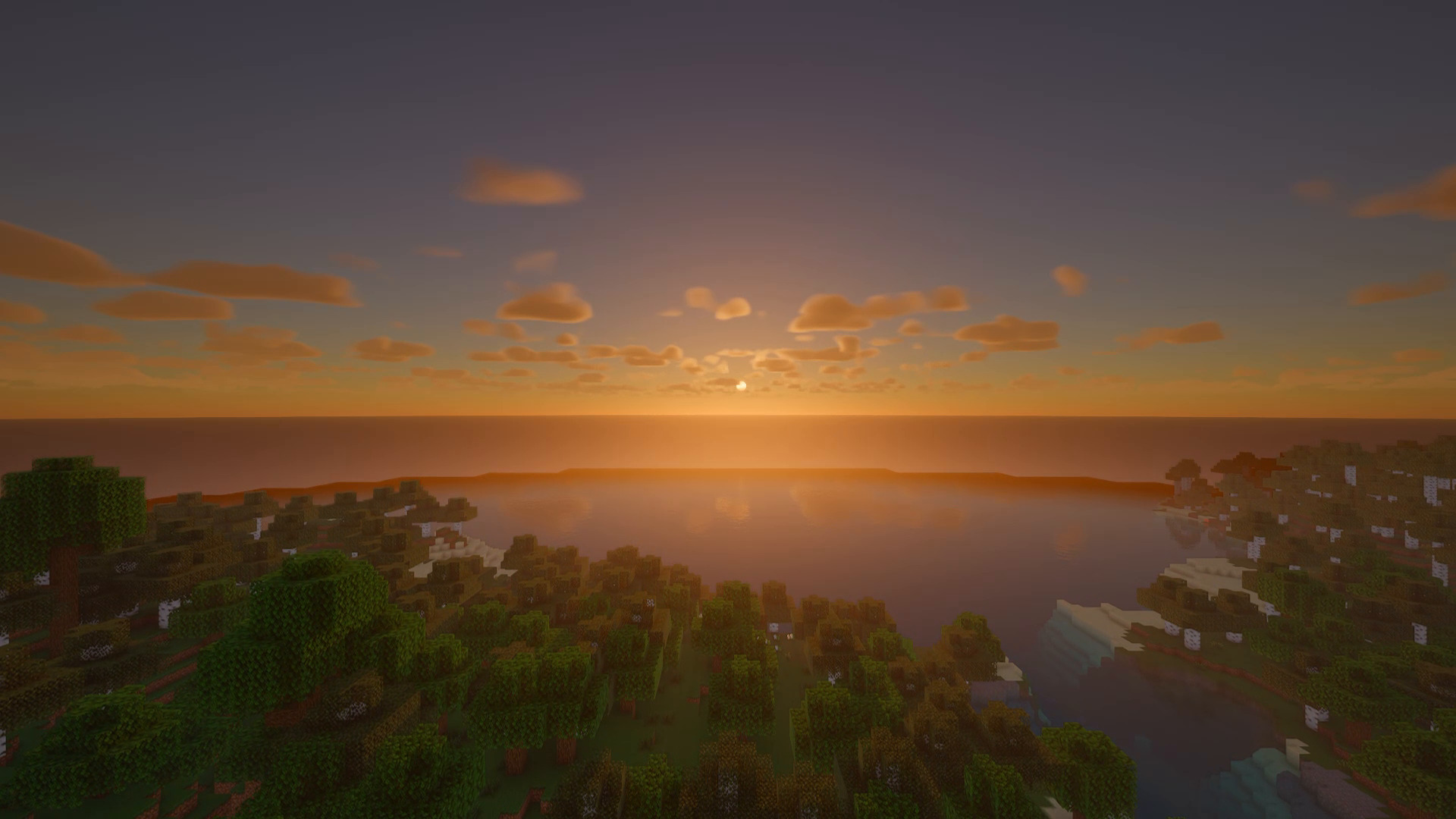
  • Physically based sky with real sunsets, twilight and a starry night sky
  • Volumetric cumulus clouds with cloud shadows moving across the land
  • Volumetric light shafts and low morning mist
  • Rain darkens the sky, wets the ground and forms puddles

Sunrise over the forest

Water

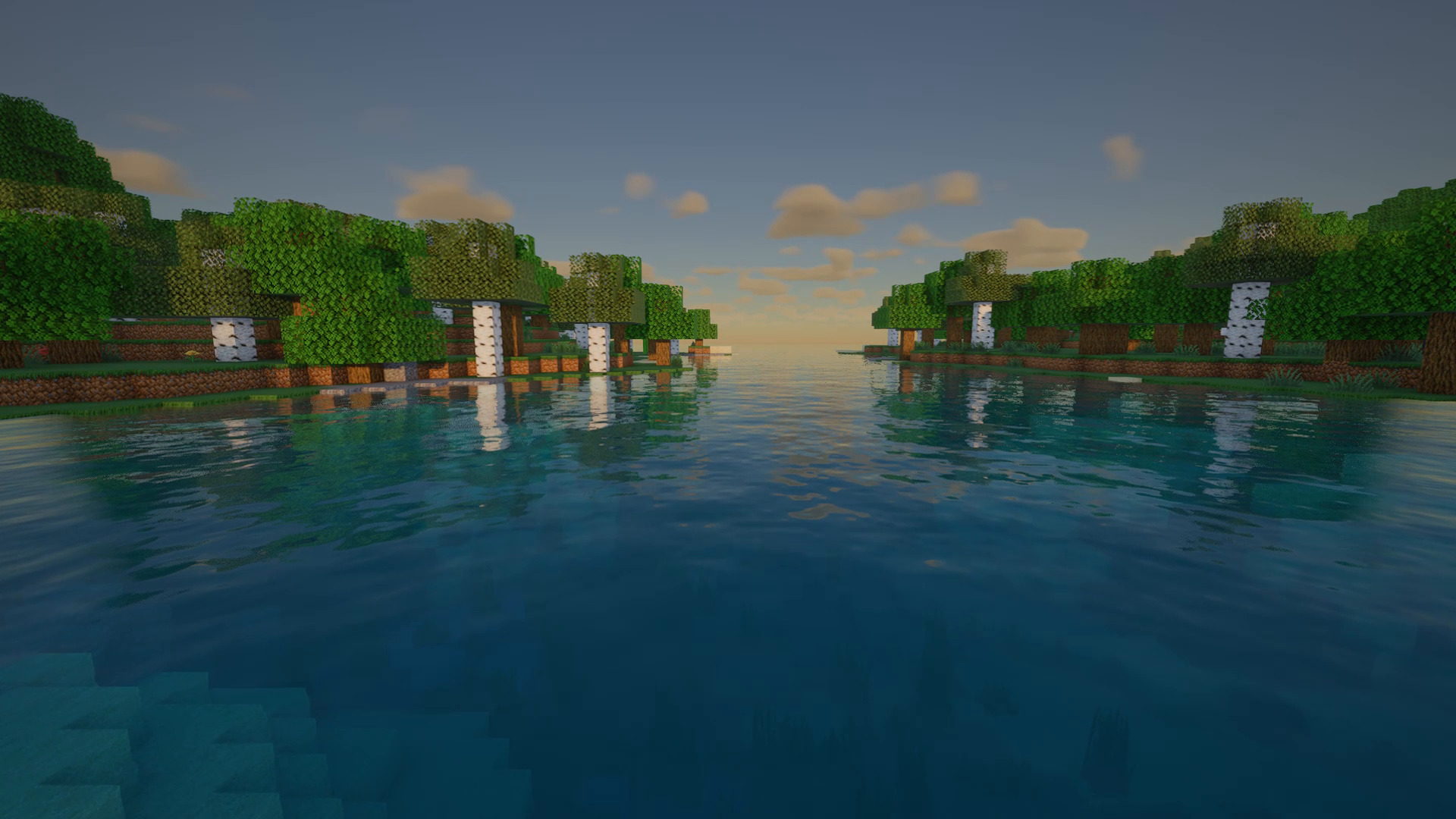
  • Animated waves, reflections of the world and the clouds, sun glints
  • Refraction, depth-based colour and clarity, underwater fog

Clear water with reflections

Nature

  • Grass, flowers, crops, leaves and vines sway in gusty wind, stronger in the rain

Camera

  • Automatic exposure, bloom, vignette and colour controls

Resource packs

  • Full LabPBR support (normal and specular maps)
  • Looks great with vanilla textures, Faithful and other vanilla-style packs

Before and after

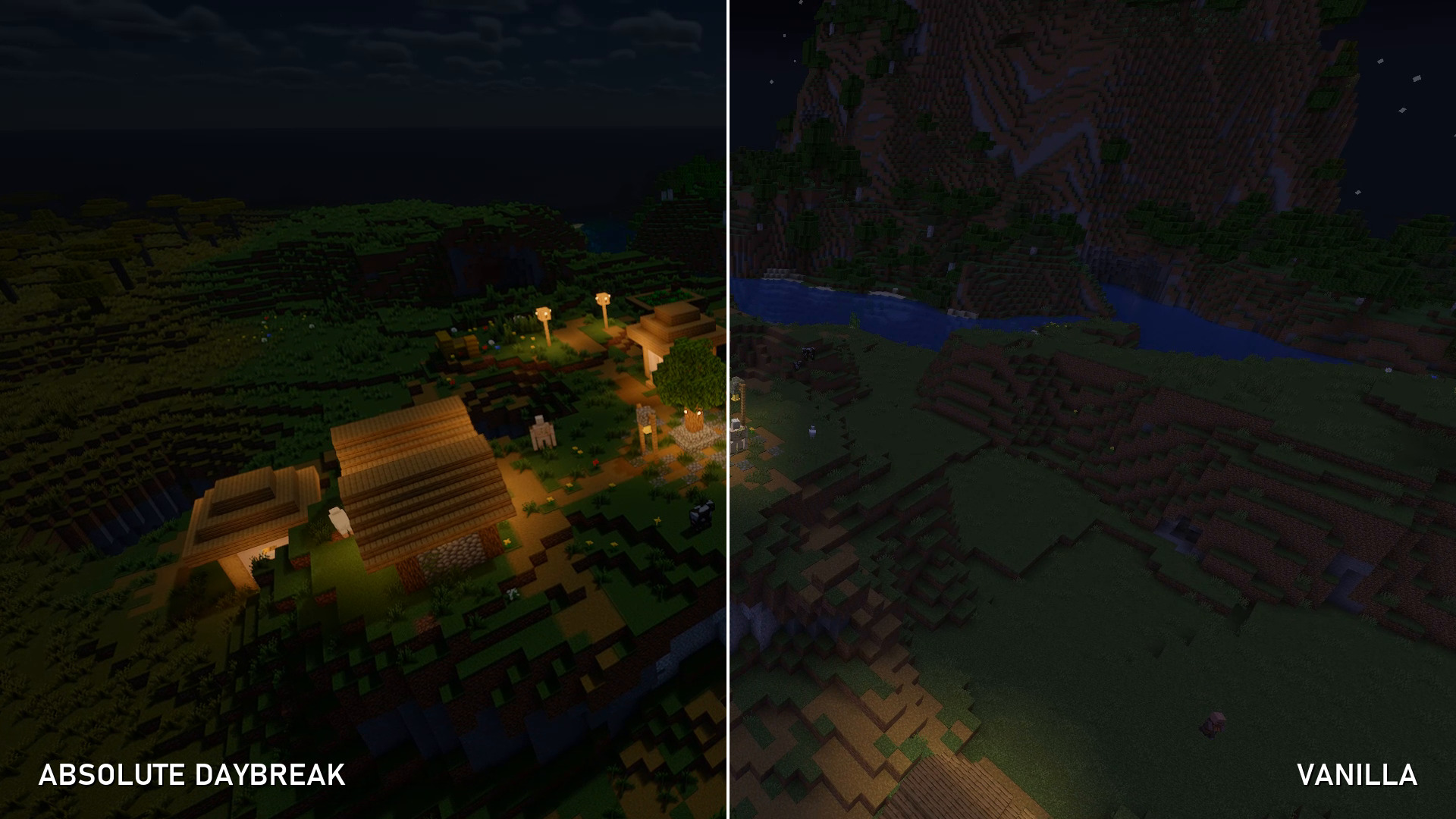
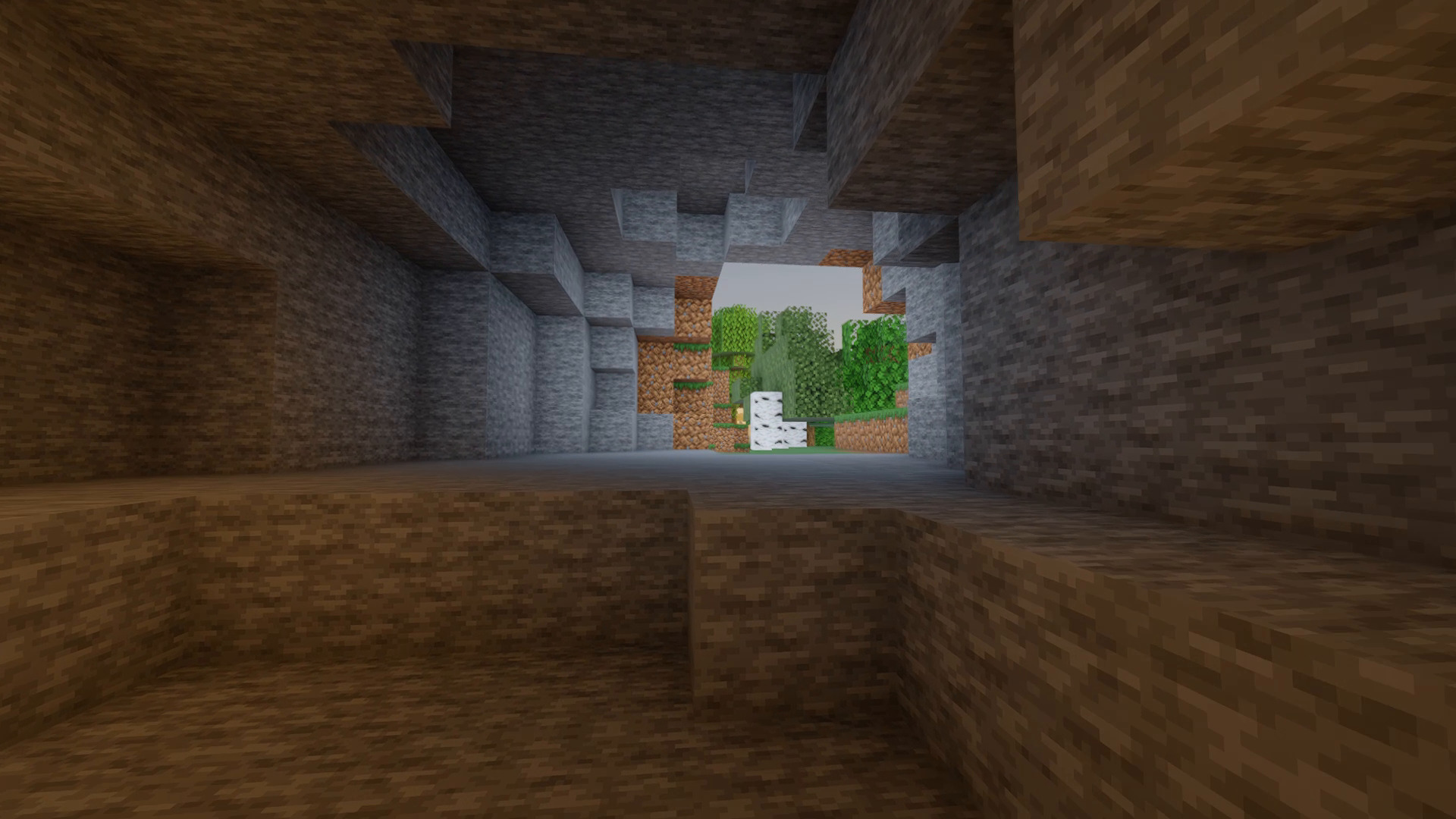
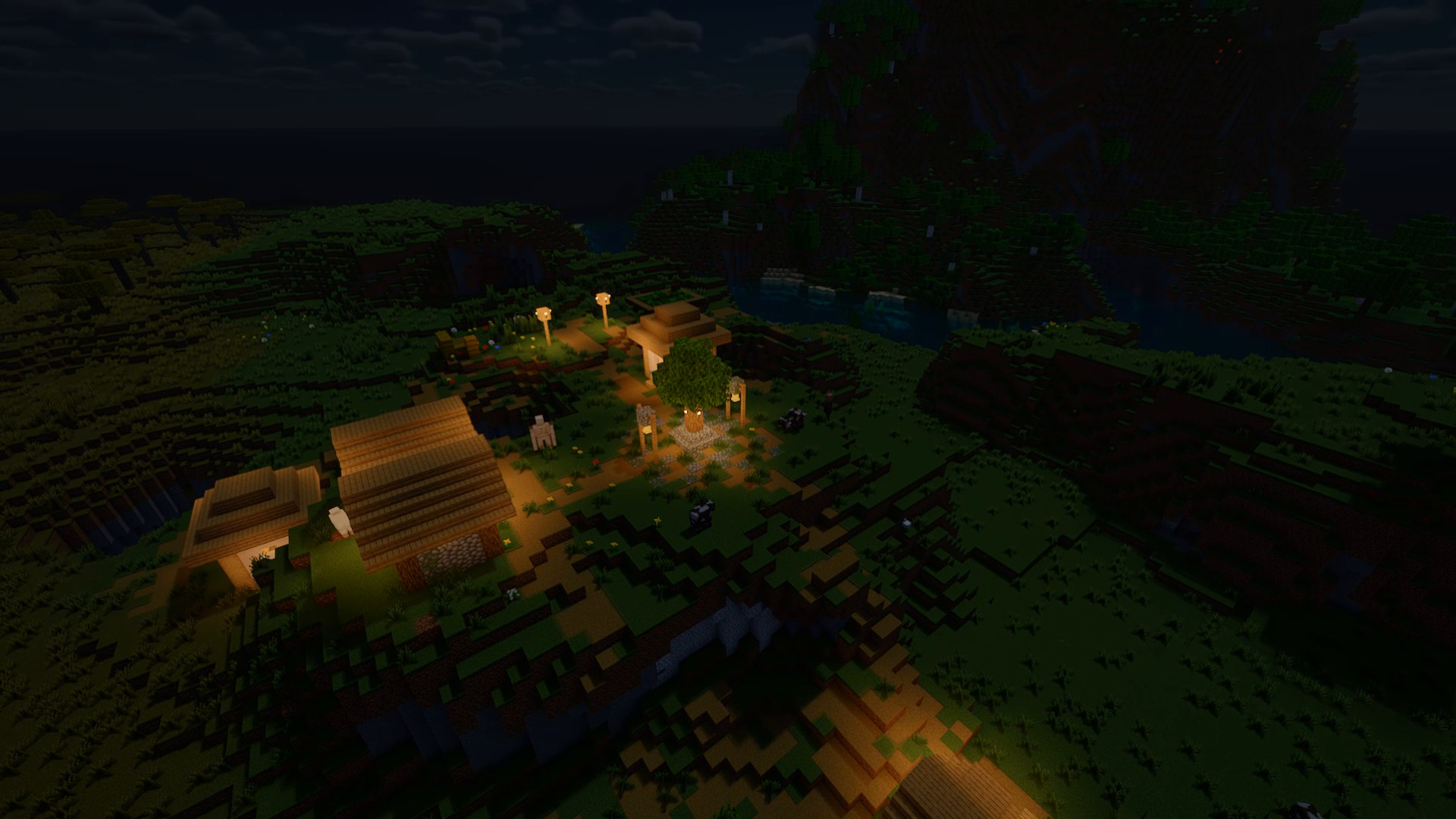
Sunrise – Vanilla vs. Absolute Daybreak Village – Vanilla vs. Absolute Daybreak Cave – Vanilla vs. Absolute Daybreak Village at night – Vanilla vs. Absolute Daybreak

Gallery

Flying over the village Out of the cave into the sunrise The village at night

Profiles and settings

Four profiles (Low, Medium, High, Ultra) plus a detailed settings menu, available in English and German. On an AMD RX 6600 at 1080p, the High profile runs at about 120–175 FPS in our test scenes.

Compatibility

  • Loader: Iris (with Sodium). OptiFine is not supported.
  • Minecraft: 1.20.1 (see the files tab for tested versions)
  • GPUs: AMD, NVIDIA, Intel (OpenGL 4.3+). Apple devices are not supported.

Installation

  1. Install Iris (the Iris installer also sets up Sodium and Fabric).
  2. Download Absolute Daybreak. Do not unzip it.
  3. In game: Options → Video Settings → Shader Packs → Open Shader Pack Folder and put the zip inside.
  4. Select Absolute Daybreak. Start with the High profile; use Ultra for screenshots.

Permissions

  • Allowed: screenshots, videos and streams. A link back is appreciated.
  • Allowed: modpacks on CurseForge or Modrinth that use the platform's built-in shader support.
  • Not allowed: re-uploading, redistributing or renaming the pack.

Showcase images and video captured with the Faithful 32x resource pack.

Absolute-Daybreak-1.0.1.zip
MC 1.21, 1.20.2, 1.19.4, 1.21.8, 1.20.5, 1.21.5, 1.21.4, 1.20.1, OptiFine, 1.20.6, 1.21.1, 1.21.6, 1.21.3, 1.21.7, 1.19.1, 1.20.4, 1.18.2, 1.19.2, 1.20.3, Iris, 1.19, 1.21.2
Release 2026-11-01

Requirements & install

How to use this shader in Minecraft
Shader loader
Iris OptiFine
Minecraft
1.21.1 – 1.21.8
Install folder
.minecraft/shaderpacks

How to install shaders

  1. Install a shader loader for your Minecraft version: Iris (with Sodium) or OptiFine.
  2. Download the shader pack .zip file (do not extract it).
  3. Put the .zip into the shaderpacks folder (.minecraft/shaderpacks).
  4. In game open Options → Video Settings → Shader Packs, select the pack and apply it.
Browse more: Iris shaders OptiFine shaders Shaders for 1.21.8 All shaders

More from DelinkedDE

Advertisement Remove ads with Premium →

You Might Also Like