Mineuniverse
Resource Packs
Without Potion Particles - Enhanced Visual Clarity

Without Potion Particles - Enhanced Visual Clarity

RESOURCE PACK
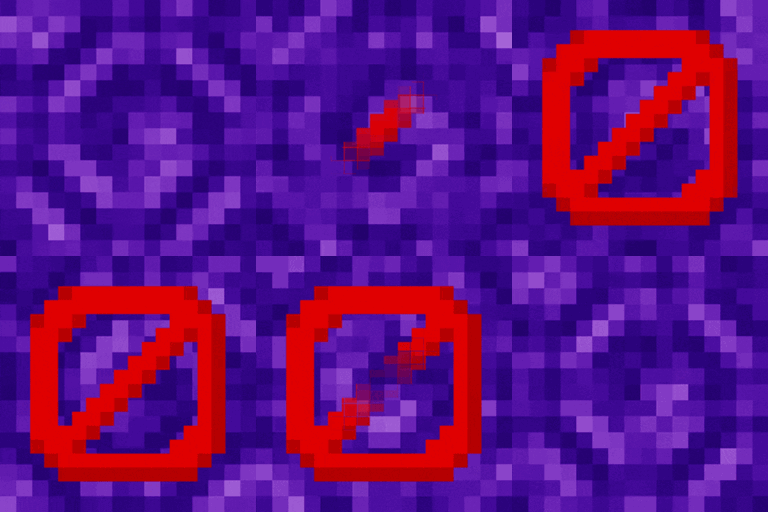
Without Potion Particles enhances Minecraft by removing the visual effects of potion particles, promoting a cleaner interface and helping to improve game performance on lower-end devices.
by dihogenn
Download Claim this project
117,652 downloads
0 likes
0 followers
Updated Oct 14, 2026
0 hypes
Follow0
16x Animated Miscellaneous Modern Traditional
Advertisement Remove ads with Premium →

Improve Your Gameplay with No Potion Particles

Enhance Your Visual Clarity

The No Potion Particles Resource Pack removes the floating particles that appear when a potion effect is active in Minecraft. This simplification helps players who find the particles distracting or who want to improve the game’s performance on lower-end devices.

Get the Resource Pack

Features Include:

  • Reduced Distraction: By removing potion particles, this pack allows players to focus more on their surroundings without visual interference.
  • Performance Boost: Eliminating particles can also enhance the game’s performance, particularly on older hardware where processing power is limited.
  • Universal Compatibility: Compatible with all mods and skins, this resource pack works seamlessly with Minecraft to ensure a consistent gaming experience.

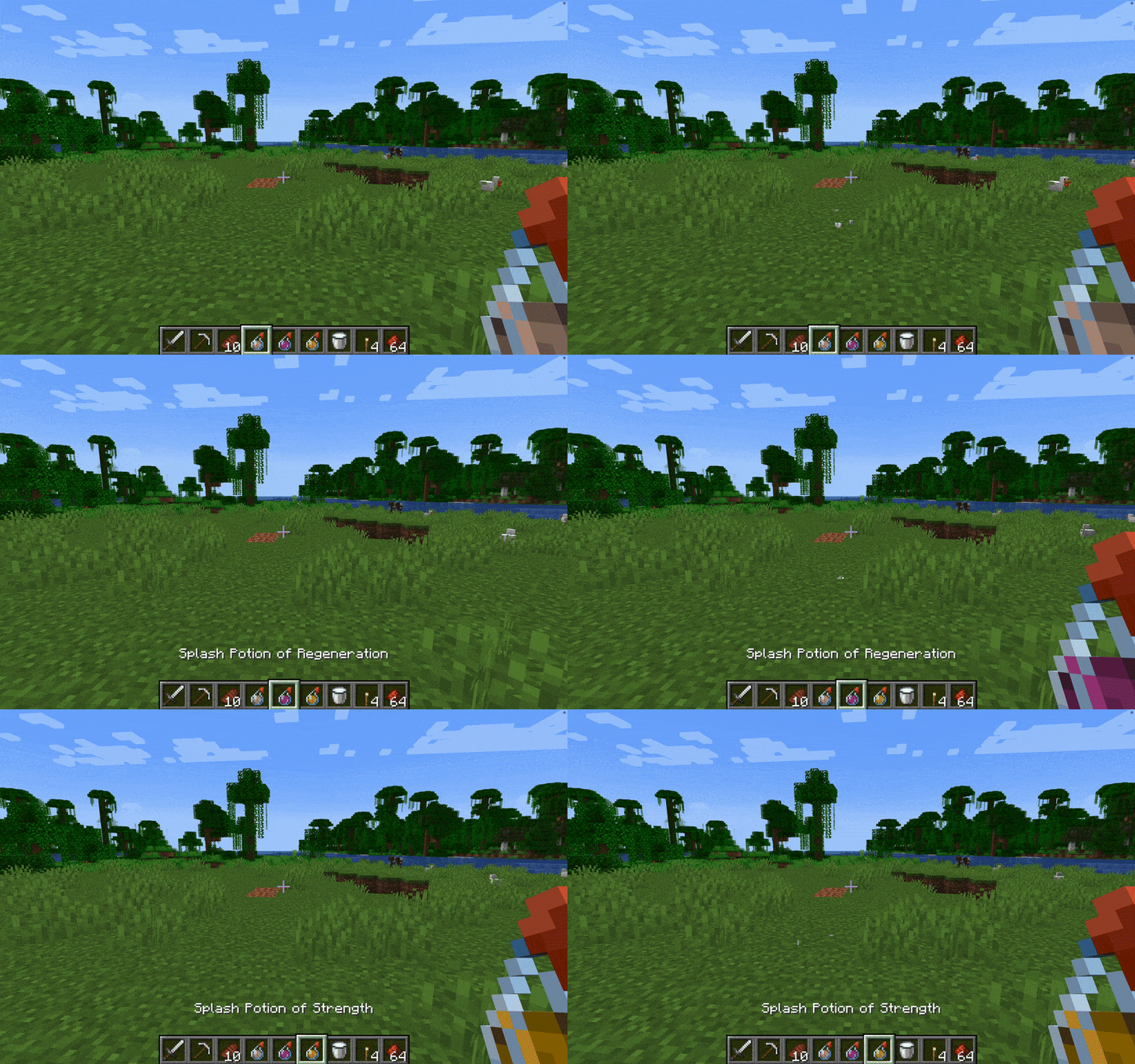
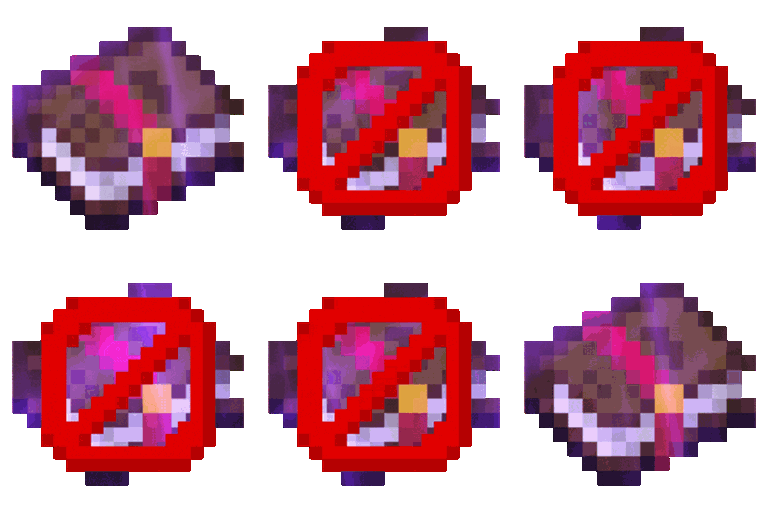
Example:


Clean up your game interface with No Potion Particles and enjoy a more immersive Minecraft experience!

Join Now

Choose No Potion Particles for a cleaner and more streamlined gaming environment, optimizing your visual experience and enhancing performance where it counts.

Credits: You are free to use No Potion Particles in your modpacks.

No Potion Particles.zip
MC 1.7.6, 1.16-Snapshot, 1.17.1, 1.9.1, 1.16.3, 1.13.1, 1.9.3, 1.8.7, 1.7.4, 1.7.7, 1.19.3, 1.20.2, 1.21.2-Snapshot, 1.21, 1.15-Snapshot, 1.7.5, 1.6.1, 1.16.1, 1.18.1
Release 2025-01-15 Get

Requirements & install

How to use this resource pack in Minecraft
Resolution
16x
Minecraft
1.16.1 – 1.21.2-Snapshot
Install folder
.minecraft/resourcepacks

How to install resource packs

  1. Download the resource pack .zip file (do not extract it).
  2. In Minecraft open Options → Resource Packs → Open Pack Folder.
  3. Drop the .zip into the resourcepacks folder (.minecraft/resourcepacks).
  4. Move the pack to the Selected column and click Done.
Browse more: 16x resource packs 32x resource packs 64x resource packs 128x resource packs 256x resource packs 512x+ resource packs Resource Packs for 1.21.2-Snapshot All resource packs

More from dihogenn

Advertisement Remove ads with Premium →

You Might Also Like