Mineuniverse
Resource Packs
Classic+ Elytra - Better Wings

Classic+ Elytra - Better Wings

RESOURCE PACK
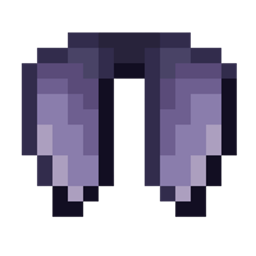
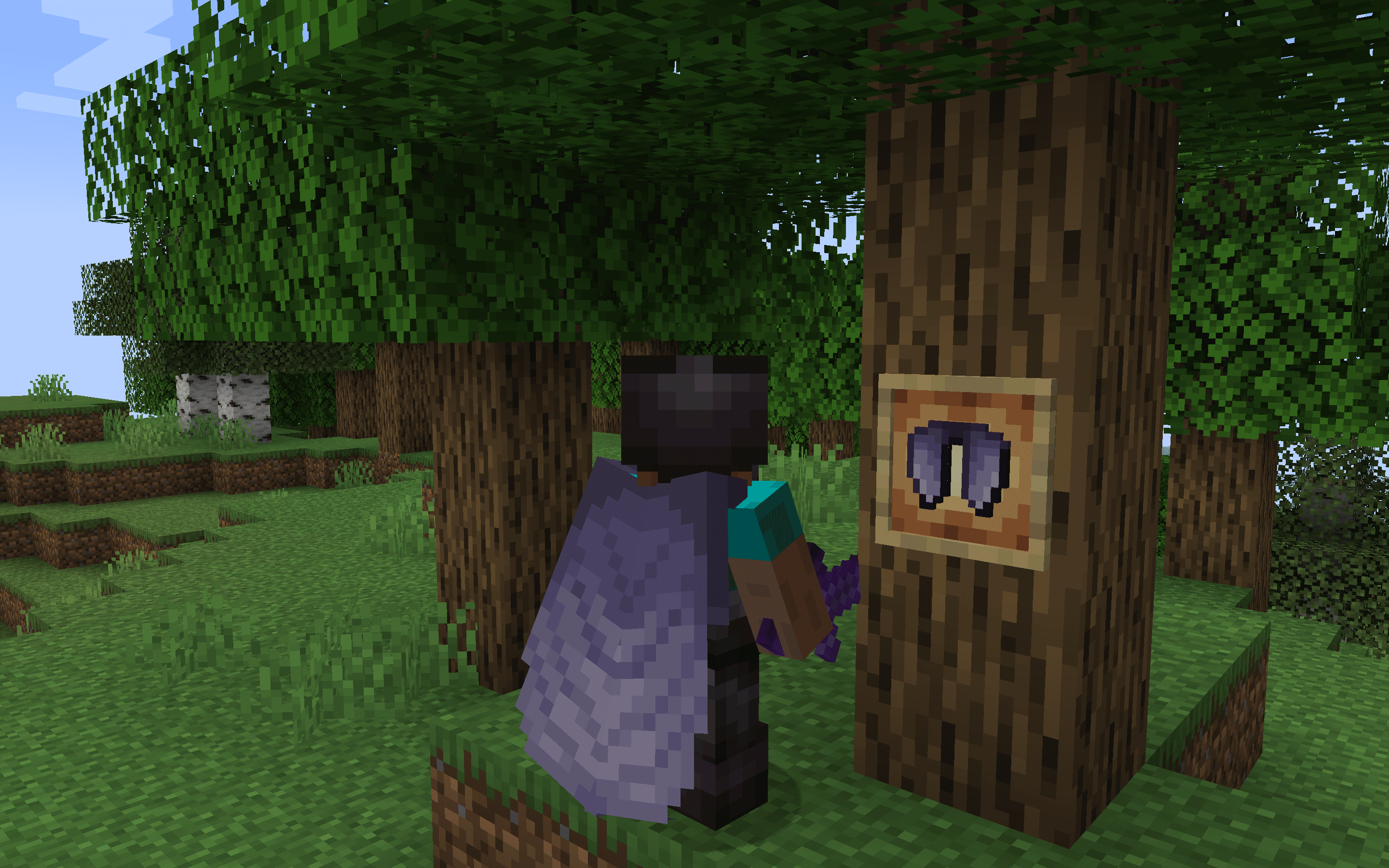
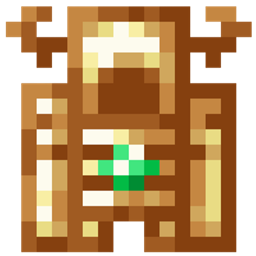
The Vanilla+ Elytra resource pack offers a subtle yet stylish upgrade to Minecraft's traditional Elytra wings, enhancing the original design with refined details and textures.
by dihogenn
Download Claim this project
59,595 downloads
0 likes
Updated Oct 14, 2026
0 hypes
16x Miscellaneous Modern Traditional
Advertisement Remove ads with Premium →

Enhanced Classics: Vanilla+ Elytra


Subtle Refinement for Your Adventures

The Vanilla+ Elytra resource pack subtly enhances the classic Elytra wings in Minecraft, adding refined details and textures that complement the original game design. Perfect for players who appreciate the vanilla aesthetic but desire a slight upgrade for a fresher look. This pack maintains the game's original charm while introducing enhancements that make your flights visually more appealing and distinctly stylish.

Download Vanilla+ Elytra Resource Pack


Features Include:

  • Elegant Design: Features a sophisticated enhancement of the classic Elytra design, with improved textures and a sleek appearance.
  • Complements Vanilla Aesthetic: Perfectly aligns with the existing Minecraft environment, enhancing without overpowering the original game elements.
  • Universal Compatibility: Works seamlessly with all versions of Minecraft and integrates smoothly with other mods or resource packs, facilitating easy installation and use.

Upgrade your visual experience with the Vanilla+ Elytra, bringing a touch of refinement to your Minecraft adventures!


Join Now


Vanilla+ Elytra.zip
MC 1.17.1, 1.9.1, 1.16.3, 1.13.1, 1.9.3, 1.19.3, 1.20.2, 1.21, 1.16.1, 1.18.1, 1.20.5, 1.21.5, 1.9.4, 1.9.2, 1.14.4, 1.14.1, 1.12.1, 1.17, 1.12, 1.14.3, 1.15, 1.16, 1.13
Release 2025-01-28 Get

Requirements & install

How to use this resource pack in Minecraft
Resolution
16x
Minecraft
1.17 – 1.21.5
Install folder
.minecraft/resourcepacks

How to install resource packs

  1. Download the resource pack .zip file (do not extract it).
  2. In Minecraft open Options → Resource Packs → Open Pack Folder.
  3. Drop the .zip into the resourcepacks folder (.minecraft/resourcepacks).
  4. Move the pack to the Selected column and click Done.
Browse more: 16x resource packs 32x resource packs 64x resource packs 128x resource packs 256x resource packs 512x+ resource packs Resource Packs for 1.21.5 All resource packs

More from dihogenn

Advertisement Remove ads with Premium →

You Might Also Like