Mineuniverse
Resource Packs
Ultimate Smooth FPS Booster

Ultimate Smooth FPS Booster

RESOURCE PACK
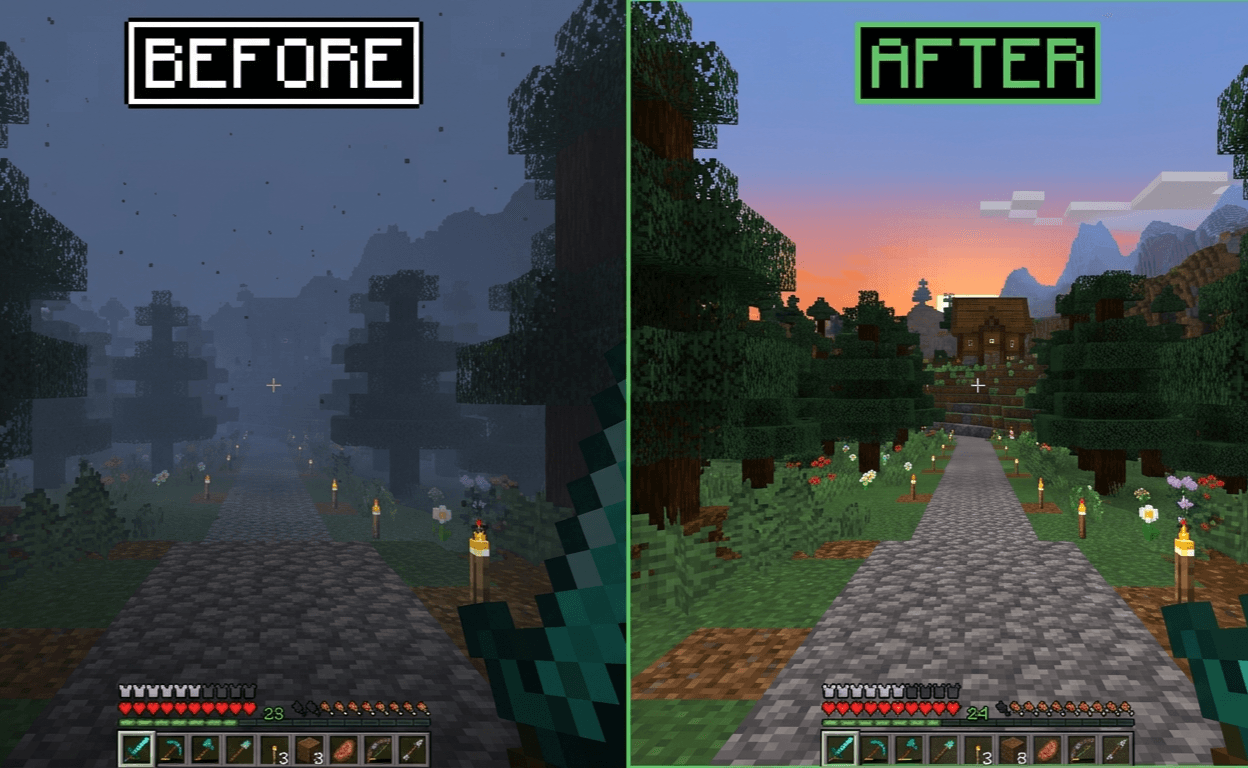
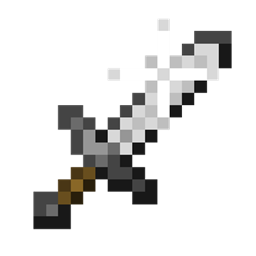
Lightweight PvP texture pack that improves visibility and provides a smoother gameplay experience.
by Own_Studio
Download Claim this project
Add a badge to your pageLink to Ultimate Smooth FPS Booster from a README, website or forum post.
Preview: Badge

Badges update automatically and link to the resource pack page on MineUniverse.

900 downloads
0 likes
0 followers
Updated Oct 14, 2026
0 hypes
Follow0
Data Packs Miscellaneous
Advertisement Remove ads with Premium →

⚔️ Smooth PvP Pack

Enhance your PvP experience with smoother visuals and clearer gameplay.

Smooth PvP Pack is a lightweight texture pack designed to improve visibility and reduce visual clutter during combat. It helps players focus better in fights by simplifying effects and keeping the screen clean.

✨ Features

  • 👁️ Clear and simple visuals for better PvP focus
  • ⚡ Reduced unnecessary particles
  • 🎯 Improved visibility in combat situations
  • 📱 Lightweight and performance-friendly
  • 🎮 Smooth gameplay experience

🎯 Why use this pack?

This pack is ideal for players who want a cleaner PvP experience without changing the core look of the game. It helps you react faster and play more consistently in battles.


Server.pro

own

Server.pro

Looking for reliable game hosting & domains?

🎮 Host your favorite games
🌐 Servers + Domains
⚡ Fast & Reliable Hosting
🛠️ Easy Server Management
💙 Perfect for Gaming Communities

LINKS

👉 Start hosting with Server.pro today!

📩 Contact Us:

CurseForge Profile Join Discord Own Studio on Modrinth
Smooth PvP Pack 1.20-26.1.zip
MC 1.21, 1.20.2, 1.21.8, 1.20.5, 1.21.5, 1.21.4, 1.20.1, 1.20, 1.20.6, 1.21.1, 1.21.6, 1.21.3, 1.21.7, 1.20.4, 1.20.3, 1.21.2, 1.21.9, 1.21.10, 1.21.11, 26.1, 26.1.1, 26.1.2
Release 2026-08-26 Get

Requirements & install

How to use this resource pack in Minecraft
Resolution
Not specified
Minecraft
1.21.7 – 26.1.2
Install folder
.minecraft/resourcepacks

How to install resource packs

  1. Download the resource pack .zip file (do not extract it).
  2. In Minecraft open Options → Resource Packs → Open Pack Folder.
  3. Drop the .zip into the resourcepacks folder (.minecraft/resourcepacks).
  4. Move the pack to the Selected column and click Done.
Browse more: 16x resource packs 32x resource packs 64x resource packs 128x resource packs 256x resource packs 512x+ resource packs Resource Packs for 26.1.2 All resource packs

More from Own_Studio

Advertisement Remove ads with Premium →

You Might Also Like