Mineuniverse
Resource Packs
True Nitwit Texture

True Nitwit Texture

RESOURCE PACK
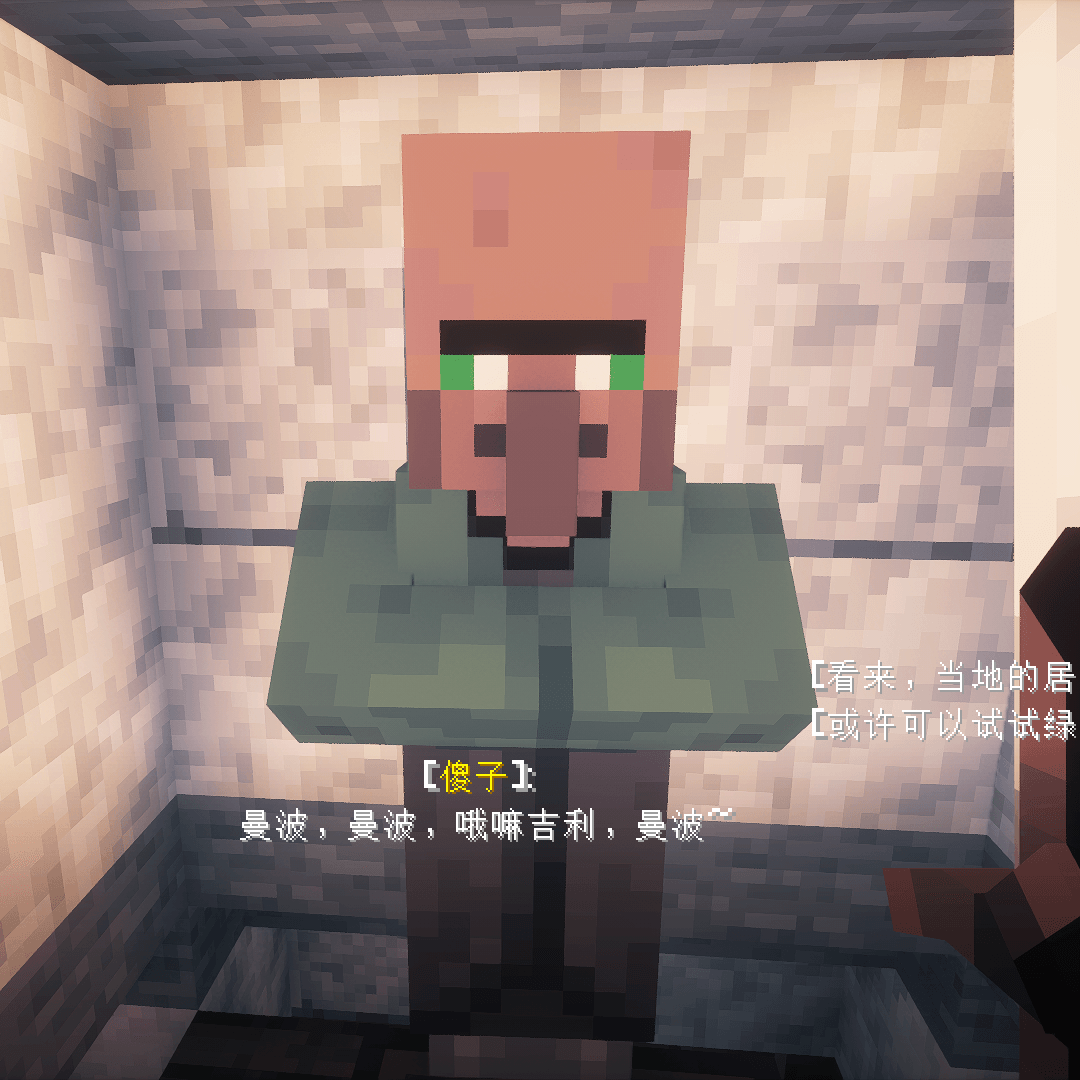
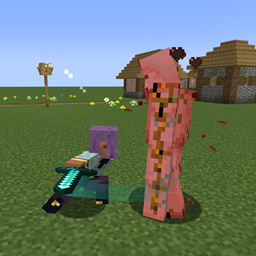
Make the texture of the nitwit looks more wised.
by P1nero
Download Claim this project
1,546,547 downloads
0 likes
0 followers
Updated Oct 14, 2026
0 hypes
Follow0
64x
Advertisement Remove ads with Premium →

Wise Green Robe Elder - Texture Pack

Description


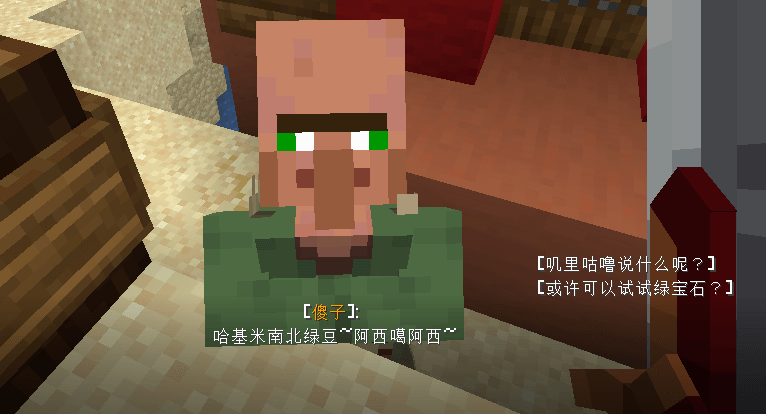
Tired of the Nitwit villager's vacant stare and aimless wandering, despite its majestic green robe? This texture pack solves that identity crisis!

In the Chinese Minecraft community, Nitwits are respectfully called "绿袍尊者" (Green Robe Elder). However, their behavior hardly matches this dignified title. I've given this special villager a visual upgrade to make them look as wise as their name suggests!

What's Changed

  • Visual Enhancement: Completely redesigned the Nitwit villager's texture
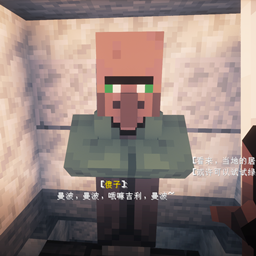
  • Wiser Appearance: Added more intelligent facial expressions and refined the green robe
  • Lore-Friendly: Maintains the original green color scheme while elevating their presence
  • Behavior Note: This only changes appearance, not AI behavior - they'll still wander and refuse to trade, because true wisdom cannot be rushed!

Perfect For

  • Adding a sage-like presence to your villages
  • Roleplay servers needing wise elder characters
  • Making your village feel more authentic with a respected "Green Robe Elder"
  • When you want your Nitwits to look like they're contemplating deep mysteries rather than just being lazy

Installation

  1. Download the texture pack
  2. Place it in your resourcepacks folder
  3. Activate it in-game
  4. Find a Nitwit villager and witness their transformation!

"My villagers now have a wise elder who looks like he could teach me ancient secrets!" - Satisfied User

"Finally, the Green Robe Elder looks the part! Even if he still won't work…" - Village Enthusiast

true_nitwit_texture.zip
MC 1.16-Snapshot, 1.17.1, 1.16.3, 1.19.3, 1.20.2, 1.21.2-Snapshot, 1.21, 1.21.6-snapshot, 1.15-Snapshot, 1.16.1, 1.18.1, 1.19.4-Snapshot, 1.20.5, 1.21.5, 1.14.4, 1.14.1, 1.17
Release 2025-11-01 Get

Requirements & install

How to use this resource pack in Minecraft
Resolution
64x
Minecraft
1.19.3 – 1.21.6-snapshot
Install folder
.minecraft/resourcepacks

How to install resource packs

  1. Download the resource pack .zip file (do not extract it).
  2. In Minecraft open Options → Resource Packs → Open Pack Folder.
  3. Drop the .zip into the resourcepacks folder (.minecraft/resourcepacks).
  4. Move the pack to the Selected column and click Done.
Browse more: 16x resource packs 32x resource packs 64x resource packs 128x resource packs 256x resource packs 512x+ resource packs Resource Packs for 1.21.6-snapshot All resource packs

More from P1nero

Advertisement Remove ads with Premium →

You Might Also Like