Badges update automatically and link to the resource pack page on MineUniverse.

Traveler's Dream resource pack is made for Open Terrain Generator presets called Traveler's Dream and Thaumic Traveler's Dream.
You can find all needed information on TD main page here:
You will need Optifine (MCPatcher may work,but I'm not sure about it, I prefer Optifine) for the resource pack to function.
Download Optifine:
Traveler's Dream resource pack changes:
v1.1
colors of sand and stone in some mountainous East biomes
v1.0
colors of sand and stone(vanilla ores too) in Cold Zone to resemble black volcanic stone and sands of Iceland;
color of sand in Jungle Zone, to make it reddish;
colors of sand and stone in Sunflower biome and it's hills-Yellow Rock, to make them look more like dark limestone;
colors of sand and stone in Barren Lands biome, to give them more "post-apocalyptic" look;
jungle leaves texture, to make it lighter and more convenient for bright coloring.
Here you can see resource pack in action, comparsion with vanilla textures, and how it works with other resource pack installed:
East Sacura Field biome with resource pack:

and without resource pack (colors are much more gray):

Cold Plains and Cold Highland biomes with black sand and stone:

Cold Volcano Valley with black sand and stone:

Jungle Extreme Hills with reddish sand:

Barren Lands with changed stone and sand colors:

Cold Mountains Biome with Invictus 4.3.1 and Traveler's Dream resource pack together:
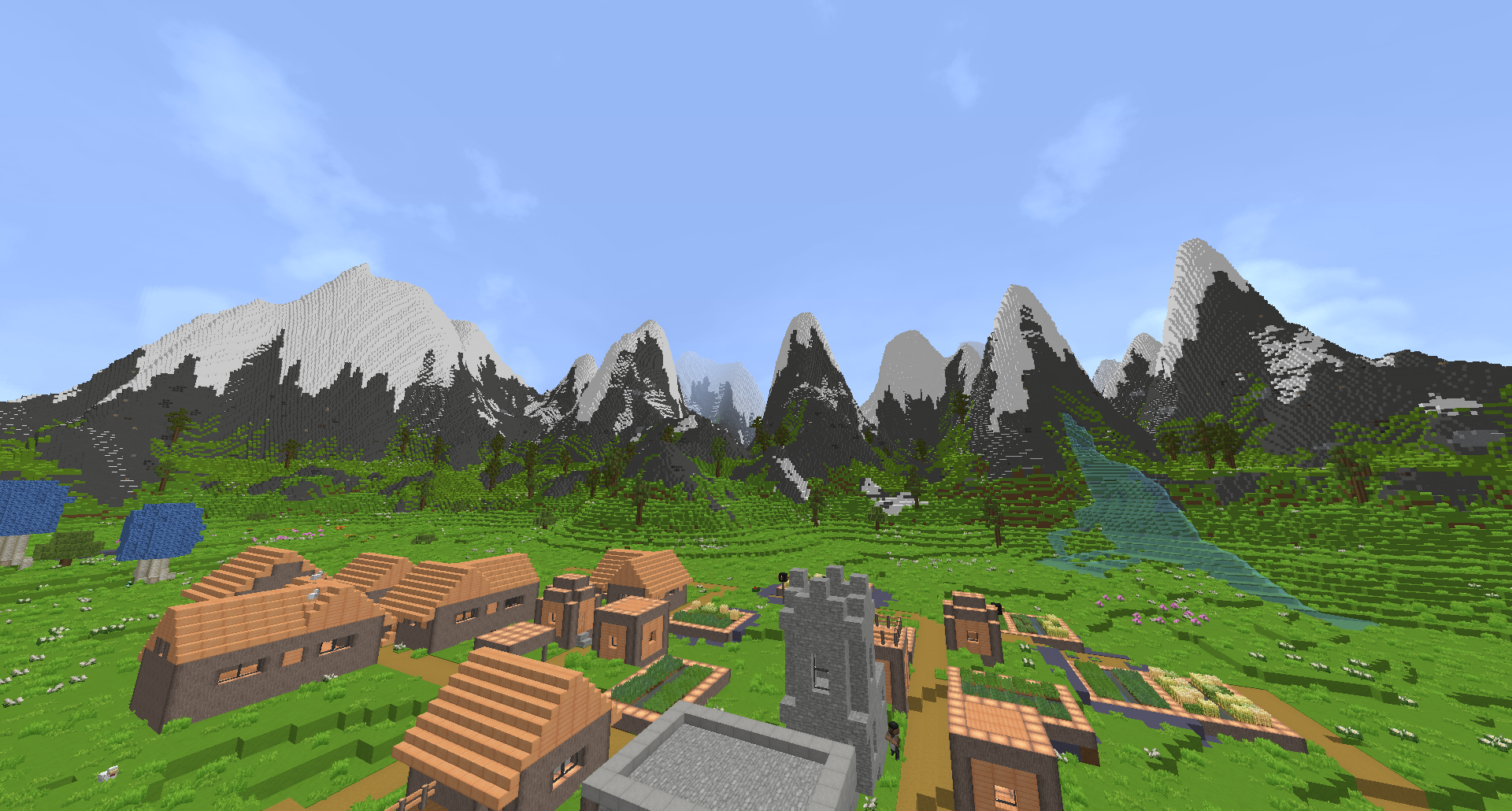
Other stuff used for screenshots:
Thaumcraft;
Optifine;
shaders: Seus Renewed 1.0.0.