Stennos Dark Mode
Resource Pack for Minecraft: Java Edition
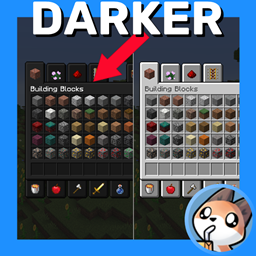
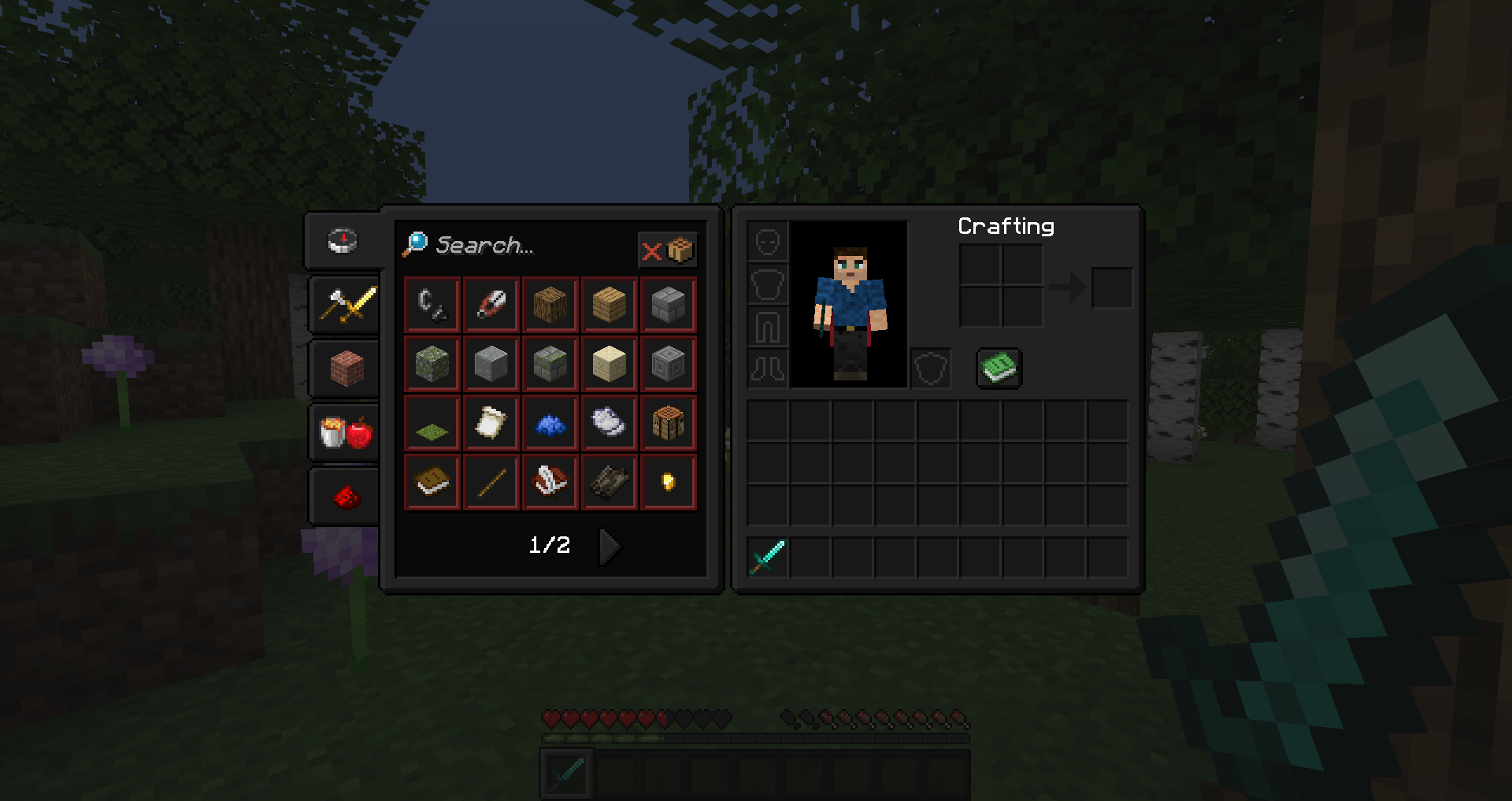
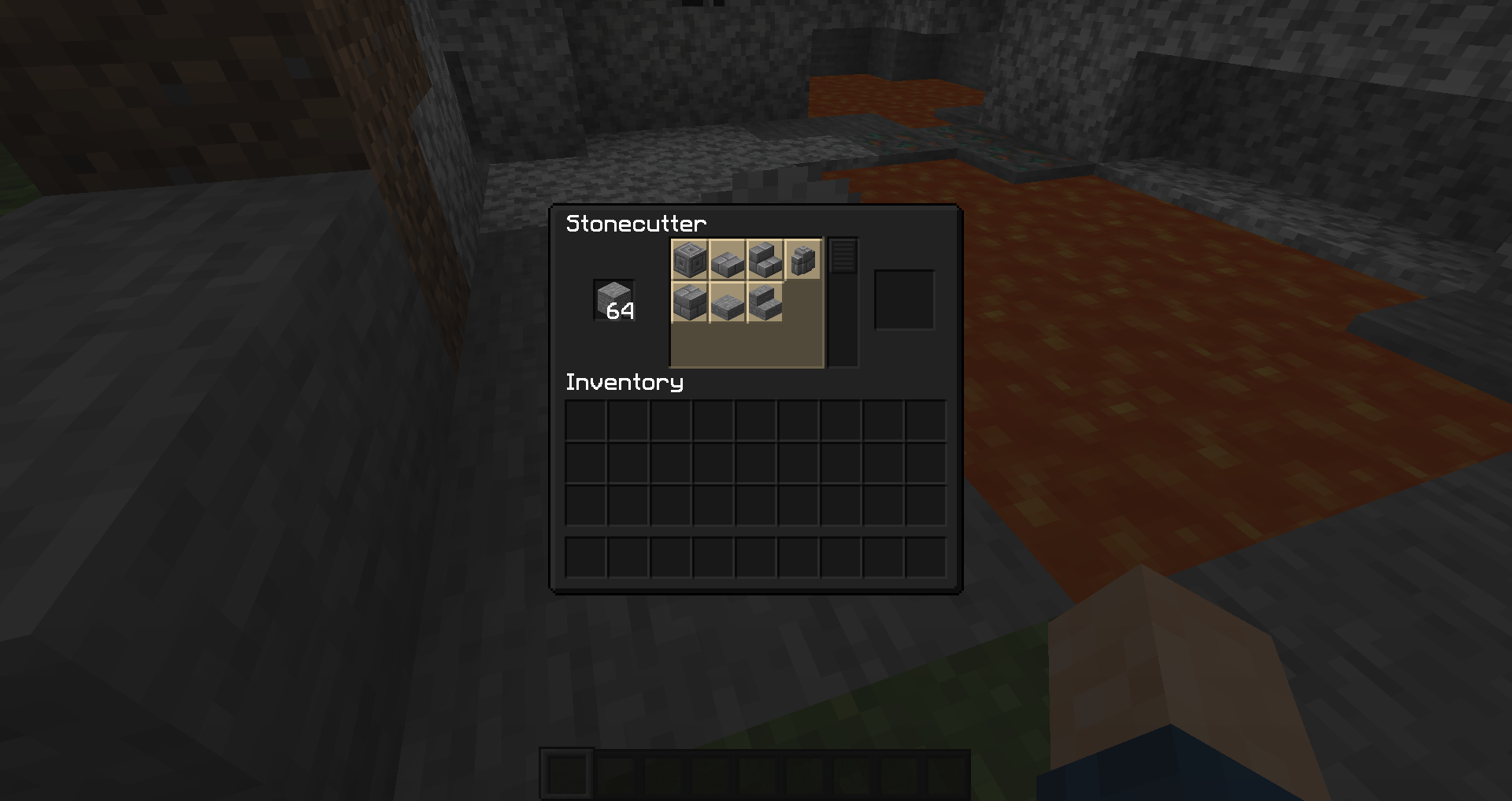
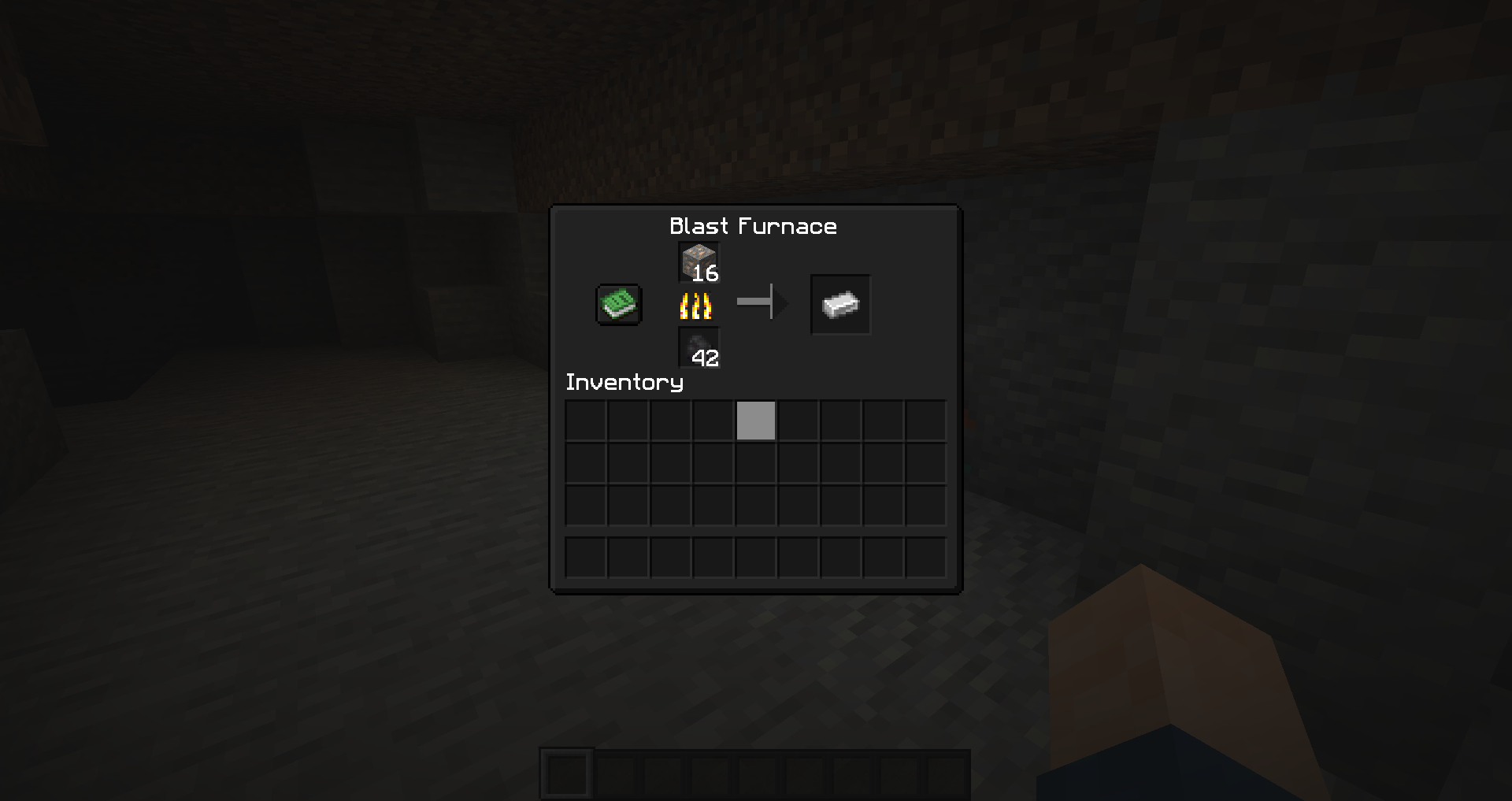
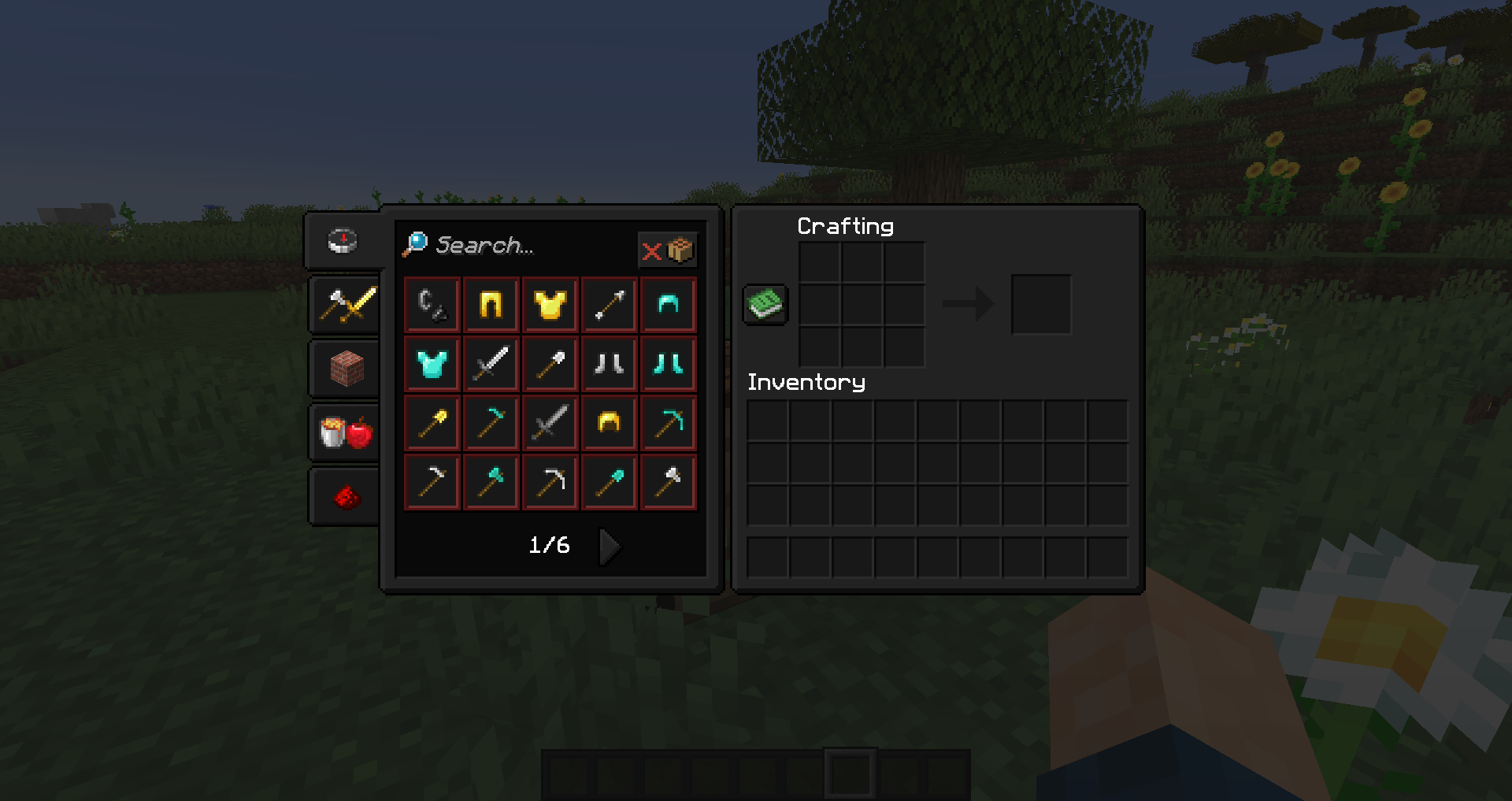
A simple Dark Mode / Dark Theme Resource Pack, that only modifies Vanilla Textures
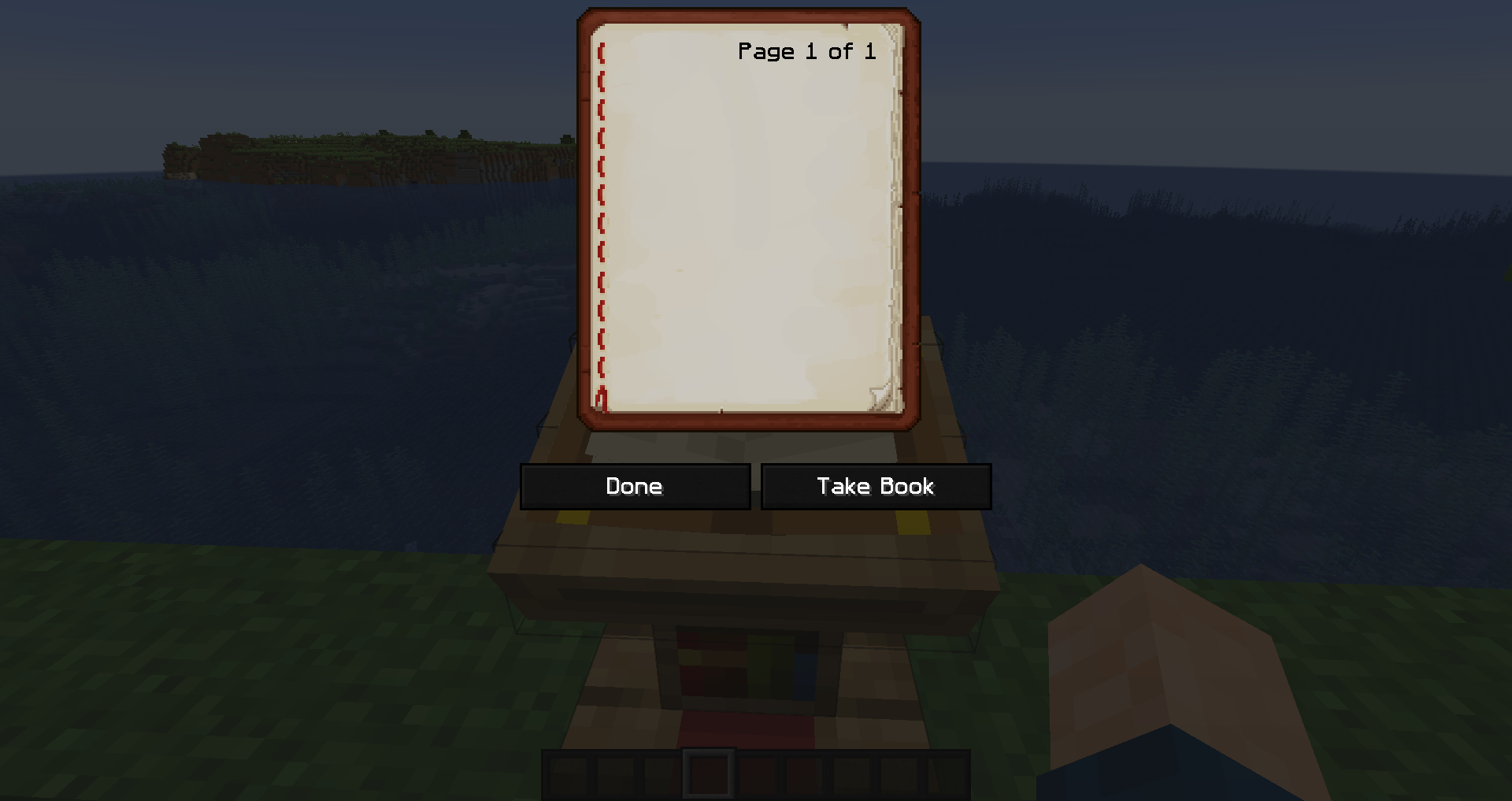
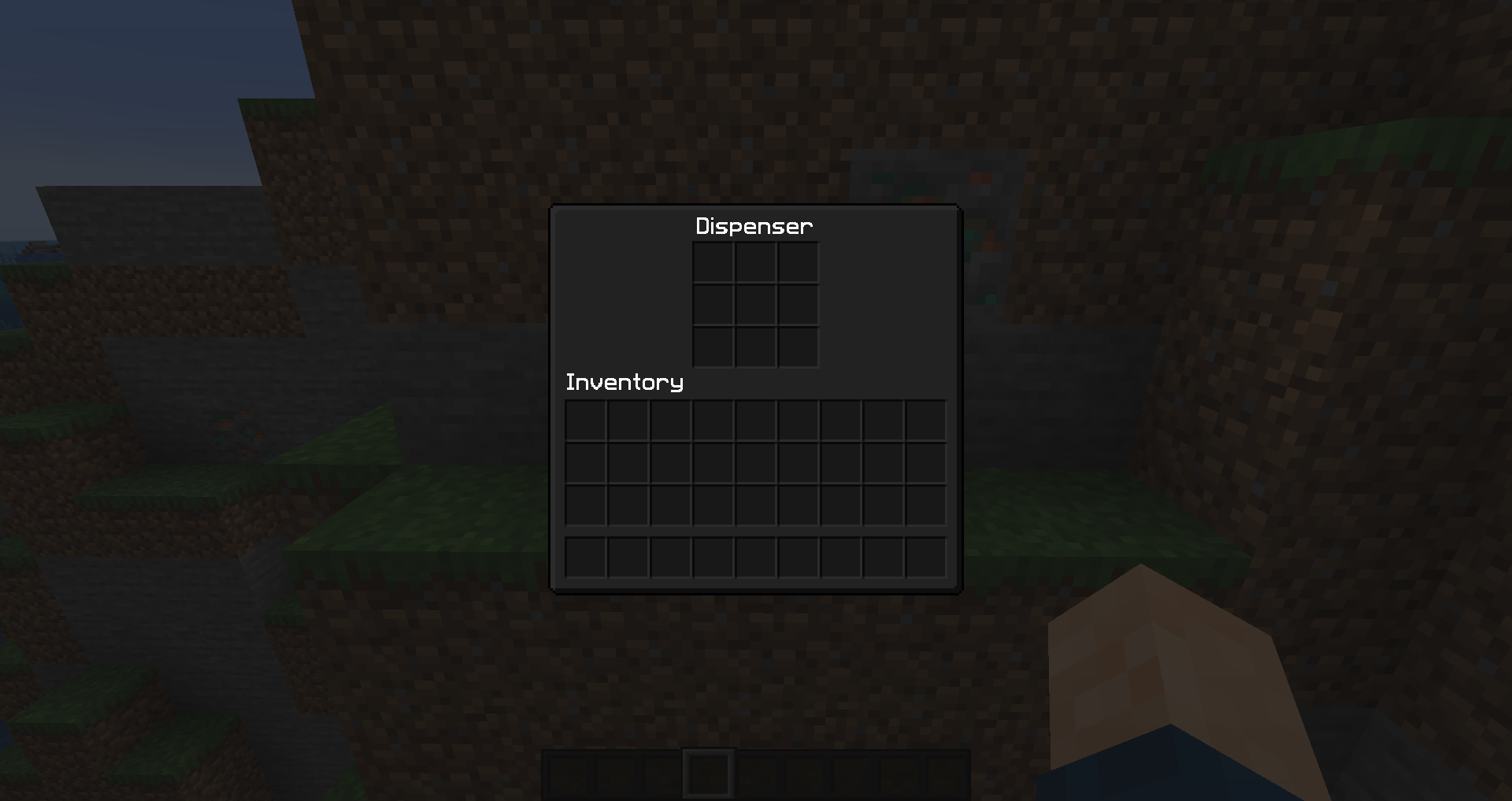
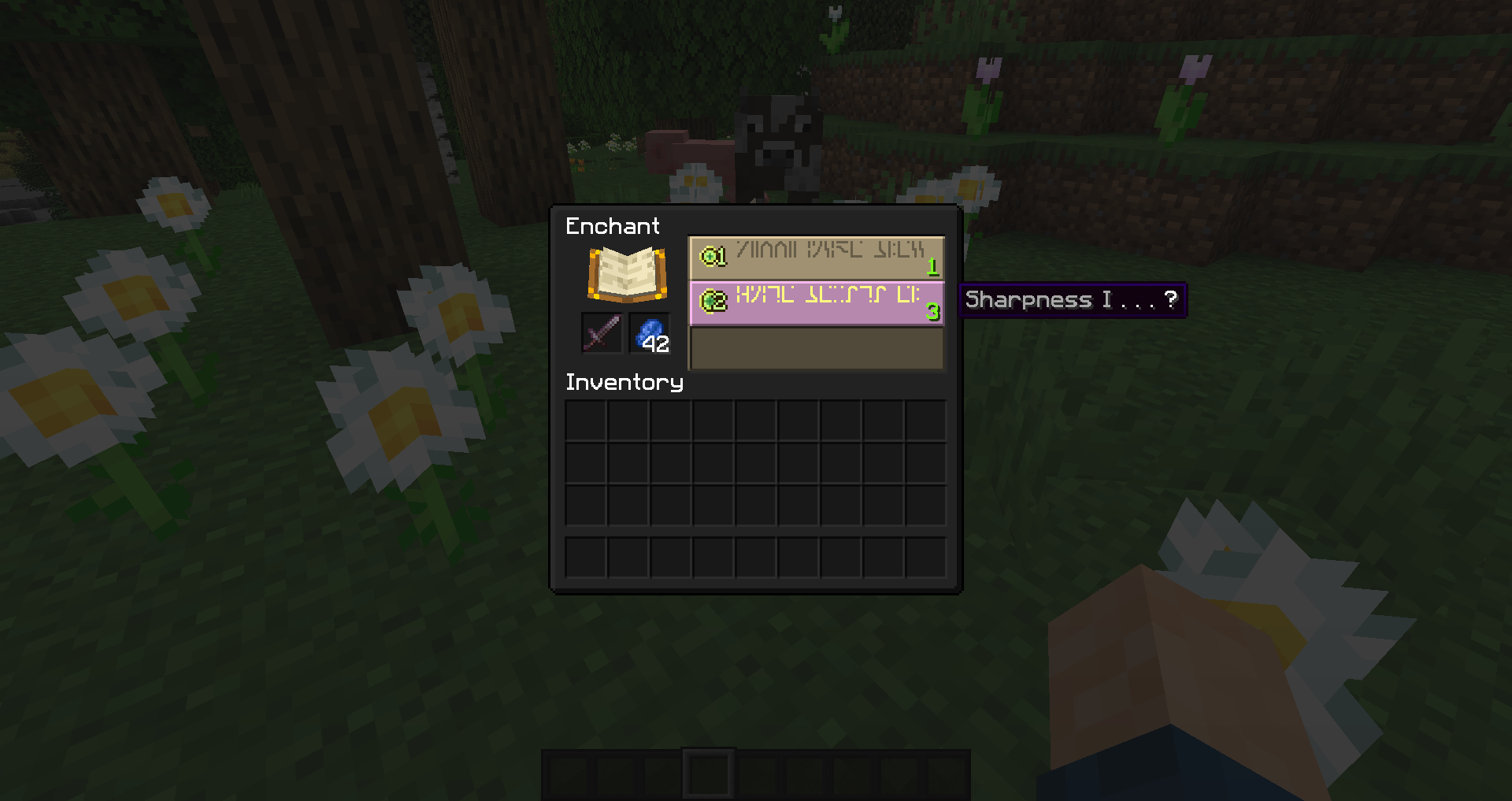
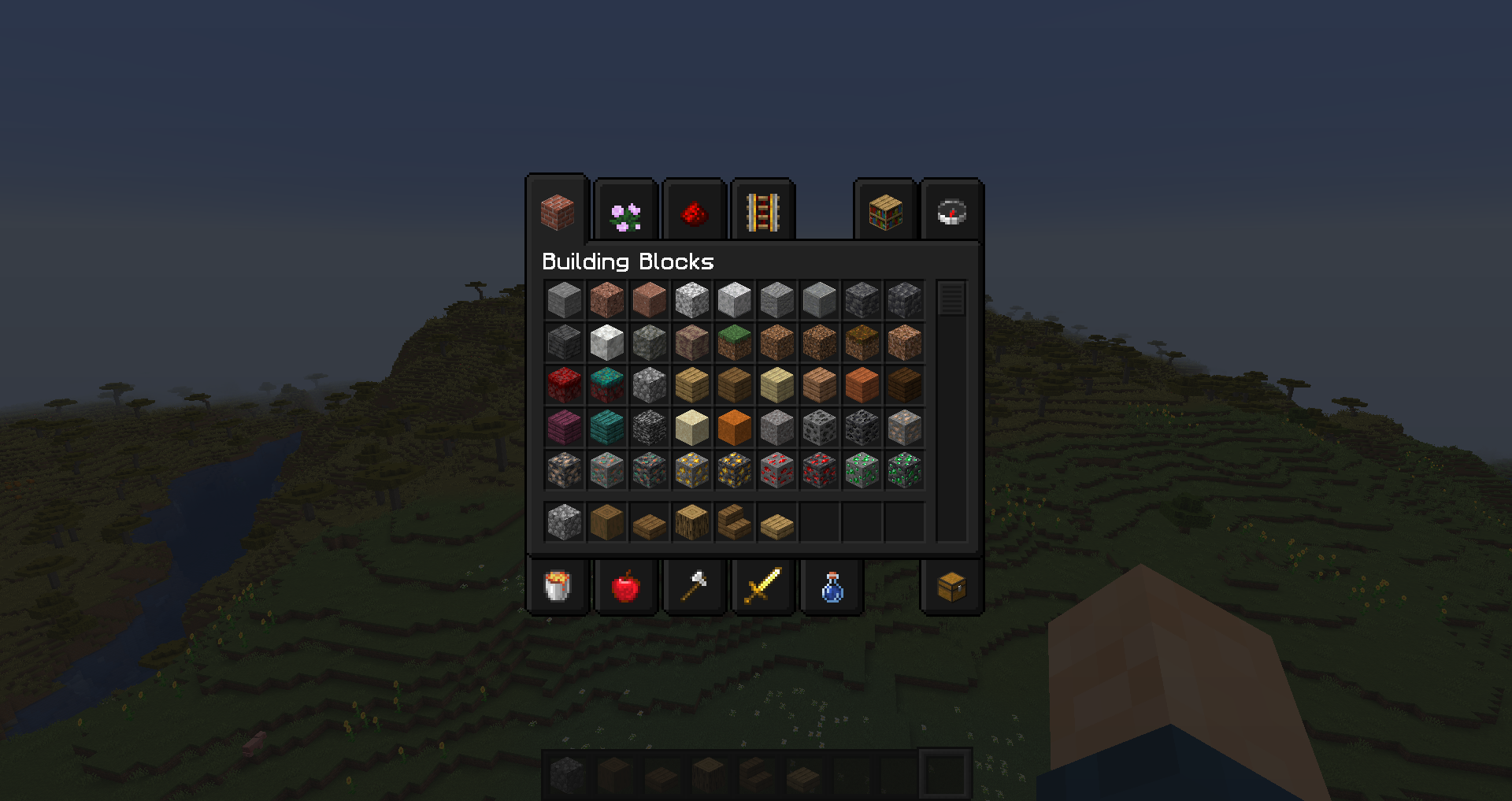
Inventory Textures and backgrounds are darker, with brighter text
Initially designed for use in Streams & YouTube videos by Stennos and his nighttime viewers

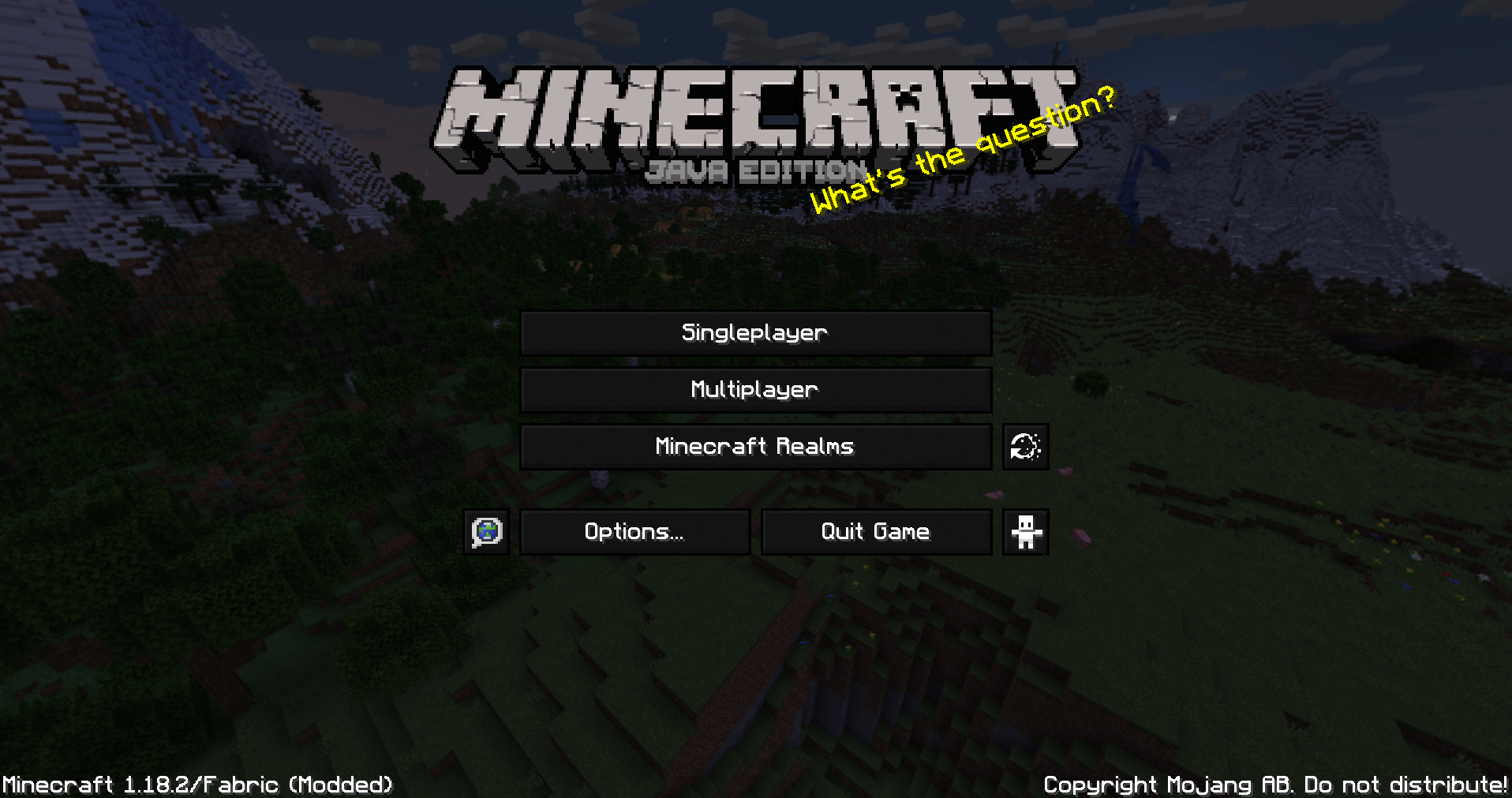
Dark Loading Screen:
Settings > Accessibility > Monochrome Logo
How To Install:
Download > Launch Minecraft: Java Edition > Resource Packs Menu > Open Resource Packs Folder > Copy Resource Pack Downloaded Zip file here > Resource Packs Game Menu > Click Arrow to move “Stennos Dark Mode” to the right side
FAQ:
Is Optifine Needed?
No, this pack works on it’s own, now that we have Monochrome Logo loading screens. Thanks Mojang.
What Languages Are Supported in Bright White Font?
Only the en_us file is included, as I made this for myself and my community. If you really want another language file edited, please let me know and I’ll put it on my to-do list. No guarantees, but it might get done. All other languages should work fine, but will be the default light grey
Mod Support?
I do not play modded, and do not currently plan to add support for mods
Can I Leave Feedback?
Yes, in the comments below, or you can chat with me directly when I’m live on Twitch
Do You Have Other Packs?
Yes I do! You can find all of my public packs in my CurseForge Projects Page and always find them quickly at Stennos.com/packs
Can I Use Your Textures?
You can use these edited files, and edit them as well, just provide credit to “Stennos.com/packs” and do not put the pack behind a Pay Wall
License: CC BY-NC-SA 4.0
Screenshots: