Mineuniverse
Resource Packs
Squirming Silverfish (+ LITE version)

Squirming Silverfish (+ LITE version)

RESOURCE PACK
A simple resource pack that makes infested blocks squirm, hinting at presence of silverfish.
by GoldenHart
Download Claim this project
90 downloads
0 likes
Updated Oct 14, 2026
0 hypes
16x Animated
Advertisement Remove ads with Premium →

[Now with LITE version!] 

Ever wanted silverfish to be easier, but not too easy, to spot? 

Then try out this pack! The infested blocks look almost the same, but they have a subtle (or not so subtle) give away - the squirming mass of a silverfish that lay beneath your pickaxe. 

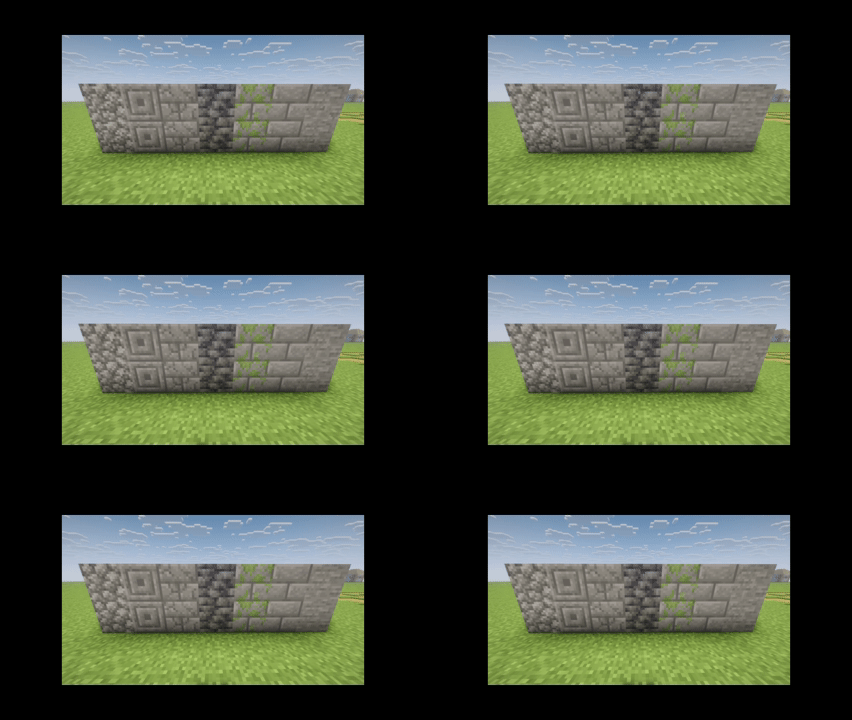
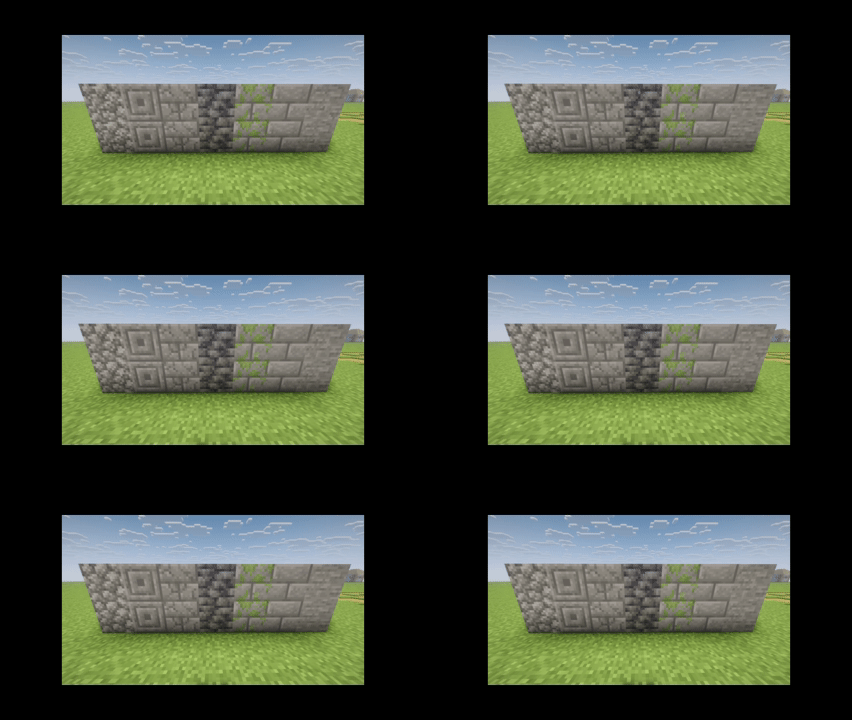
ORIGINAL VERSION:
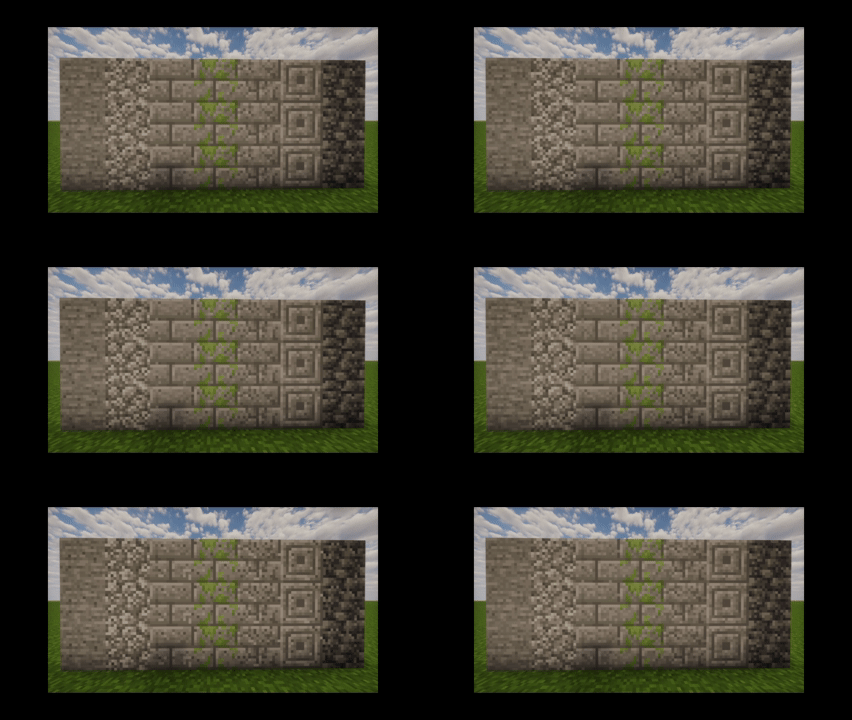
Squirm


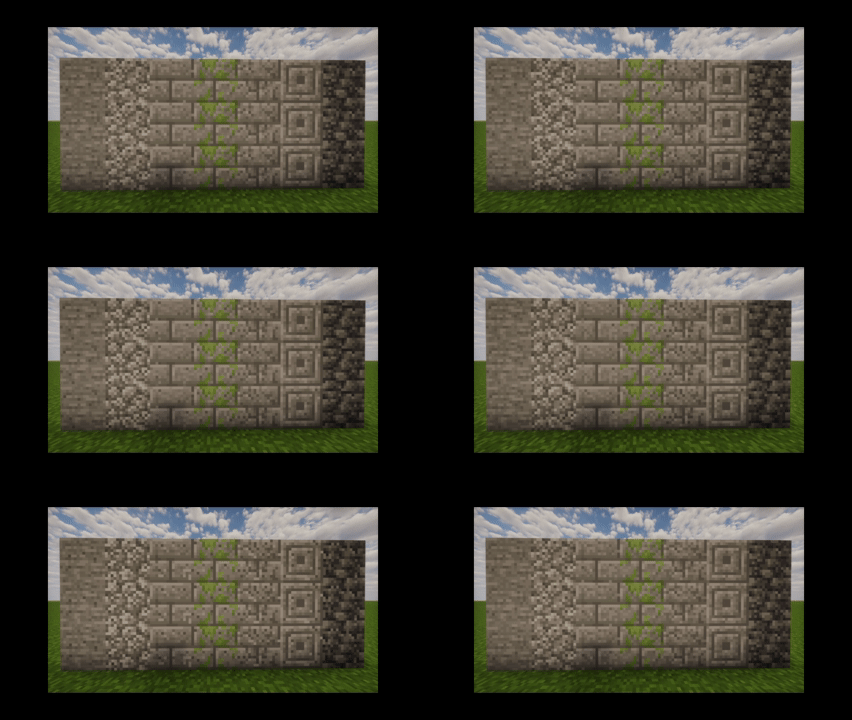
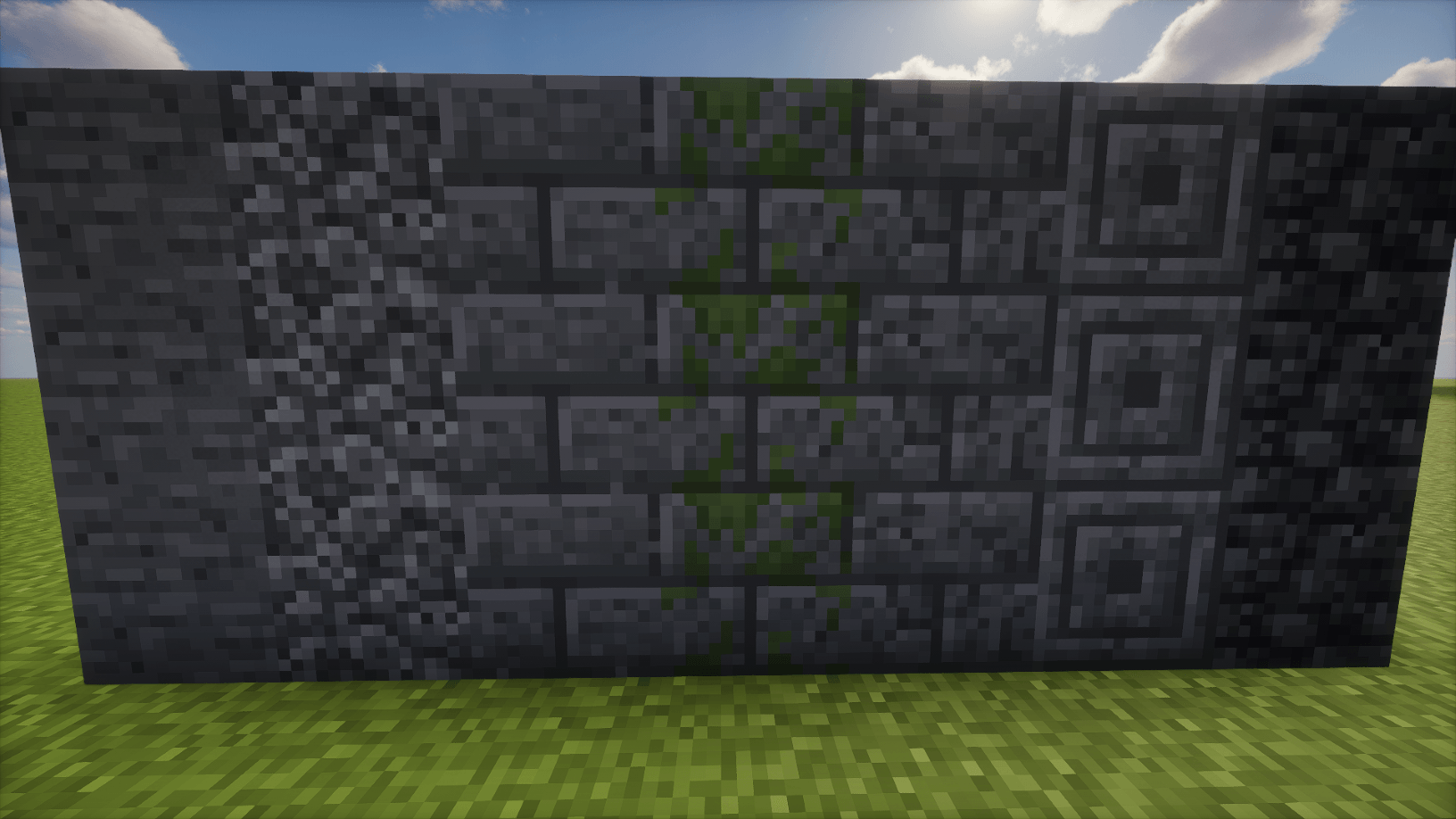
LITE VERSION: 

LITE

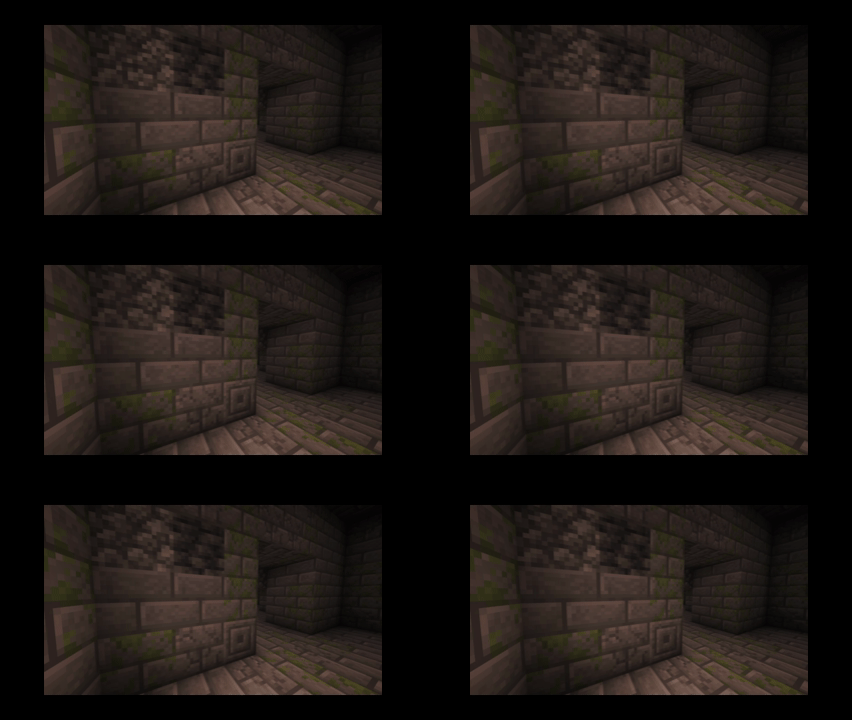
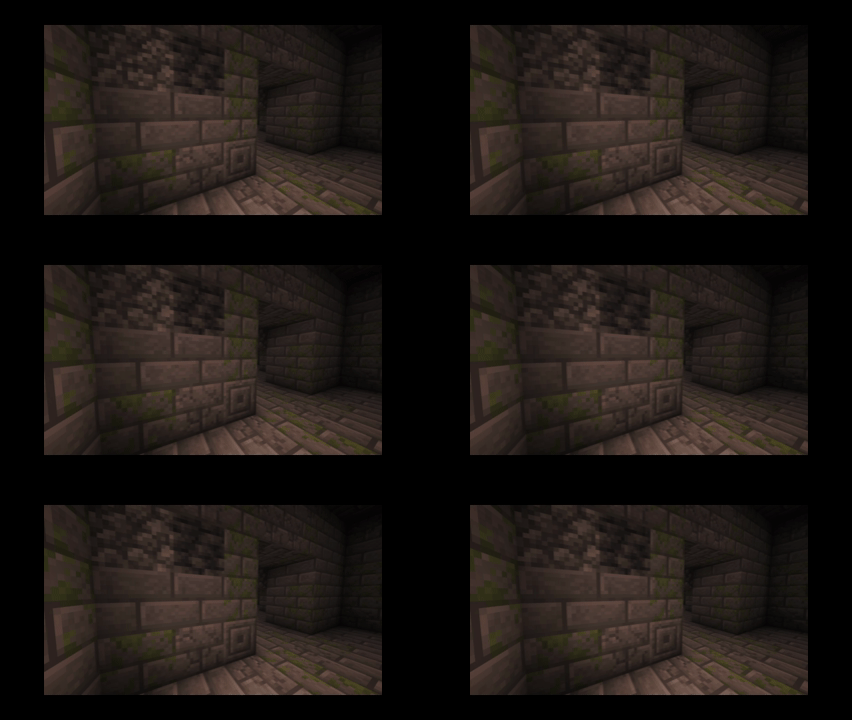
LITE VERSION (stronghold) 

LITE Stronghold

I may release another version, depending on feedback, or if more infested blocks get added in future updates. Otherwise, this is feature complete. 

1.12.2 support coming soon. (completely different names for infested blocks) 

SquirmingSilverfish LITE [1.13 - 26.3] (v1).zip
MC 1.16.3, 1.13.1, 1.17.1, 1.21, 1.16.1, 1.18.1, 1.14.3, 1.15, 1.16, 1.13, 1.16.5, 1.19.3, 1.20.2, 1.19.4, 1.21.8, 1.14.4, 1.14.1, 1.17, 1.20.5, 1.21.5, 1.18, 1.21.4, 1.20.1
Release 2026-09-29 Get
SquirmingSilverfish [1.13 - 26.3] (v2).zip
MC 1.16.3, 1.13.1, 1.17.1, 1.21, 1.16.1, 1.18.1, 1.14.3, 1.15, 1.16, 1.13, 1.16.5, 1.19.3, 1.20.2, 1.19.4, 1.21.8, 1.14.4, 1.14.1, 1.17, 1.20.5, 1.21.5, 1.18, 1.21.4, 1.20.1
Release 2026-09-29 Get
SquirmingSilverfish [1.13 - 26.3] (v1).zip
MC 1.16.3, 1.13.1, 1.17.1, 1.21, 1.16.1, 1.18.1, 1.14.3, 1.15, 1.16, 1.13, 1.16.5, 1.19.3, 1.20.2, 1.19.4, 1.21.8, 1.14.4, 1.14.1, 1.17, 1.20.5, 1.21.5, 1.18, 1.21.4, 1.20.1
Release 2026-09-26 Get

Requirements & install

How to use this resource pack in Minecraft
Resolution
16x
Minecraft
1.19.4 – 1.21.8
Install folder
.minecraft/resourcepacks

How to install resource packs

  1. Download the resource pack .zip file (do not extract it).
  2. In Minecraft open Options → Resource Packs → Open Pack Folder.
  3. Drop the .zip into the resourcepacks folder (.minecraft/resourcepacks).
  4. Move the pack to the Selected column and click Done.
Browse more: 16x resource packs 32x resource packs 64x resource packs 128x resource packs 256x resource packs 512x+ resource packs Resource Packs for 1.21.8 All resource packs

More from GoldenHart

Advertisement Remove ads with Premium →

You Might Also Like