Mineuniverse
Resource Packs
 Modern  Method Map (MMM) [1.7.2 - 26.3]

Modern Method Map (MMM) [1.7.2 - 26.3]

RESOURCE PACK
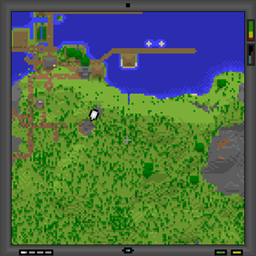
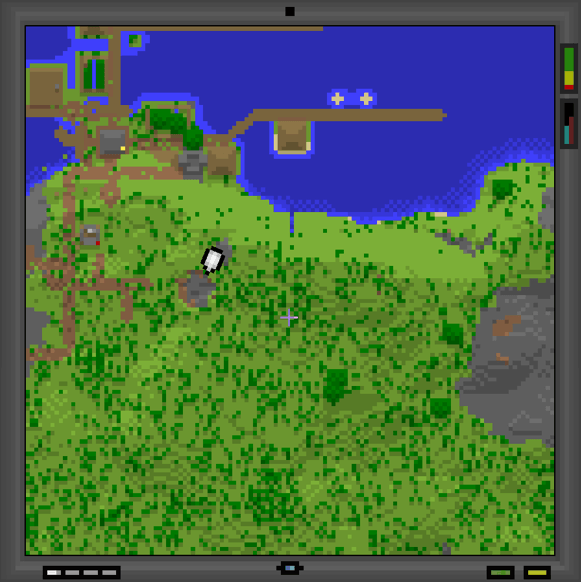
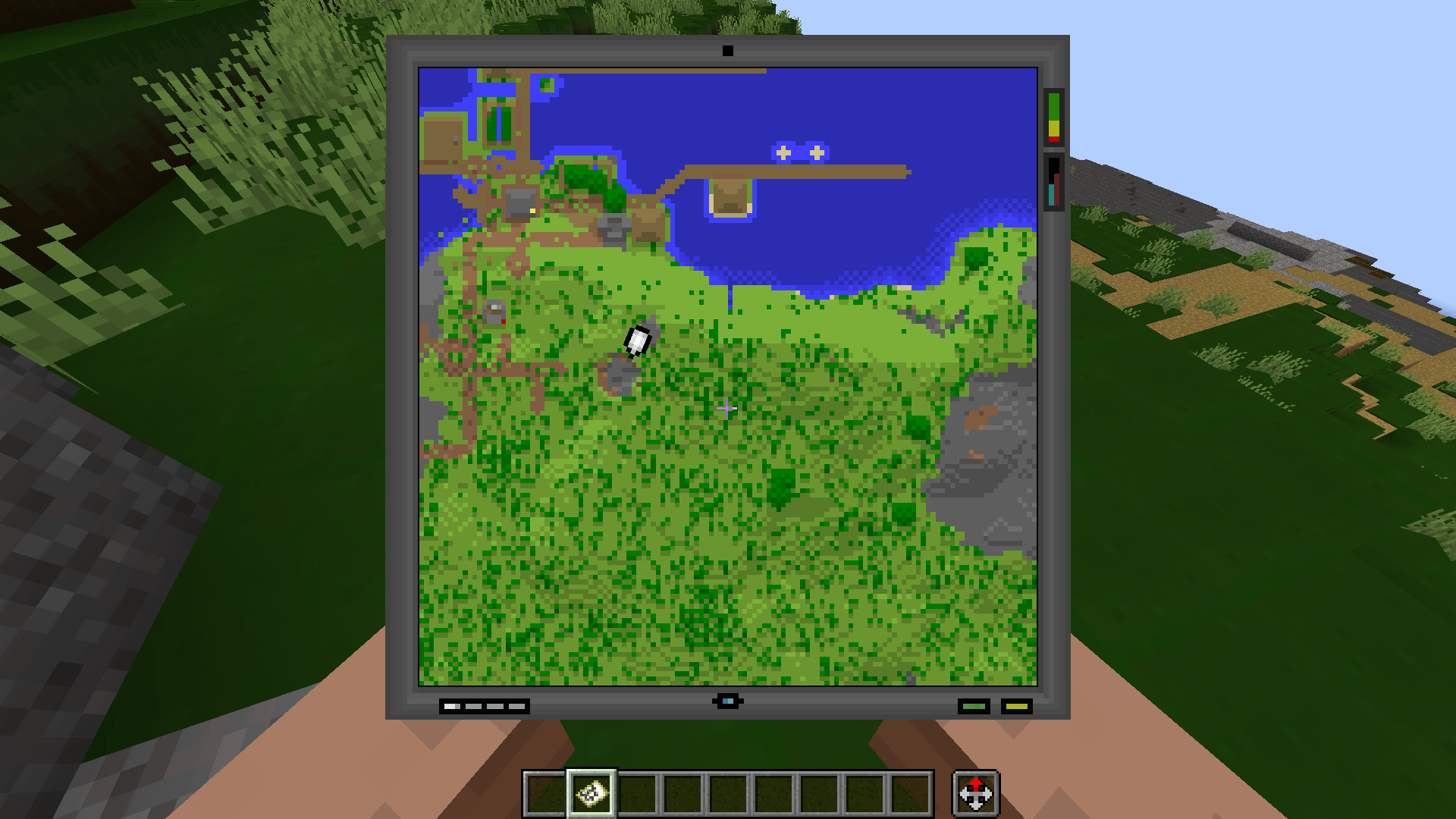
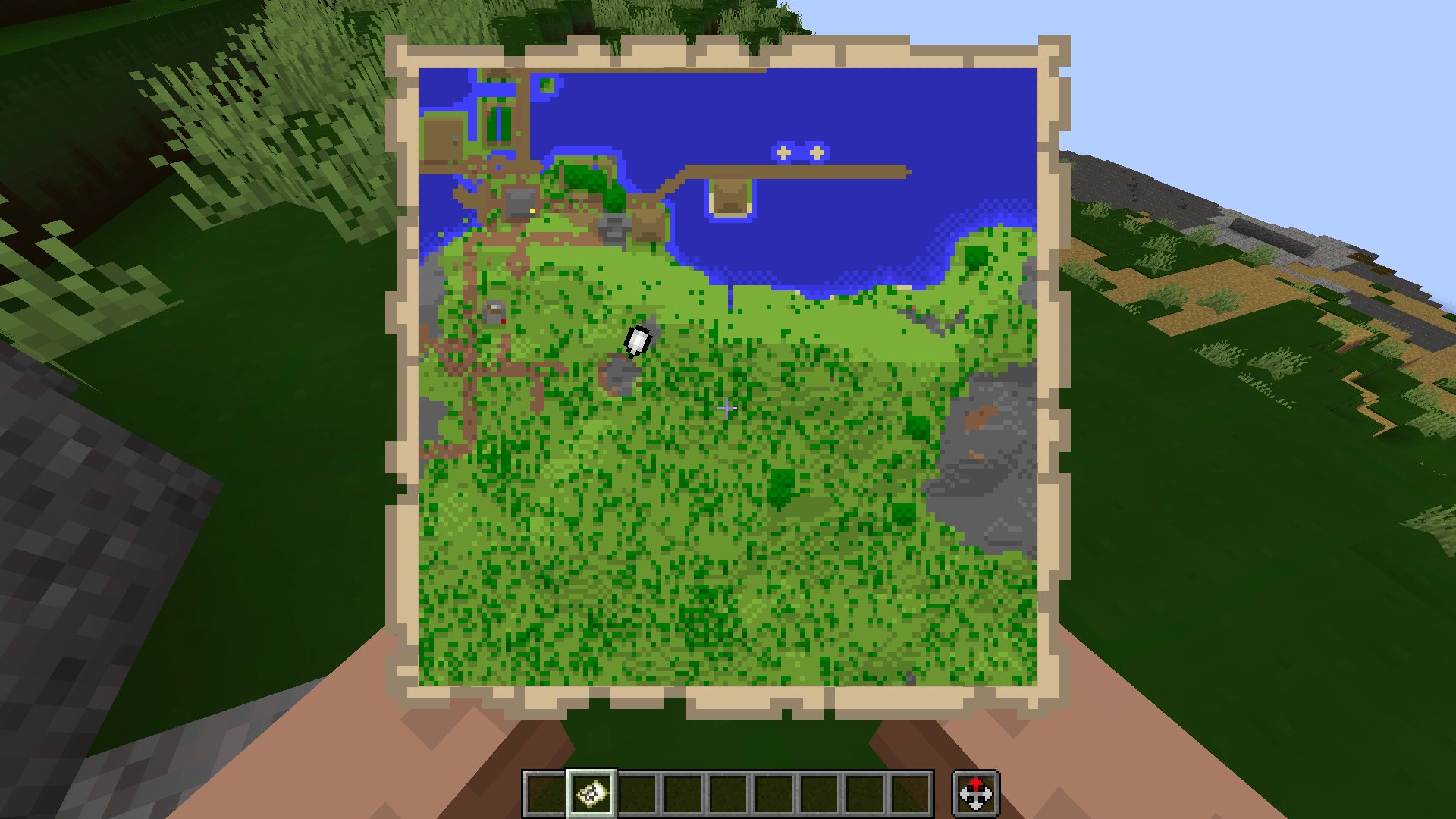
A resource pack that transforms your ordinary, outdated vanilla map into a modern screen!
by GoldenHart
Download Claim this project
424 downloads
0 likes
0 followers
Updated Oct 14, 2026
0 hypes
Follow0
16x Modern
Advertisement Remove ads with Premium →

Welcome to Modern Method Map (MMM), my first upload! (Now with animations!) 

V1.1 = Non Animated (only 1.15+)

V1.2 = Animated  (1.7.2 - 26.3) 
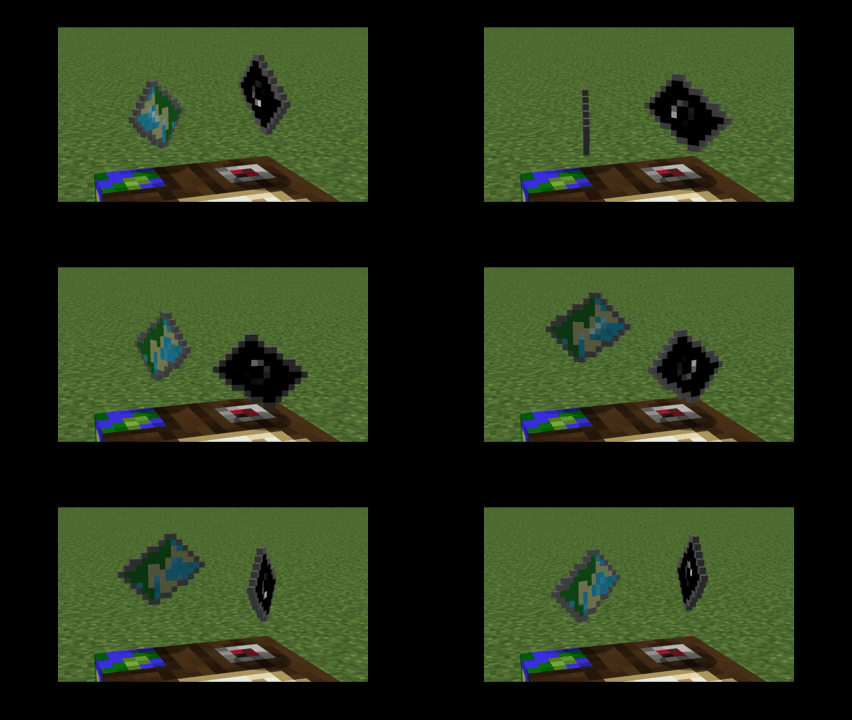
Now Animated!

Tested on and ran fine from 1.7.2 to  26.3. (if installing manually, make sure you are using the one corresponding to your game version: [1.7.2 - 1.14.4] OR [1.15 - 26.3]) 

Hope you like it, and feel free to comment any issues or feedback below. 


PS: I plan to release an animated version soon, once I learn how :)

[1.15 - 26.3] Modern Method Map (MMM v 1.2 ANIMATED).zip
MC 1.16.3, 1.17.1, 1.21, 1.16.1, 1.18.1, 1.15, 1.16, 1.16.5, 1.19.3, 1.20.2, 1.19.4, 1.21.8, 1.17, 1.20.5, 1.21.5, 1.18, 1.21.4, 1.20.1, 1.20, 1.20.6, 1.21.1, 1.21.6, 1.21.3
Release 2026-09-24 Get
[1.7.2 - 1.14] Modern Method Map (MMM v1.2 ANIMATED).zip
MC 1.13.1, 1.9.3, 1.8.7, 1.7.4, 1.7.7, 1.7.6, 1.9.1, 1.7.5, 1.14.3, 1.13, 1.7.3, 1.7.2, 1.10.2, 1.8.8, 1.9.4, 1.9.2, 1.8.4, 1.7.9, 1.14.4, 1.14.1, 1.12.1, 1.12, 1.8.3, 1.11
Release 2026-09-24 Get
[1.15 - 26.3] Modern Method Map (MMM v 1.1).zip
MC 1.16.3, 1.17.1, 1.21, 1.16.1, 1.18.1, 1.15, 1.16, 1.16.5, 1.19.3, 1.20.2, 1.19.4, 1.21.8, 1.17, 1.20.5, 1.21.5, 1.18, 1.21.4, 1.20.1, 1.20, 1.20.6, 1.21.1, 1.21.6, 1.21.3
Release 2026-09-23 Get
[1.15 - 26.3] Modern Method Map (MMM v1).zip
MC 1.16.3, 1.17.1, 1.21, 1.16.1, 1.18.1, 1.15, 1.16, 1.16.5, 1.19.3, 1.20.2, 1.19.4, 1.21.8, 1.17, 1.20.5, 1.21.5, 1.18, 1.21.4, 1.20.1, 1.20, 1.20.6, 1.21.1, 1.21.6, 1.21.3
Release 2026-09-22 Get

Requirements & install

How to use this resource pack in Minecraft
Resolution
16x
Minecraft
1.20.6 – 1.21.8
Install folder
.minecraft/resourcepacks

How to install resource packs

  1. Download the resource pack .zip file (do not extract it).
  2. In Minecraft open Options → Resource Packs → Open Pack Folder.
  3. Drop the .zip into the resourcepacks folder (.minecraft/resourcepacks).
  4. Move the pack to the Selected column and click Done.
Browse more: 16x resource packs 32x resource packs 64x resource packs 128x resource packs 256x resource packs 512x+ resource packs Resource Packs for 1.21.8 All resource packs

More from GoldenHart

Advertisement Remove ads with Premium →

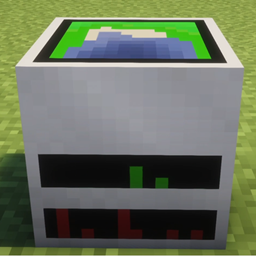
You Might Also Like