Mineuniverse
Data Packs
Aviation Structures - Airstrip

Aviation Structures - Airstrip

DATA PACK
A data pack that generates randomly spawning airstrips, meant for small planes.
by GoldenHart
Download Claim this project
23 downloads
0 likes
Updated Oct 14, 2026
0 hypes
Adventure
Advertisement Remove ads with Premium →

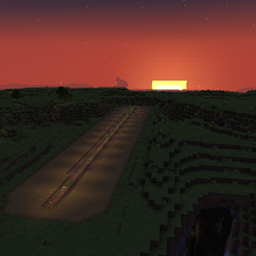
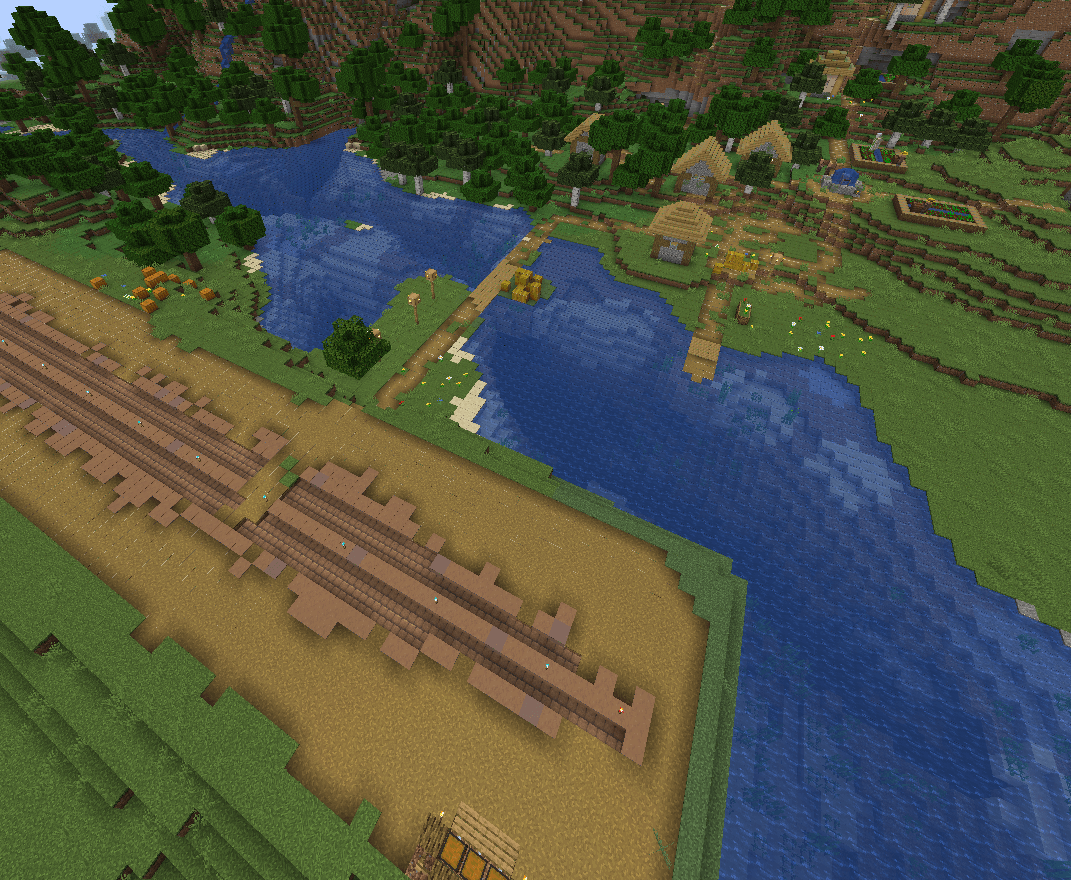
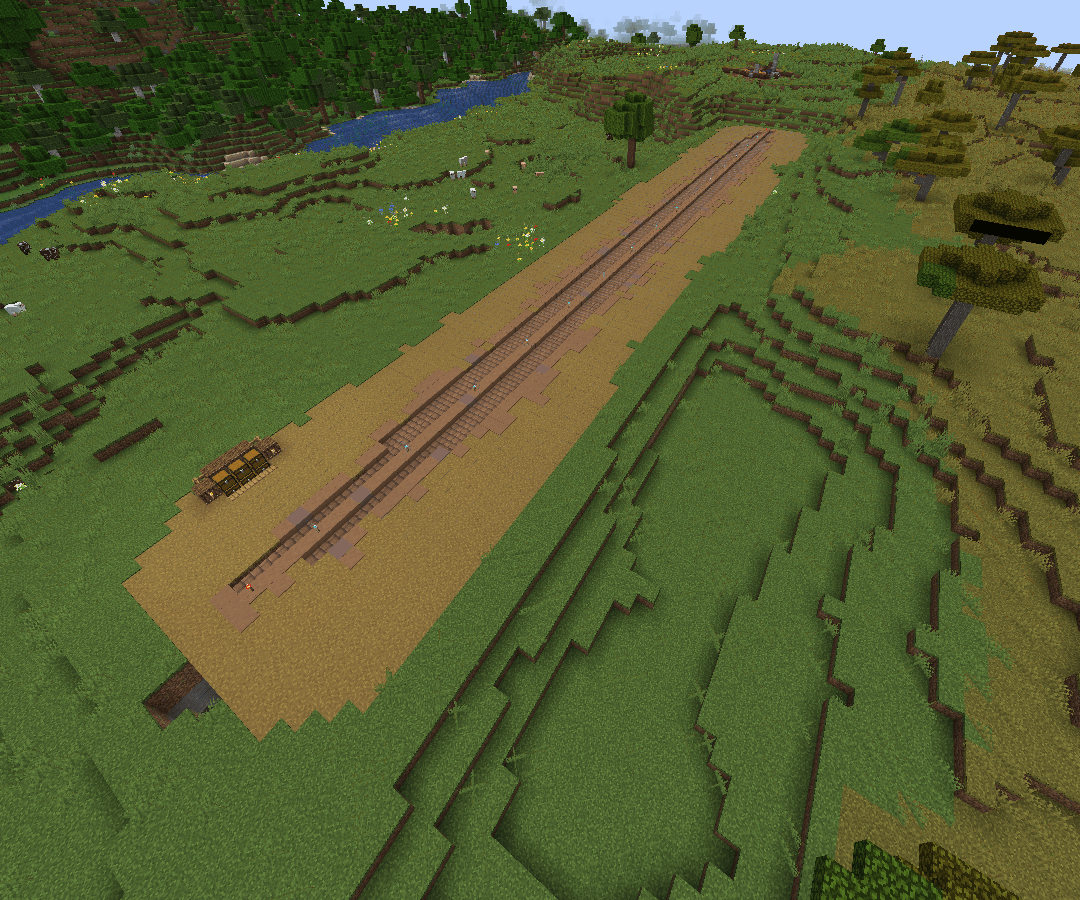
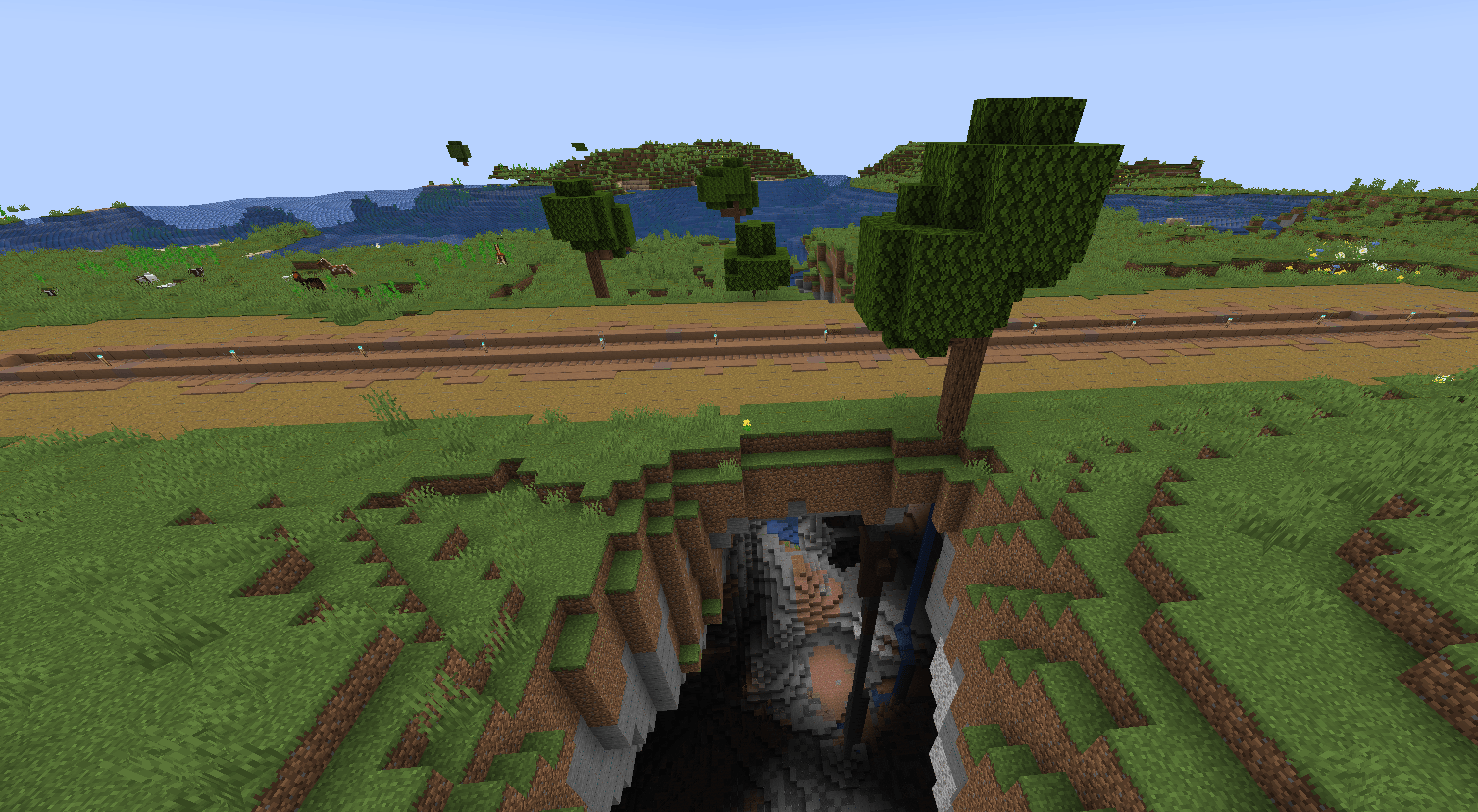
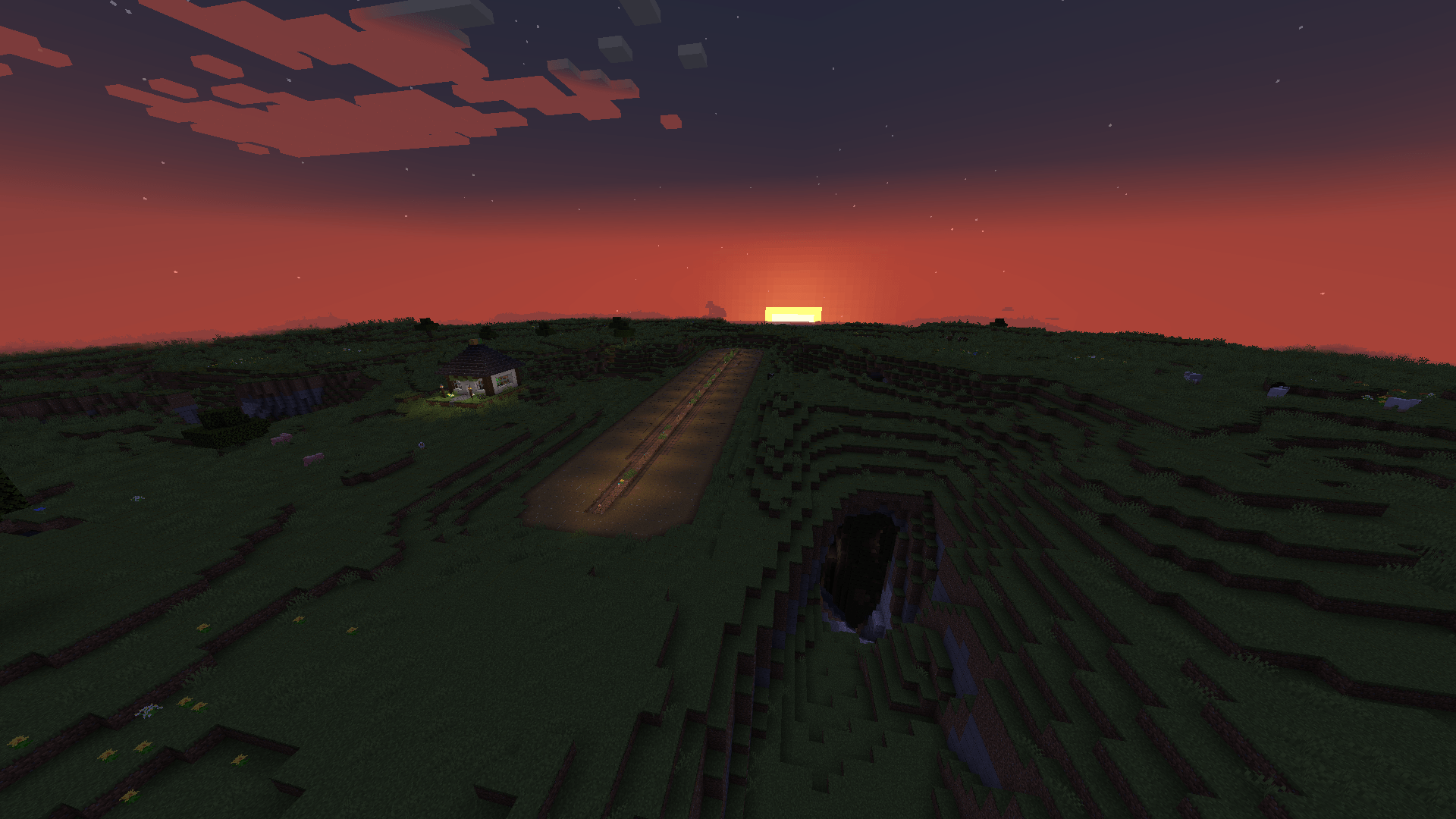
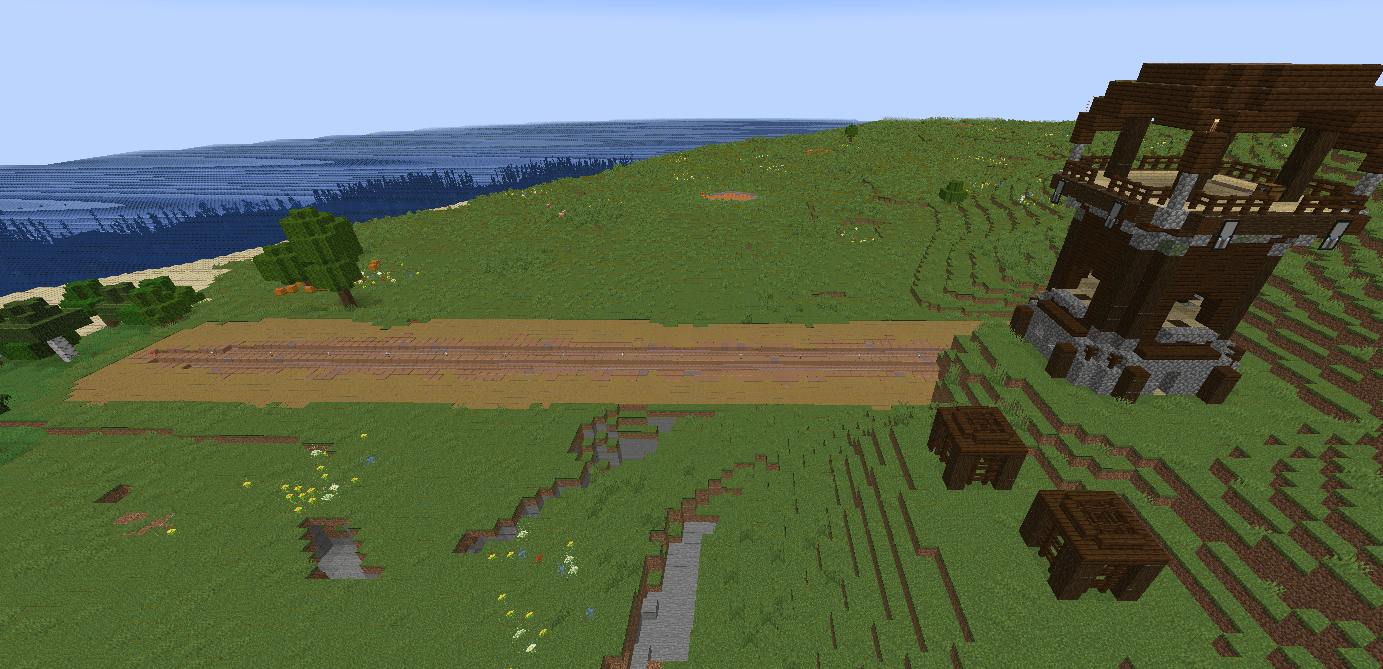
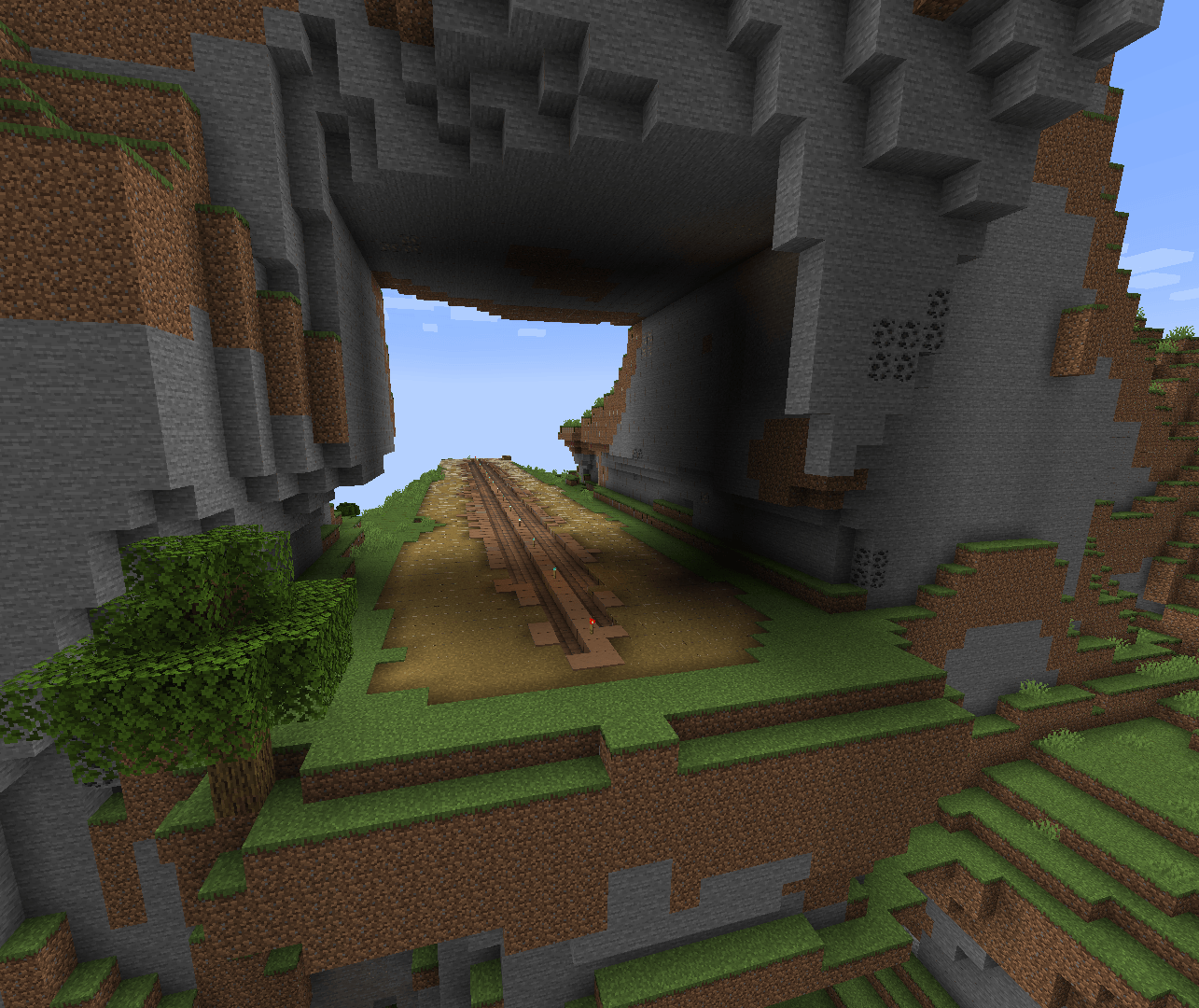
This is a datapack that generates randomly spawning 100-block long dirt airstrips, designed to be used with smaller aircraft from mods like "Immersive Aircraft" or "Simple Planes"

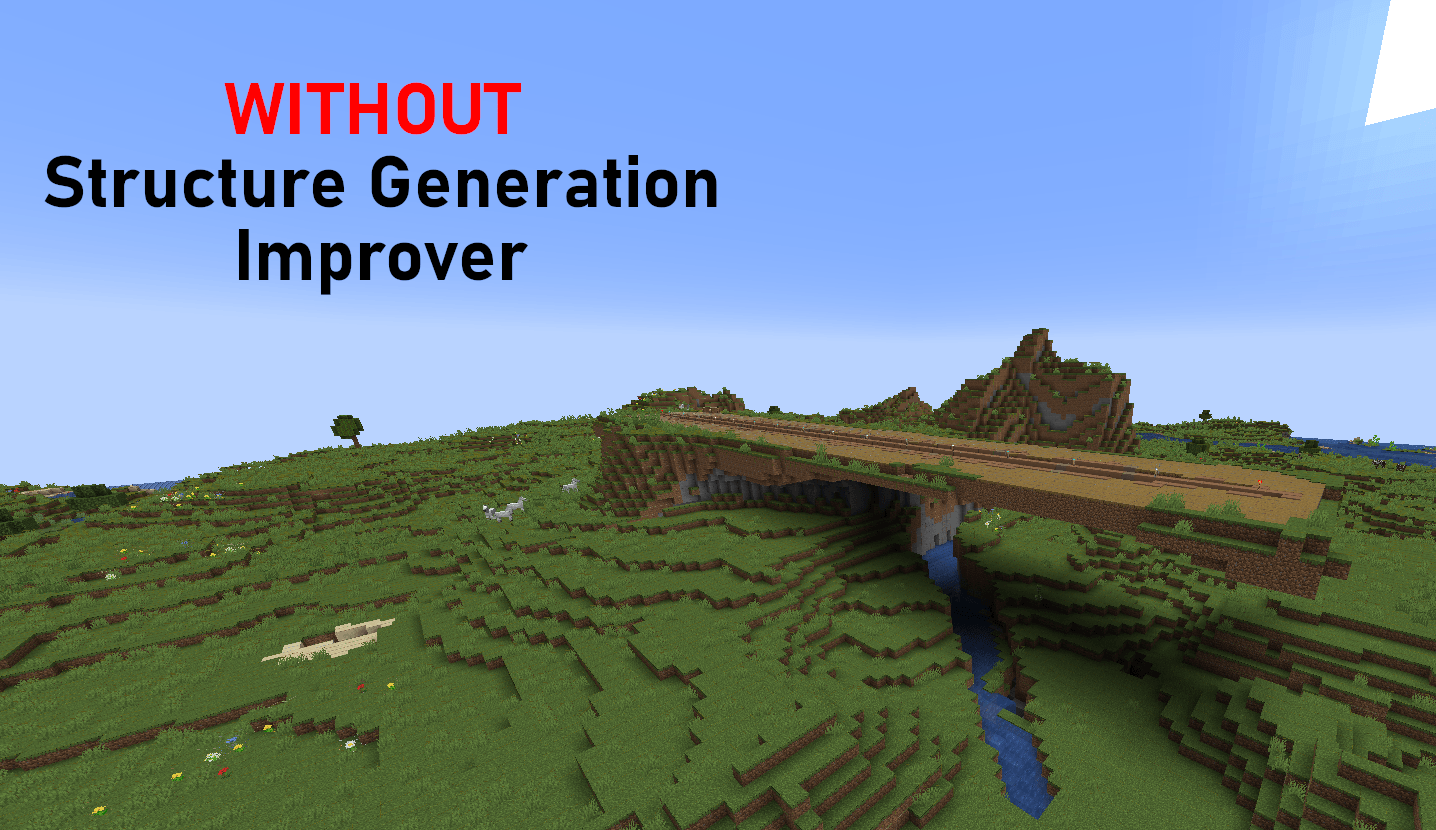
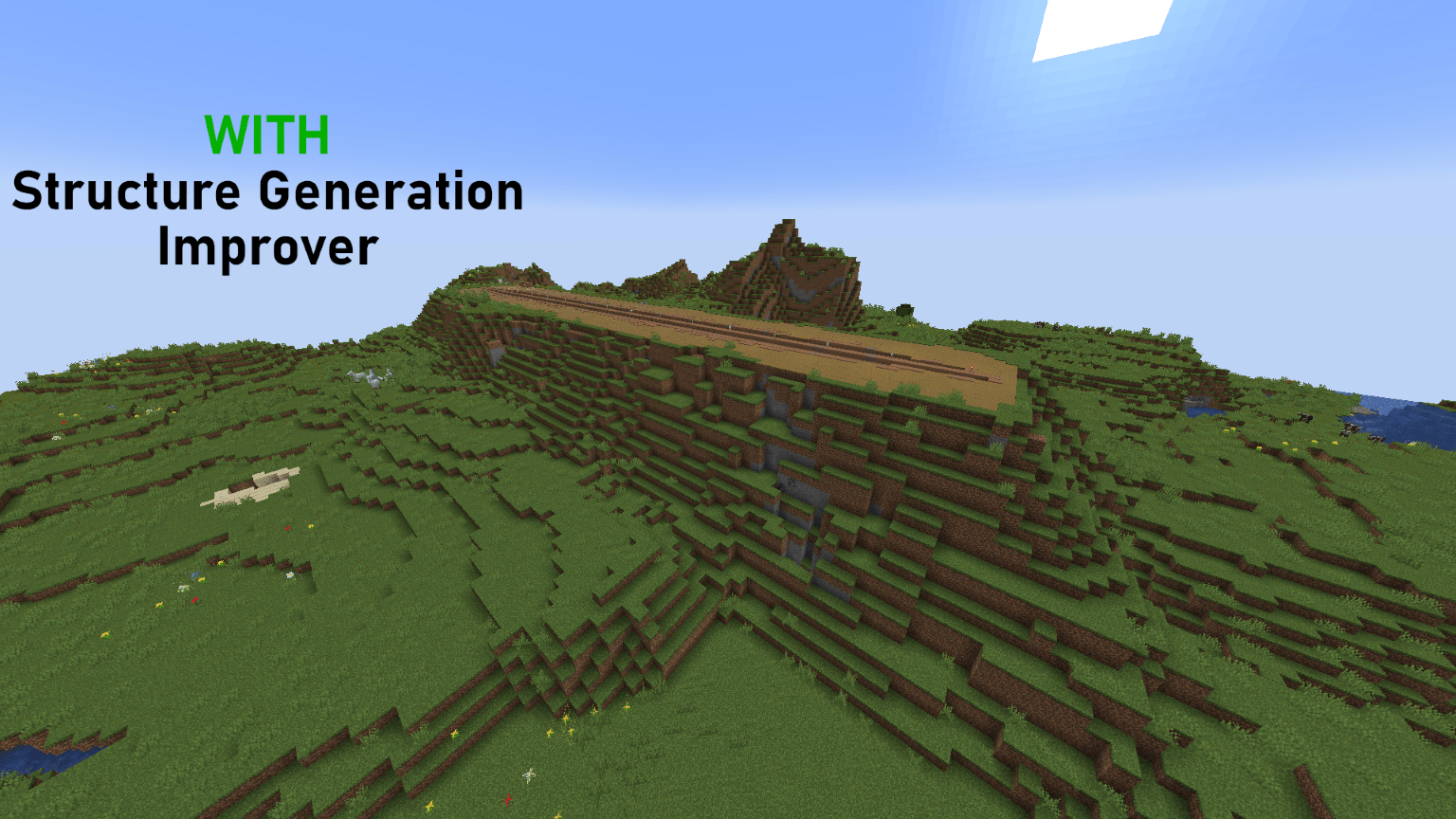
(NOTE: If you are using this on Forge / NEO 1.20 ---> 1.21.1 then I HIGHLY recommend using the mod linked below - the pictures provided above show why it will help) 

 https://www.curseforge.com/minecraft/mc-mods/structure-generation-improver-sgi-foundations

FOR ALL OTHER VERSIONS THIS IS A FAIR WARNING: Due to the size of the airstrip, structure generation is bound to get funky at some locations. If this is not ideal for you, DO NOT USE THIS PACK. I can't fix this, and the above linked mod is currently the only workaround - however it only supports 1.20 - 1.21.1, so is not an option for newer versions. 

To locate an airstrip near you: Run /locate structure airstrip:strip or just fly around and look for one near villages.

- Semi compatbile with Tectonic (they spawn, but sometimes with very jarring placement - it is hit or miss even with "SGI" mod) 

- This data pack supports 1.20 -> 26.3 

No plans to backport it any further, but if requested I'll look to adding support for 1.18.2+

 

AirstripV1(1.20 - 1.20.6).zip
MC 1.20.2, 1.20.5, 1.20.1, 1.20, 1.20.6, 1.20.4, 1.20.3
Release 2026-10-08 Get
AirstripV1.zip
MC 1.21.8, 1.21.5, 1.21.4, 1.21.1, 1.21.6, 1.21.3, 1.21.7, 1.21.2, 1.21.9, 1.21.10, 1.21.11, 26.1, 26.1.1, 26.1.2, 26.2, 26.3
Release 2026-10-02 Get

Requirements & install

How to use this data pack in Minecraft
Mods needed
None, works in vanilla
Minecraft
1.21.9 – 26.3
Install folder
saves/<world>/datapacks

How to install data packs

  1. Download the data pack .zip file (do not extract it).
  2. New world: click Data Packs on the world creation screen and drop the .zip in. Existing world: open .minecraft/saves/<world>/datapacks.
  3. Put the .zip into the datapacks folder of the world (servers: world/datapacks).
  4. Run /reload in game (or rejoin the world) and check it with /datapack list.
Browse more: Data Packs for 26.3 All data packs

More from GoldenHart

Advertisement Remove ads with Premium →

You Might Also Like