Mineuniverse
Resource Packs
Spunky PVP Utils

Spunky PVP Utils

RESOURCE PACK
A complete PvP essentials pack – clear visuals, reduced clutter, and smoother combat!
by Spunkyinsaan
Download Claim this project
22,575 downloads
0 likes
0 followers
Updated Oct 14, 2026
0 hypes
Follow0
64x Miscellaneous
Advertisement Remove ads with Premium →

Spunky PvP Utils Texture Pack – Clean & Focused PvP

The Spunky PvP Utils Texture Pack is built for players who want a cleaner, distraction-free PvP experience. By removing unnecessary particles, reducing noise, and enhancing visibility, this pack keeps your screen clear so you can focus entirely on the fight.

🎮 Features

  • 🚫 No Bobber
  • 🚫 No Eating Particles
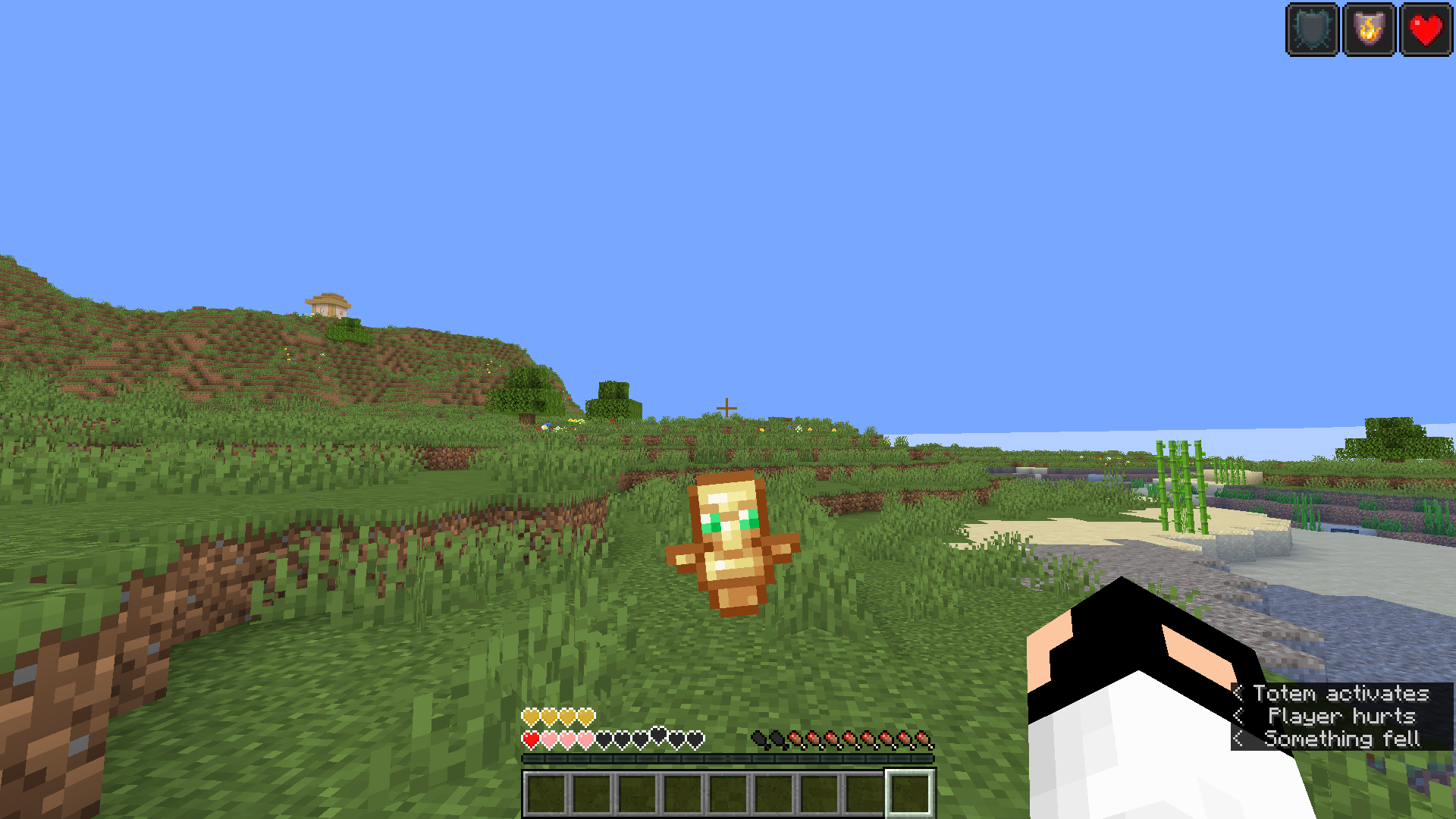
  • 🔹 Smaller Utils (Totem, Totem Pop & Particles)
  • 🚫 No Fire & Fire Smoke
  • 🚫 No Explosion Particles
  • 🔇 Quieter Explosion, Fire Tick & Weather Sounds
  • 🛡️ Low Shield View
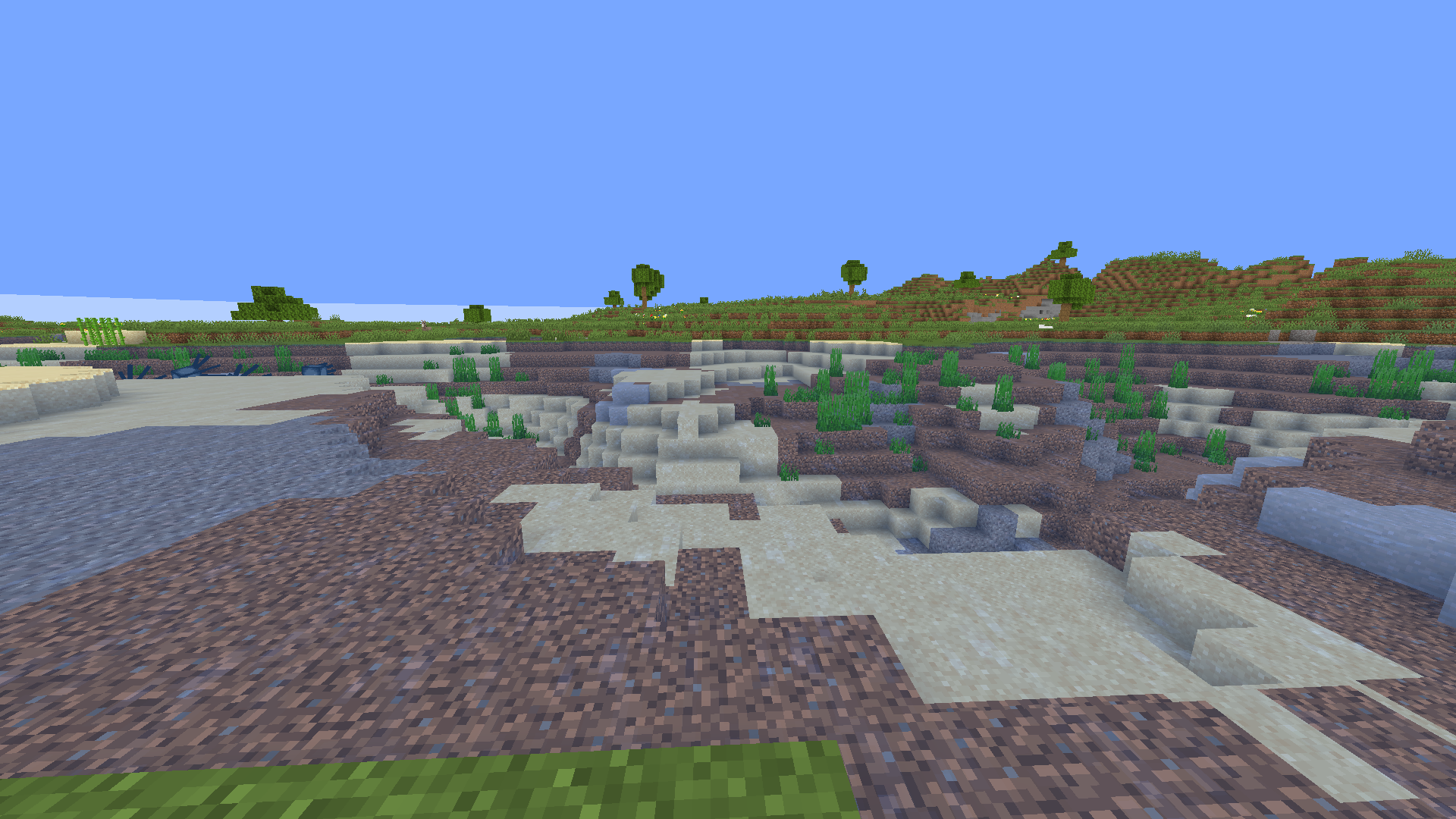
  • 🌊 Better Water Visibility
  • 🎃 No Pumpkin Blur & No Vignette
  • 😵 No Nausea Overlay
  • ✨ Old Enchant Glint Style
  • 🎯 Colored Bow & Crossbow Charging Animations
  • ⛏️ Bordered Ores for easier mining

⚡ Why Use It?

If you’re tired of clutter and distractions in Minecraft PvP, this pack is made for you. It keeps your visuals clean, reduces sound spam, and adds subtle improvements that sharpen your PvP experience.

👉 Install the Spunky PvP Utils Texture Pack and fight with focus!

Spunky PvP Utils (Hotfix) 1.21.x.zip
MC 1.21.2-Snapshot, 1.21, 1.21.6-snapshot, 1.20.2-Snapshot, 1.20.5-Snapshot, 1.21.1-Snapshot, 1.19.3, 1.20.2, 1.19.4, 1.21.8, 1.20.5, 1.21.5, 1.21.4, 1.21.5-Snapshot, 1.20.1, 1.20
Release 2026-02-10 Get
Spunky PVP Utils
MC 1.20.2, 1.20.5, 1.20.3, 1.20.1, 1.20, 1.20.6, 1.20.4
Release 2025-09-16 Get
Spunky PvP Utils 1.21.x
MC 1.21, 1.21.8, 1.21.5, 1.21.4, 1.21.1, 1.21.6, 1.21.3, 1.21.7, 1.21.2, 1.21.9, 1.21.10, 1.21.11, 26.1, 26.1.1, 26.1.2, 26.2
Release 2025-09-16 Get

Requirements & install

How to use this resource pack in Minecraft
Resolution
64x
Minecraft
1.21.8 – 26.2
Install folder
.minecraft/resourcepacks

How to install resource packs

  1. Download the resource pack .zip file (do not extract it).
  2. In Minecraft open Options → Resource Packs → Open Pack Folder.
  3. Drop the .zip into the resourcepacks folder (.minecraft/resourcepacks).
  4. Move the pack to the Selected column and click Done.
Browse more: 16x resource packs 32x resource packs 64x resource packs 128x resource packs 256x resource packs 512x+ resource packs Resource Packs for 26.2 All resource packs

More from Spunkyinsaan

Advertisement Remove ads with Premium →

You Might Also Like