Mineuniverse
Resource Packs
Short Sword Rework

Short Sword Rework

RESOURCE PACK
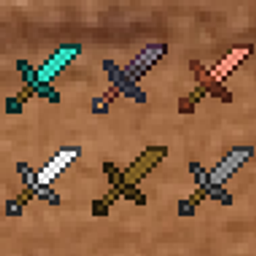
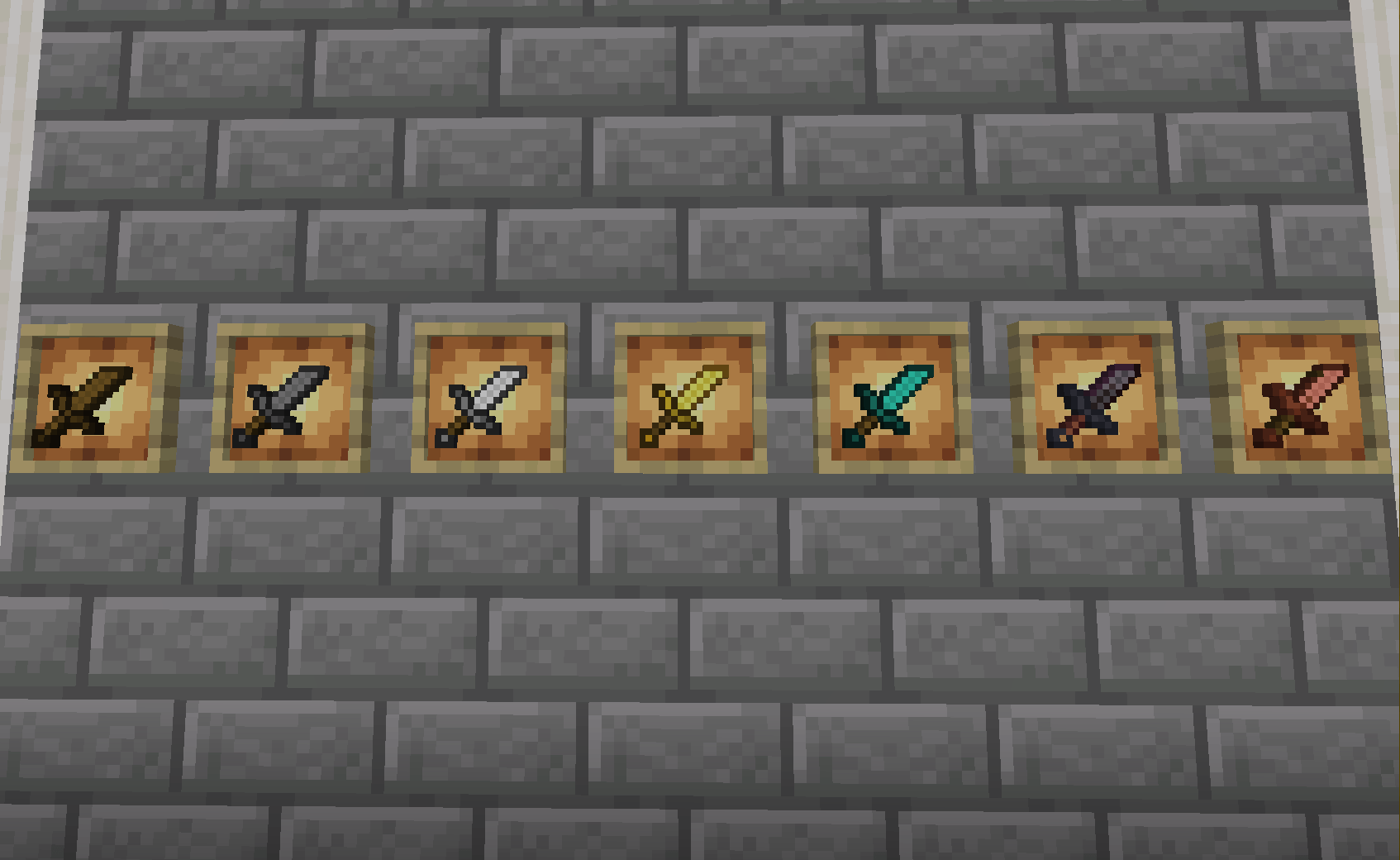
Short Sword Rework is a vanilla-friendly texture pack that replaces all swords with clean, compact tiny versions for better visibility and a fresh, minimal look.
by Darkshadowx21
Download Claim this project
3,728 downloads
0 likes
Updated Oct 14, 2026
0 hypes
16x Animated Modern
Advertisement Remove ads with Premium →

Short Sword Rework

Short Sword Rework is a lightweight, vanilla-friendly texture pack that shrinks every sword into a clean, compact tiny version. It keeps the original Minecraft style while giving you better visibility and a smoother look in both PvP and regular gameplay.

This pack is perfect if you enjoy subtle visual tweaks that don’t stray from Minecraft’s vibe. No flashy effects — just shorter, cleaner swords that feel natural in the world.

✨ Features

  • Tiny, compact models for all vanilla swords
  • Faithful to original Minecraft textures
  • Better screen visibility for PvP and building
  • Clean and smooth visuals
  • FPS-friendly and easy to use

🎮 Great For

  • PvP players who want more viewing space
  • Builders who dislike long swords blocking the screen
  • Fans of minimal, clean resource packs
  • Players wanting a small improvement that still feels vanilla

STSR

🛠️ Compatibility

  • Works on all versions with custom item model support
  • Compatible with most resource packs (place on top)
  • No mods required

Enjoy a smoother, cleaner Minecraft experience with tiny swords!

Smooth Tiny Swords.zip
MC 1.16.3, 1.16-Snapshot, 1.17.1, 1.21.2-Snapshot, 1.21, 1.21.6-snapshot, 1.16.1, 1.18.1, 1.20.2-Snapshot, 1.20.5-Snapshot, 1.16, 1.19-Snapshot, 1.21.1-Snapshot, 1.16.5, 1.19.3, 1.20.2
Release 2026-06-06 Get

Requirements & install

How to use this resource pack in Minecraft
Resolution
16x
Minecraft
1.19.3 – 1.21.6-snapshot
Install folder
.minecraft/resourcepacks

How to install resource packs

  1. Download the resource pack .zip file (do not extract it).
  2. In Minecraft open Options → Resource Packs → Open Pack Folder.
  3. Drop the .zip into the resourcepacks folder (.minecraft/resourcepacks).
  4. Move the pack to the Selected column and click Done.
Browse more: 16x resource packs 32x resource packs 64x resource packs 128x resource packs 256x resource packs 512x+ resource packs Resource Packs for 1.21.6-snapshot All resource packs

More from Darkshadowx21

Advertisement Remove ads with Premium →

You Might Also Like