Mineuniverse
Resource Packs
Low Fire & Side Shield

Low Fire & Side Shield

RESOURCE PACK
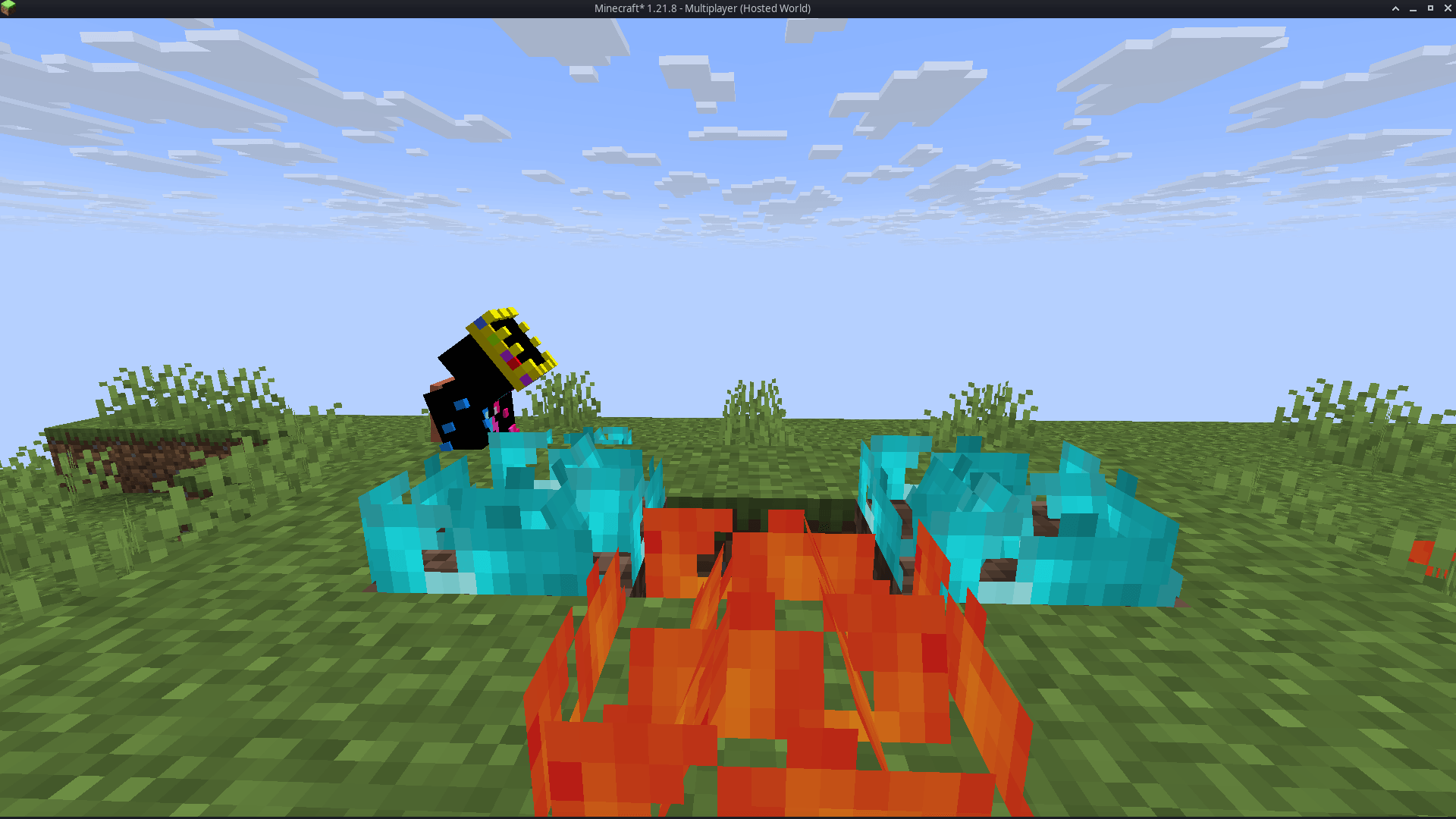
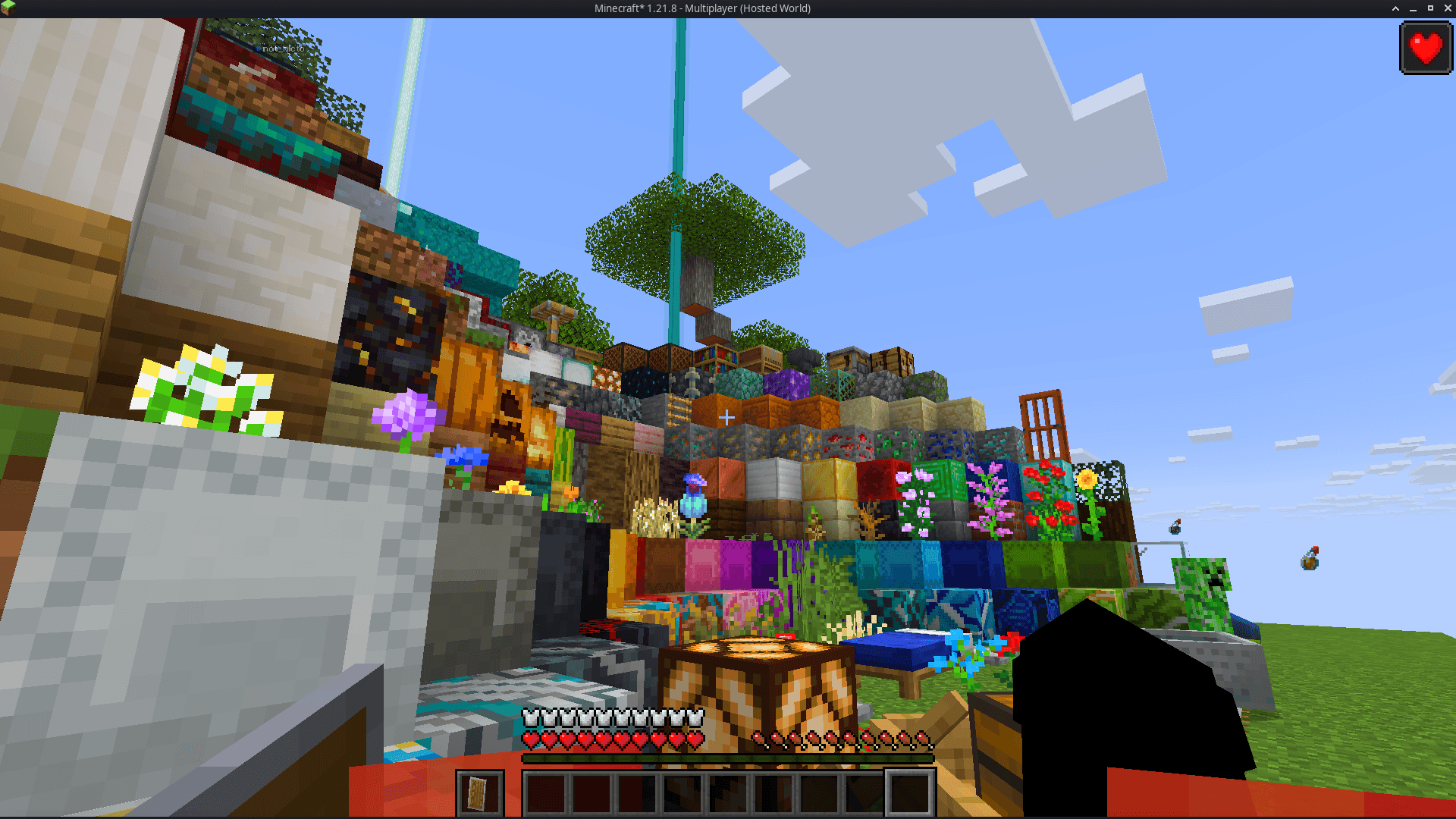
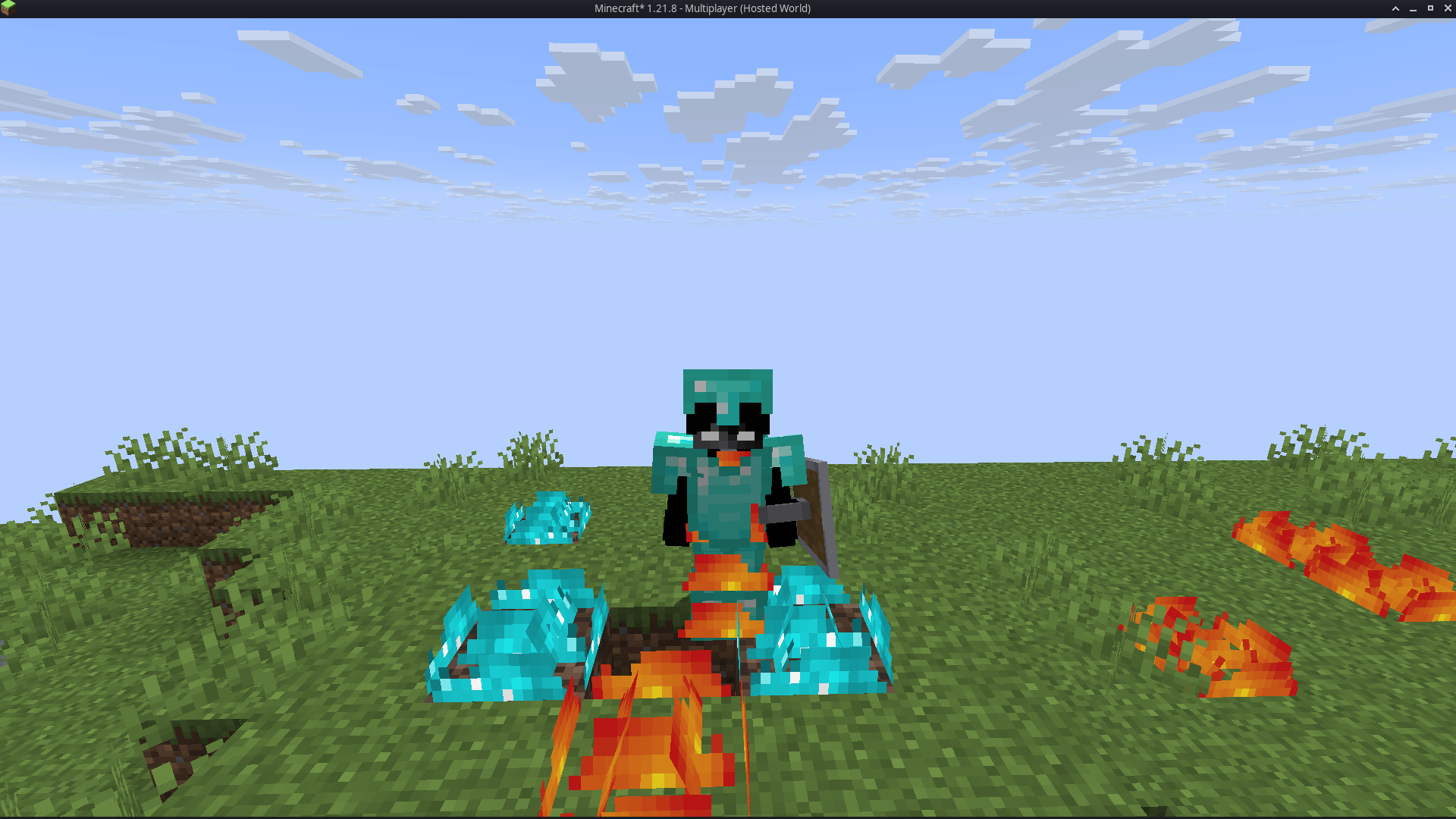
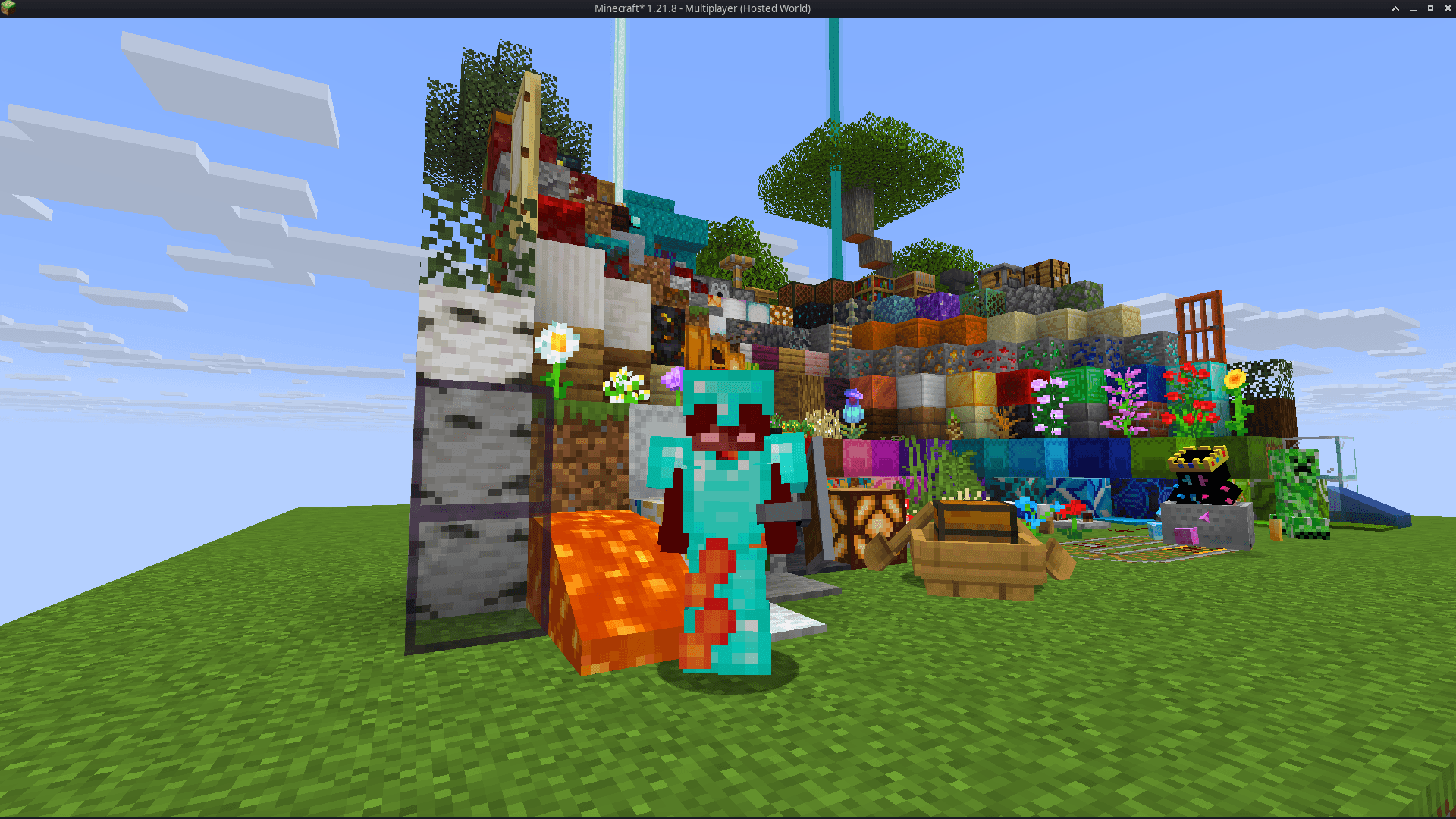
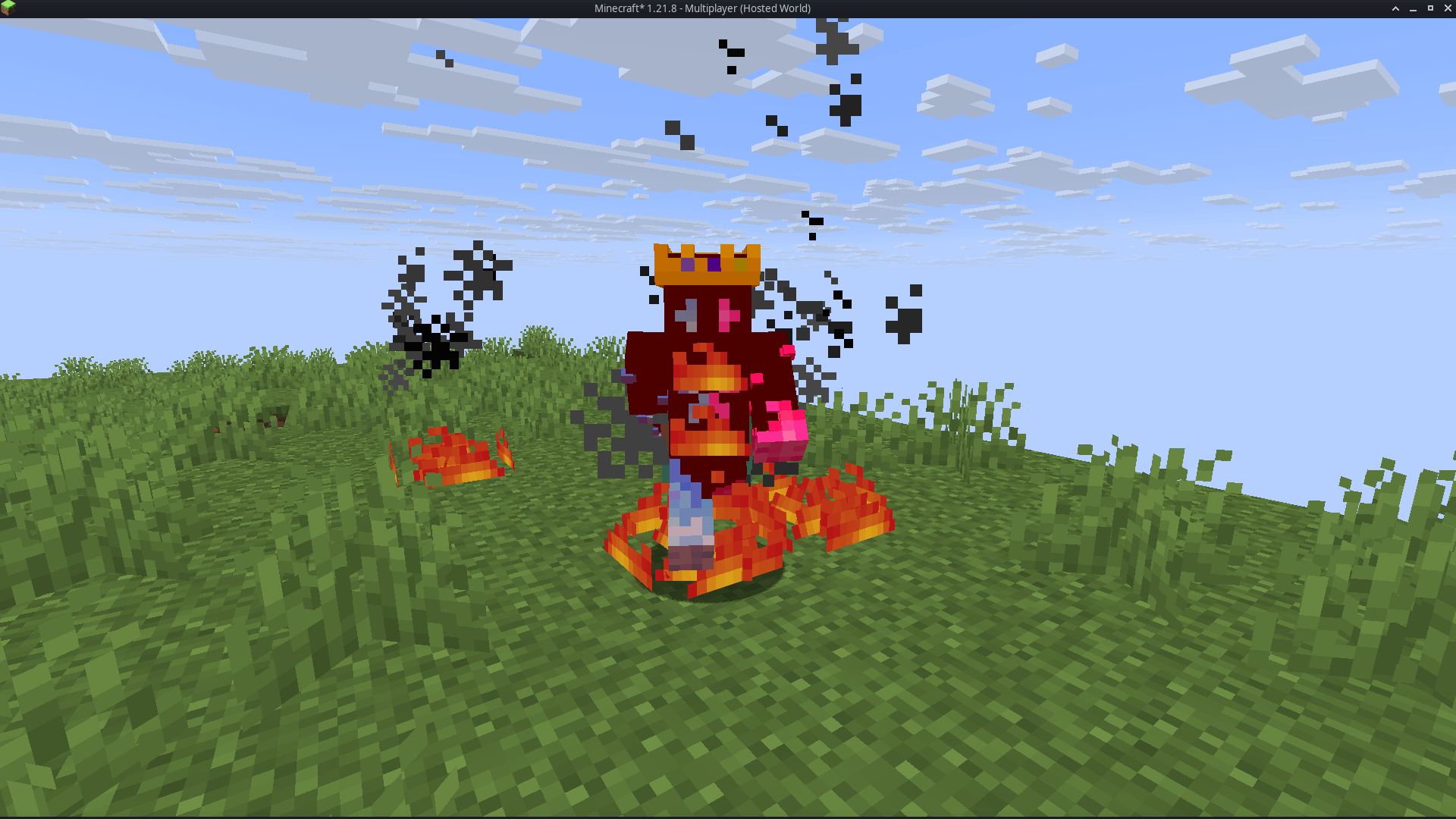
A minimal, performance-friendly resource pack that reduces both the fire overlay and shield visibility, now featuring a compact side shield for even better screen clarity. Perfect for PvP and survival players who value visibility and a clean HUD.
by Darkshadowx21
Download Claim this project
36,939 downloads
0 likes
Updated Oct 14, 2026
0 hypes
16x Animated Font Packs Miscellaneous Photo Realistic
Advertisement Remove ads with Premium →

🔥Low Fire & Side Shield

Low Fire & Side Shield is a Minecraft resource pack designed to keep your screen clear and focused.
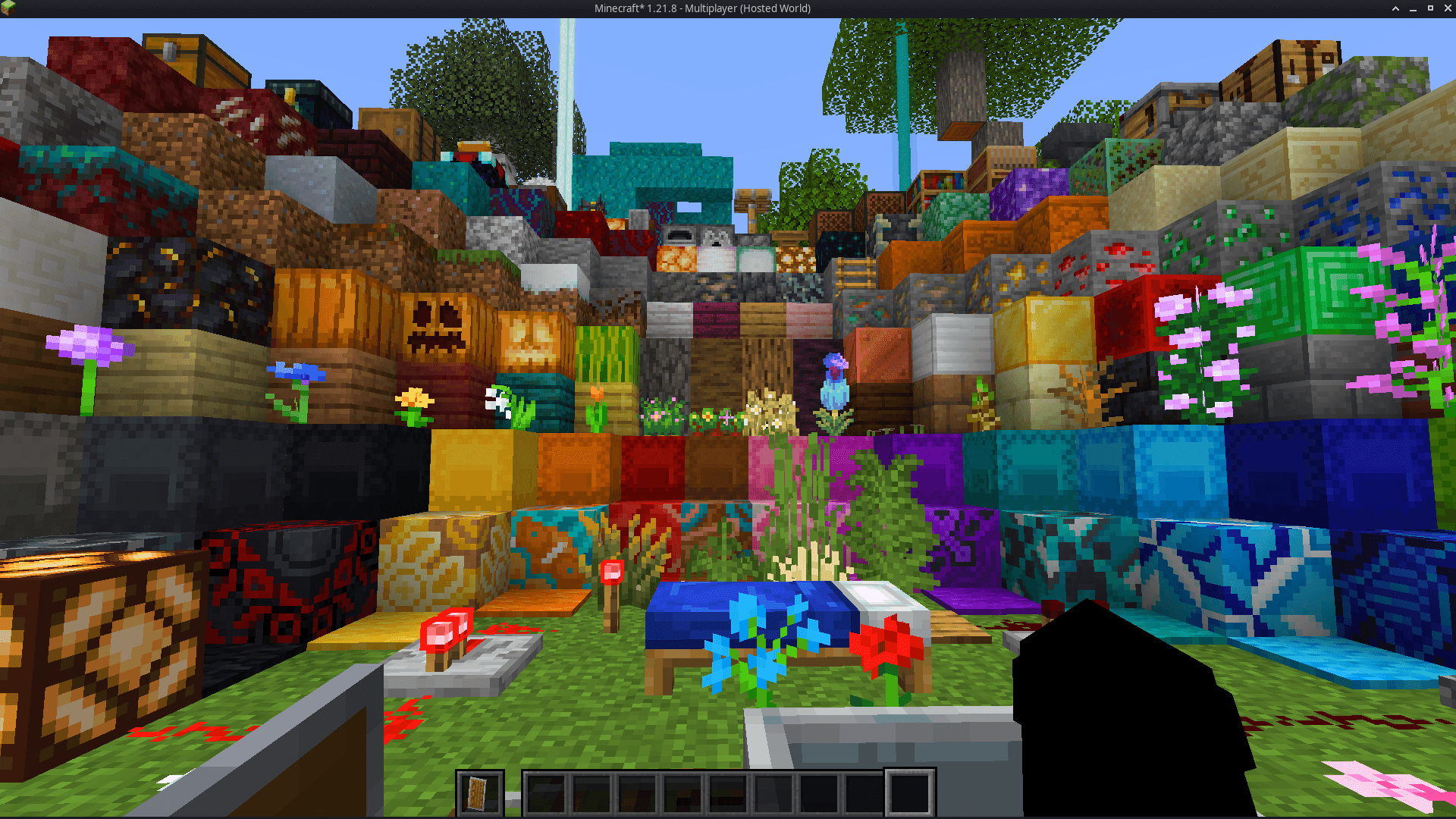
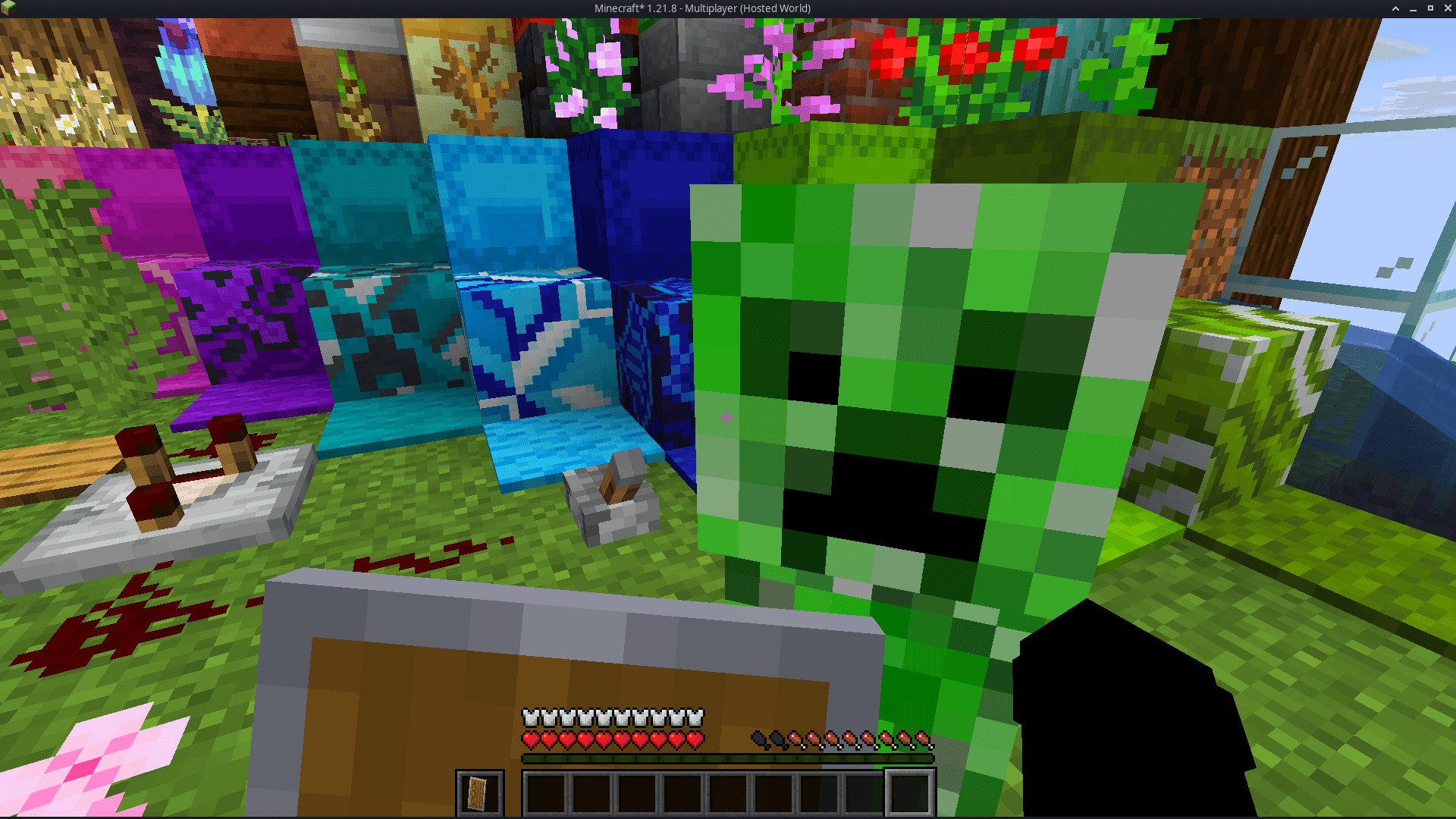
It lowers both the fire overlay and the shield position, introducing a minimal side shield that lets you see more of your surroundings without losing the vanilla feel.

Whether you’re in the middle of a PvP battle, exploring dangerous caves, or just want a cleaner screen, this pack makes gameplay smoother and more immersive.
It’s lightweight, FPS-friendly, and works seamlessly with default Minecraft textures.
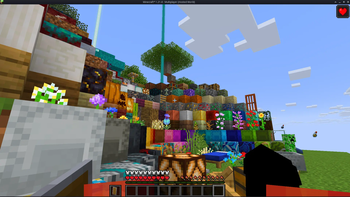
low fire side shield


✨ Features

  • 🔥 Reduced fire overlay — less visual clutter during combat.
  • 🛡️ Lowered side shield — improved visibility without removing functionality.
  • 🎮 Vanilla-friendly look — keeps the original Minecraft style intact.
  • ⚙️ Optimized for PvP and survival — clear visuals, faster reactions.
  • 💻 Lightweight & compatible — works with most other packs and versions.

📦 Perfect For

  • PvP players needing better visibility
  • Streamers who prefer a clean HUD
  • Anyone wanting a minimal, modern look in Minecraft

Tags / Keywords:
low fire, low shield, side shield, minecraft pvp, clear hud, visibility pack, vanilla friendly, clean screen, minimal resource pack, fps boost, combat tweaks, minecraft texture pack, darkshadowx21


📜 License

This project is licensed under the MIT License.
You’re free to use, modify, and share this resource pack — just include proper credit to Darkshadowx21.

Low Fire & Side Shield 26.1.2.zip
MC 1.16.3, 1.16-Snapshot, 1.17.1, 1.21.2-Snapshot, 1.21, 1.21.6-snapshot, 1.16.1, 1.18.1, 1.20.2-Snapshot, 1.20.5-Snapshot, 1.16, 1.19-Snapshot, 1.21.1-Snapshot, 1.16.5, 1.19.3, 1.20.2
Release 2026-06-05 Get
Low Fire & Side Shield
MC 1.16.3, 1.16-Snapshot, 1.17.1, 1.21.2-Snapshot, 1.21, 1.21.6-snapshot, 1.16.1, 1.18.1, 1.20.2-Snapshot, 1.20.5-Snapshot, 1.16, 1.19-Snapshot, 1.21.1-Snapshot, 1.16.5, 1.19.3, 1.20.2
Release 2025-11-12 Get

Requirements & install

How to use this resource pack in Minecraft
Resolution
16x
Minecraft
1.19.3 – 1.21.6-snapshot
Install folder
.minecraft/resourcepacks

How to install resource packs

  1. Download the resource pack .zip file (do not extract it).
  2. In Minecraft open Options → Resource Packs → Open Pack Folder.
  3. Drop the .zip into the resourcepacks folder (.minecraft/resourcepacks).
  4. Move the pack to the Selected column and click Done.
Browse more: 16x resource packs 32x resource packs 64x resource packs 128x resource packs 256x resource packs 512x+ resource packs Resource Packs for 1.21.6-snapshot All resource packs

More from Darkshadowx21

Advertisement Remove ads with Premium →

You Might Also Like