Mineuniverse
Resource Packs
Seraphic PBR

Seraphic PBR

RESOURCE PACK
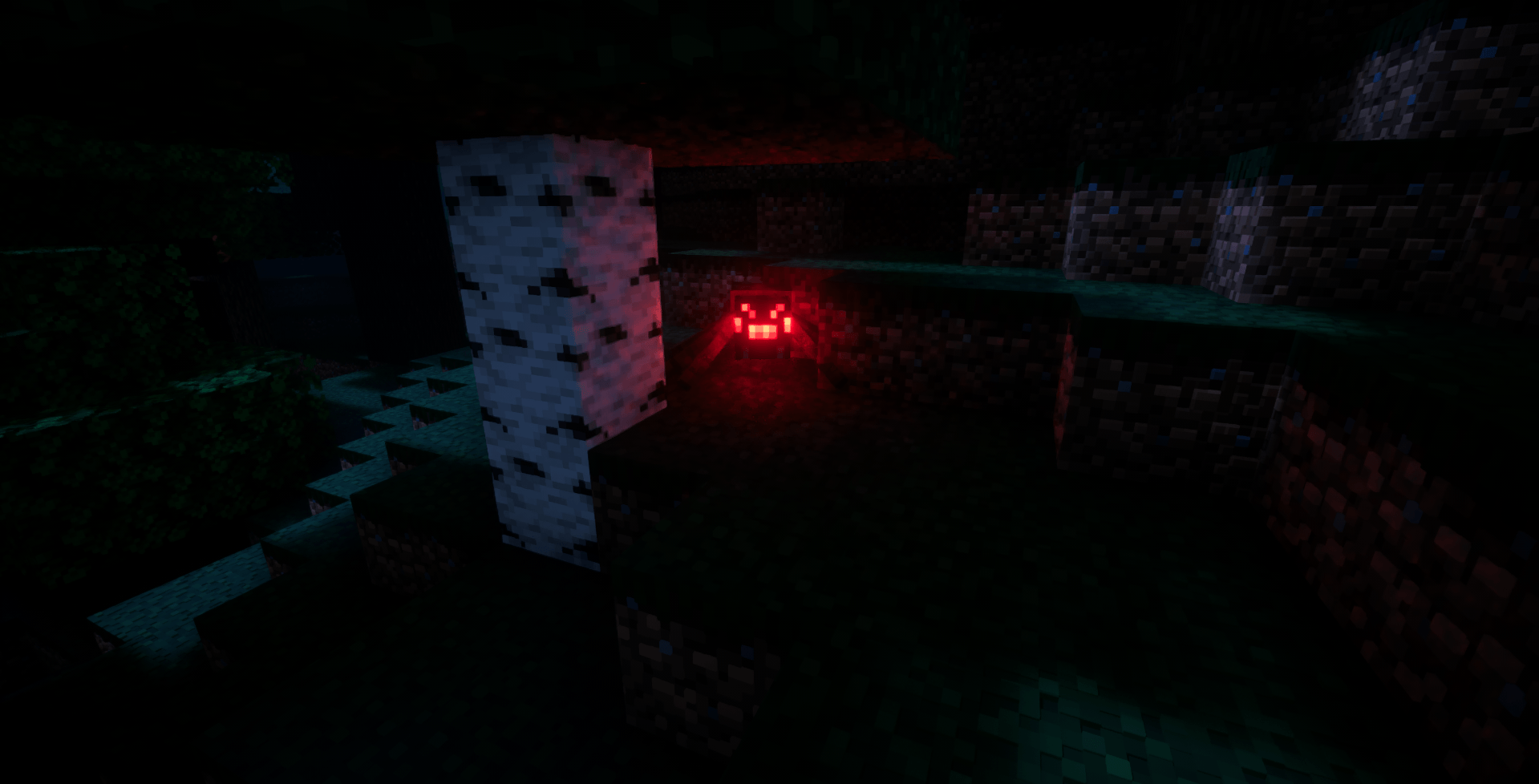
PBR Texture Pack with LabPBR Support, Including AO, POM, Entity PBR and Emissive Entities.
by Ox4a4b
Download Claim this project
Add a badge to your pageLink to Seraphic PBR from a README, website or forum post.
Preview: Badge

Badges update automatically and link to the resource pack page on MineUniverse.
11,792 downloads
0 likes
0 followers
Updated Oct 14, 2026
0 hypes
Follow0
64x Miscellaneous
Advertisement Remove ads with Premium →

Banner

<center>Seraphic PBR Texture Pack for Minecraft Java Edition</center>


A texture pack for Minecraft Java Edition with PBR textures.

Just so you know, this texture pack is currently under development.. To access the complete and regularly updated version, consider subscribing to my Patreon page.


Requirements:


Terms and Conditions:

  1. Distribution: Redistribution, sharing, or reselling of the texture pack is strictly prohibited.

Users may modify the Seraphic PBR texture pack for personal use but are not allowed to redistribute or reupload any version.


Support the development of this pack and gain early access to updates by subscribing to my Patreon page. Enjoy the enhanced graphics and stay tuned for more updates!


socials:

Discord

Youtube

Seraphic PBR - R4 B2.zip
MC 1.21.2-Snapshot, 1.21, 1.21.6-snapshot, 1.21.1-Snapshot, 1.21.8, 1.21.5, 1.21.4, 1.21.5-Snapshot, 1.21.1, 1.21.6, 1.21.3, 1.21.7, 1.21-Snapshot, 1.21.4-Snapshot, 1.21.2
Release 2026-01-28 Get
Seraphic PBR.zip
MC 1.19.3, 1.20.2, 1.21, 1.18.1, 1.20.5, 1.21.5, 1.19.4, 1.21.4, 1.18.2, 1.19.2, 1.20.3, 1.20.1, 1.20, 1.20.6, 1.19.1, 1.20.4, 1.21.3, 1.21.7, 1.21.1, 1.21.6, 1.18, 1.19, 1.21.2
Release 2025-07-14 Get

Requirements & install

How to use this resource pack in Minecraft
Resolution
64x
Minecraft
1.21.4-Snapshot – 1.21.8
Install folder
.minecraft/resourcepacks

How to install resource packs

  1. Download the resource pack .zip file (do not extract it).
  2. In Minecraft open Options → Resource Packs → Open Pack Folder.
  3. Drop the .zip into the resourcepacks folder (.minecraft/resourcepacks).
  4. Move the pack to the Selected column and click Done.
Browse more: 16x resource packs 32x resource packs 64x resource packs 128x resource packs 256x resource packs 512x+ resource packs Resource Packs for 1.21.8 All resource packs

More from Ox4a4b

Advertisement Remove ads with Premium →

You Might Also Like