Mineuniverse
Resource Packs
GhibliBlocks

GhibliBlocks

RESOURCE PACK
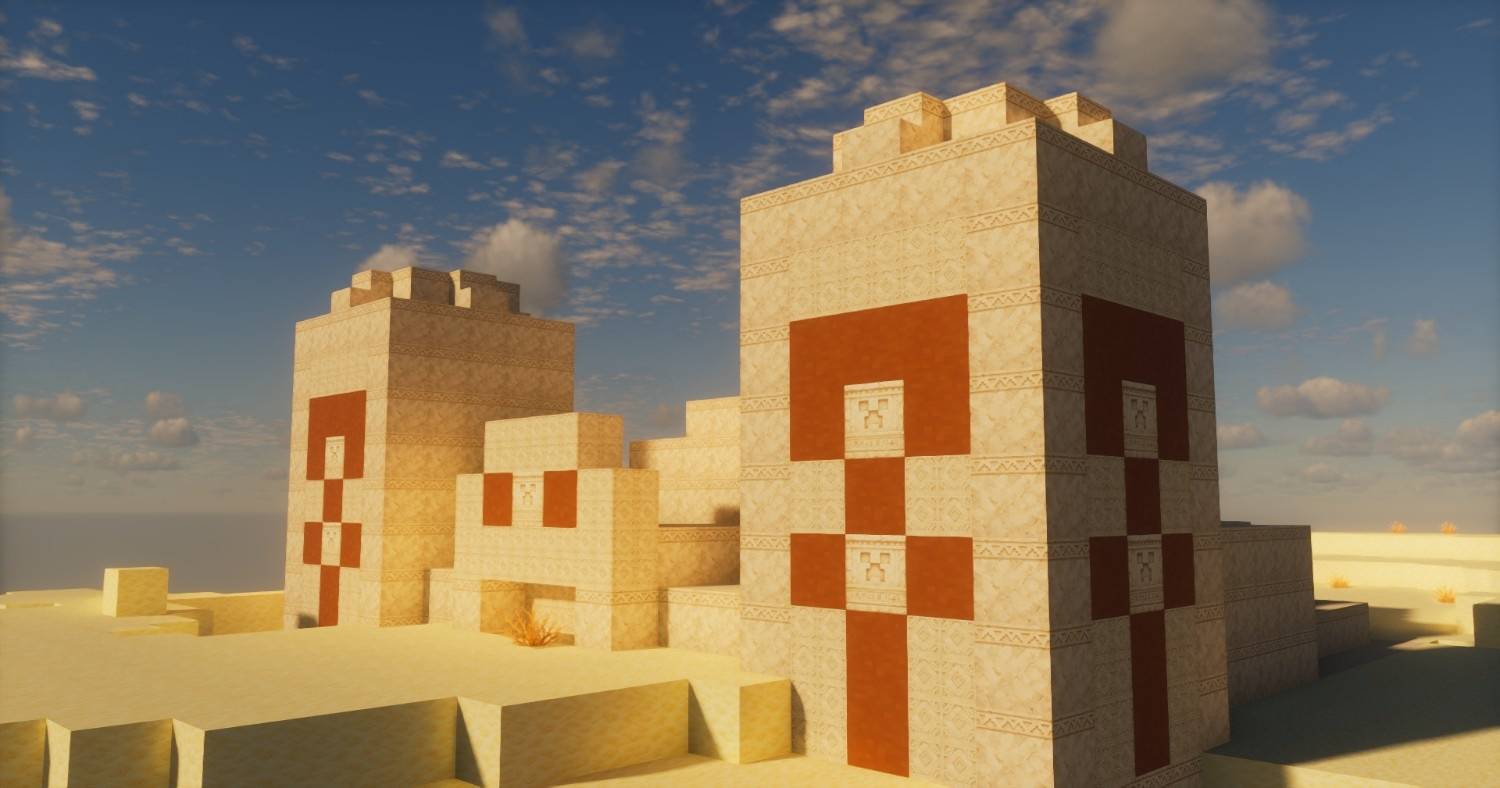
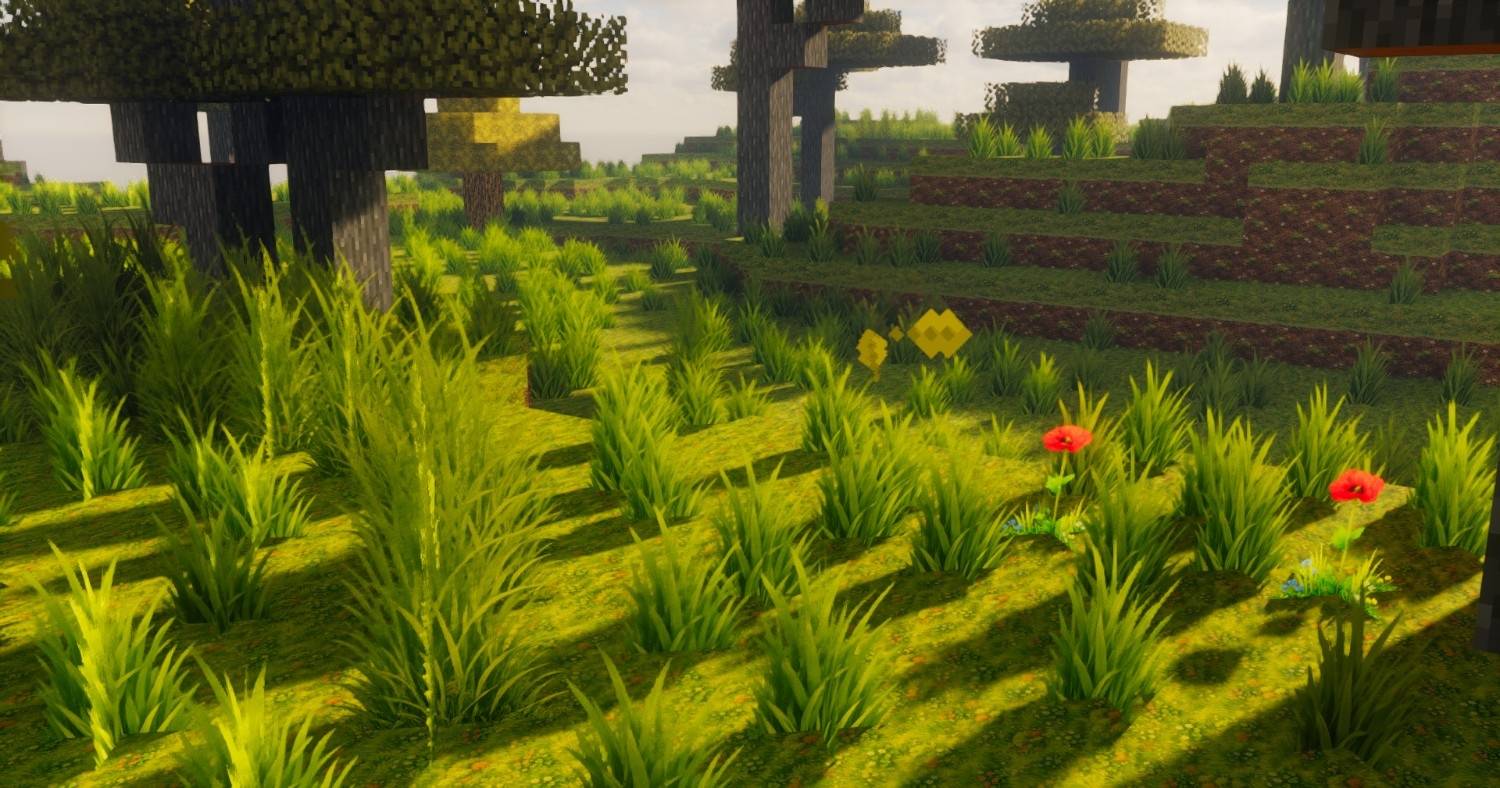
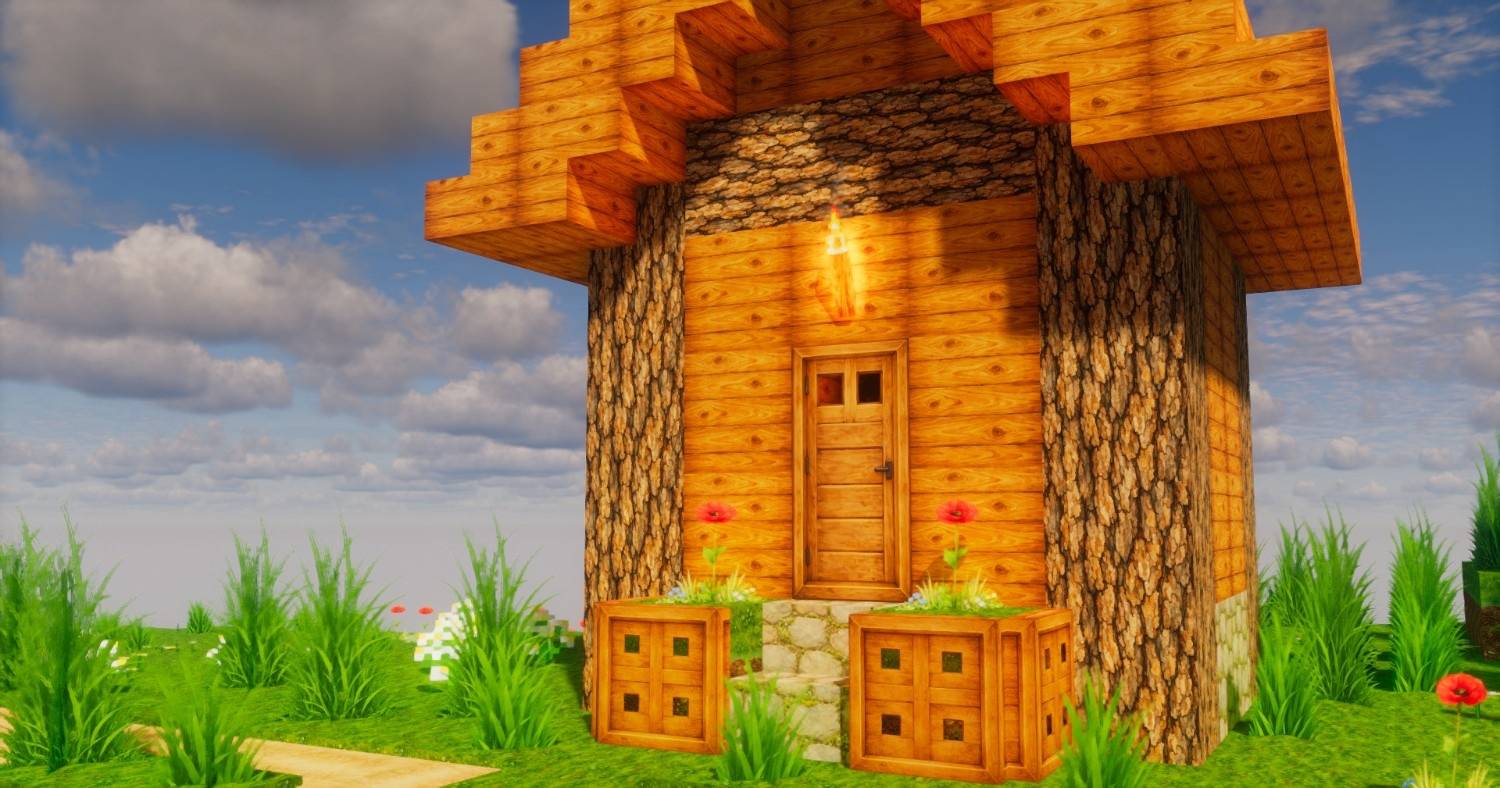
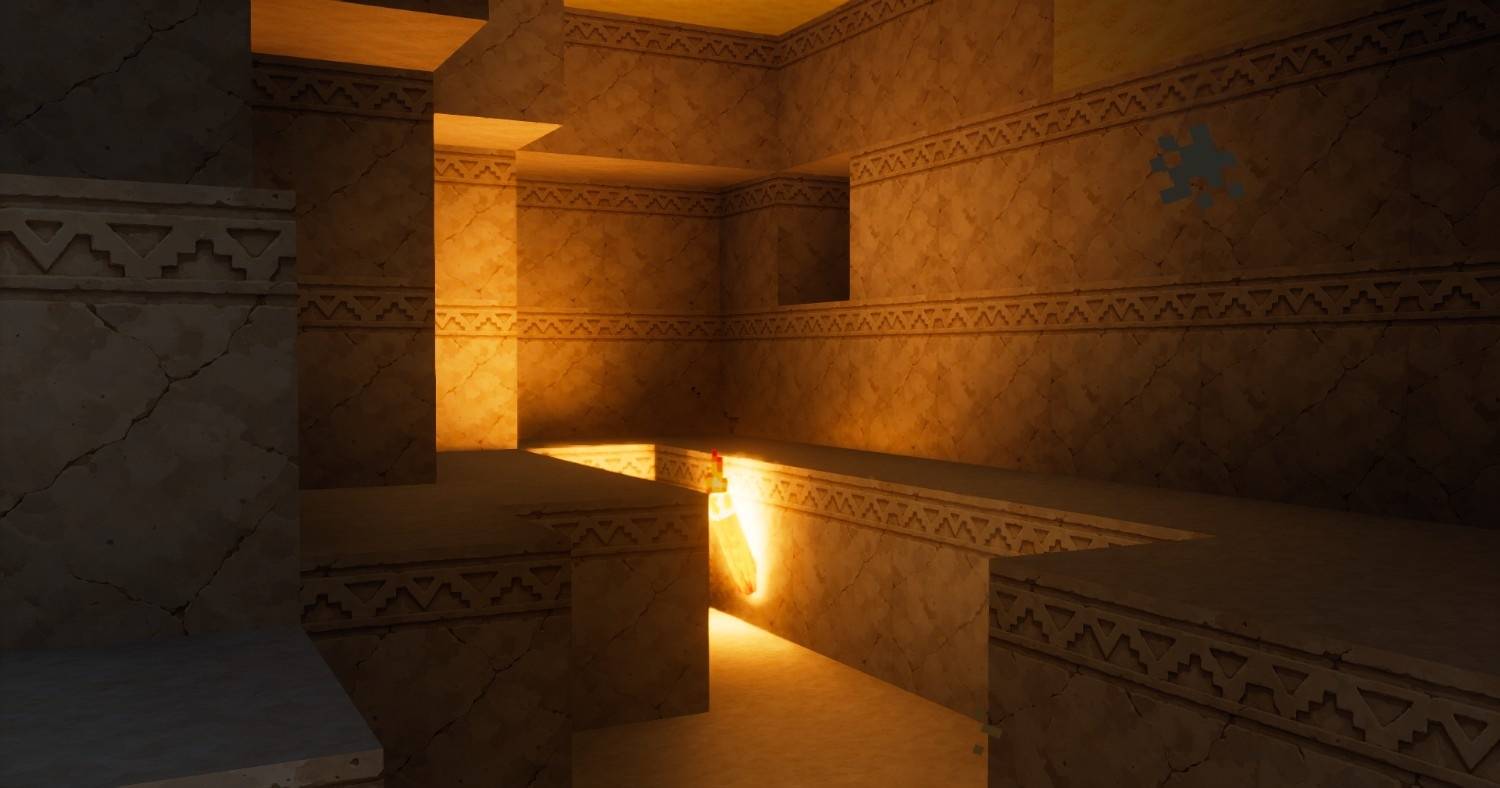
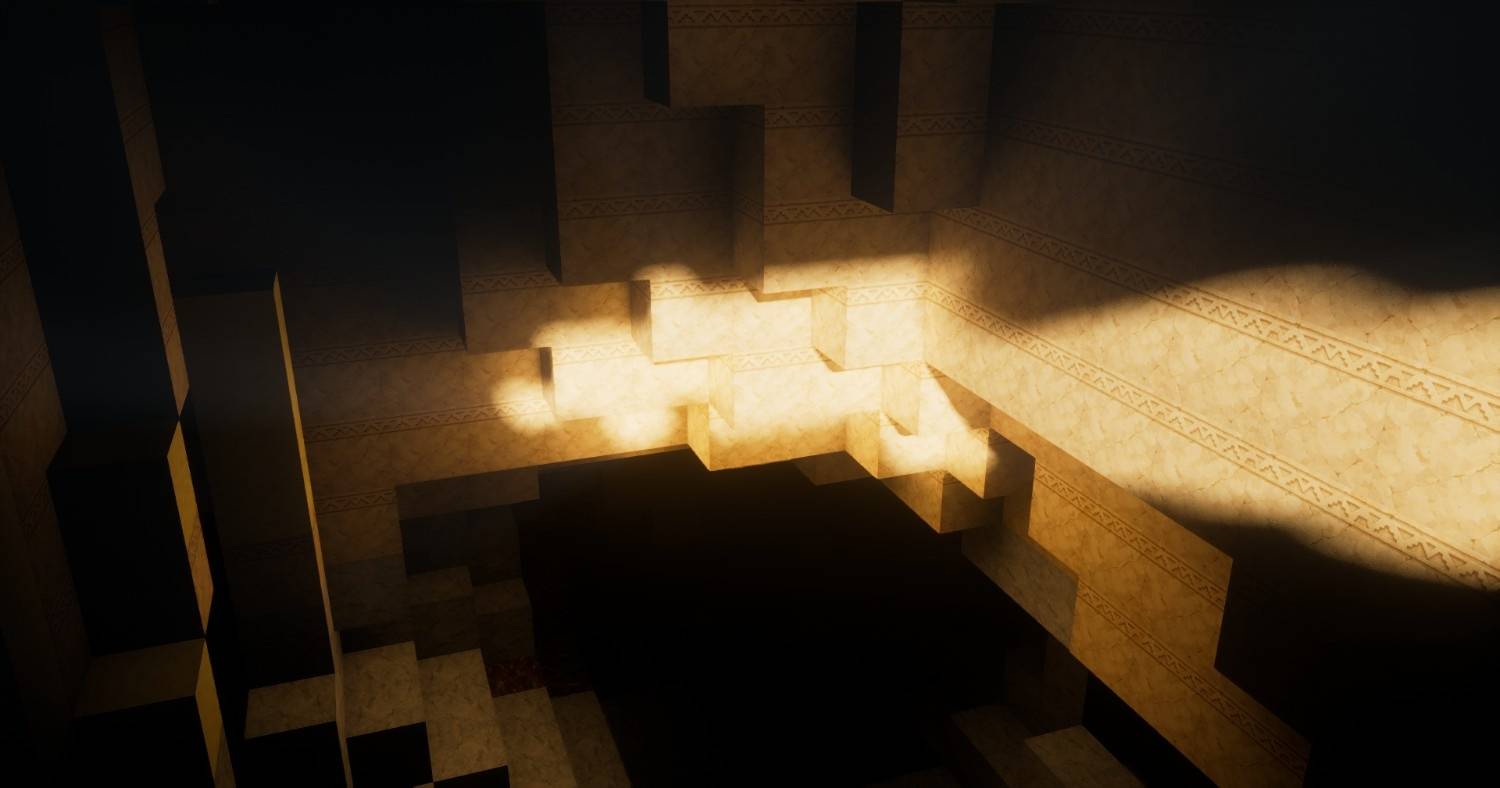
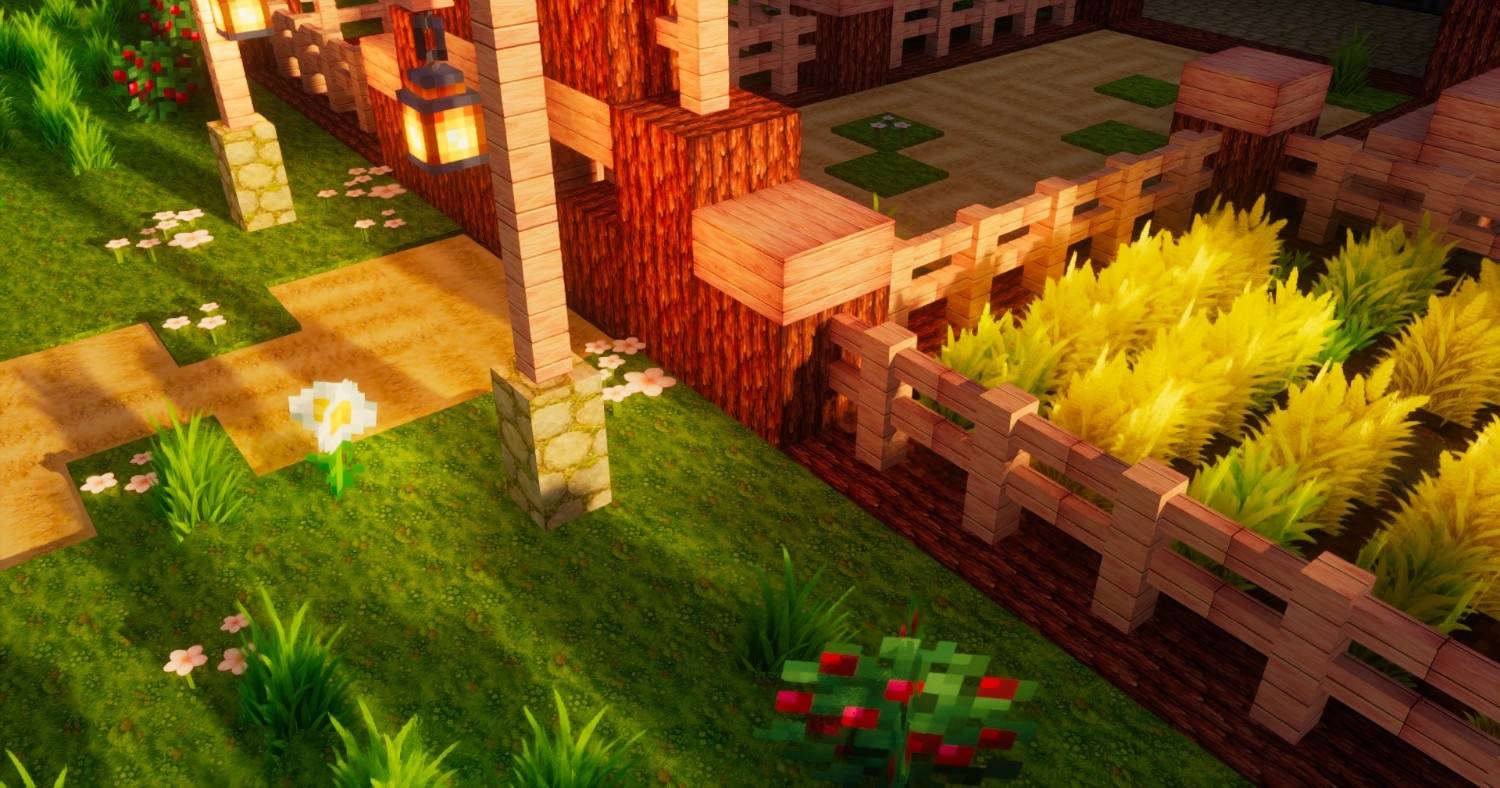
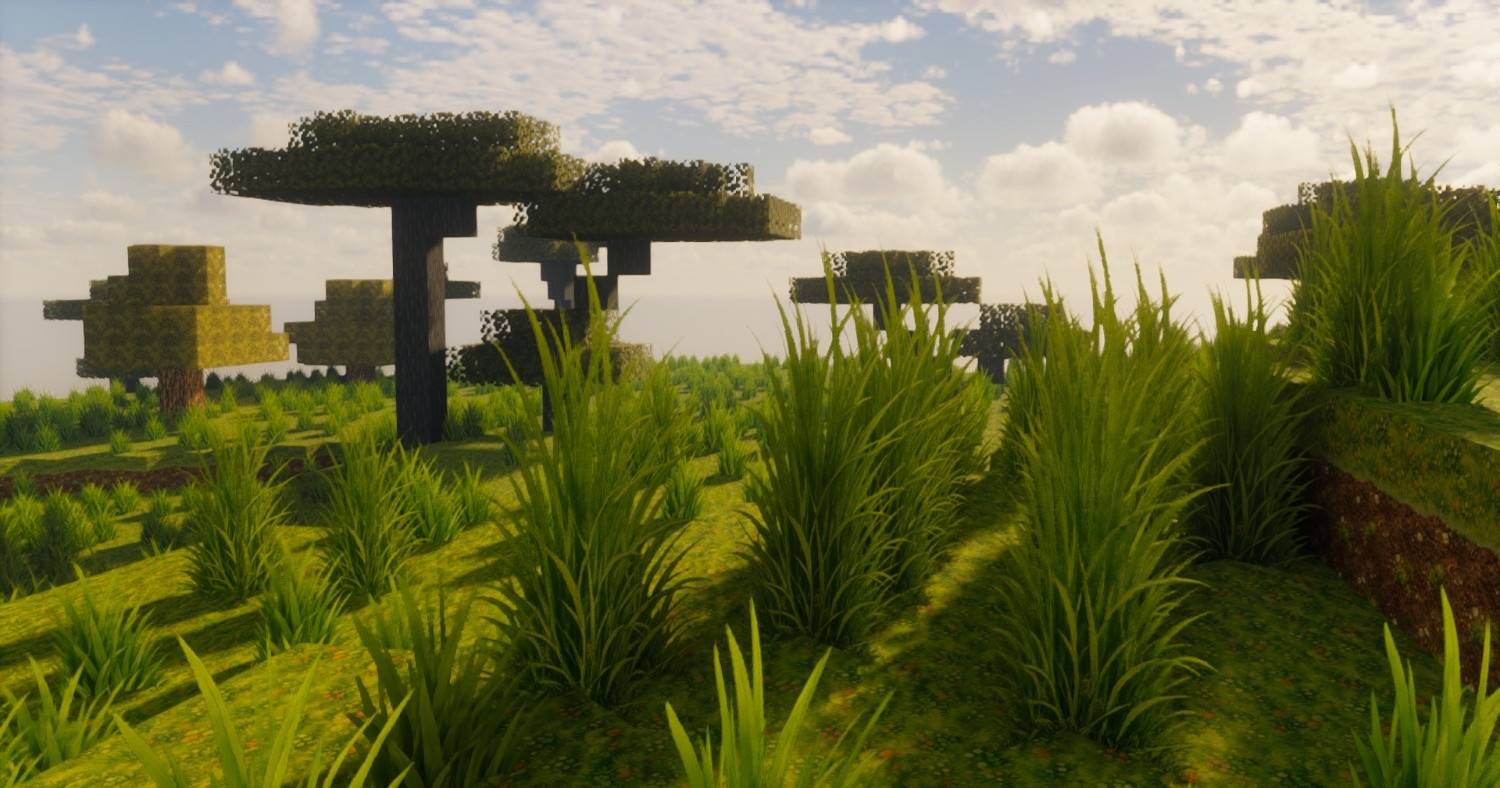
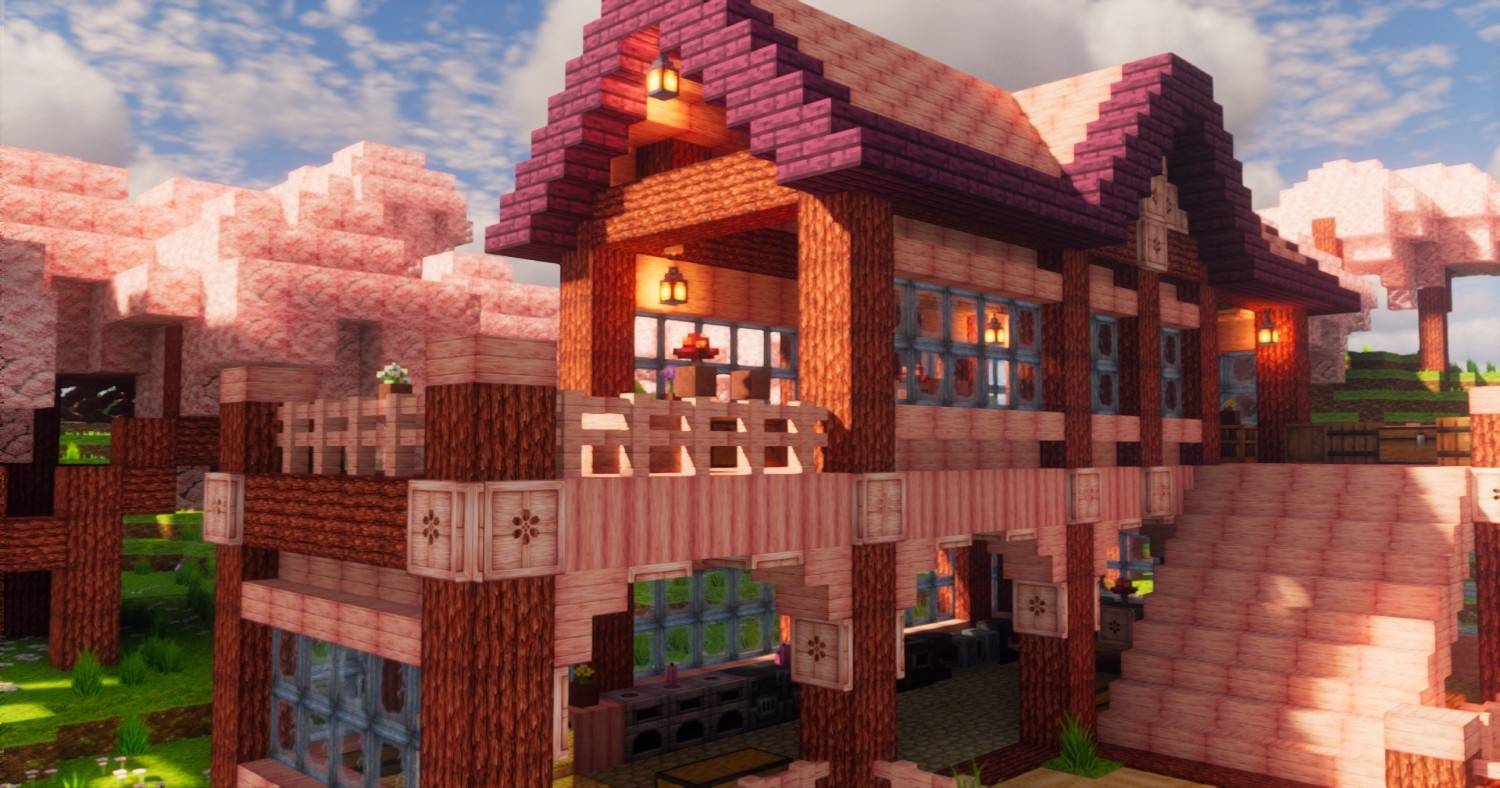
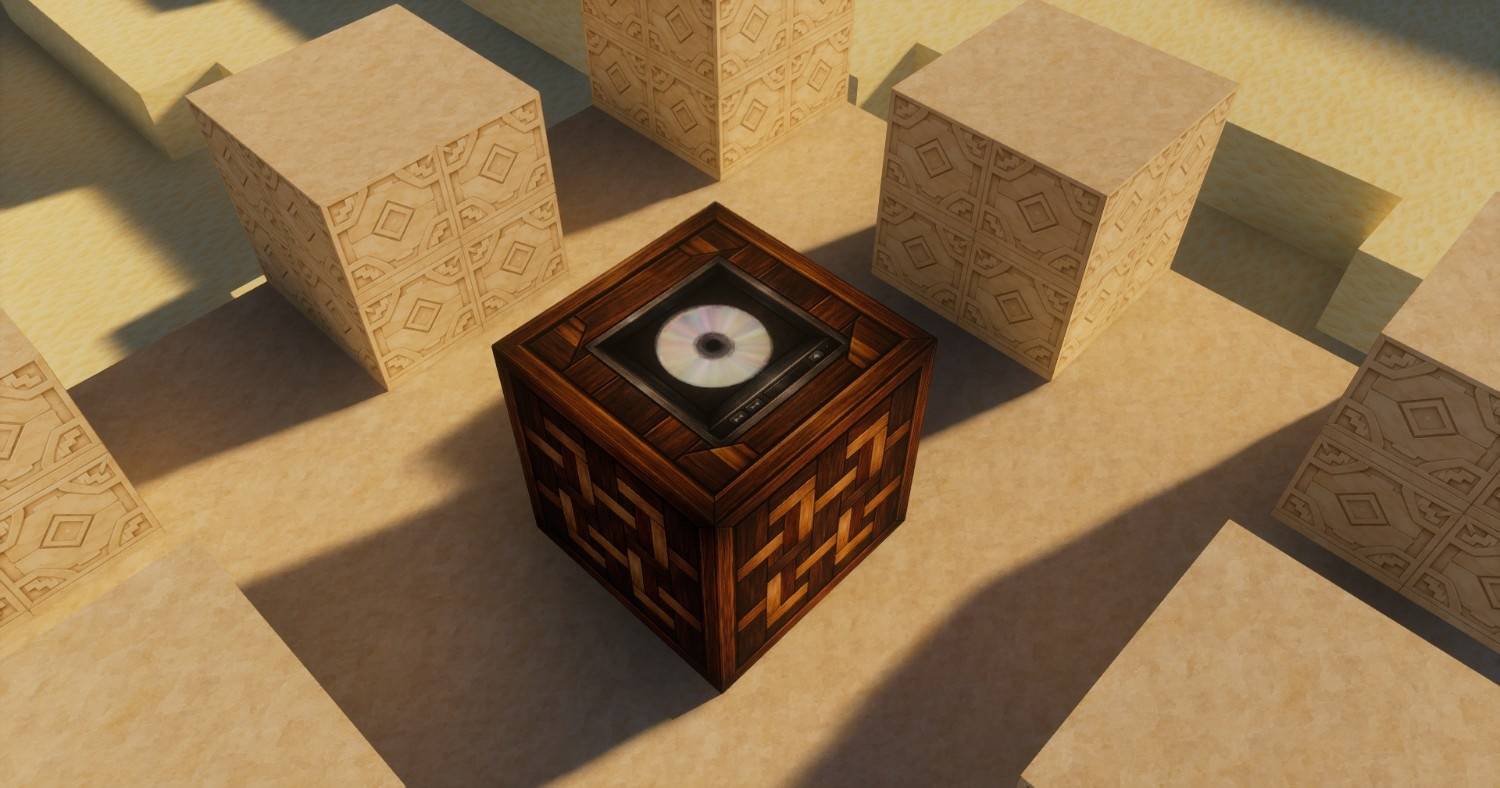
Hand-Painted/Ghibli Art like Minecraft Texture Pack created through structured AI image generation (+lot of manual corrections), demonstrating how far precise prompt engineering can push visual consistency and artistic control.
by Ox4a4b
Download Claim this project
583 downloads
0 likes
0 followers
Updated Oct 14, 2026
0 hypes
Follow0
512x and Higher Modern
Advertisement Remove ads with Premium →

GhibliBlocks

GhibliBlocks

GhibliBlocks is a fully hand-painted/ghibli art style Minecraft texture pack created through structured AI image generation, demonstrating how far precise prompt engineering can push visual consistency and artistic control.

Available in 512x, 256x, and 128x resolutions, all for free!

Every texture in this pack was generated using carefully designed, highly structured prompts that enforce strict rules for seamless tiling, neutral color temperature, orthographic alignment, and consistent hand-painted Studio Ghibli–inspired watercolor and gouache aesthetics. The goal of this project is to showcase how AI can be guided to produce production-ready game assets with deliberate artistic direction.

This pack serves as both a usable Minecraft texture pack and a technical showcase of what AI image generation can achieve when guided with highly detailed, rule-based prompts. The focus is on consistency, seamless integration, and maintaining a cohesive artistic direction across all textures.

Free to use in worlds, builds, and content creation.

GhibliBlocks[R1-512x].zip
MC 1.21.2-Snapshot, 1.21, 1.21.6-snapshot, 1.21.1-Snapshot, 1.21.8, 1.21.5, 1.21.4, 1.21.5-Snapshot, 1.21.1, 1.21.6, 1.21.3, 1.21.7, 1.21-Snapshot, 1.21.4-Snapshot, 1.21.2
Release 2026-03-25 Get

Requirements & install

How to use this resource pack in Minecraft
Resolution
512x+
Minecraft
1.21.4-Snapshot – 1.21.8
Install folder
.minecraft/resourcepacks

How to install resource packs

  1. Download the resource pack .zip file (do not extract it).
  2. In Minecraft open Options → Resource Packs → Open Pack Folder.
  3. Drop the .zip into the resourcepacks folder (.minecraft/resourcepacks).
  4. Move the pack to the Selected column and click Done.

512x packs need a strong GPU and at least 4 GB of RAM for Minecraft; a performance mod such as Sodium is strongly recommended.

Browse more: 16x resource packs 32x resource packs 64x resource packs 128x resource packs 256x resource packs 512x+ resource packs Resource Packs for 1.21.8 All resource packs

More from Ox4a4b

Advertisement Remove ads with Premium →

You Might Also Like