Mineuniverse
Resource Packs
Scorp's Small Items

Scorp's Small Items

RESOURCE PACK
A lightweight, universal Minecraft resource pack that shrinks items in your hand for a cleaner, more realistic look — while keeping their size completely normal in your inventory, on the ground, and everywhere else. Works with Sodium!
by ScorpTheBot
Download Claim this project
216 downloads
0 likes
Updated Oct 14, 2026
0 hypes
16x Miscellaneous Mod Support Modern
Advertisement Remove ads with Premium →

Summary
A lightweight, universal Minecraft resource pack that shrinks items in your hand for a cleaner, smoother look — while keeping their size completely normal in your inventory, on the ground, and everywhere else.

Description

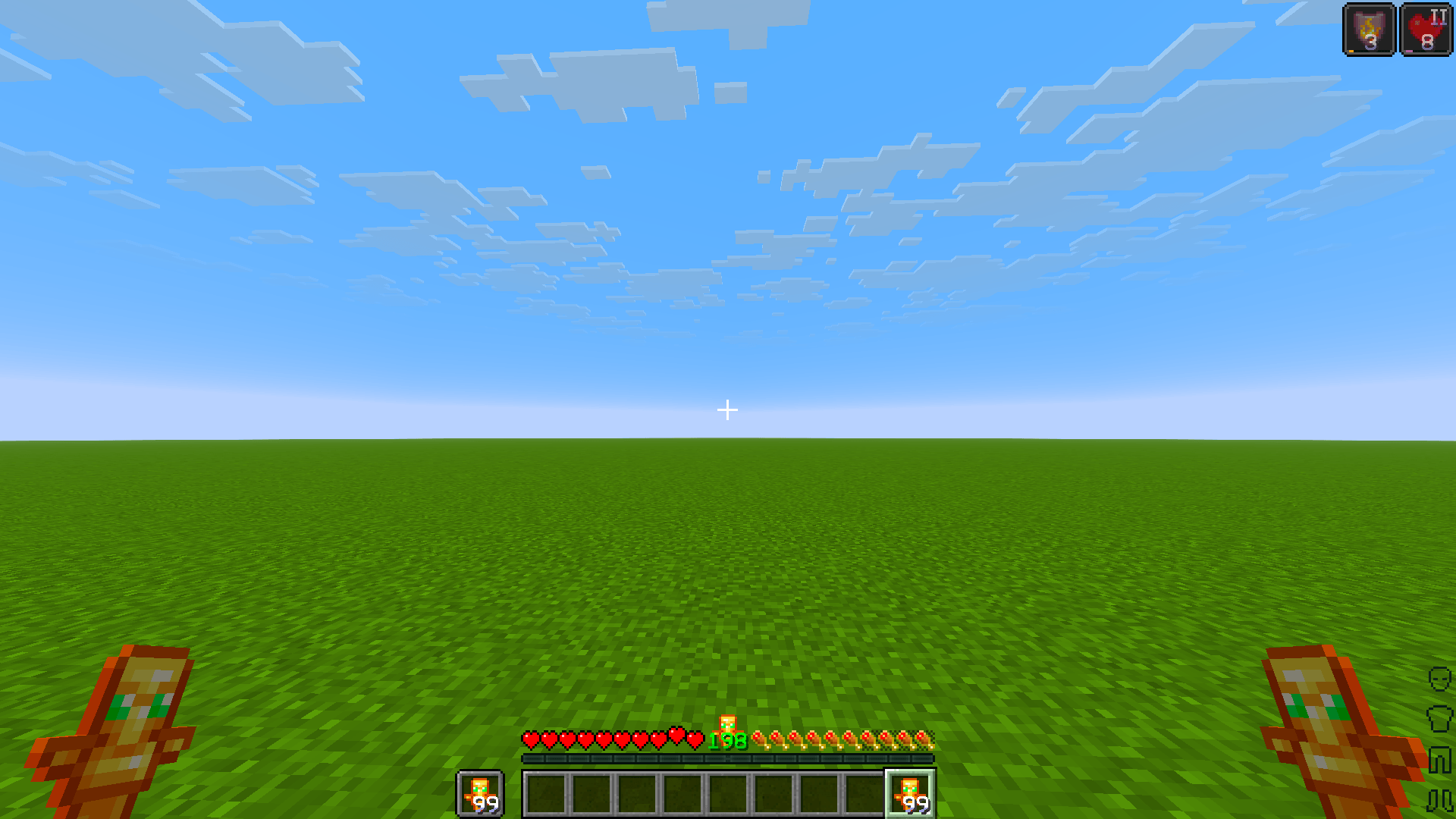
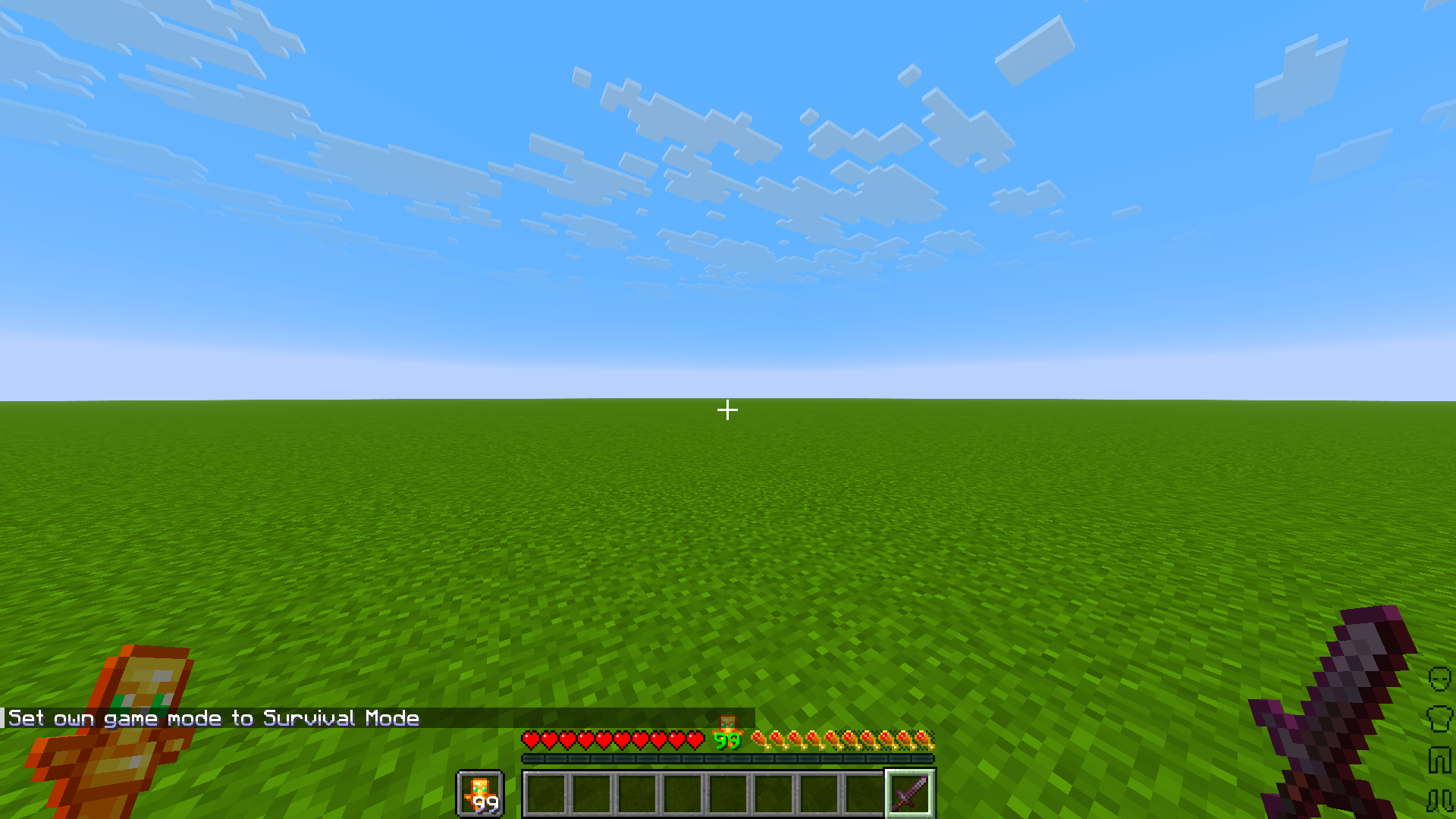
Scorp's Small Items makes held items feel less bulky and more true-to-scale without touching anything else about your game. Swords, tools, food, potions, and other flat/handheld items now appear noticeably smaller when equipped in either hand — nudged slightly down and to the right for a tidier, less obstructive view of your screen — while GUI icons, dropped items on the ground, item frames, and armor stand heads stay exactly as they were in vanilla.

The pack works across virtually all Minecraft Java Edition versions, old and new alike, thanks to a dual-format pack.mcmeta that supports both the classic pack-format system and the newer min/max format system introduced in recent updates.

Features:

  • Smaller in-hand item scale for swords, tools, food, and other handheld items
  • Slight positional nudge for a cleaner on-screen feel
  • No changes to inventory, ground, item frame, or head-display sizes
  • Broad version compatibility, front-to-back
  • Custom gradient-themed pack icon and hover description

Simple, subtle, and works with pretty much any mod!


Comment any bugs/issues with the pack, I'll do my best to fix them!

Scorp's Small Items
MC 1.21.9, 1.21.10, 1.21.11-snapshot, 1.21.11, 26.1, 26.1.1, 26.1.2, 26.2
Release 2026-09-10 Get

Requirements & install

How to use this resource pack in Minecraft
Resolution
16x
Minecraft
1.21.9 – 26.2
Install folder
.minecraft/resourcepacks

How to install resource packs

  1. Download the resource pack .zip file (do not extract it).
  2. In Minecraft open Options → Resource Packs → Open Pack Folder.
  3. Drop the .zip into the resourcepacks folder (.minecraft/resourcepacks).
  4. Move the pack to the Selected column and click Done.
Browse more: 16x resource packs 32x resource packs 64x resource packs 128x resource packs 256x resource packs 512x+ resource packs Resource Packs for 26.2 All resource packs

More from ScorpTheBot

Advertisement Remove ads with Premium →

You Might Also Like