Mineuniverse
Resource Packs
Greyscale | The Best Greyscale Pack

Greyscale | The Best Greyscale Pack

RESOURCE PACK
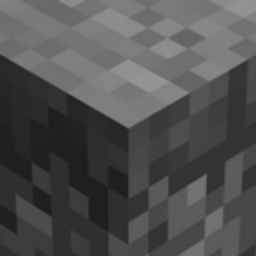
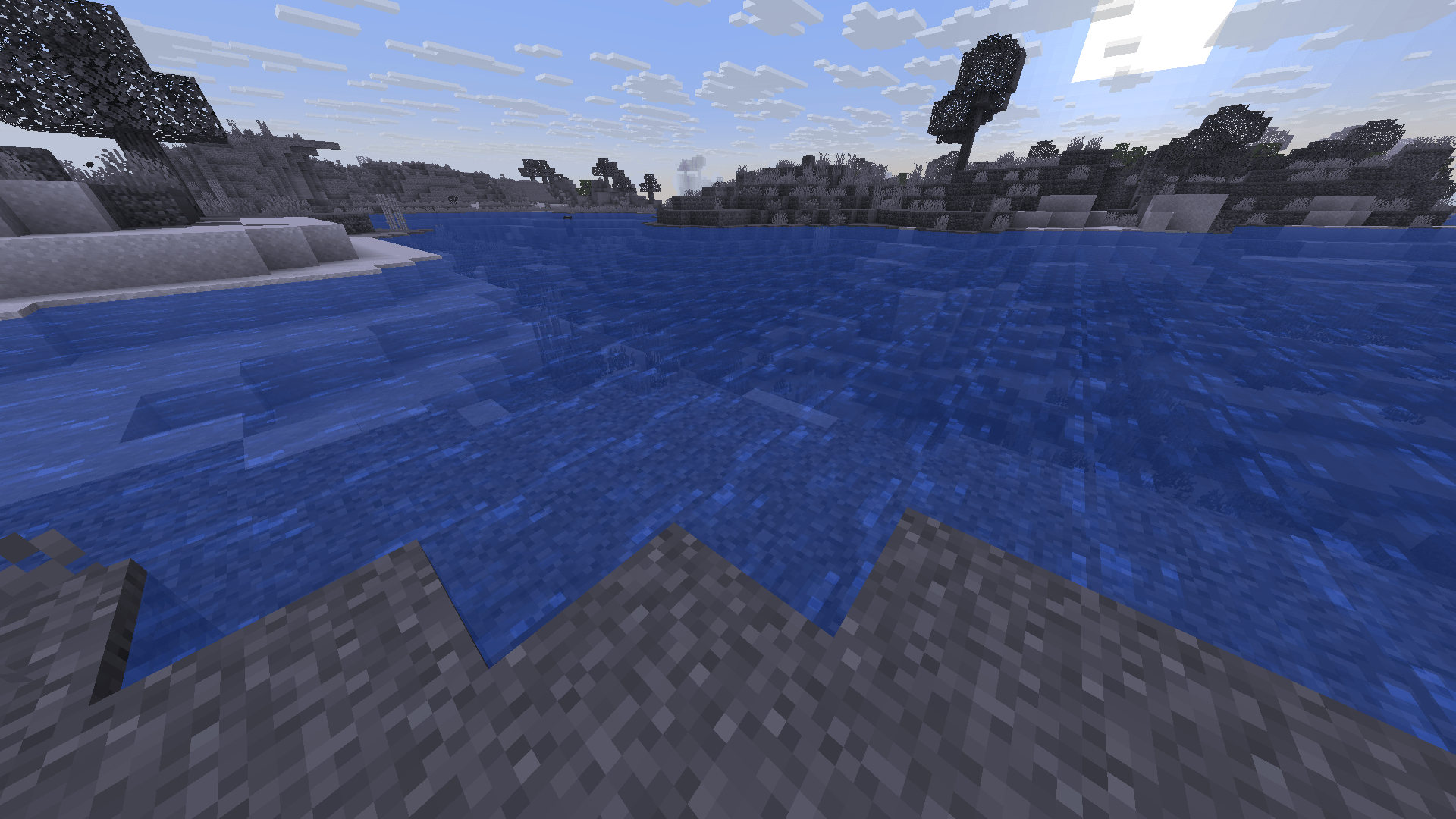
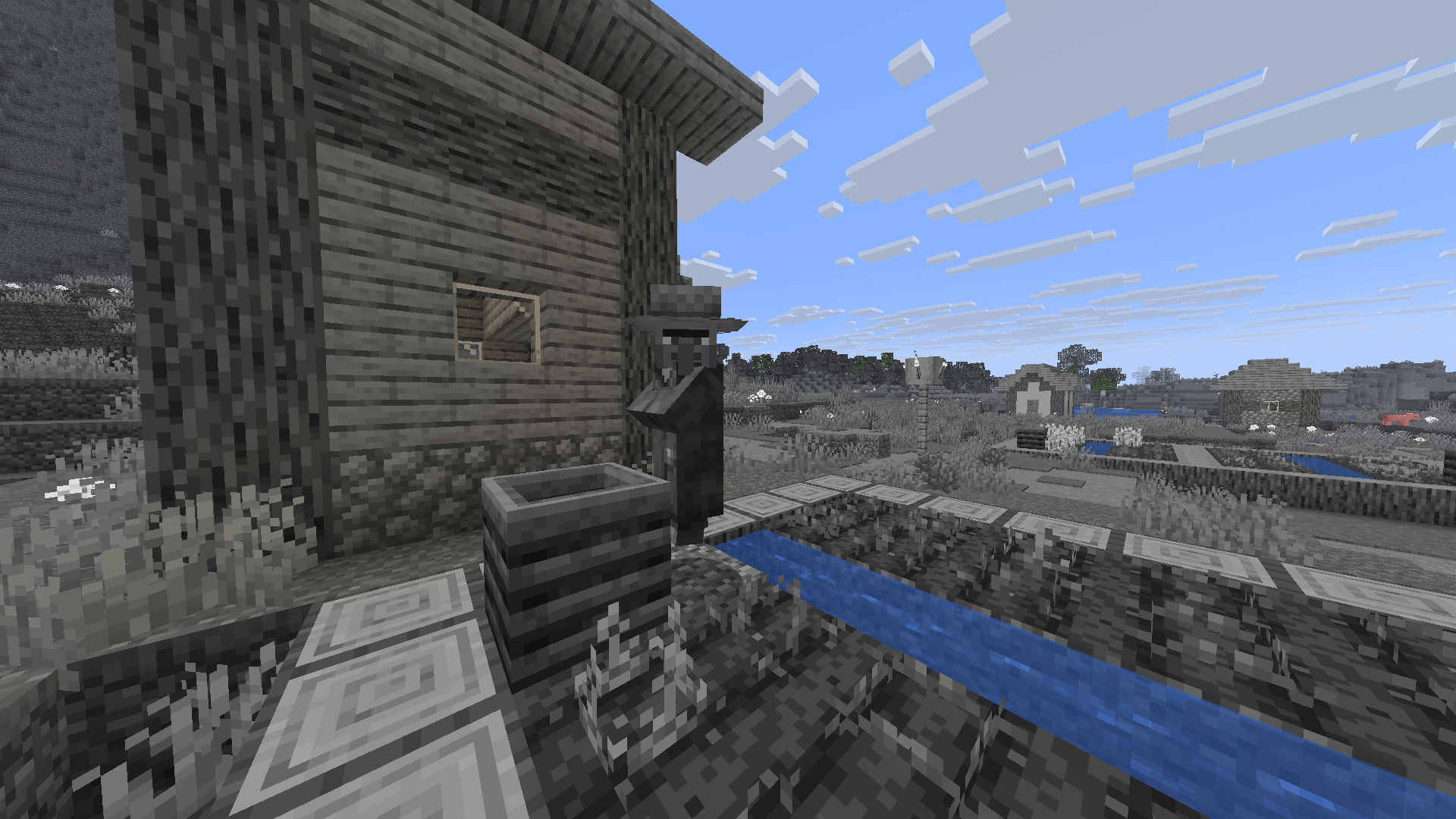
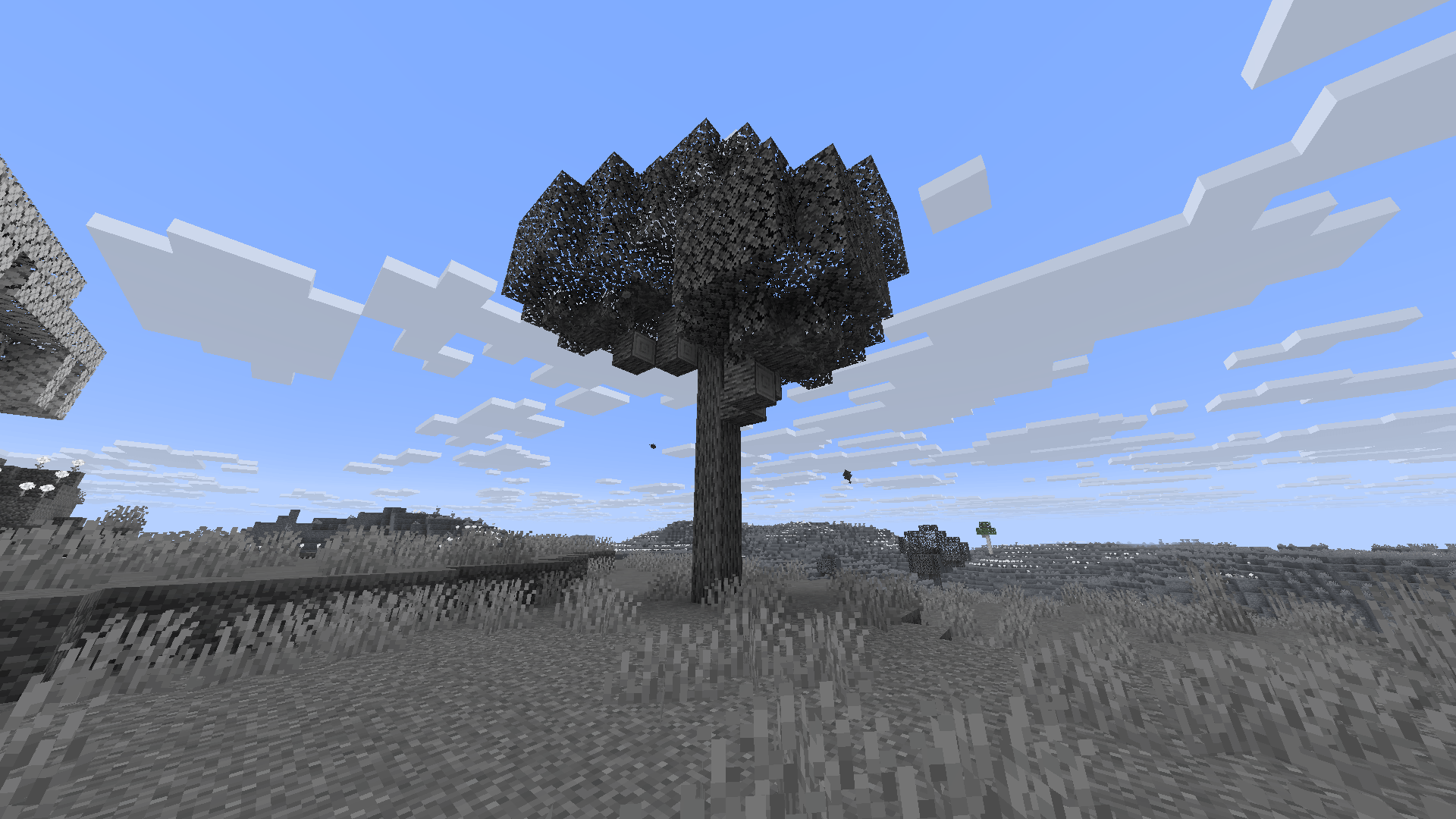
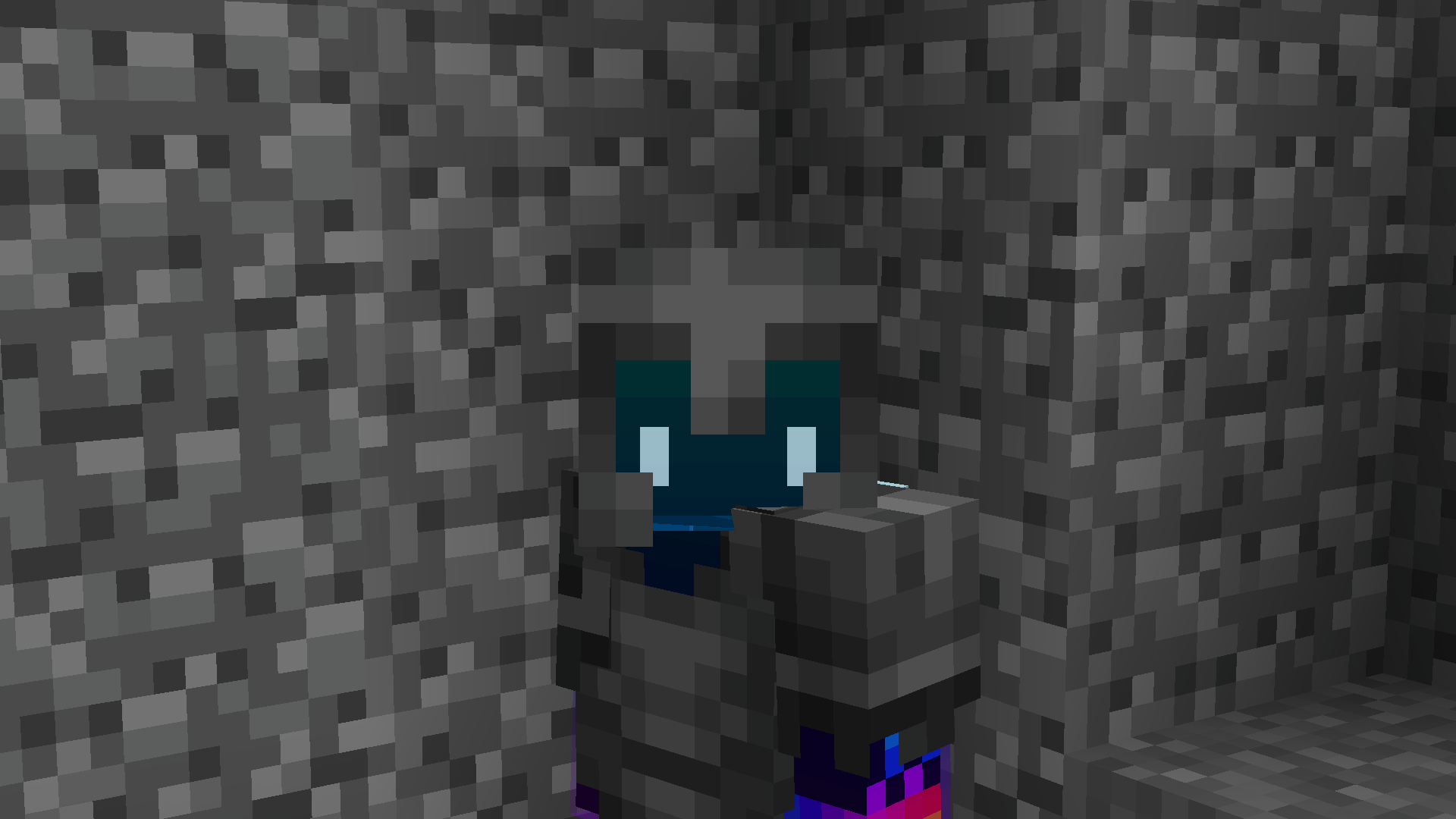
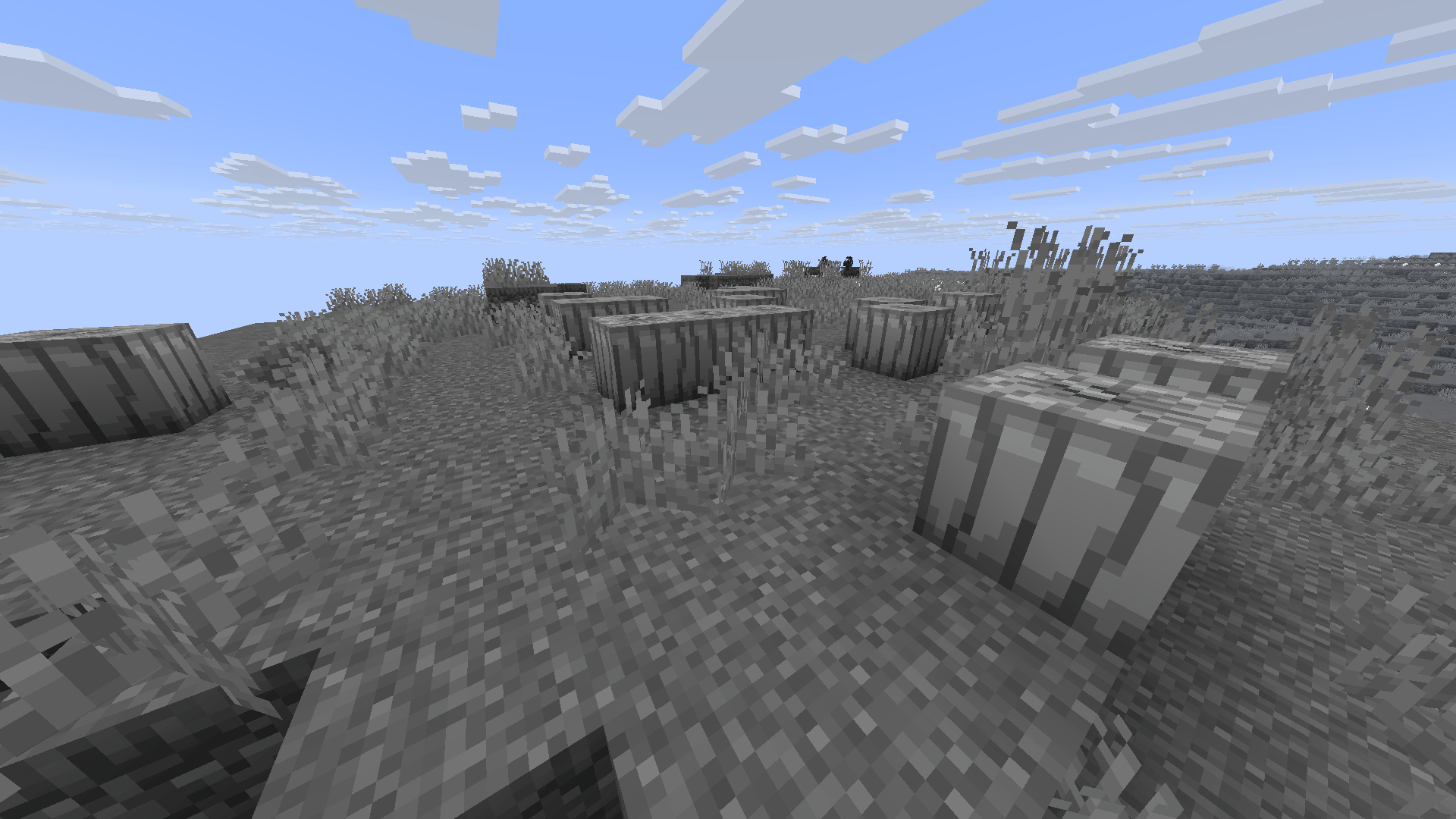
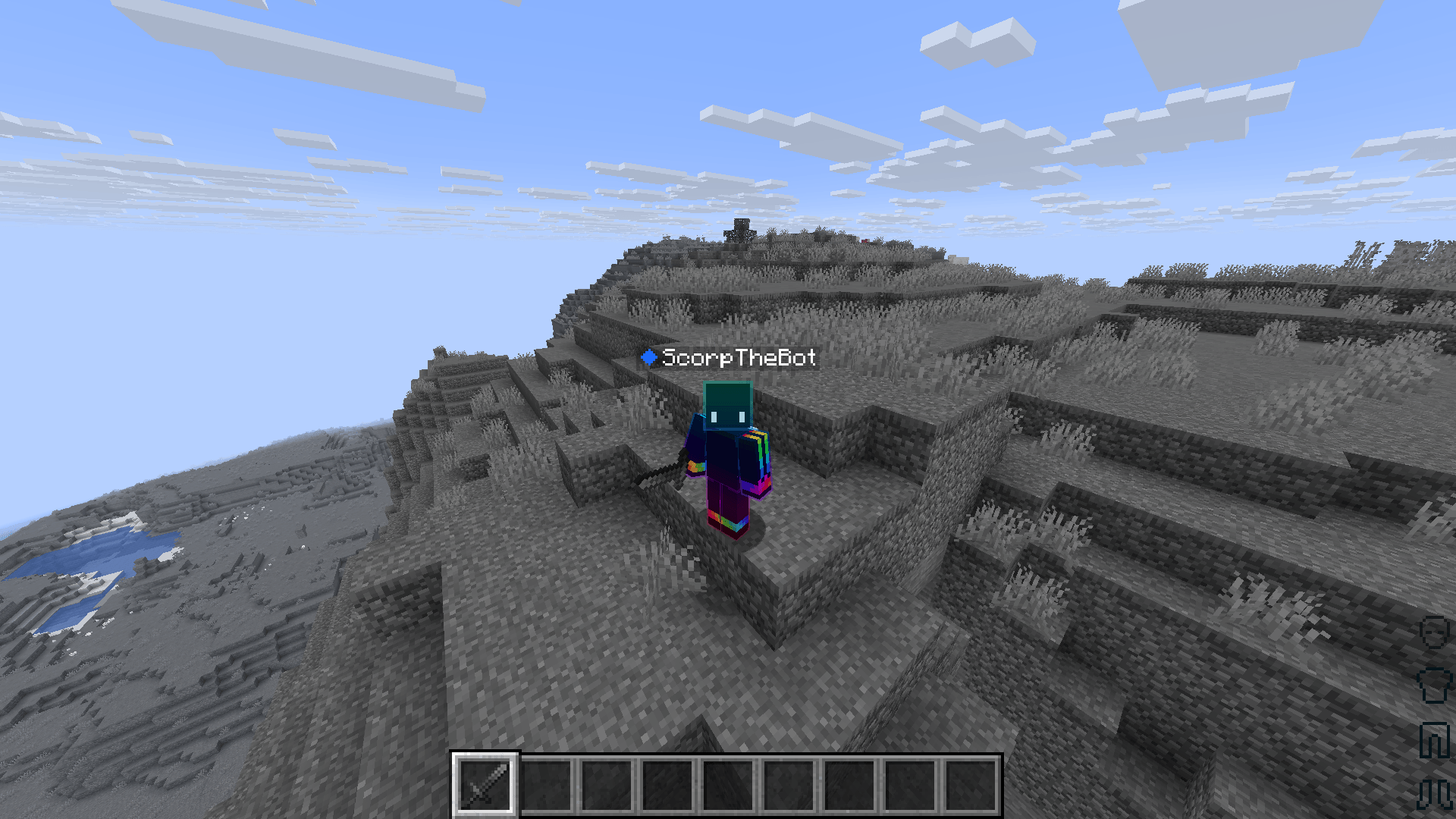
A grayscale resource pack for Minecraft Java Edition transforms all standard in-game colors into shades of black, white, and gray.
by ScorpTheBot
Download Claim this project
Add a badge to your pageLink to Greyscale | The Best Greyscale Pack from a README, website or forum post.
Preview: Badge

Badges update automatically and link to the resource pack page on MineUniverse.

135 downloads
0 likes
0 followers
Updated Oct 14, 2026
0 hypes
Follow0
16x Miscellaneous Modern Traditional
Advertisement Remove ads with Premium →
Grayscale: A Monochrome Minecraft Experience
 
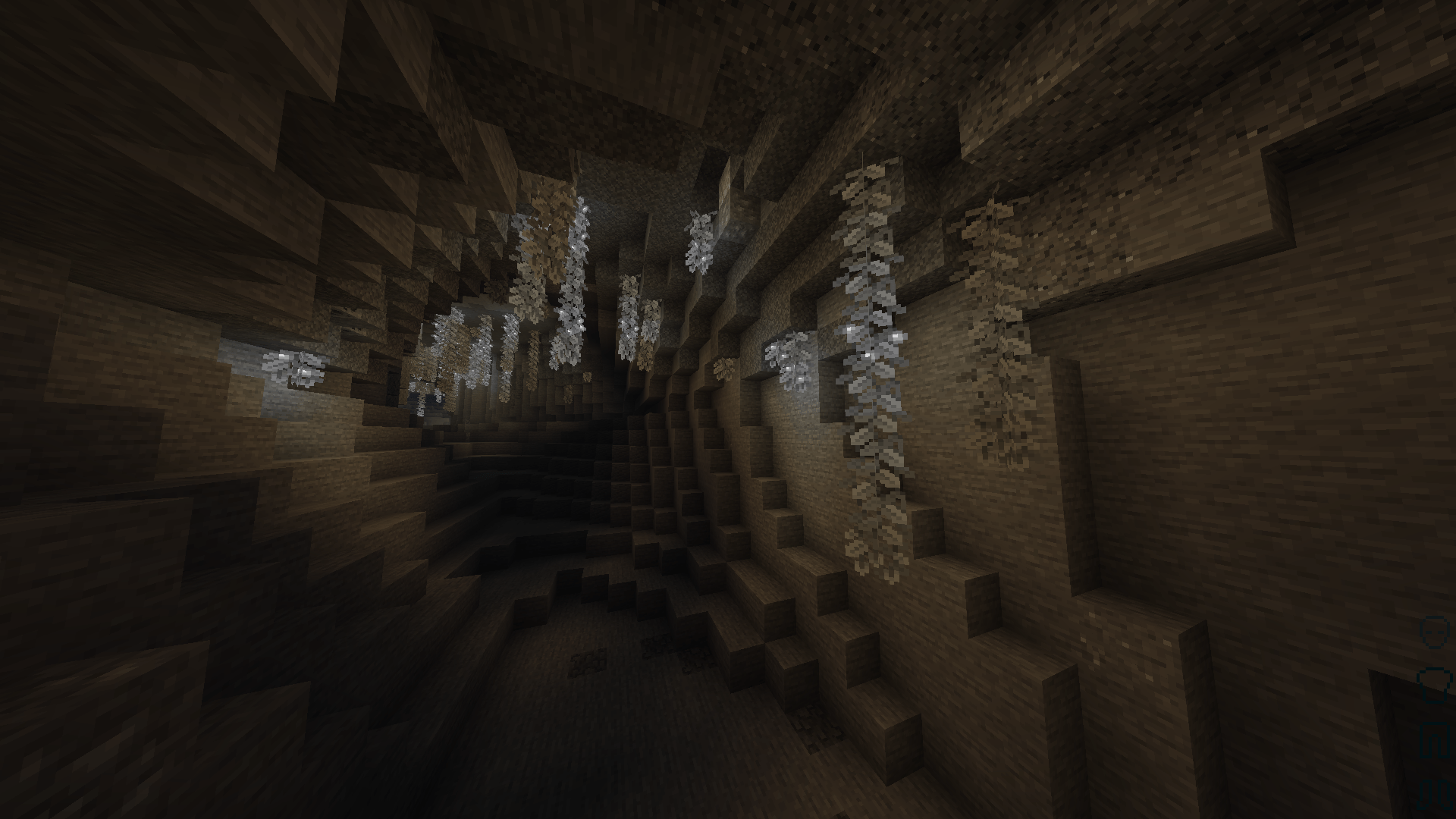
Step into a world stripped of color and redefined by shade, contrast, and shadow. Grayscale completely transforms Minecraft Java Edition by converting every block, item, entity, and user interface element into a striking black-and-white aesthetic.
 
Whether you are looking to record a vintage film noir gameplay series, want a moody and artistic survival challenge, or simply prefer a clean, minimalist look, this pack delivers a completely fresh perspective on the familiar world.
 
🎨 Key Features
 
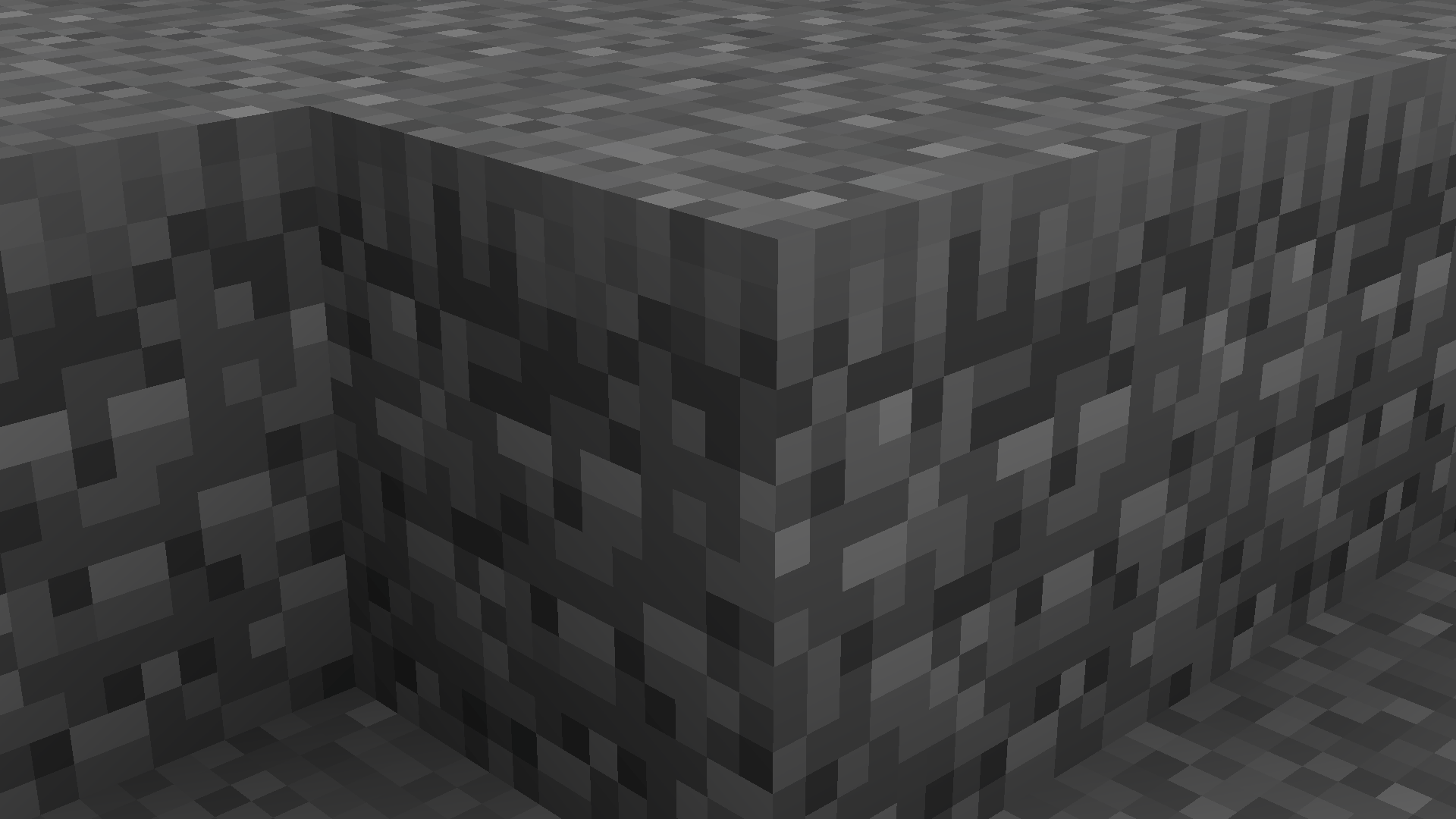
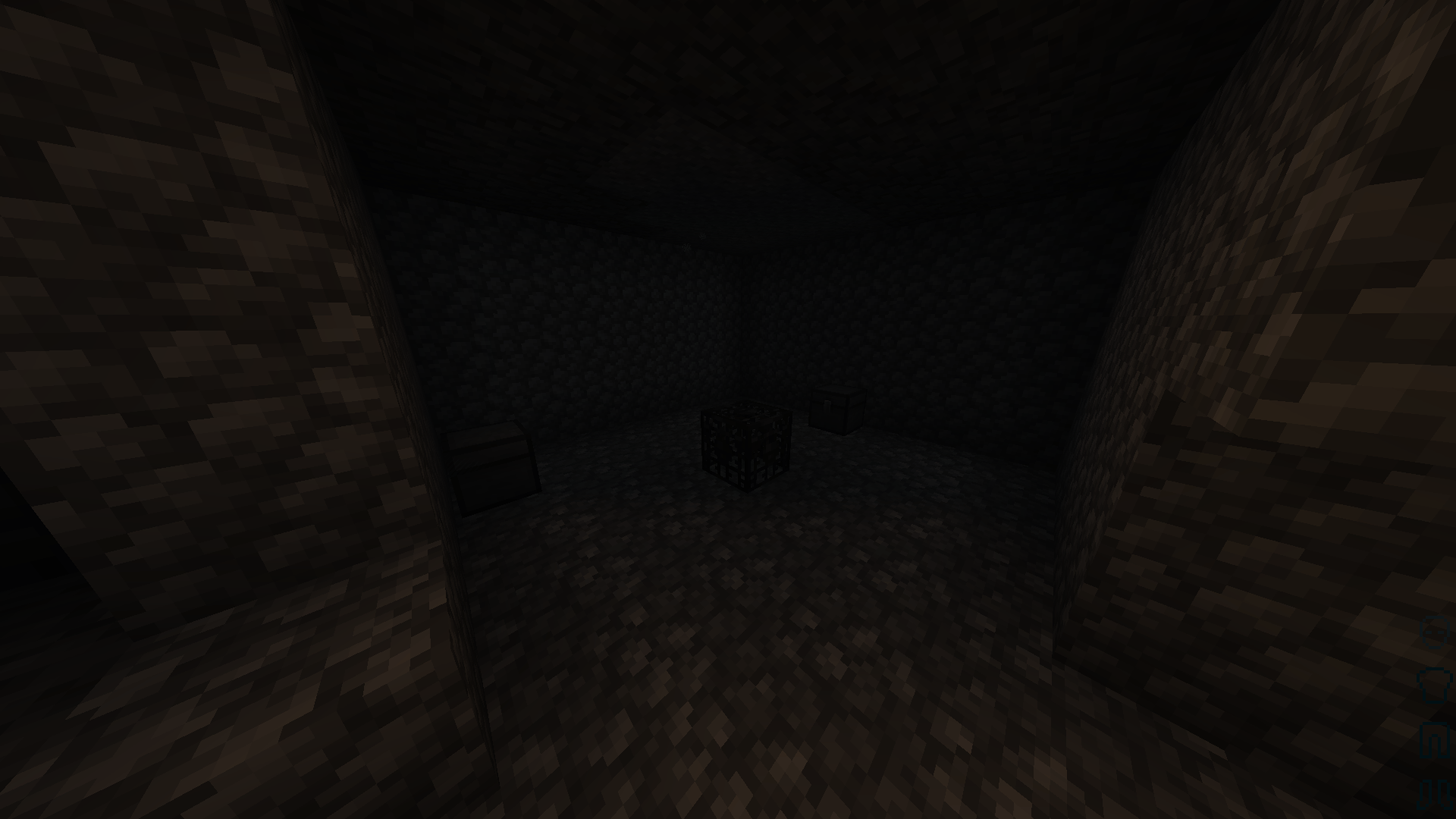
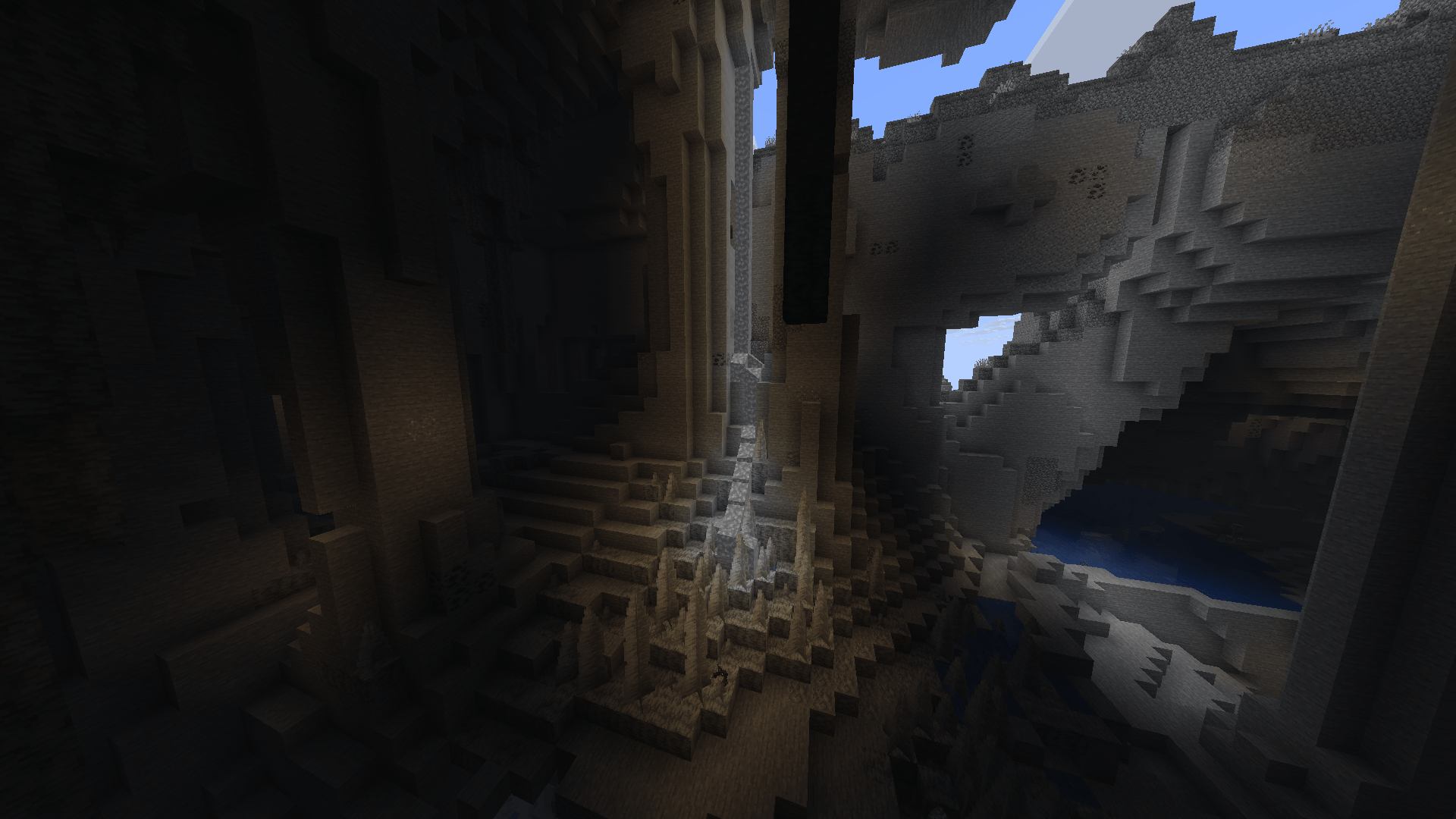
  • Full Monochrome Overhaul: Every single texture—from the brightest concrete to the deepest netherrack—is converted into calibrated shades of gray.
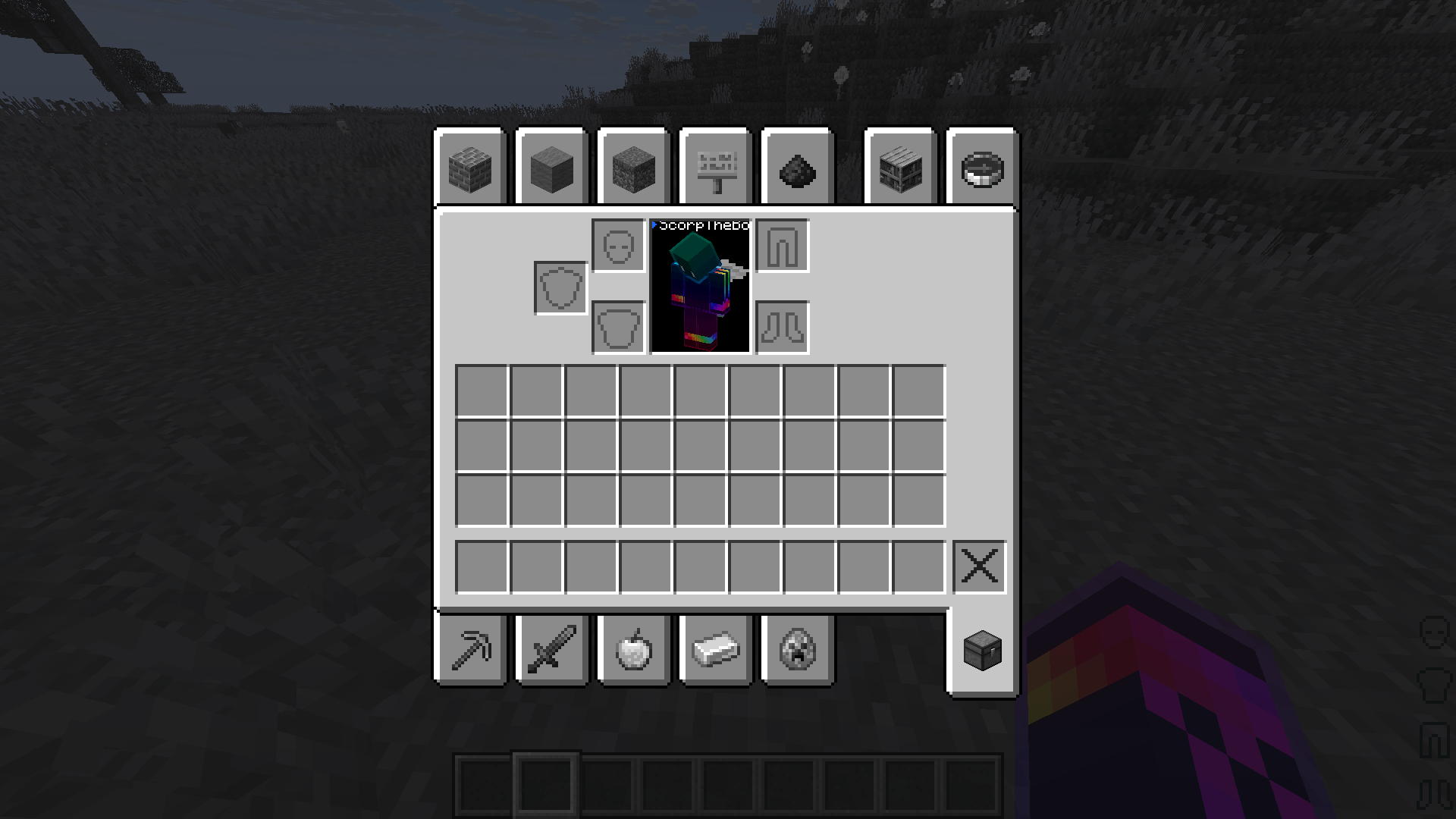
  • Classic UI & Menus: Clean, retro-inspired black-and-white menus, inventory screens, and heads-up displays (HUD).
  • Enhanced Contrast: Textures are carefully adjusted so outlines, depth, and details remain crisp and highly visible despite the lack of color.
  • The Ultimate Challenge: Standard gameplay mechanics are given a unique twist. Distinguishing between different colored wools, terracottas, and potion effects now relies entirely on memory, icons, and tooltips.
⚙️ Compatibility & Installation
  • Versions: Compatible with modern versions of Minecraft Java Edition.
  • Requirements: Works entirely with the vanilla resource pack engine. No external mods required!
  • Load Order: For the best experience, place this pack at the very top of your Active Resource Packs list in-game.

REPORT ANY BUGS, FEATURES, COMPATABILITY ISSUES, ETC. IN THE COMMENTS!


Greyscale
MC 1.8.7, 1.21.6-snapshot, 1.21.8, 1.8.8, 1.8.4, 1.21.5, 1.21.4, 1.21.5-Snapshot, 1.8.3, 1.21.6, 1.8, 1.21.7, 1.8.6, 1.21.4-Snapshot, 1.8.9, 1.8.1, 1.8.5, 1.8.2, 1.21.9-snapshot
Release 2026-09-15 Get

Requirements & install

How to use this resource pack in Minecraft
Resolution
16x
Minecraft
1.21.4 – 1.21.9-snapshot
Install folder
.minecraft/resourcepacks

How to install resource packs

  1. Download the resource pack .zip file (do not extract it).
  2. In Minecraft open Options → Resource Packs → Open Pack Folder.
  3. Drop the .zip into the resourcepacks folder (.minecraft/resourcepacks).
  4. Move the pack to the Selected column and click Done.
Browse more: 16x resource packs 32x resource packs 64x resource packs 128x resource packs 256x resource packs 512x+ resource packs Resource Packs for 1.21.9-snapshot All resource packs

More from ScorpTheBot

Advertisement Remove ads with Premium →

You Might Also Like