| No Bobber |
Fishing rod hook is invisible — no more bobber clutter when rod-knocking in PVP. |
| No Particles |
Kills nearly all particle rendering at the shader level (crits, sweeps, totem sparkles, splash potions, etc.). |
| Smaller Items |
Shrinks held items in first-person so you can see more of the screen and your opponent. |
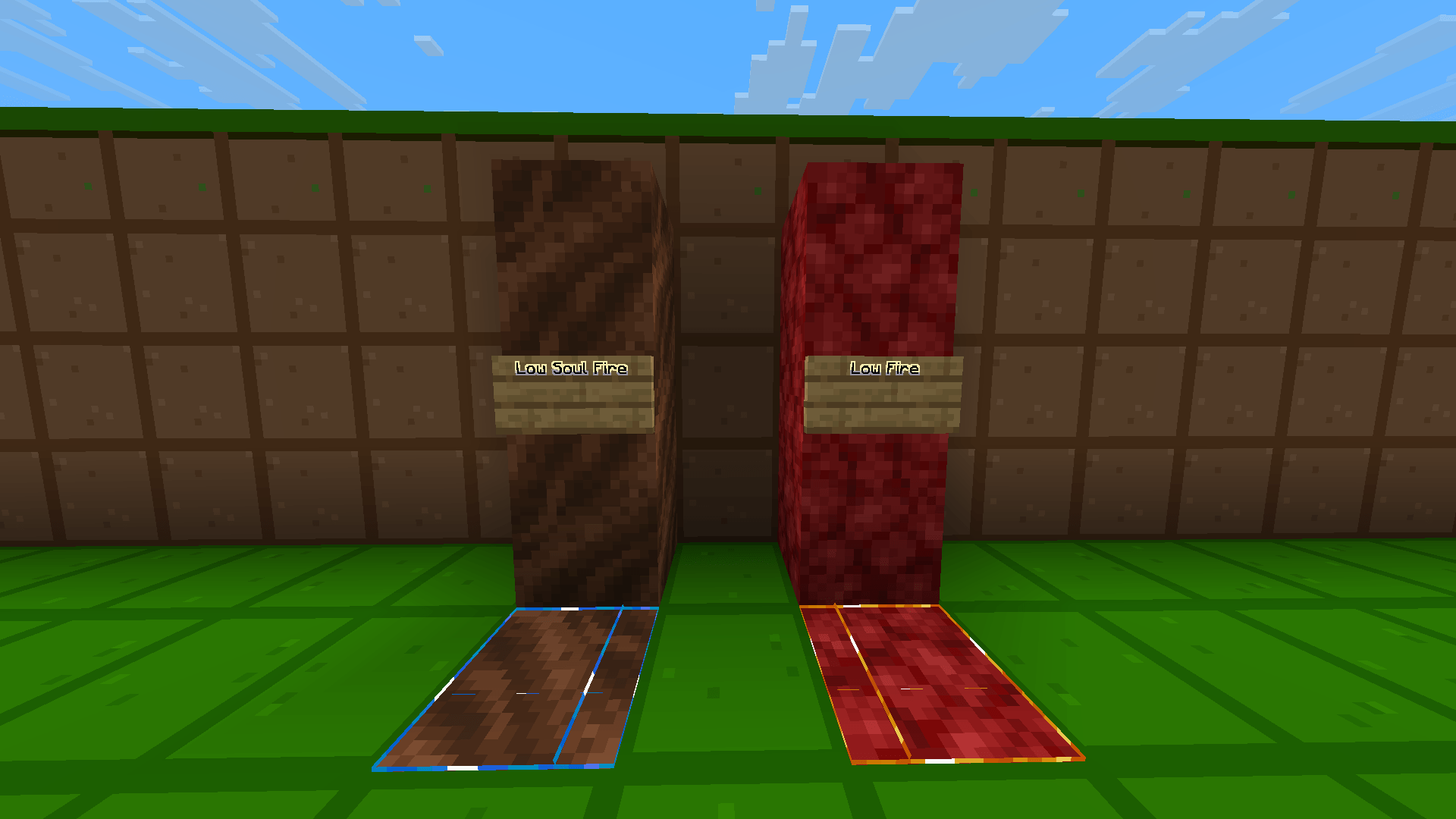
| No Fire |
Removes the tall flame overlay when you're burning, leaving just a faint ember cue. |
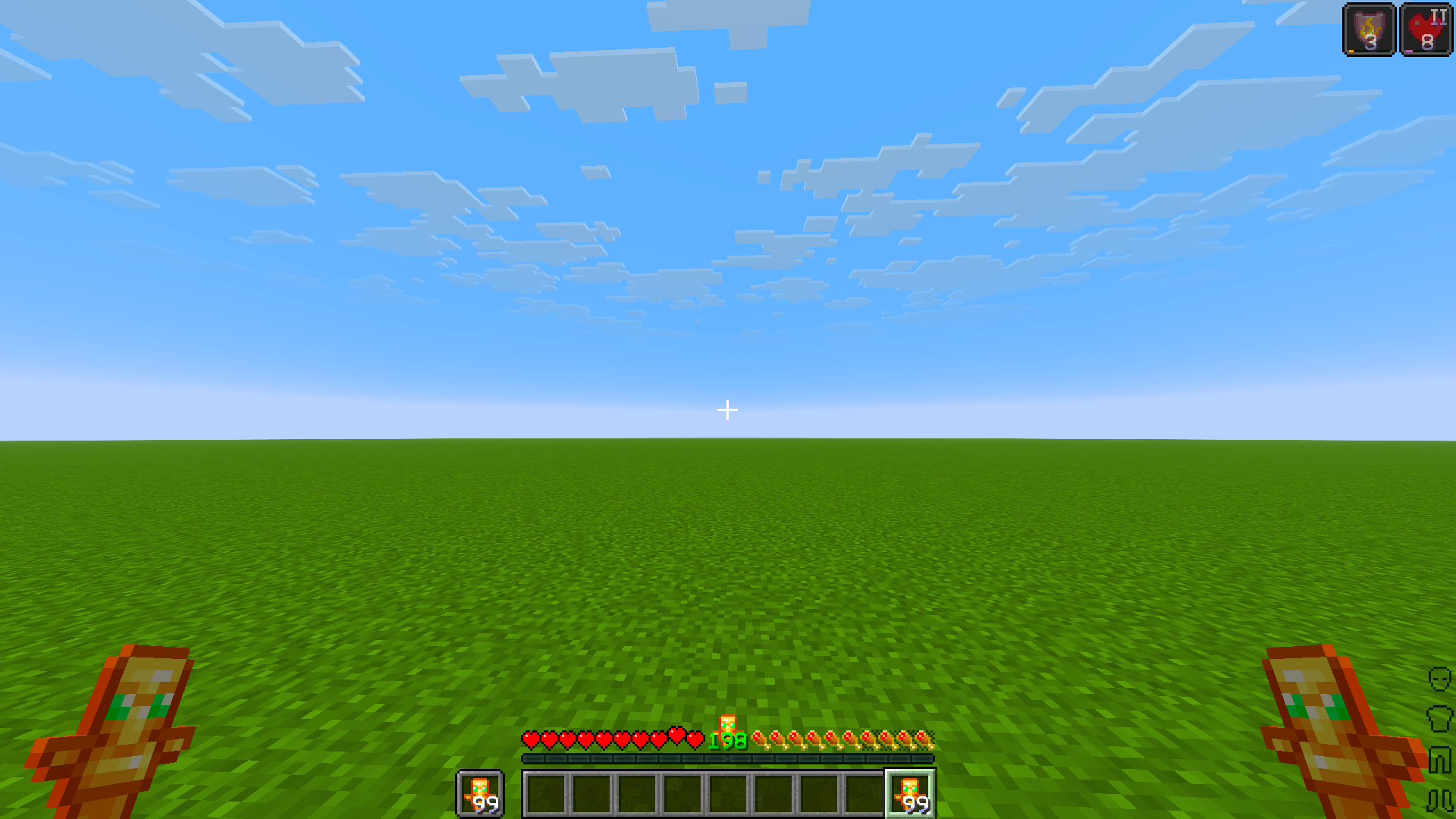
| Smaller Totem Pop |
Shrinks the big totem-of-undying flash animation that fills your screen on activation. |
| No Explosion Particles |
Covered by the global particle removal — no smoke/debris clouding crystal fights. |
| No Pumpkin Blur |
Removes the distortion overlay from wearing a carved pumpkin. |
| No Vignette |
Removes the dark screen-edge shading entirely. |
| Better Water Visibility |
Removes the blue underwater tint/fog overlay for clearer vision while swimming. |
| Low Shield |
Shield sits lower and further out of view in first-person so you can still see your target while blocking. |
| No Fire Smoke |
Also handled by the particle shader — no smoke wisps from burning entities. |
| Quieter Explosion Sounds |
Explosion sound volume cut to ~35%. |
| Quieter Fire Tick Sounds |
Burning-damage tick sound cut to ~25%, plus quieter ambient fire crackle. |
| No Nausea Overlay |
Removes the swirling confusion/nausea screen effect. |
| Quieter Weather Sounds |
Rain and thunder volumes reduced so weather doesn't drown out combat audio. |
| Colored Crossbow Charging Animation |
Crossbow draw stages tint red → yellow → green as it charges. |
| Colored Bow Charging Animation |
Same red → yellow → |