Mineuniverse
Resource Packs
RH&DR Pack for Immersive Railroading

RH&DR Pack for Immersive Railroading

RESOURCE PACK
15in gauge locomotives and rolling stock
by INNARDS
Download Claim this project
13,328 downloads
0 likes
0 followers
Updated Oct 14, 2026
0 hypes
Follow0
512x and Higher Miscellaneous Steampunk
Advertisement Remove ads with Premium →

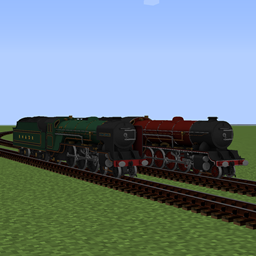
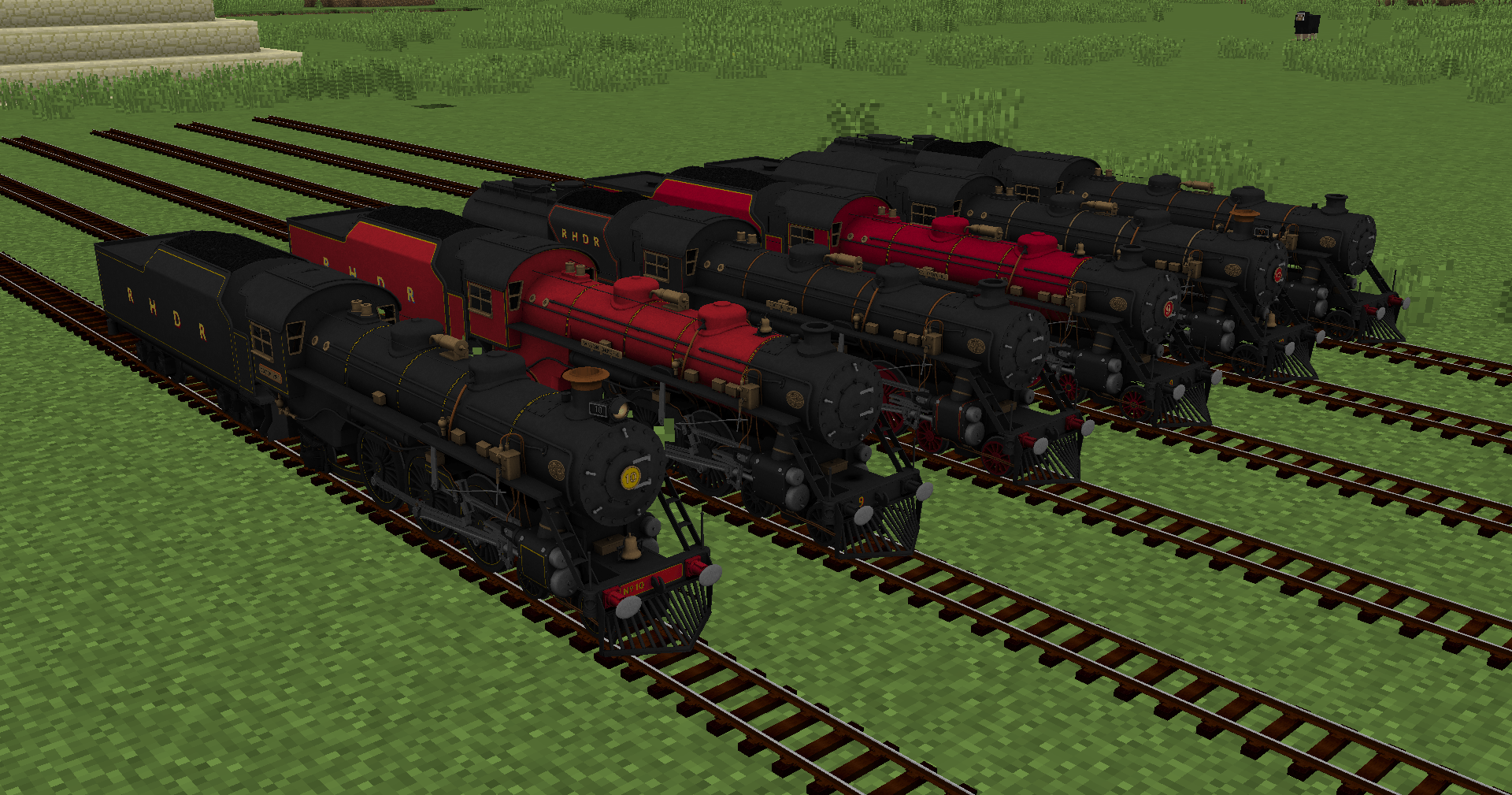
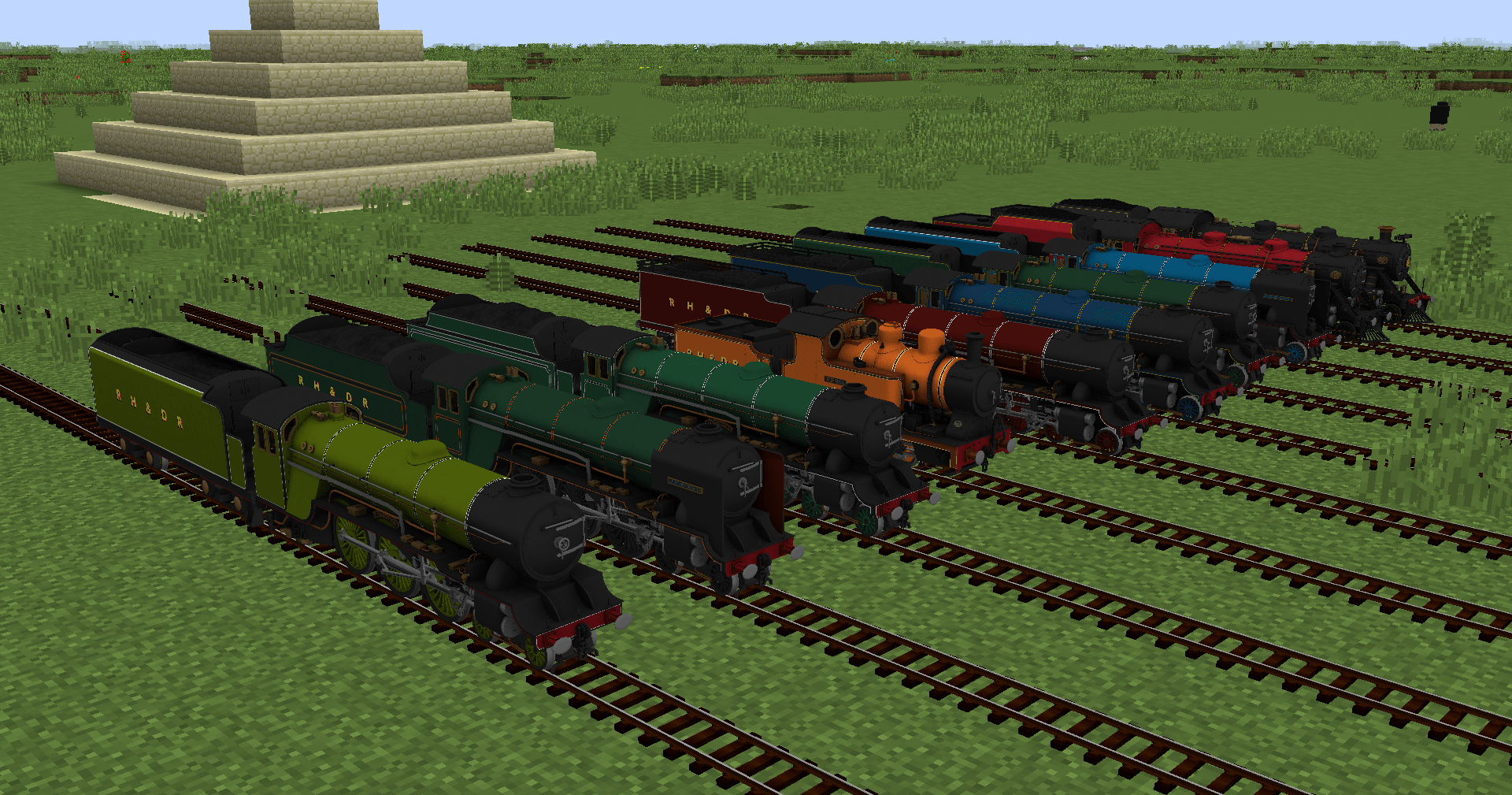
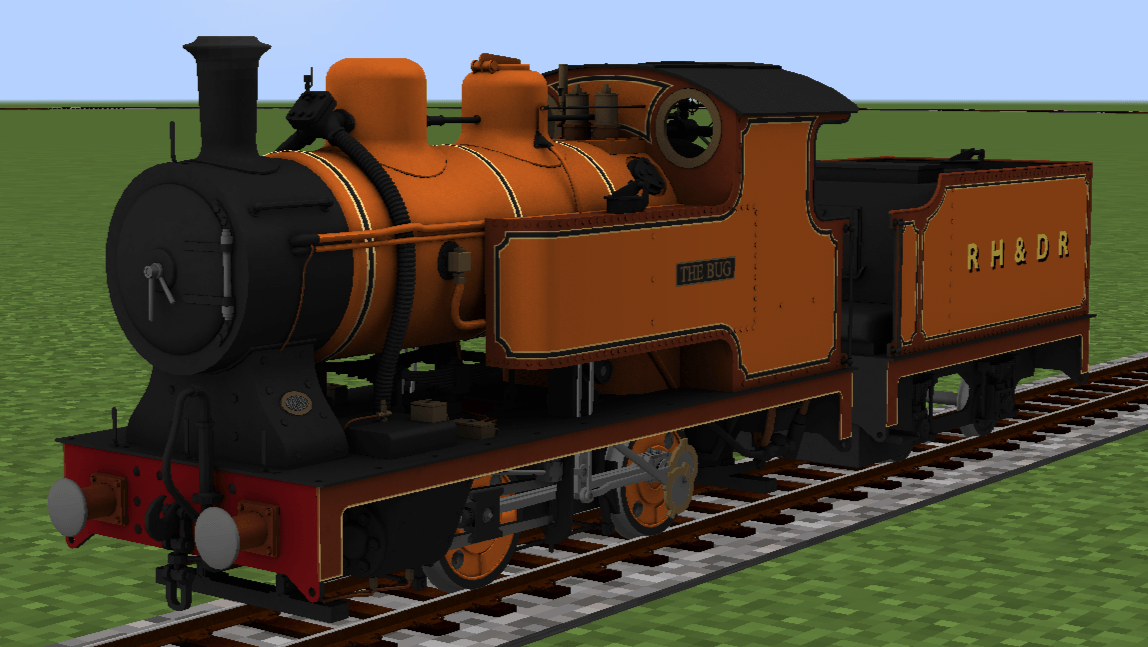
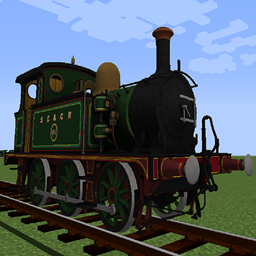
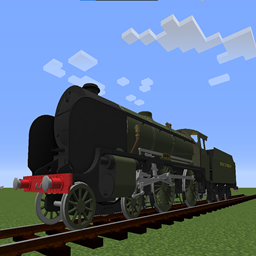
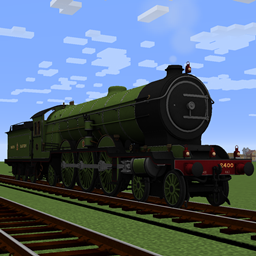
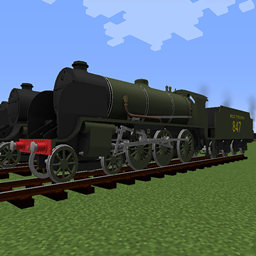
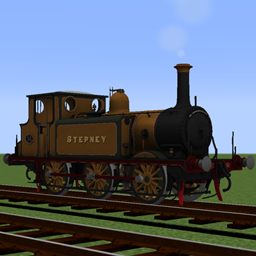
A pack of 15 inch locomotives and rolling stock from various railways in the UK. I intend to continue improving and adding models at present.

Support Me

Buy me a coffee on Ko-Fi https://ko-fi.com/innards3309

Donate to my Patreon to see exclusive first images, access pre-releases, and vote towards an exclusive secret project. (all content will be released publicly once complete) https://www.patreon.com/INNARDS

This resource pack needs the Immersive Railroading mod to work.

The pack adds the custom 15in gauge setting, I recommend using Larky's 2ft gauge track from his Welsh Highland pack.

This pack contains:

Romney Hythe and Dymchurch Railway
1 Green Goddess
2 Northern Chief
3 Southern Maid
4 The Bug
5 Hercules
6 Samson
7 Typhoon
8 Hurricane
9 Winston Churchill
10 Doctor Syn
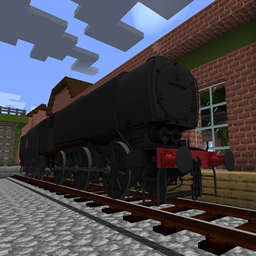
Armoured Locomotive

3 door corridor carriage
Armoured wagons

Miniature Pack 4.2
MC 1.14.4, 1.16.5, 1.10, 1.7.10, 1.11.2, 1.12.2
Release 2024-12-07 Get
Miniature Pack 4.1
MC 1.14.4, 1.16.5, 1.11, 1.15.2, 1.10, 1.7.10, 1.12.2
Release 2023-10-29 Get
RH&DR Revamped (4.0)
MC 1.14.4, 1.16.5, 1.11, 1.15.2, 1.10, 1.7.10, 1.12.2
Release 2023-06-02 Get
Miniature Pack 3.0
MC 1.14.4, 1.16.5, 1.11, 1.15.2, 1.10, 1.7.10, 1.12.2
Release 2022-05-06 Get
Miniature Pack 2.1
MC 1.16.5, 1.12.2
Release 2022-02-02 Get
Miniature pack 2.0
MC 1.16.5, 1.12.2
Release 2022-01-26 Get
Miniature Pack 1.3
MC 1.16.5, 1.12.2
Release 2022-01-22 Get
Miniature Pack 1.2
MC 1.16.5, 1.12.2
Release 2022-01-15 Get
RHDR 1.1
MC 1.16.5, 1.12.2
Release 2022-01-09 Get
RHDR 1.0.zip
MC 1.16.5, 1.12.2
Release 2022-01-06 Get

Requirements & install

How to use this resource pack in Minecraft
Resolution
512x+
Minecraft
1.7.10 – 1.16.5
Install folder
.minecraft/resourcepacks

How to install resource packs

  1. Download the resource pack .zip file (do not extract it).
  2. In Minecraft open Options → Resource Packs → Open Pack Folder.
  3. Drop the .zip into the resourcepacks folder (.minecraft/resourcepacks).
  4. Move the pack to the Selected column and click Done.

512x packs need a strong GPU and at least 4 GB of RAM for Minecraft; a performance mod such as Sodium is strongly recommended.

Browse more: 16x resource packs 32x resource packs 64x resource packs 128x resource packs 256x resource packs 512x+ resource packs Resource Packs for 1.16.5 All resource packs

More from INNARDS

Advertisement Remove ads with Premium →

You Might Also Like