Mineuniverse
Resource Packs
[Retired] Public GUI Announcement Icon Set

[Retired] Public GUI Announcement Icon Set

RESOURCE PACK
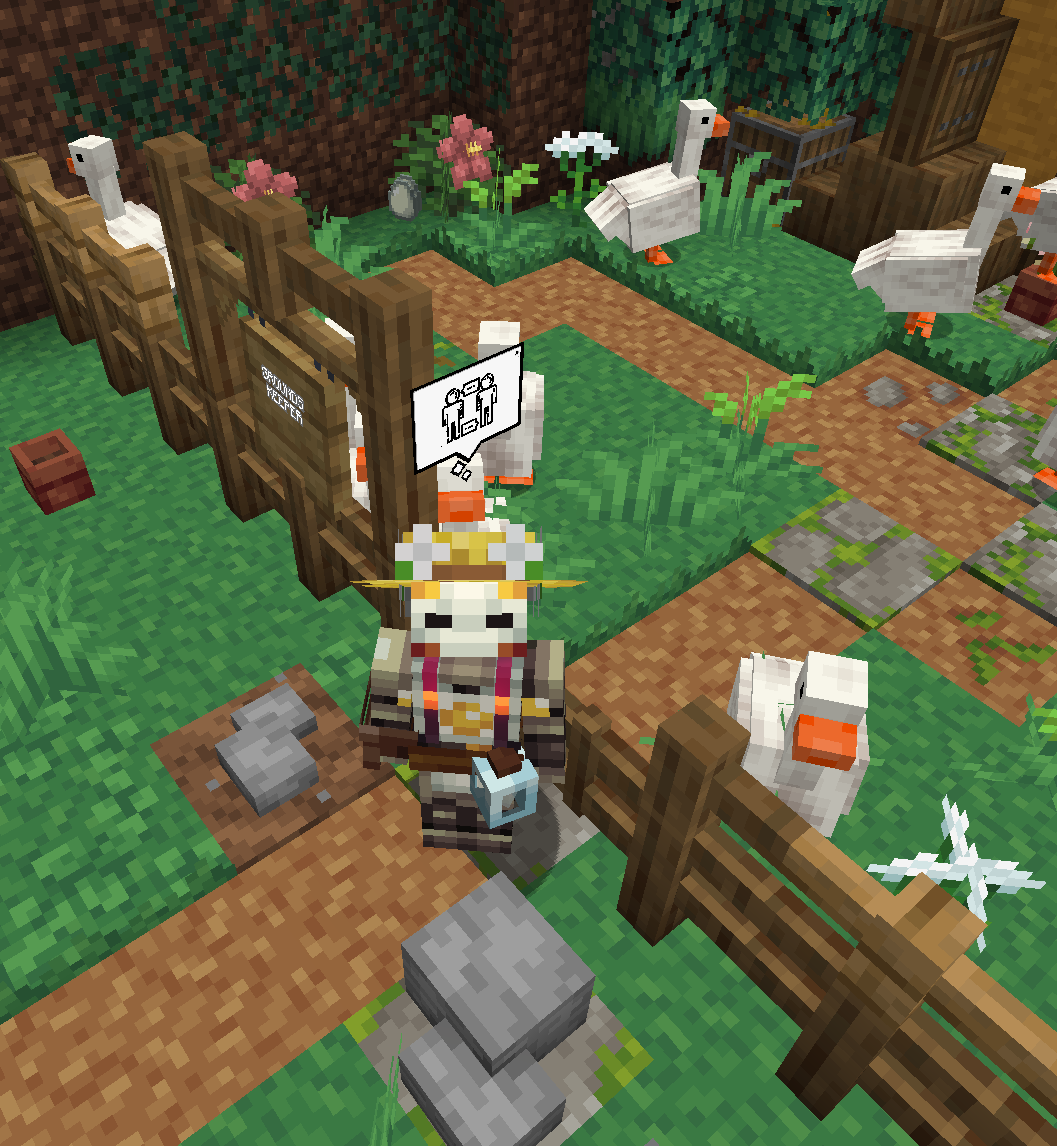
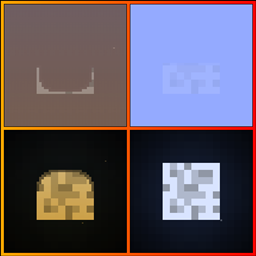
Retextures the thought bubbles from PGA to be glyphs
by forthwist
Download Claim this project
Add a badge to your pageLink to [Retired] Public GUI Announcement Icon Set from a README, website or forum post.
Preview: Badge

Badges update automatically and link to the resource pack page on MineUniverse.

169,262 downloads
0 likes
0 followers
Updated Oct 14, 2026
0 hypes
Follow0
256x Miscellaneous Mod Support
Advertisement Remove ads with Premium →


NOTE:  Currently retired/not being updated.
Here's a quick reskin of the wonderful Public GUI Announcement mod!  As always, lemme know if you run into anything janky!


Not entirely minecrafty in theme, but hey I had 2 hours, and a box of freeware icons to kit bash, so I think they came out pretty nice considering.  :]  I'm kicking around the idea of redoing it at smaller scale for a better pixel look--but it can't be a priority for awhile--so if you're inclined, go ahead and take these and do what you like with them, just let me know cause I'd just like to see what you do!


I'd like to do more vanilla GUI's and mod support once I figure out how to!  Figured it out, will be adding more as my time allows!


BoxyBubbles4PGA_1.19.2.zip
MC 1.19.3, 1.19.4, 1.19.1, 1.19.2, 1.19
Release 2023-09-08 Get
BoxyBubbles4PGA_1.19.2.zip
MC 1.19.2, 1.19.1, 1.19
Beta 2022-09-14 Get
BoxyBubbles4PGA_1.18.2-1.0.2.zip
MC 1.18.2
Beta 2022-08-13 Get
BoxyBubbles4PGA_1.18.2.zip
MC 1.18.2
Beta 2022-08-04 Get

Requirements & install

How to use this resource pack in Minecraft
Resolution
256x
Minecraft
1.18.2 – 1.19.4
Install folder
.minecraft/resourcepacks

How to install resource packs

  1. Download the resource pack .zip file (do not extract it).
  2. In Minecraft open Options → Resource Packs → Open Pack Folder.
  3. Drop the .zip into the resourcepacks folder (.minecraft/resourcepacks).
  4. Move the pack to the Selected column and click Done.

Packs from 128x upwards need more video memory: install a performance mod such as Sodium for smooth frame rates.

Browse more: 16x resource packs 32x resource packs 64x resource packs 128x resource packs 256x resource packs 512x+ resource packs Resource Packs for 1.19.4 All resource packs

More from forthwist

Advertisement Remove ads with Premium →

You Might Also Like