Mineuniverse
Resource Packs
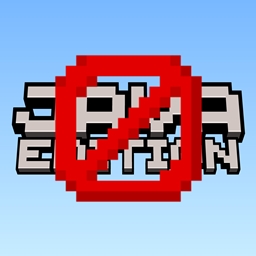
Removed Java Edition Title - (Without Java Text)

Removed Java Edition Title - (Without Java Text)

RESOURCE PACK
Simple Minecraft Title without "JAVA EDITION"
by dihogenn
Download Claim this project
14,109 downloads
0 likes
Updated Oct 14, 2026
0 hypes
16x Miscellaneous Mod Support Modern Traditional
Advertisement Remove ads with Premium →

Enhance Your Menu with Removed Java Edition


Simplify Your Minecraft Interface

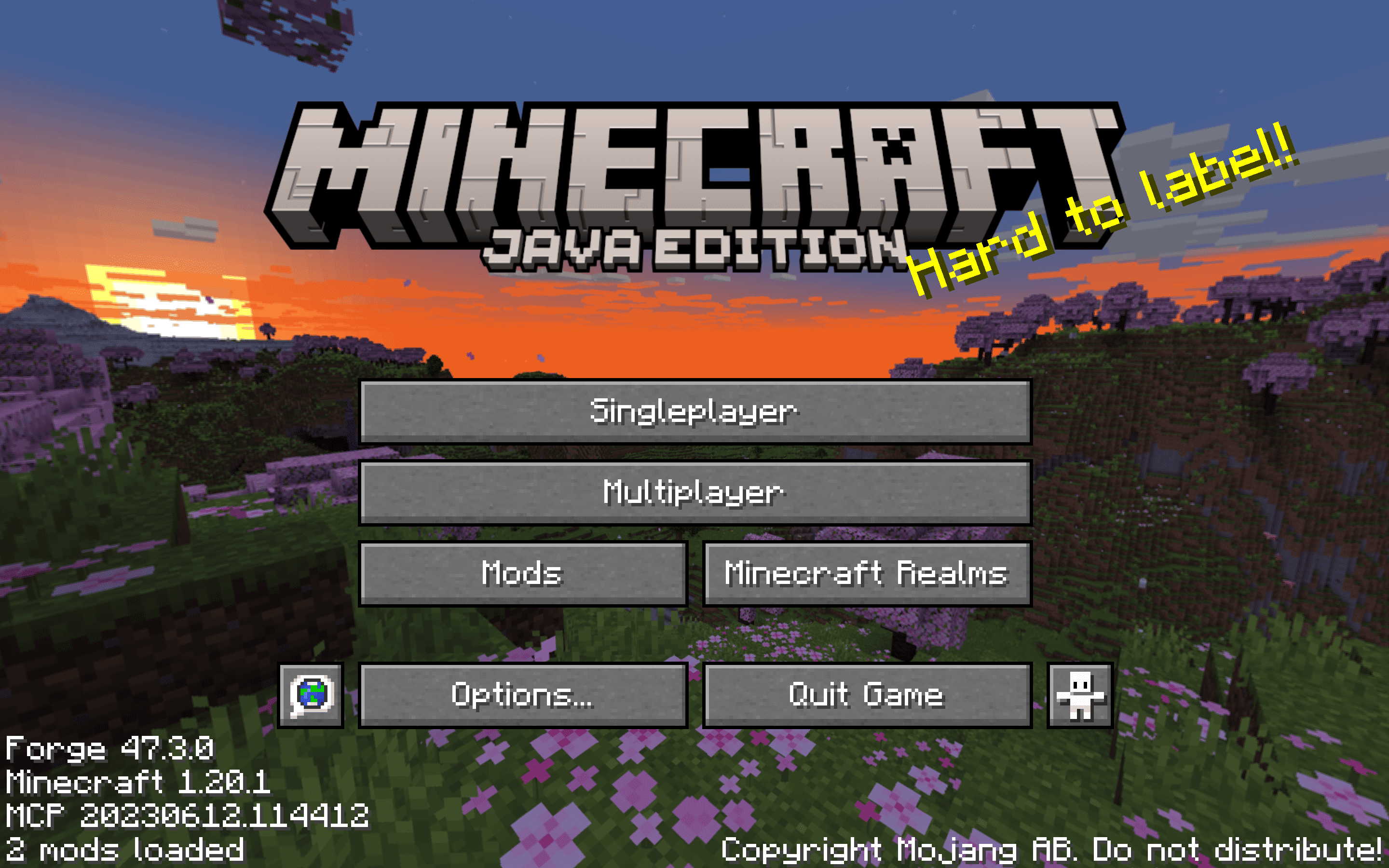
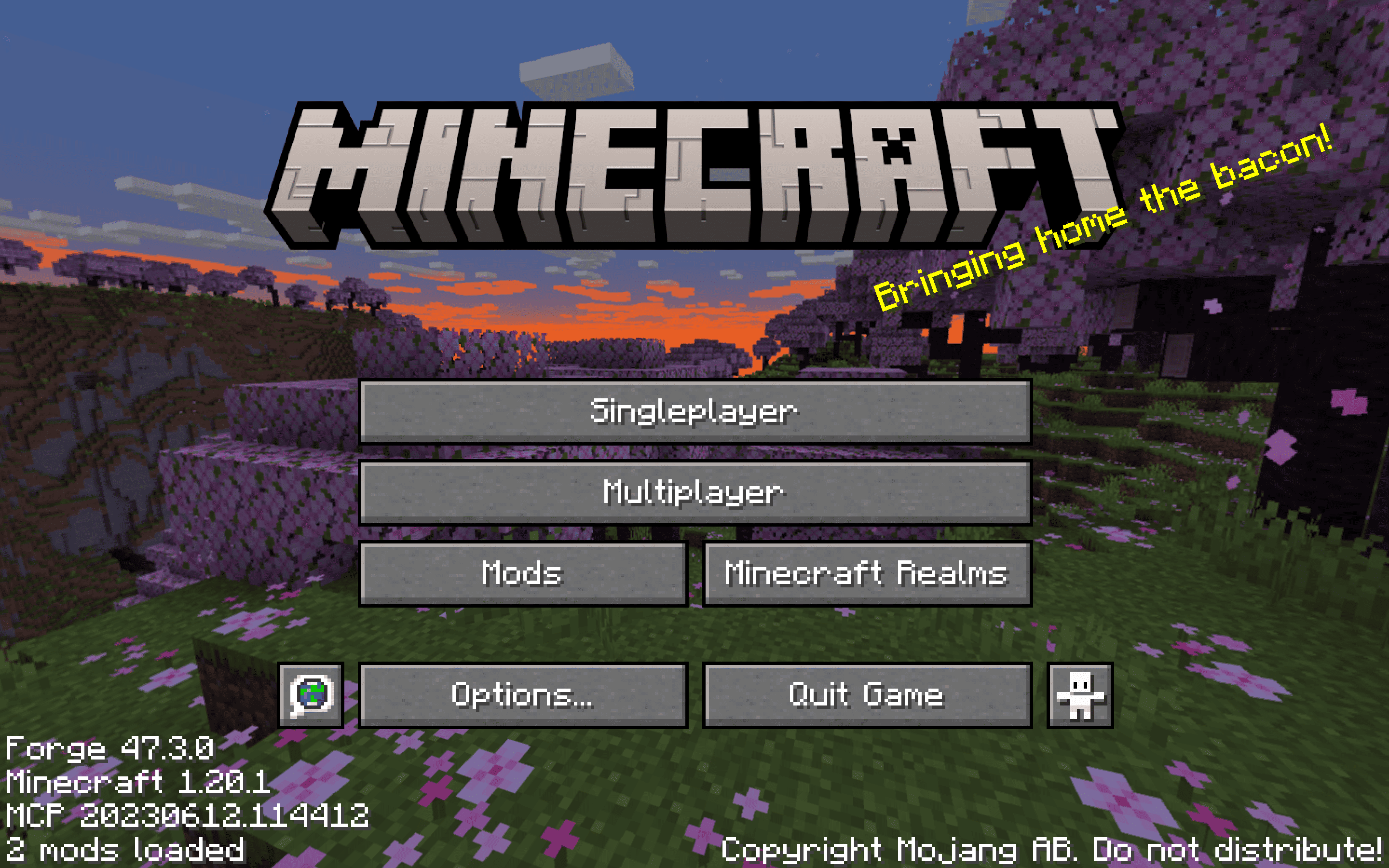
The Removed Java Edition Resource Pack streamlines your Minecraft menu by removing the "Java Edition" text for a cleaner and more universal look. This minor change enhances the menu's interface, making it more user-friendly and less cluttered.

Get the Resource Pack

Features Include:


  • Menu Simplification: The main feature is the removal of the "Java Edition" text from the menu, which declutters the interface and makes it applicable to all Minecraft editions.
  • Enhanced Compatibility: This pack is compatible with all existing mods and skins, maintaining functionality while updating aesthetics.
  • Improved User Experience: With a simpler interface, players can navigate the menu more easily, enhancing the overall gameplay experience.


Streamline your Minecraft menu today with Removed Java Edition and enjoy a refined gameplay experience!

Join Now

Adopt Removed Java Edition for a more streamlined and accessible menu interface. This resource pack not only simplifies your Minecraft experience but also enhances the aesthetic and functional aspects of the game's menu, making it more appealing and easier to use for all players.

Credits: You are free to use Removed Java Edition in your modpacks.

Remove Java Edition 1.11-1.12.2.zip
MC 1.7.6, 1.16-Snapshot, 1.17.1, 1.9.1, 1.16.3, 1.13.1, 1.9.3, 1.8.7, 1.7.4, 1.7.7, 1.19.3, 1.20.2, 1.21.2-Snapshot, 1.21, 1.15-Snapshot, 1.7.5, 1.6.1, 1.16.1, 1.18.1
Release 2025-01-08 Get

Requirements & install

How to use this resource pack in Minecraft
Resolution
16x
Minecraft
1.16.1 – 1.21.2-Snapshot
Install folder
.minecraft/resourcepacks

How to install resource packs

  1. Download the resource pack .zip file (do not extract it).
  2. In Minecraft open Options → Resource Packs → Open Pack Folder.
  3. Drop the .zip into the resourcepacks folder (.minecraft/resourcepacks).
  4. Move the pack to the Selected column and click Done.
Browse more: 16x resource packs 32x resource packs 64x resource packs 128x resource packs 256x resource packs 512x+ resource packs Resource Packs for 1.21.2-Snapshot All resource packs

More from dihogenn

Advertisement Remove ads with Premium →

You Might Also Like