Mineuniverse
Resource Packs
Removed Blur Pumpkin Overlay

Removed Blur Pumpkin Overlay

RESOURCE PACK
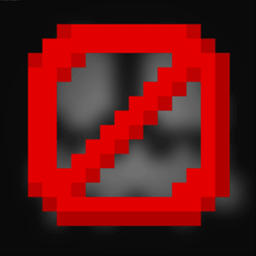
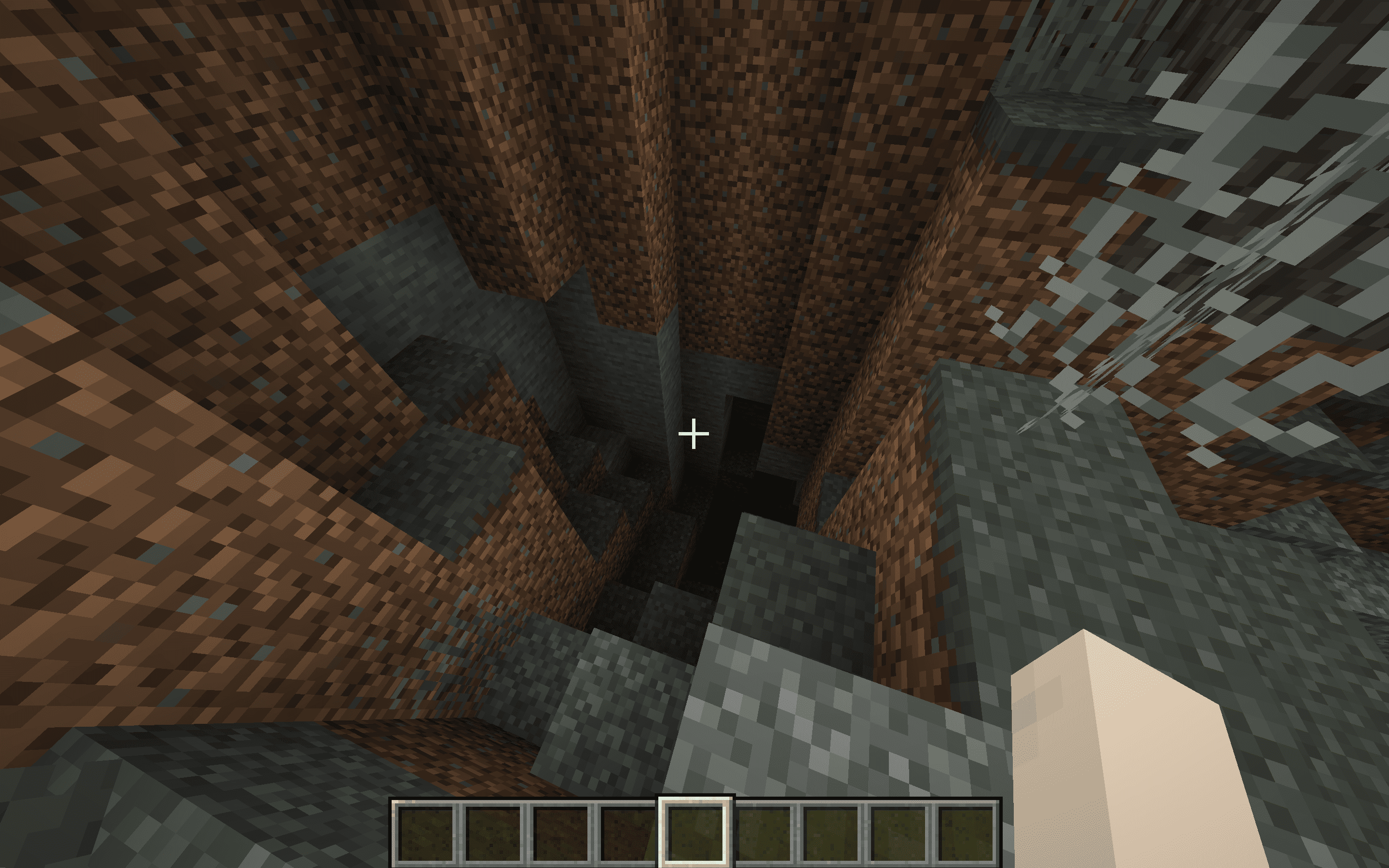
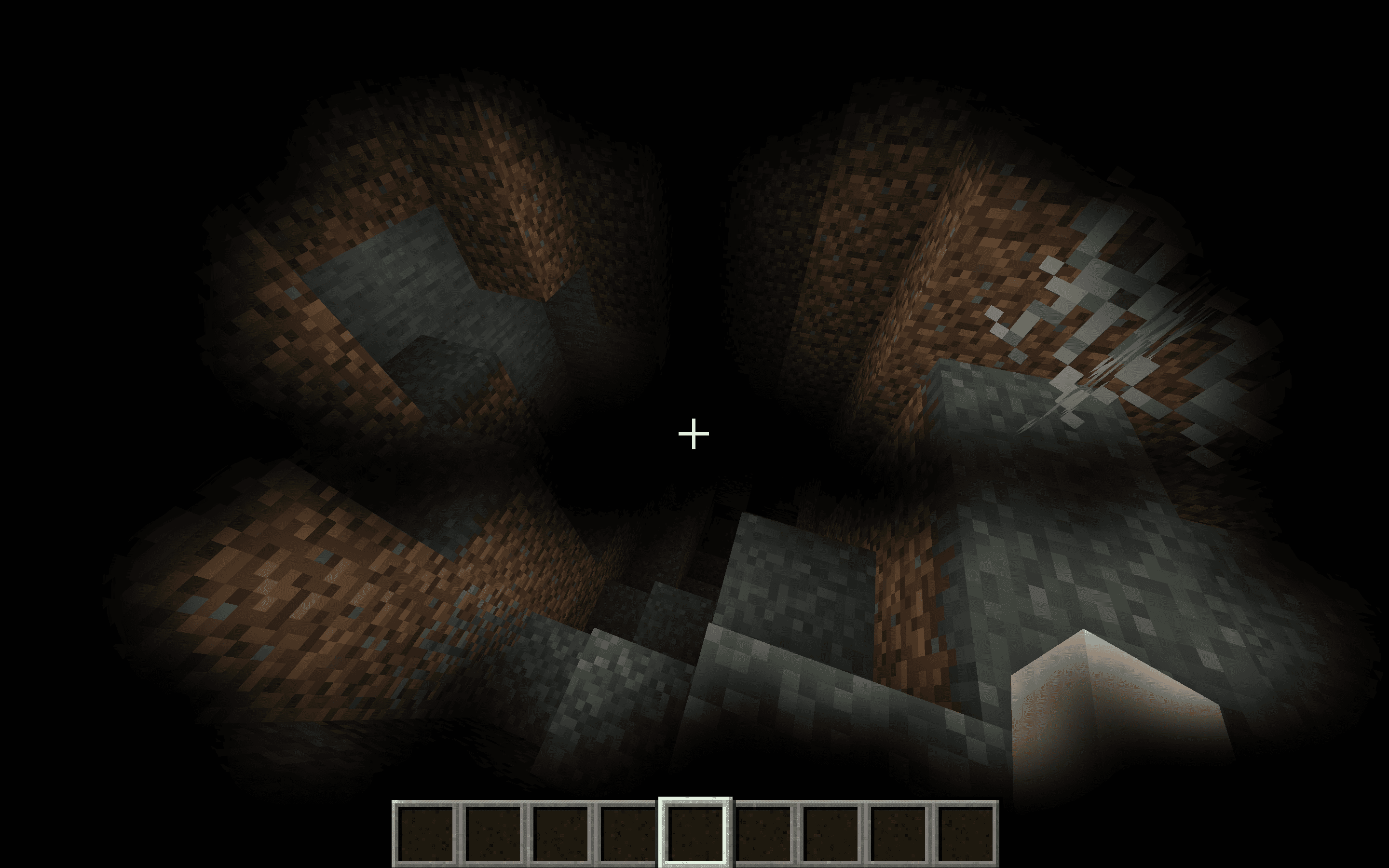
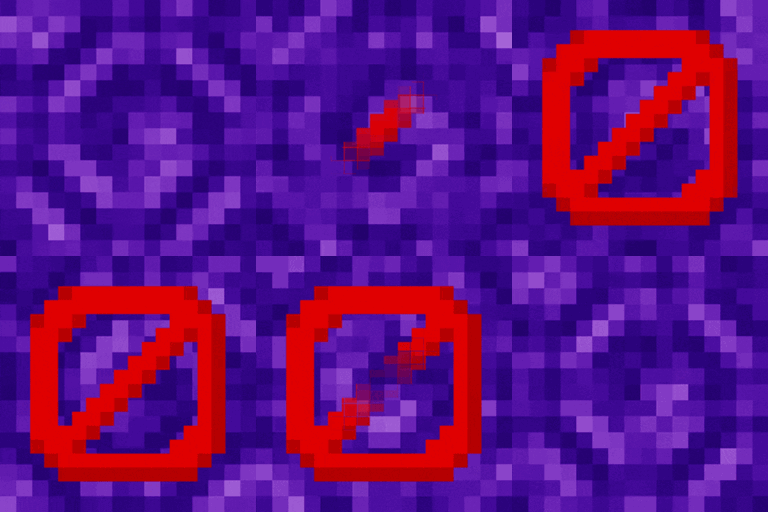
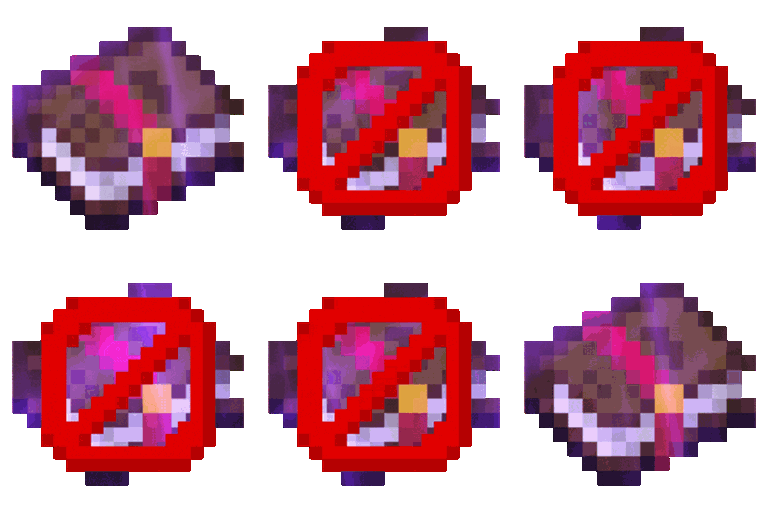
The No Pumpkin Blur Resource Pack removes the blur effect that normally appears when you wear a pumpkin on your head in Minecraft.
by dihogenn
Download Claim this project
2,647 downloads
0 likes
0 followers
Updated Oct 14, 2026
0 hypes
Follow0
16x Miscellaneous Modern Traditional
Advertisement Remove ads with Premium →

Enhance Your Visibility with Removed Pumpkin Blur


Clear Your View

The Removed Pumpkin Blur Resource Pack removes the blur effect that normally appears when you wear a pumpkin on your head in Minecraft. This simple change significantly improves visibility and allows you to wear pumpkins without any visual impairment.

Get the Resource Pack


Features Include:

  • Visibility Enhancement: This pack removes the blur effect from wearing a pumpkin, which normally obstructs your view, providing a clear sight.
  • Gameplay Improvement: With clearer vision, you can perform better in gameplay situations that require precision, such as fighting mobs or navigating tricky terrain.
  • Compatible with All Skins: The resource pack does not affect the game's performance or interfere with character skins, making it universally compatible.

Enhance your experience with Removed Pumpkin Blur and enjoy clear visibility even while wearing a pumpkin!

Join Now

Opt for Removed Pumpkin Blur to maintain a clear view during your Minecraft adventures, enhancing both your safety and enjoyment. This resource pack offers a practical upgrade to your game without sacrificing aesthetics or functionality.

Credits: You are free to use Removed Pumpkin Blur in your modpacks.

No Pumpkin Blur.zip
MC 1.7.6, 1.16-Snapshot, 1.17.1, 1.9.1, 1.16.3, 1.13.1, 1.9.3, 1.8.7, 1.7.4, 1.7.7, 1.19.3, 1.20.2, 1.21.2-Snapshot, 1.21, 1.15-Snapshot, 1.7.5, 1.6.1, 1.16.1, 1.18.1
Release 2025-01-15 Get

Requirements & install

How to use this resource pack in Minecraft
Resolution
16x
Minecraft
1.16.1 – 1.21.2-Snapshot
Install folder
.minecraft/resourcepacks

How to install resource packs

  1. Download the resource pack .zip file (do not extract it).
  2. In Minecraft open Options → Resource Packs → Open Pack Folder.
  3. Drop the .zip into the resourcepacks folder (.minecraft/resourcepacks).
  4. Move the pack to the Selected column and click Done.
Browse more: 16x resource packs 32x resource packs 64x resource packs 128x resource packs 256x resource packs 512x+ resource packs Resource Packs for 1.21.2-Snapshot All resource packs

More from dihogenn

Advertisement Remove ads with Premium →

You Might Also Like