Mineuniverse
Resource Packs
Red Cloud Sky

Red Cloud Sky

RESOURCE PACK
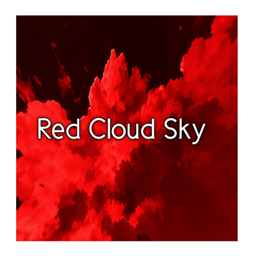
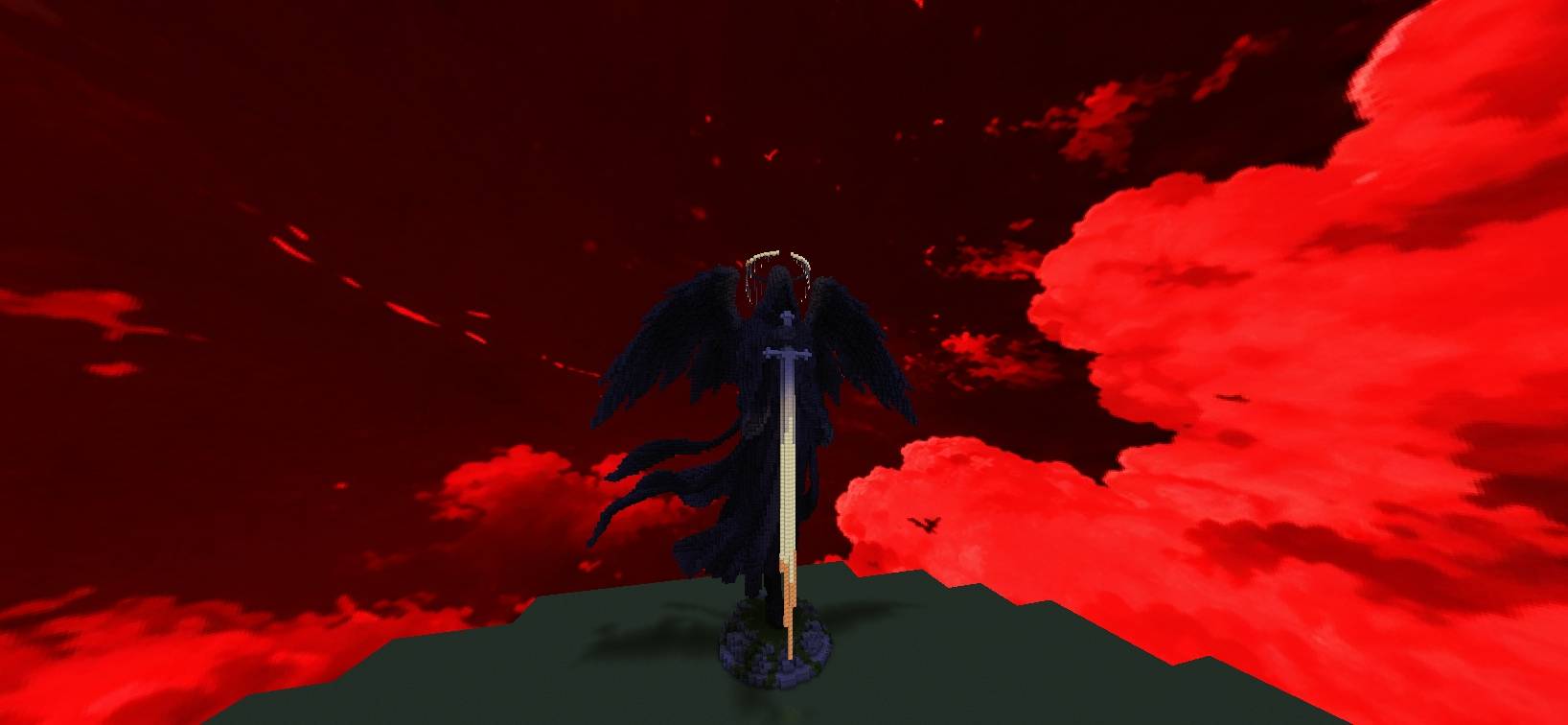
A dramatic red custom sky featuring glowing crimson clouds and a dark atmospheric sky.
by OG_Gamer26
Download Claim this project
160 downloads
0 likes
Updated Oct 14, 2026
0 hypes
512x and Higher
Advertisement Remove ads with Premium →

## 🔴 **Red Cloud Sky**


Transform your Minecraft sky with a dramatic red atmosphere filled with glowing crimson clouds.


Red Cloud Sky gives Minecraft a unique dark-red sky aesthetic while keeping the focus on the clouds and atmosphere.


## ✨ **Features**


- 🔴 Bright red and crimson clouds

- 🌑 Dark red/black sky atmosphere

- ☁️ Detailed custom cloudscape

- 🎨 Custom high-resolution sky

- 🌌 Designed for a dramatic Minecraft atmosphere


## 🧩 **Compatibility**


**Fabric:** Requires Skyboxify for custom sky support.


**OptiFine:** Uses the OptiFine custom-sky format.


## 📍 **Dimension**


This pack is designed for the **Overworld sky**.


The Nether and End skies are not changed.


## 📥 **Installation**


1. Download **Red Cloud Sky**.

2. Put the ZIP file into your Minecraft `resourcepacks` folder.

3. Open Minecraft and enable the resource pack.

4. For Fabric, install **Skyboxify**.


## 🌫️ **Skyboxify Mod Link**: 

#### https://modrinth.com/project/DWuwk8aA


## ⚠️ **Note**


For Fabric, Skyboxify is required for the custom sky to appear.


 ****And Thanks for Downloading**** 😊

Red Cloud Sky
MC 26.3
Release 2026-10-04 Get
Red Cloud Sky
MC 1.21.11
Release 2026-10-03 Get
Red Cloud Sky
MC 26.2
Release 2026-10-03 Get

Requirements & install

How to use this resource pack in Minecraft
Resolution
512x+
Minecraft
1.21.11 – 26.3
Install folder
.minecraft/resourcepacks

How to install resource packs

  1. Download the resource pack .zip file (do not extract it).
  2. In Minecraft open Options → Resource Packs → Open Pack Folder.
  3. Drop the .zip into the resourcepacks folder (.minecraft/resourcepacks).
  4. Move the pack to the Selected column and click Done.

512x packs need a strong GPU and at least 4 GB of RAM for Minecraft; a performance mod such as Sodium is strongly recommended.

Browse more: 16x resource packs 32x resource packs 64x resource packs 128x resource packs 256x resource packs 512x+ resource packs Resource Packs for 26.3 All resource packs

More from OG_Gamer26

Advertisement Remove ads with Premium →

You Might Also Like