Mineuniverse
Resource Packs
Aurora Sky Pack

Aurora Sky Pack

RESOURCE PACK
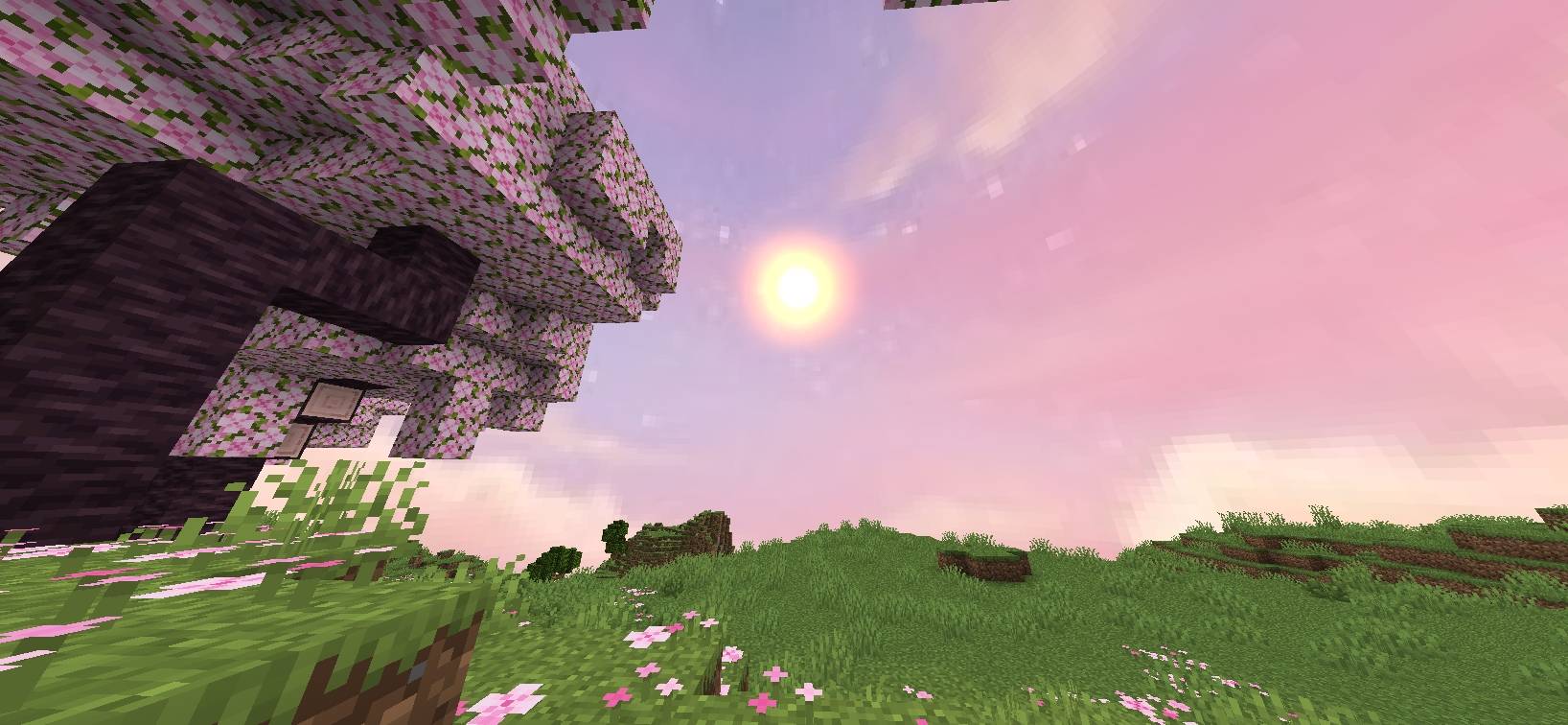
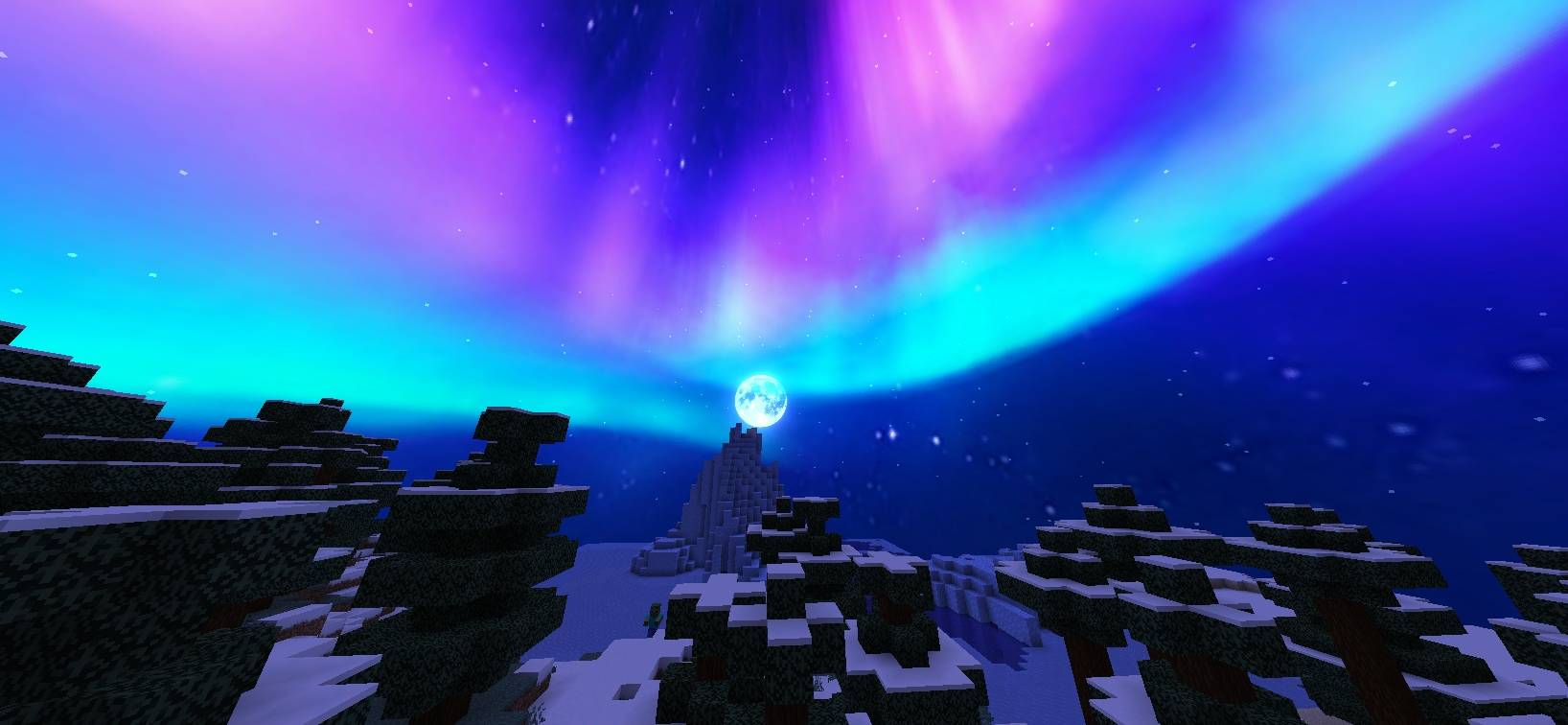
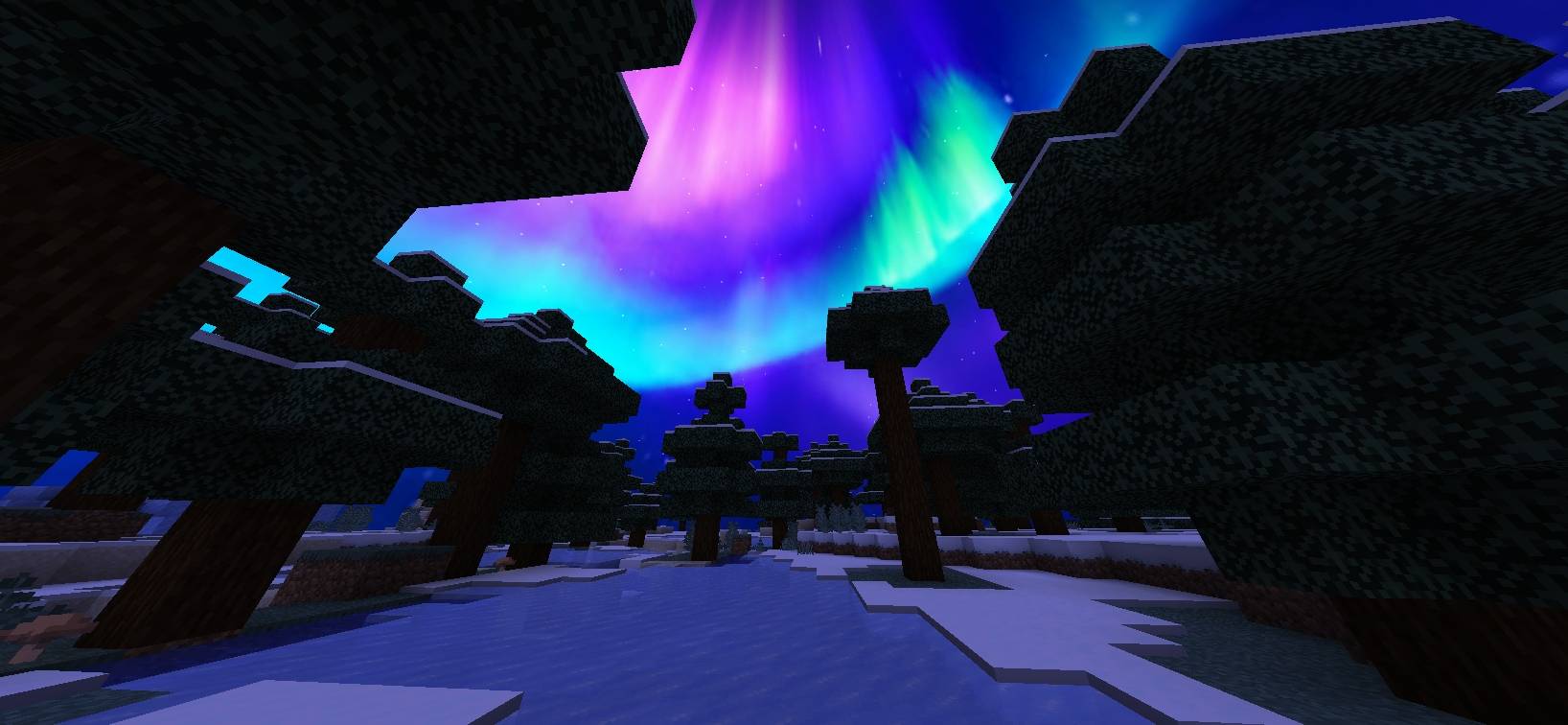
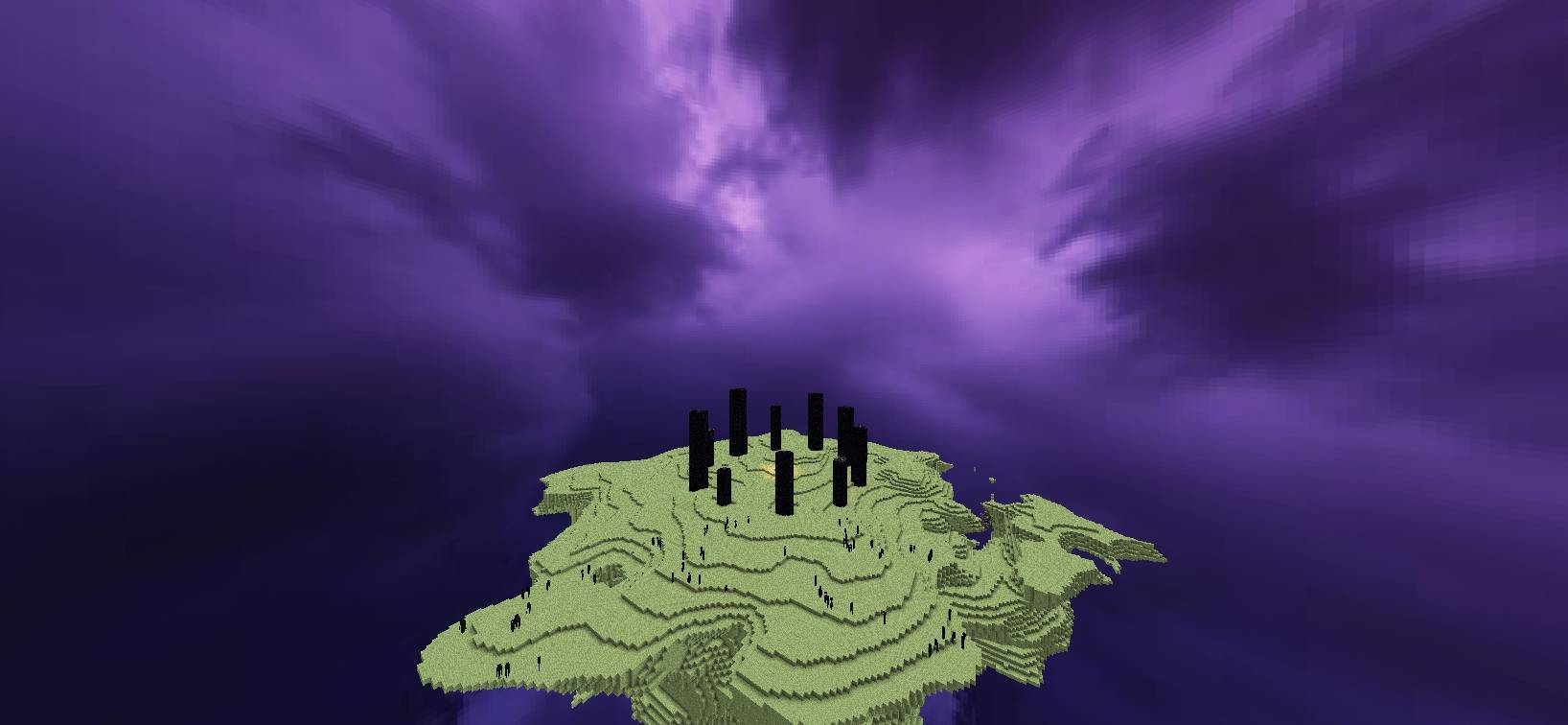
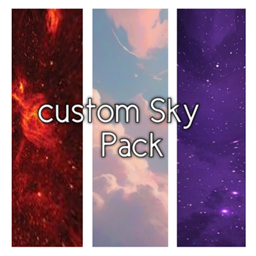
🌌 A colorful custom sky resource pack featuring pink daytime skies, purple-blue auroras at night, and two unique cosmic skies for the End.
by OG_Gamer26
Download Claim this project
352 downloads
0 likes
Updated Oct 14, 2026
0 hypes
512x and Higher
Advertisement Remove ads with Premium →

# 🌌 Aurora Sky


Give Minecraft a beautiful new atmosphere with colorful skies that change throughout the day and night.


**Aurora Sky** features soft pink skies during the day, a purple and light-blue aurora atmosphere at night, and two unique cosmic skies for the End dimension.


## ✨ Features


### 🌸 Overworld

- 🌸 Pink and pastel sky during daytime

- πŸŒ… Soft colorful atmosphere around day and noon

- πŸ’œ Purple and light-blue aurora sky during night and midnight


### 🌌 End Dimension 

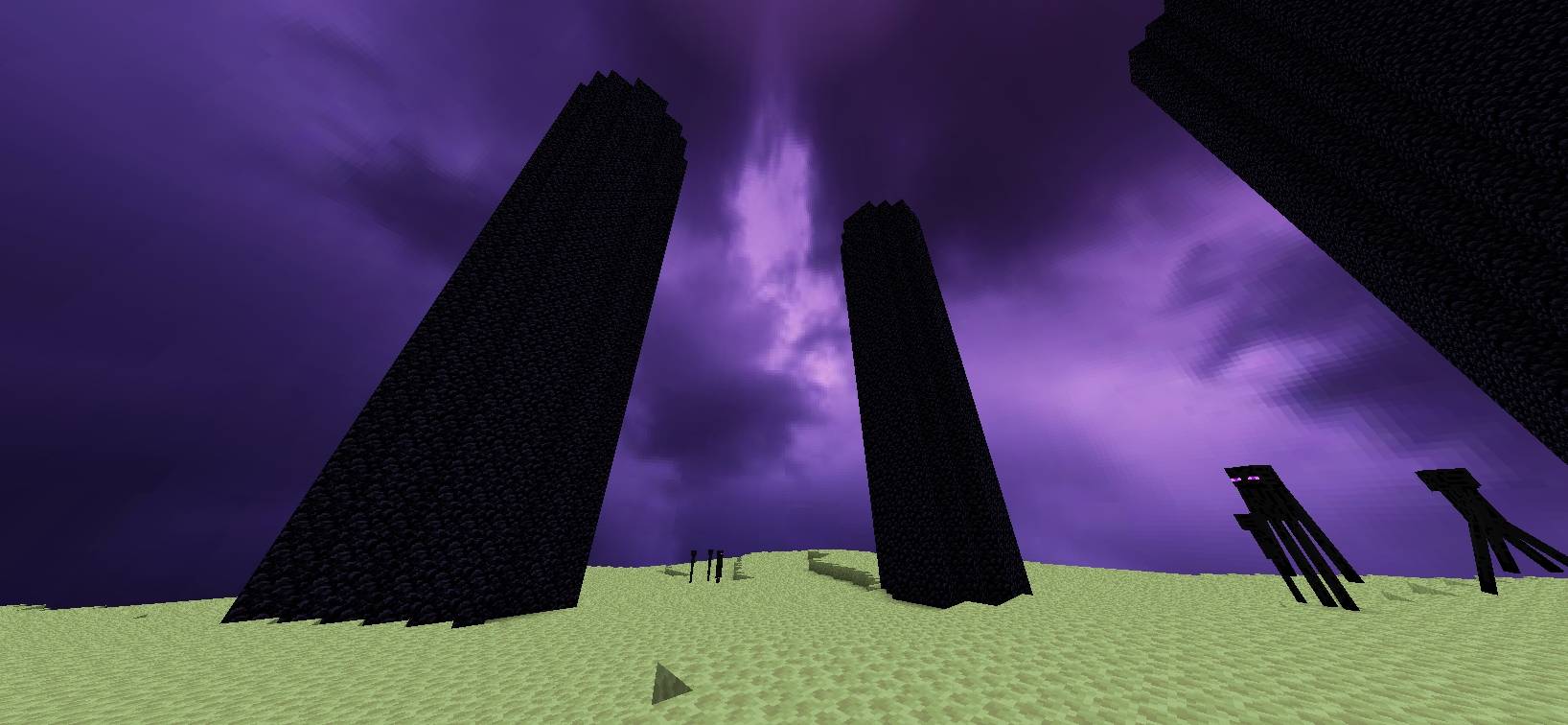
- πŸ’œ Deep purple cosmic sky

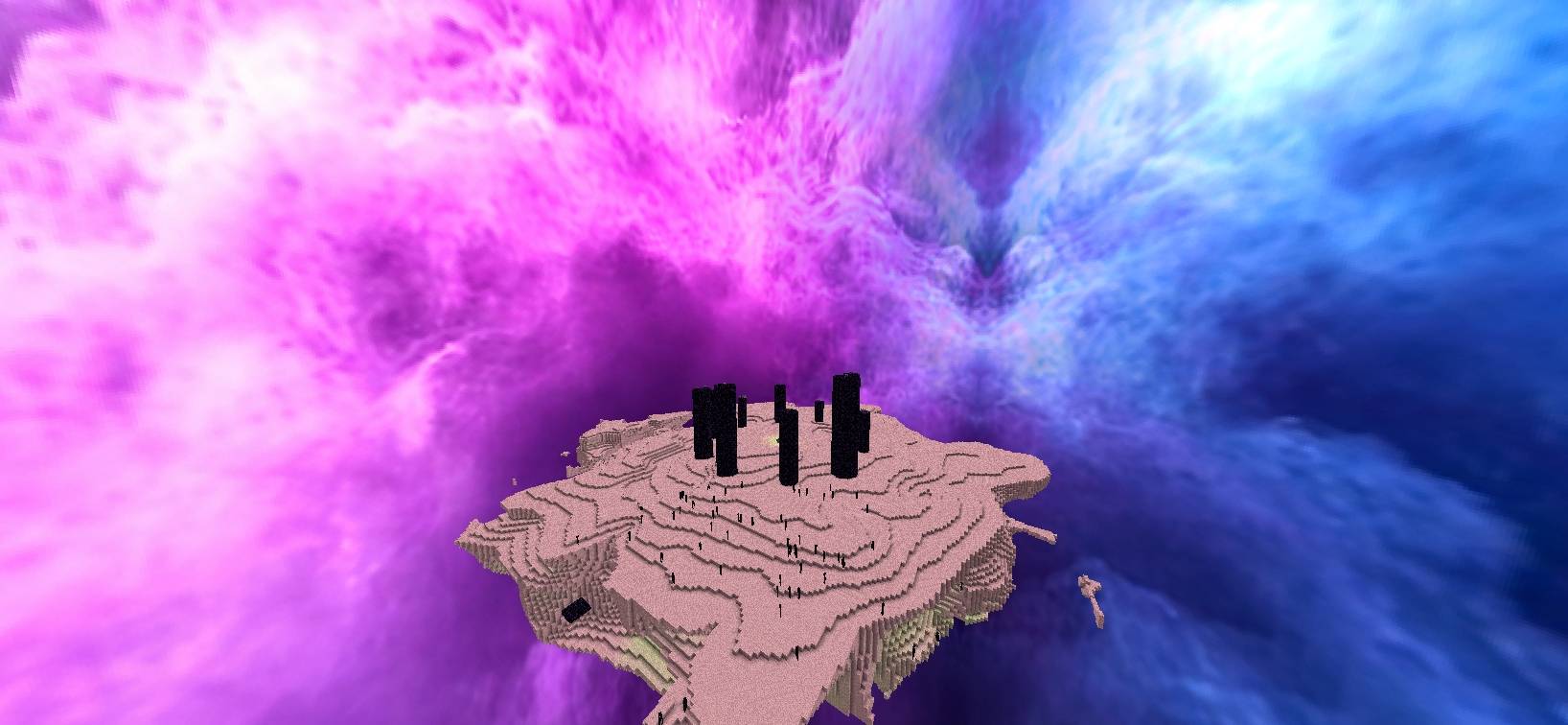
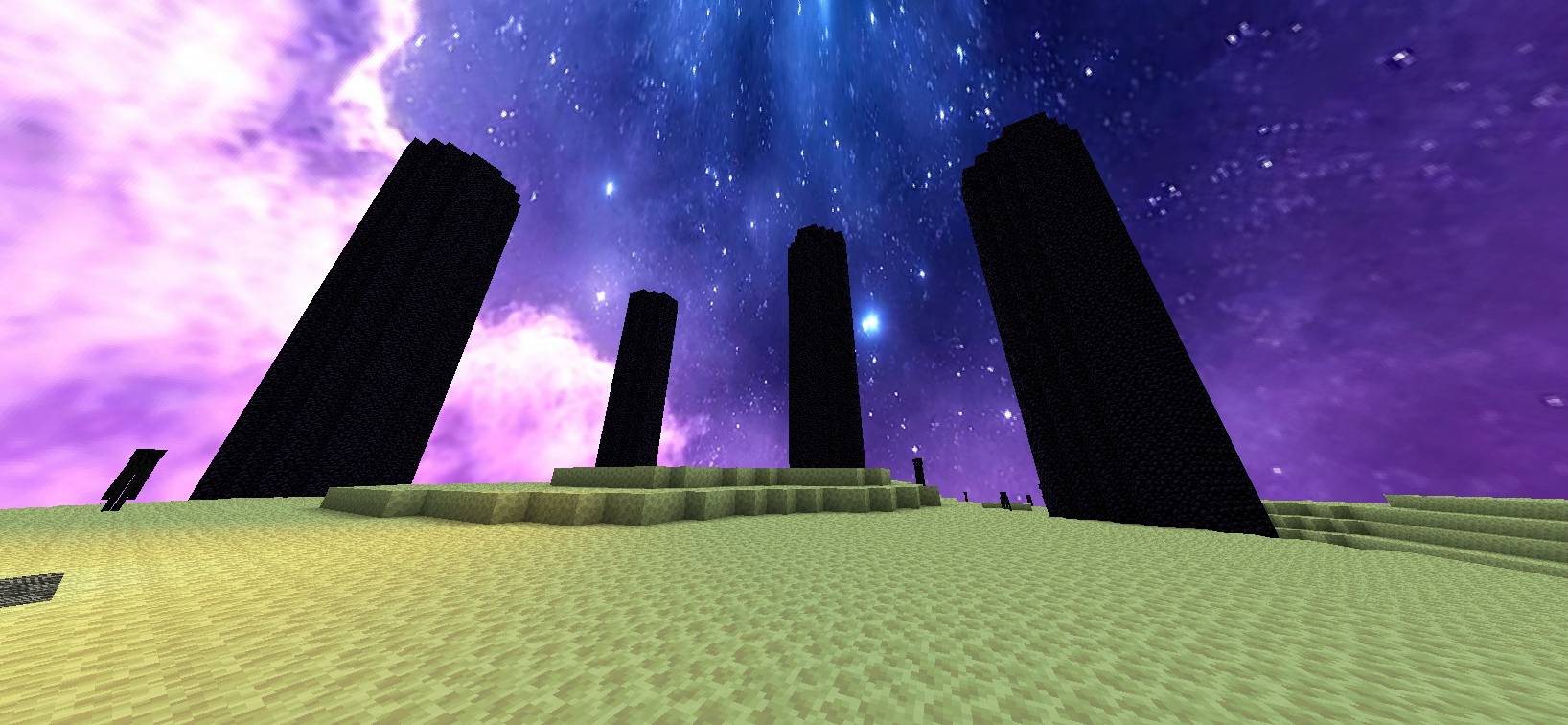
- πŸ’™ Pink and blue cosmic sky with stars

- πŸ”„ Two different End sky layers


## 🎨 Sky Schedule


**Overworld**

- Day / Noon → 🌸 Pink sky

- Night / Midnight → πŸ’œ Purple & light-blue Aurora sky


**End Dimension**

- 🌌 Purple cosmic sky

- πŸ’™ Pink/blue starry cosmic sky


## 🧩 Compatibility


**Fabric:** Requires Skyboxify for custom sky support.


**OptiFine:** Uses the OptiFine custom-sky format.


## πŸ“₯ Installation


1. Download **Aurora Sky**.

2. Put the ZIP file into your Minecraft `resourcepacks` folder.

3. Enable the resource pack in Minecraft.

4. For Fabric, install Skyboxify.


## 🌫️ **Skyboxify Mod Link**: 

#### https://modrinth.com/project/DWuwk8aA


## ⚠️ Note


The custom End sky may temporarily disappear during the Ender Dragon fight depending on the sky-rendering implementation/mod being used.


****And Thanks For Downloading**** 😊

Aurora Sky
MC 1.21.11
Release 2026-10-06 Get
Aurora Sky
MC 26.2
Release 2026-10-06 Get
Aurora Sky
MC 26.3
Release 2026-10-06 Get

Requirements & install

How to use this resource pack in Minecraft
Resolution
512x+
Minecraft
1.21.11 – 26.3
Install folder
.minecraft/resourcepacks

How to install resource packs

  1. Download the resource pack .zip file (do not extract it).
  2. In Minecraft open Options β†’ Resource Packs β†’ Open Pack Folder.
  3. Drop the .zip into the resourcepacks folder (.minecraft/resourcepacks).
  4. Move the pack to the Selected column and click Done.

512x packs need a strong GPU and at least 4 GB of RAM for Minecraft; a performance mod such as Sodium is strongly recommended.

Browse more: 16x resource packs 32x resource packs 64x resource packs 128x resource packs 256x resource packs 512x+ resource packs Resource Packs for 26.3 All resource packs

More from OG_Gamer26

Advertisement Remove ads with Premium →

You Might Also Like