Mineuniverse
Resource Packs
Realstuff64

Realstuff64

RESOURCE PACK
A 64-bit resource pack with realistic textures
by AridWaste
Download Claim this project
22,999 downloads
0 likes
Updated Oct 14, 2026
0 hypes
64x Animated Photo Realistic
Advertisement Remove ads with Premium →

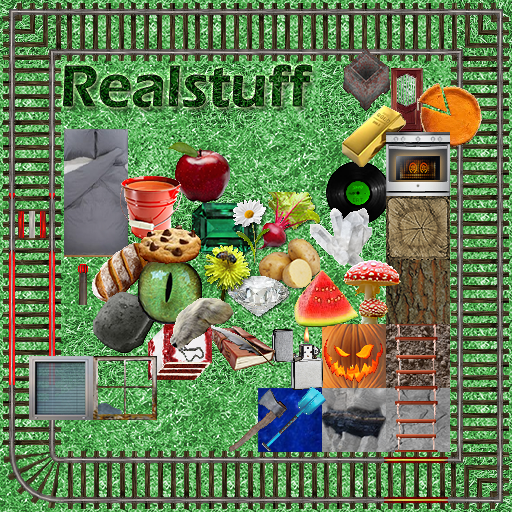
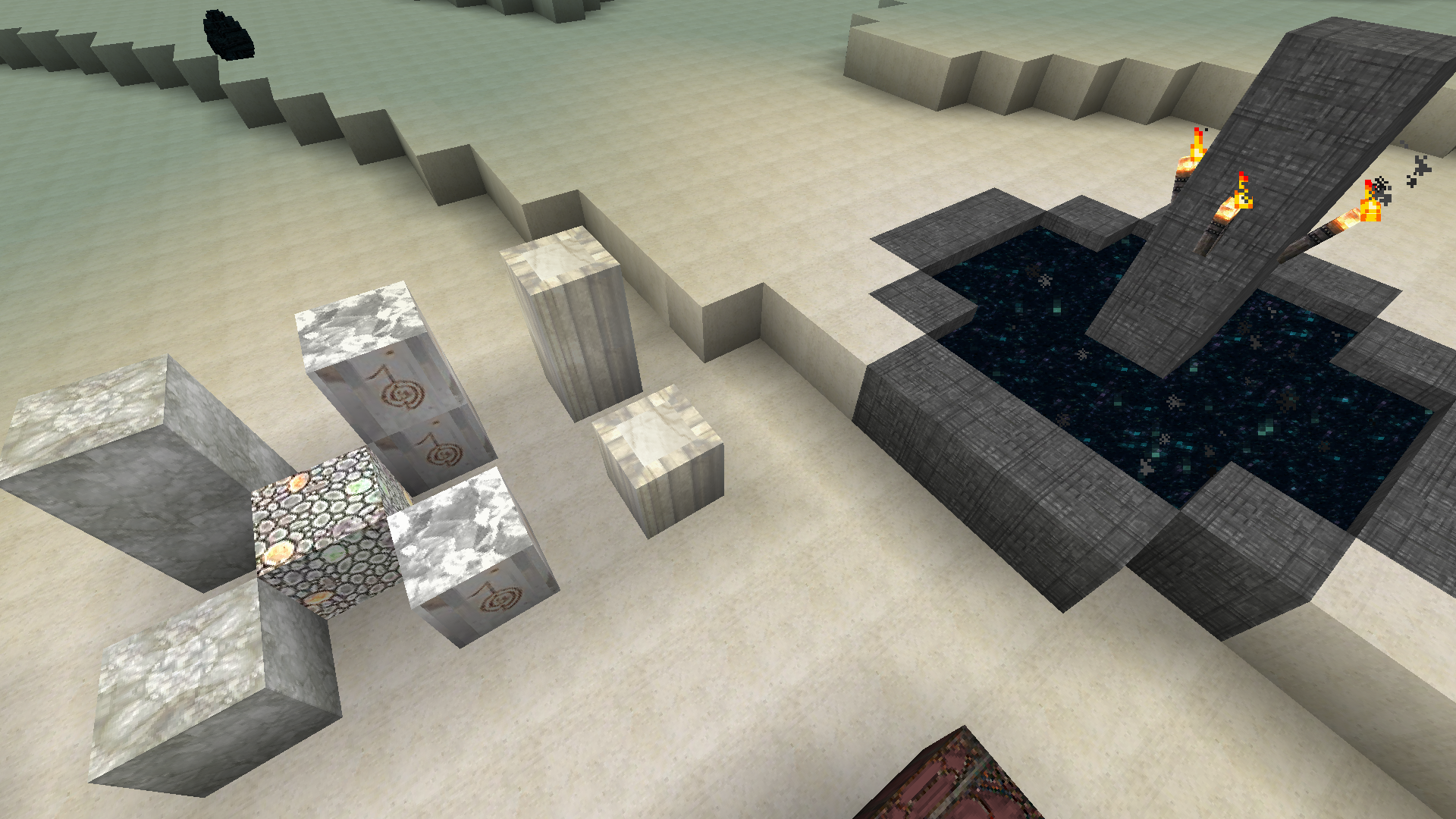
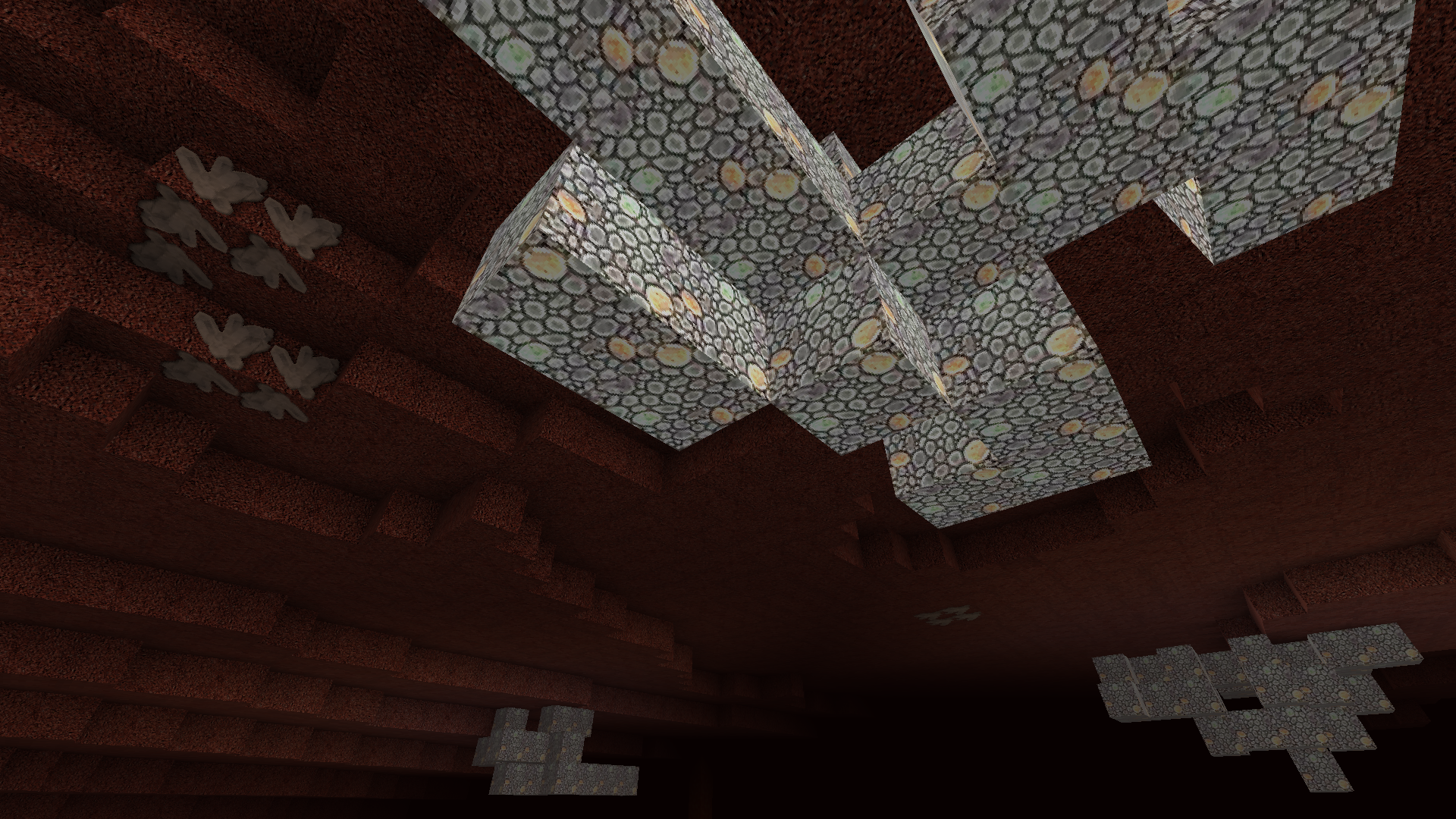
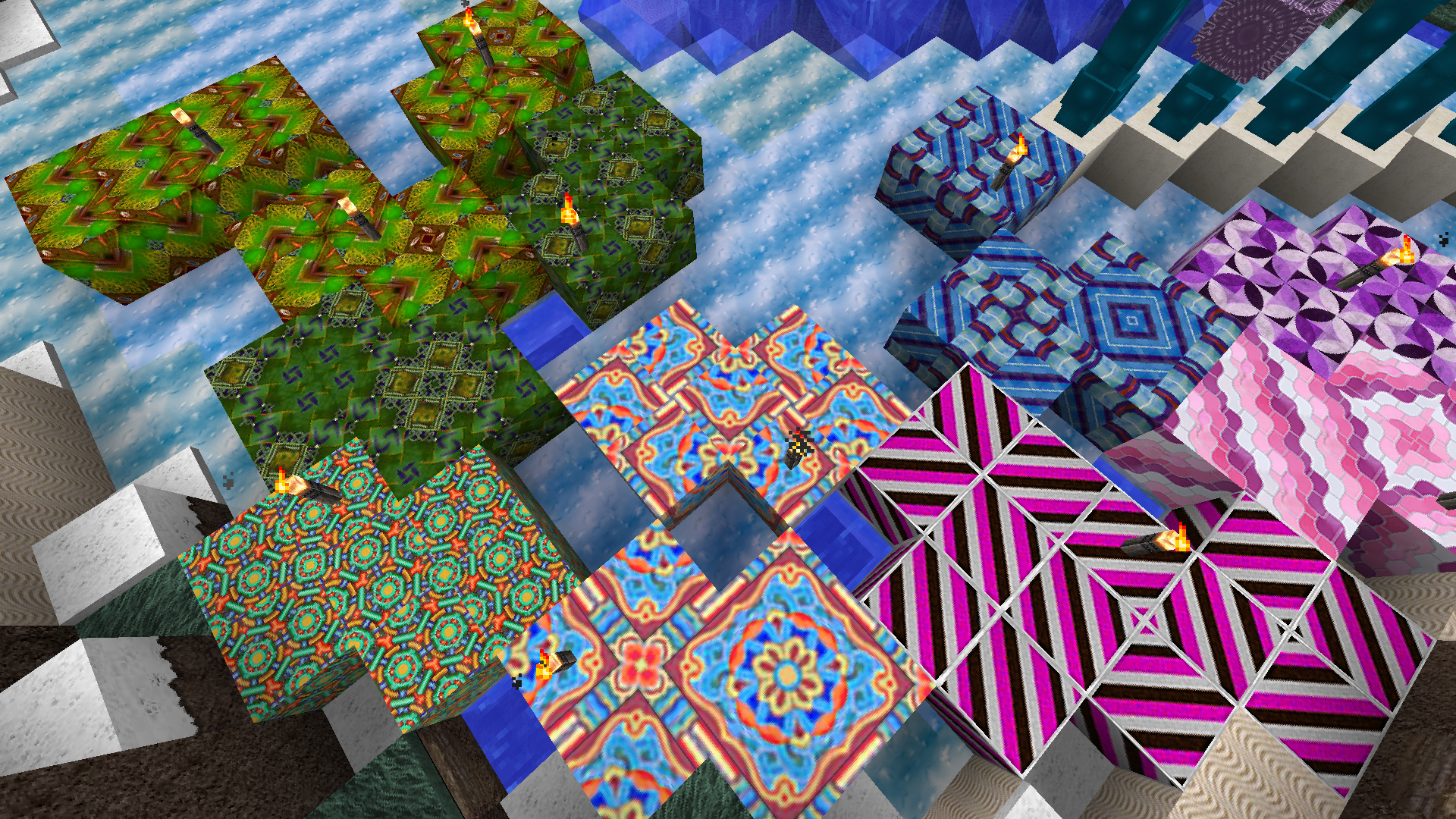
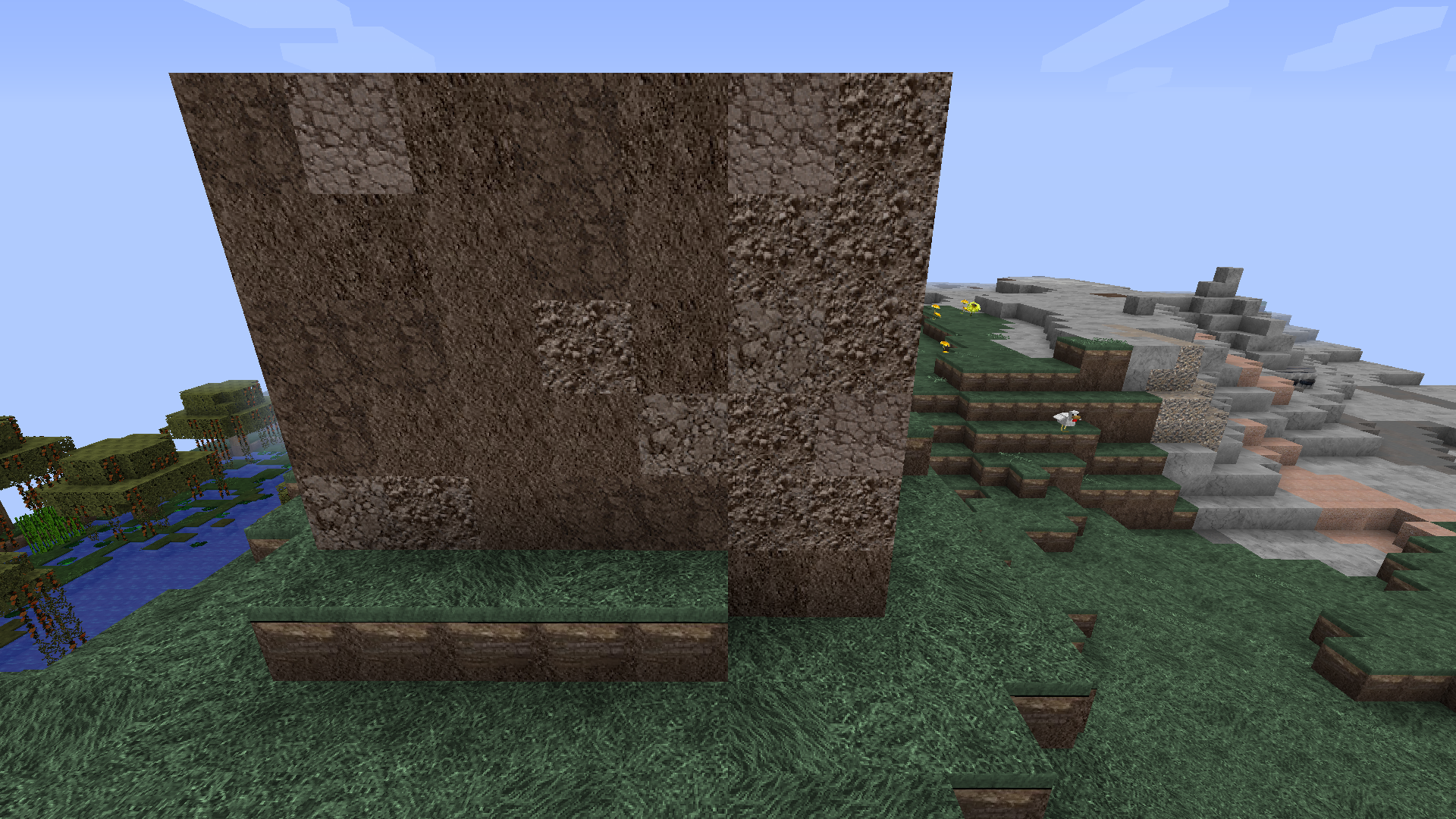
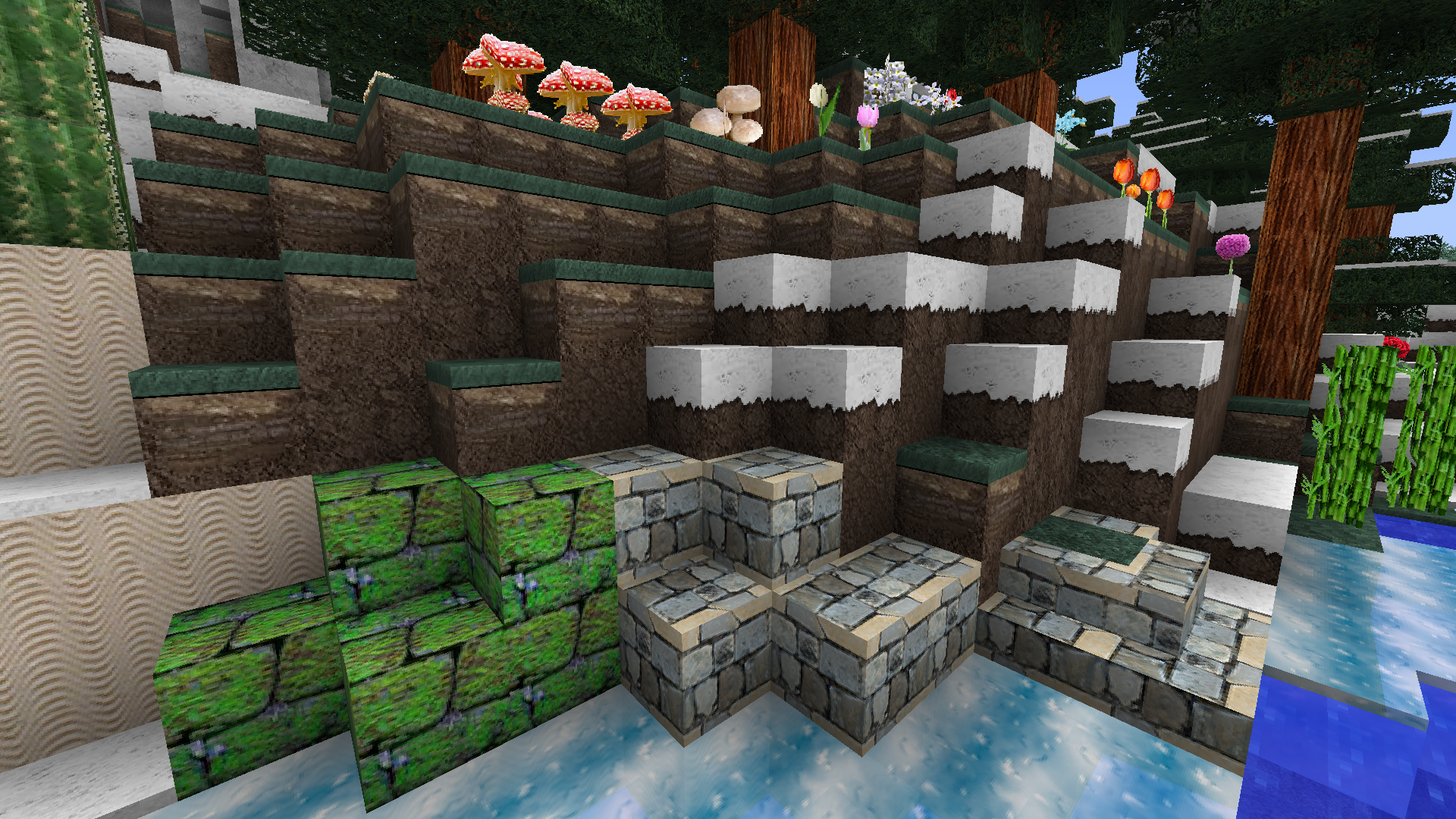
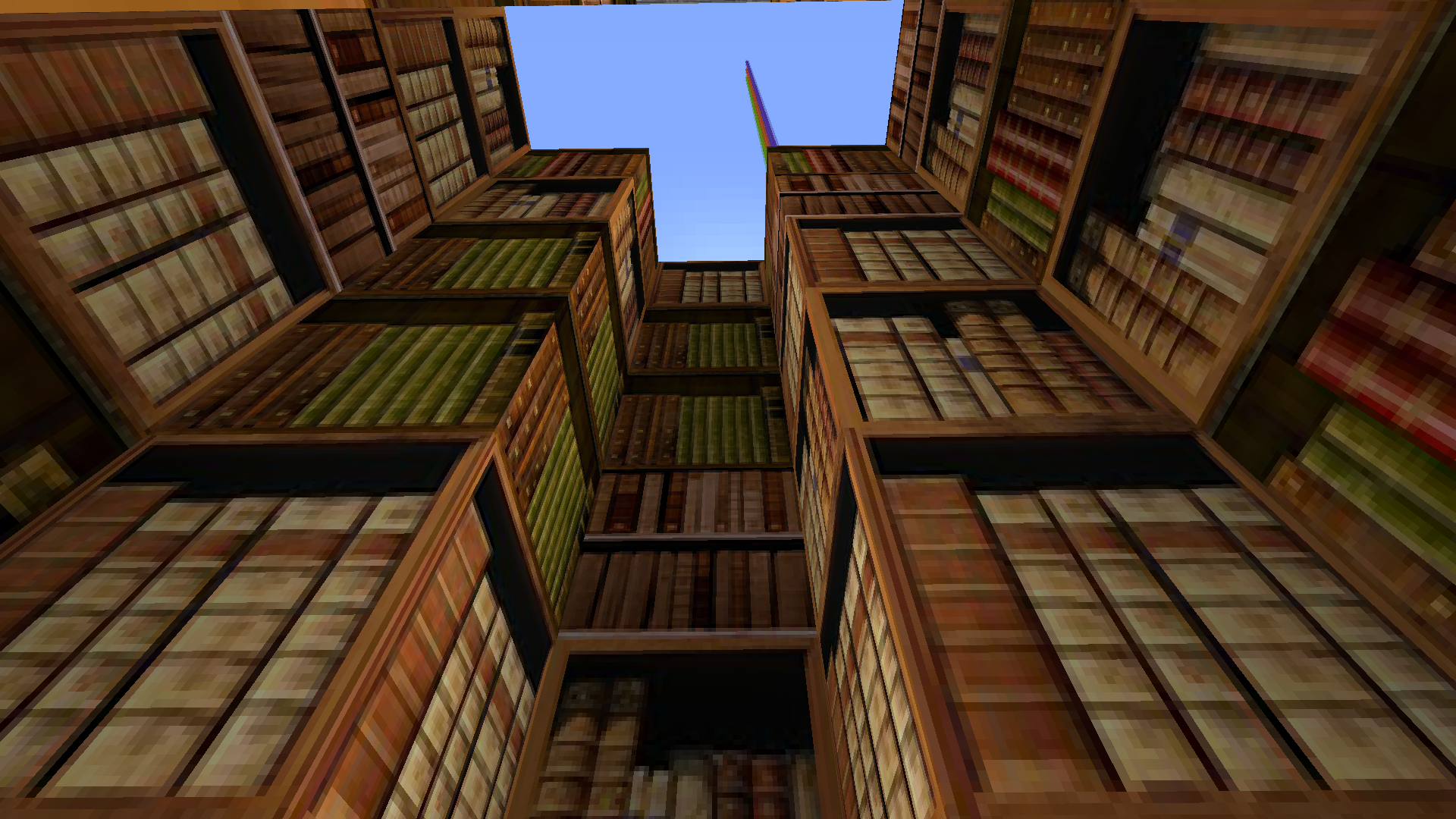
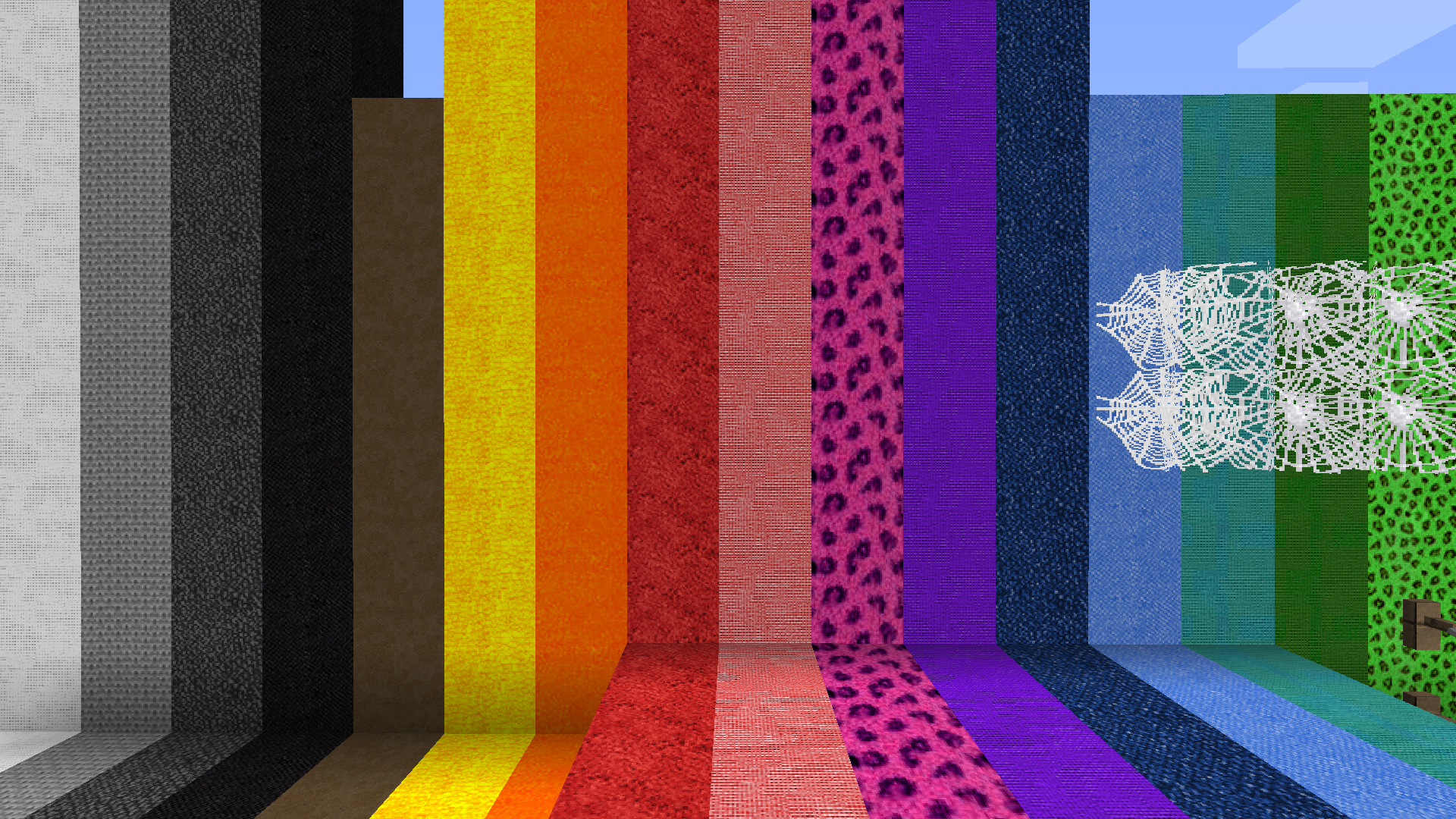
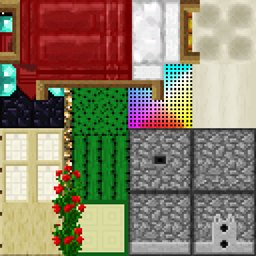
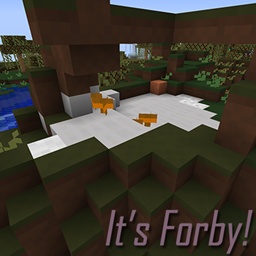
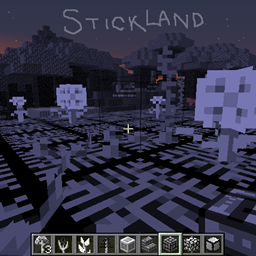
Realstuff64 is a 64-bit resource pack with many alternate textures.

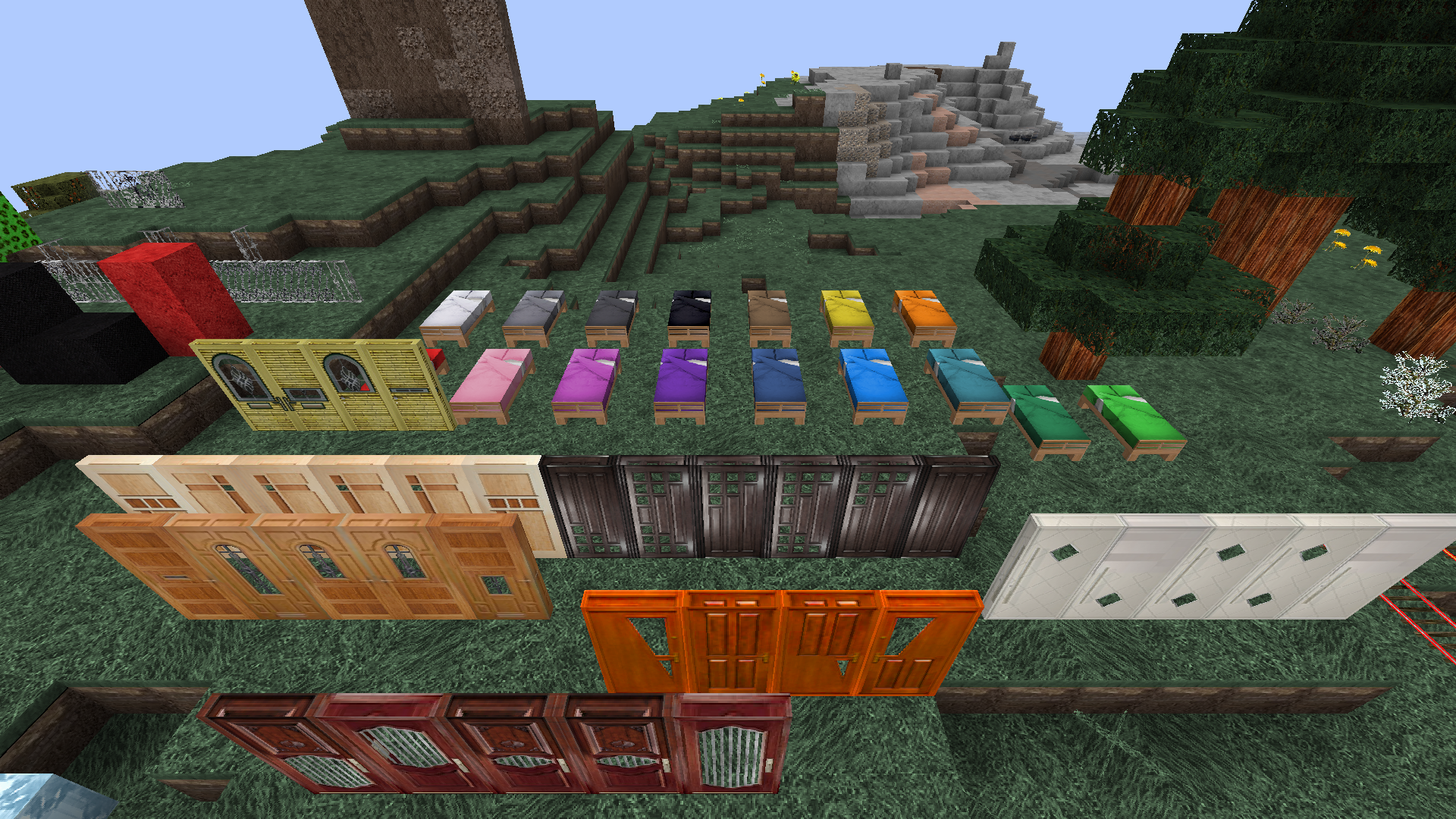
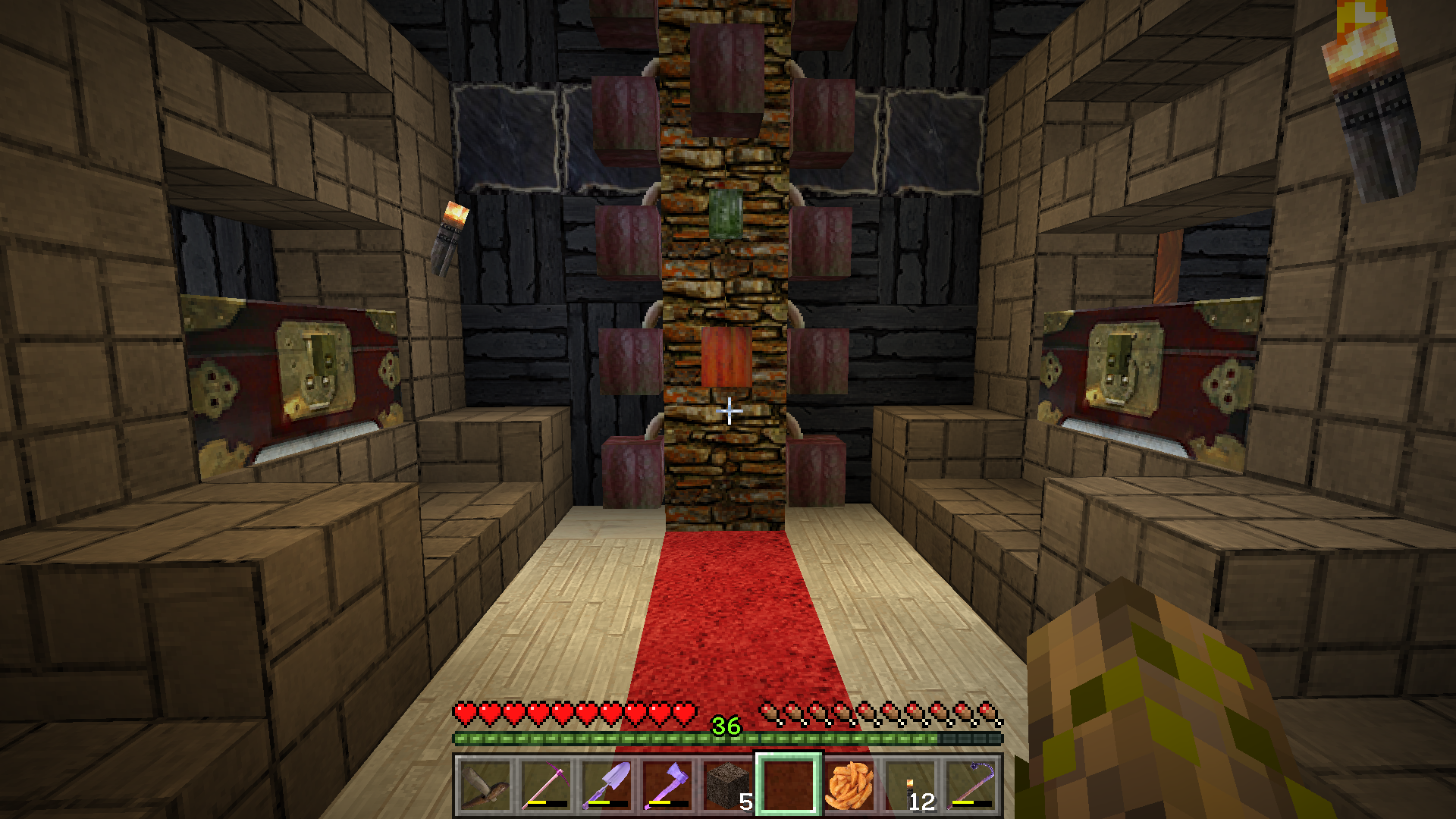
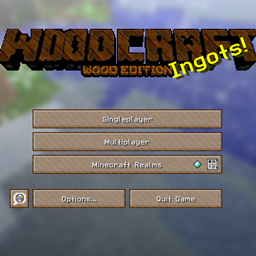
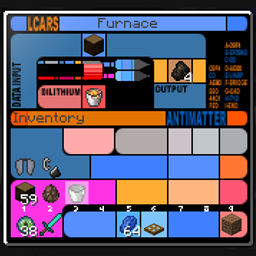
It includes custom textures for almost all blocks and items.  So far the only custom Entity textures are beds, chests, and a few llama blankets.  The only sites authorized to offer this pack are curseforge.com and planetminecraft.com.  GUI changes include most buttons, the title screen, and the inventory screen.

Blocks with alternate textures include:

  • Beacon
  • Bookshelf
  • Brewing Stand
  • Coal Block
  • Coal Ore
  • Course Dirt
  • Dirt
  • Daylight Detector
  • Diamond Block
  • Diamond Ore
  • all Doors
  • Emerald Block
  • Emerald Ore
  • Enchanting Table
  • Dandelion
  • Furnace
  • Plain Glass
  • Gold Block
  • Gold Ore
  • Grass
  • Iron Bars
  • Iron Trapdoor
  • Wood Trapdoor
  • Item Frame (doesn't seem to work)
  • Brown Mushroom
  • Nether Brick
  • all Planks
  • Podzol
  • Pumpkin
  • Jack O'Lantern
  • Rail Corner
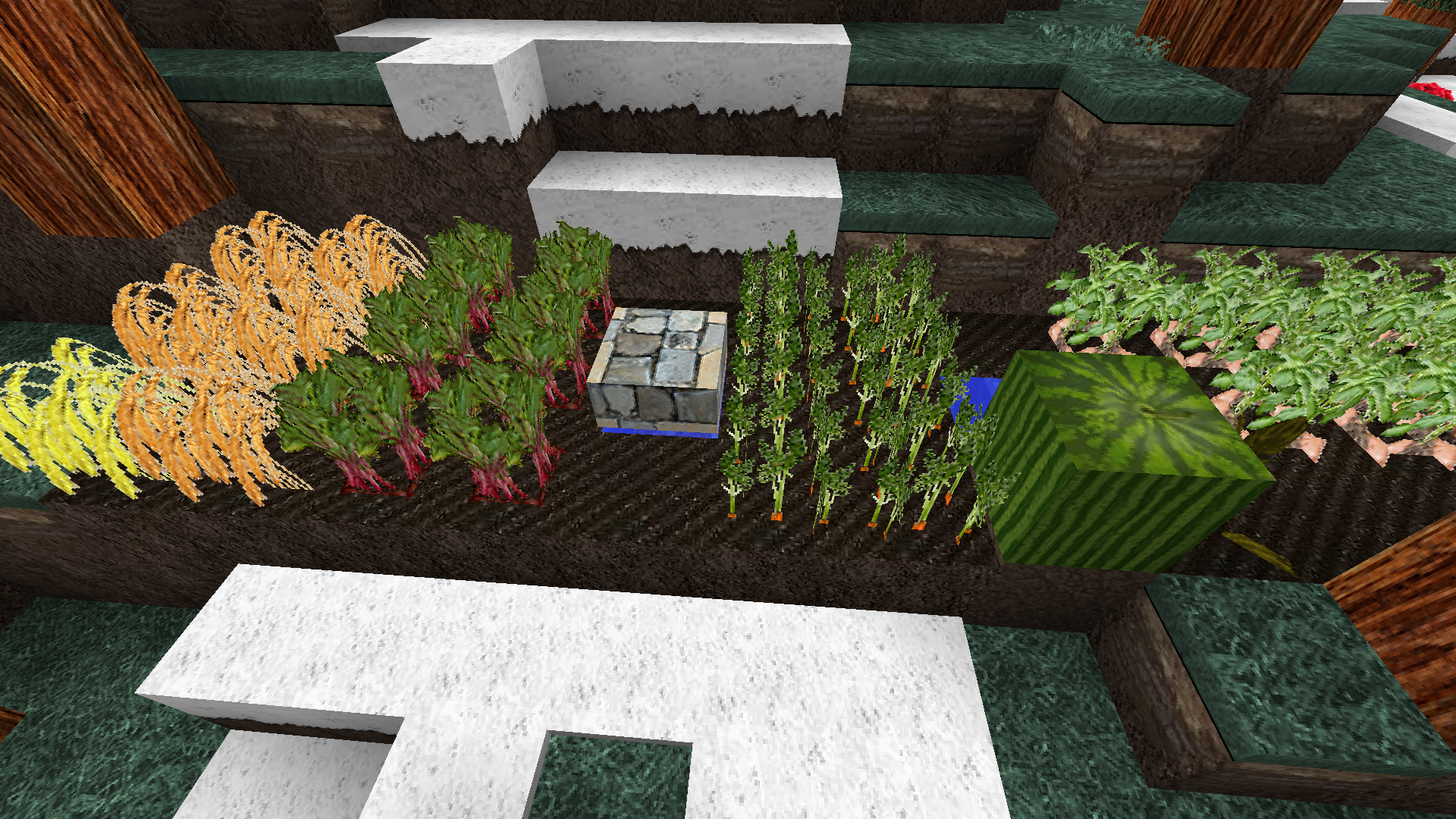
  • Sugar Cane
  • all Saplings
  • Slime Block
  • Soul Sand
  • Stone
  • Vine
  • Lily pad

Feedback is appreciated! Please let me know if you see any problems or textures that could be improved. Thank you. Enjoy!

If you want to encourage my development efforts, you can provide one-time financial support here on Curse or ongoing monthly support on Patreon.  Your donations make a difference!


Support my packs on Patreon

Realstuff64_1.12.2_20180314.zip
MC 1.12.1, 1.12, 1.11, 1.11.1, 1.11.2, 1.12.2, 1.12-Snapshot
Release 2018-03-15 Get
realstuff64_1.12.2_20180207.zip
MC 1.12.1, 1.12, 1.11, 1.11.1, 1.11.2, 1.12.2, 1.12-Snapshot
Release 2018-02-08 Get
Realstuff64 1.12.2 fixed
MC 1.12.1, 1.12, 1.11, 1.11.1, 1.11.2, 1.12.2, 1.12-Snapshot
Release 2017-11-19 Get
realstuff64_1.12.2_20171029.zip
MC 1.12.1, 1.12, 1.11, 1.11.1, 1.11.2, 1.12.2, 1.12-Snapshot
Release 2017-11-07 Get

Requirements & install

How to use this resource pack in Minecraft
Resolution
64x
Minecraft
1.11 – 1.12.2
Install folder
.minecraft/resourcepacks

How to install resource packs

  1. Download the resource pack .zip file (do not extract it).
  2. In Minecraft open Options → Resource Packs → Open Pack Folder.
  3. Drop the .zip into the resourcepacks folder (.minecraft/resourcepacks).
  4. Move the pack to the Selected column and click Done.
Browse more: 16x resource packs 32x resource packs 64x resource packs 128x resource packs 256x resource packs 512x+ resource packs Resource Packs for 1.12.2 All resource packs

More from AridWaste

Advertisement Remove ads with Premium →

You Might Also Like