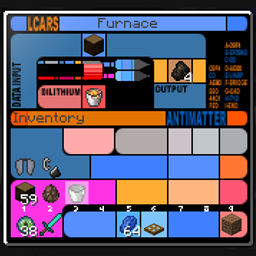
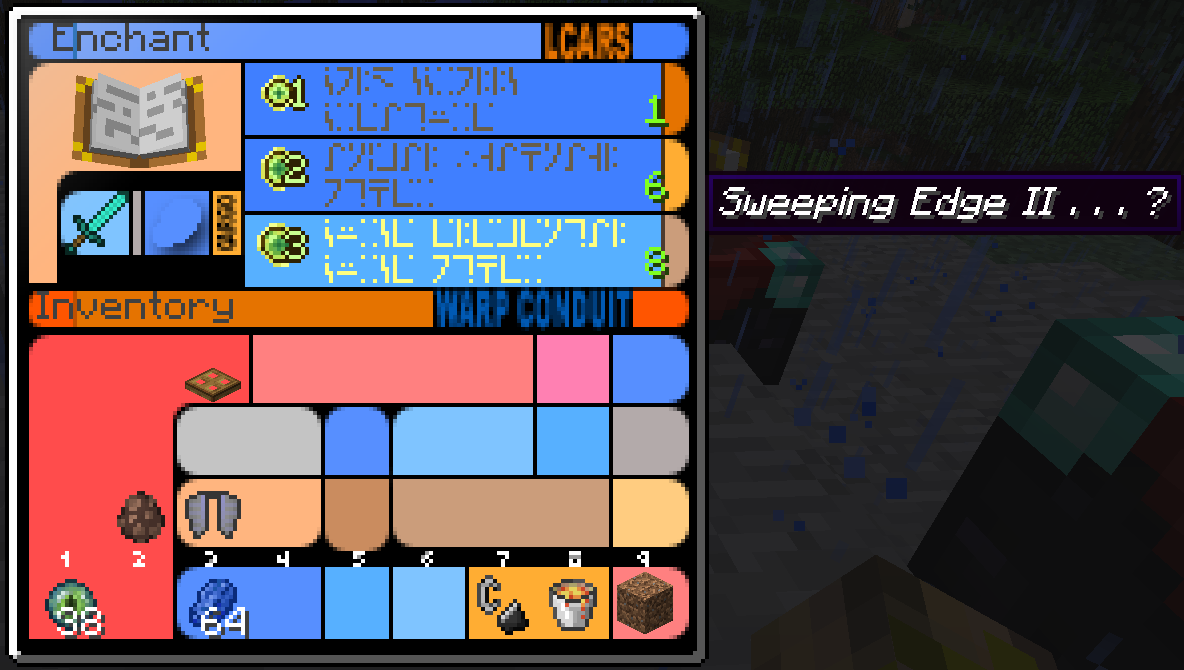
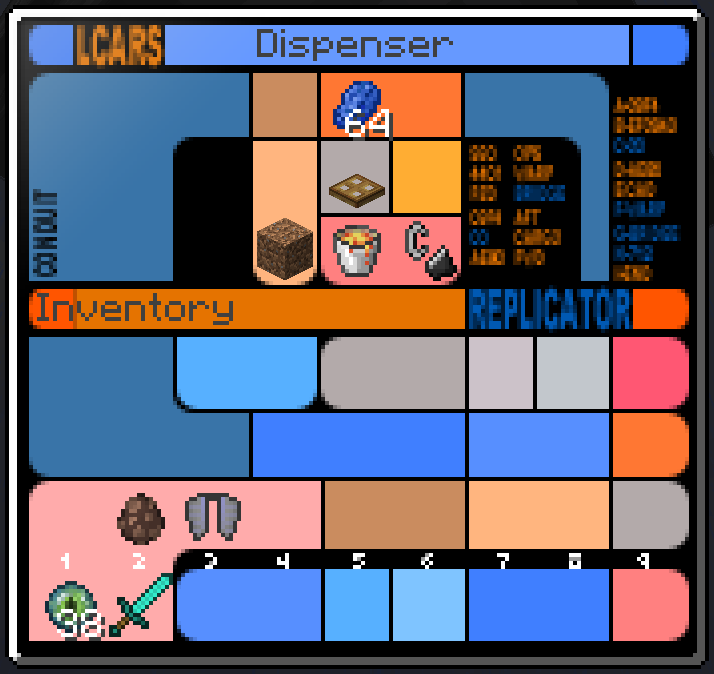
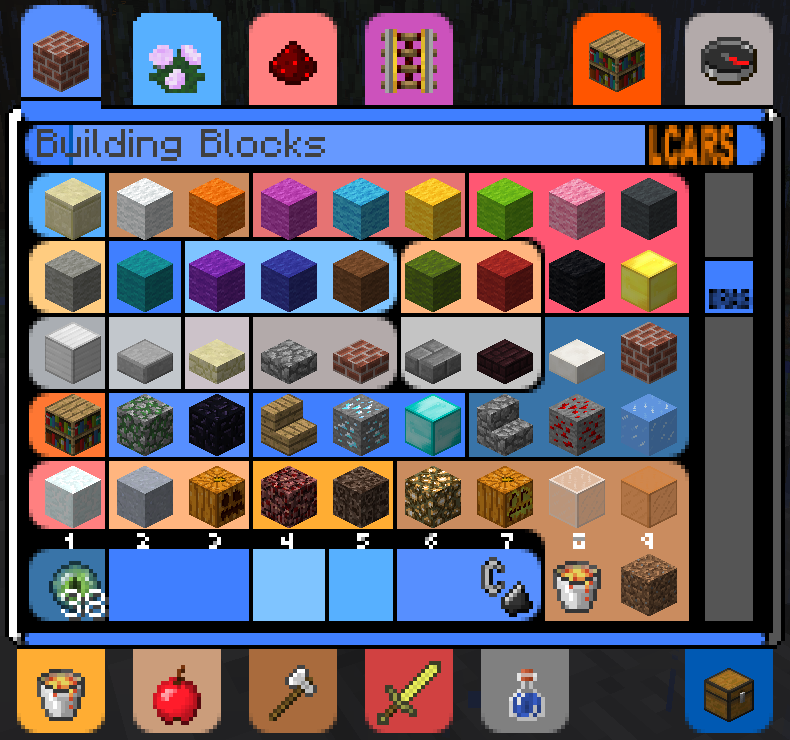
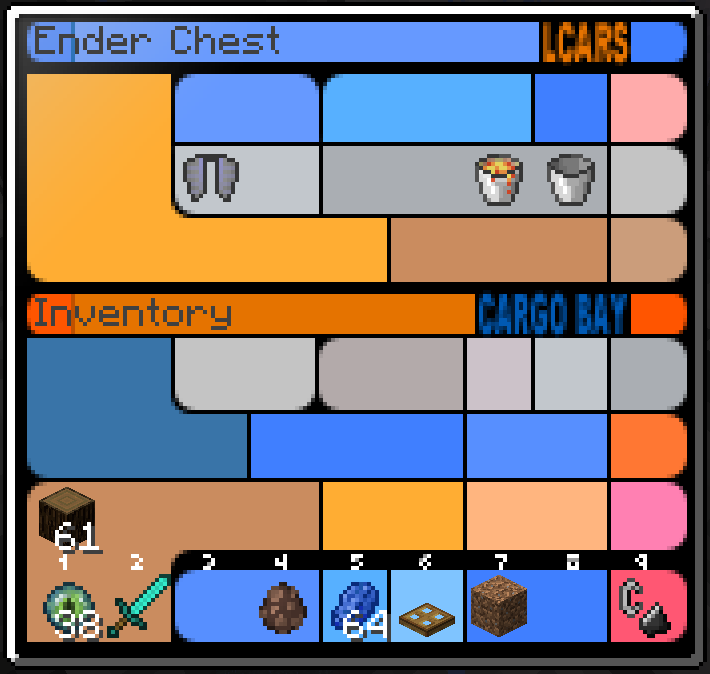
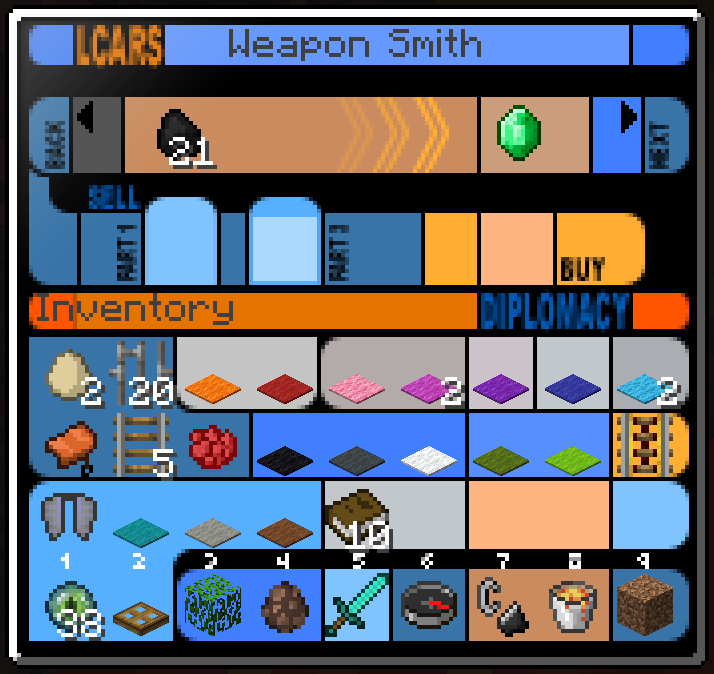
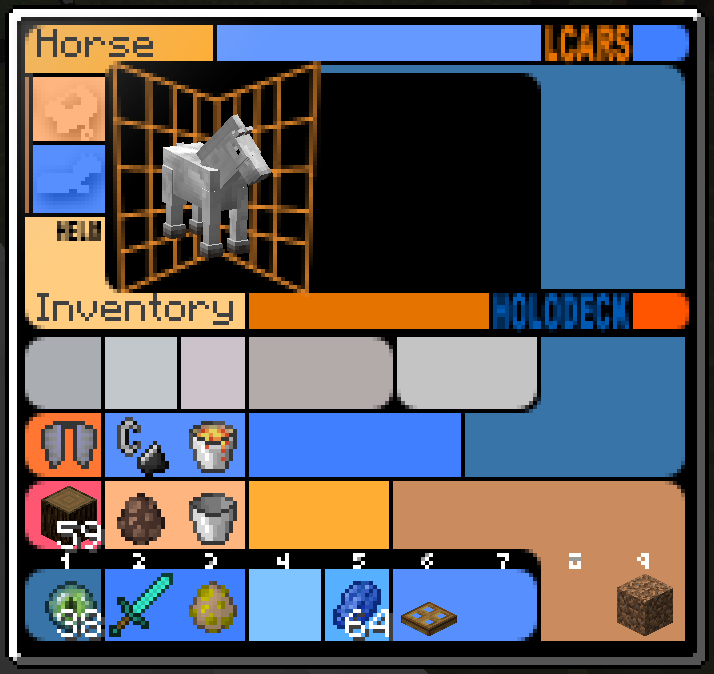
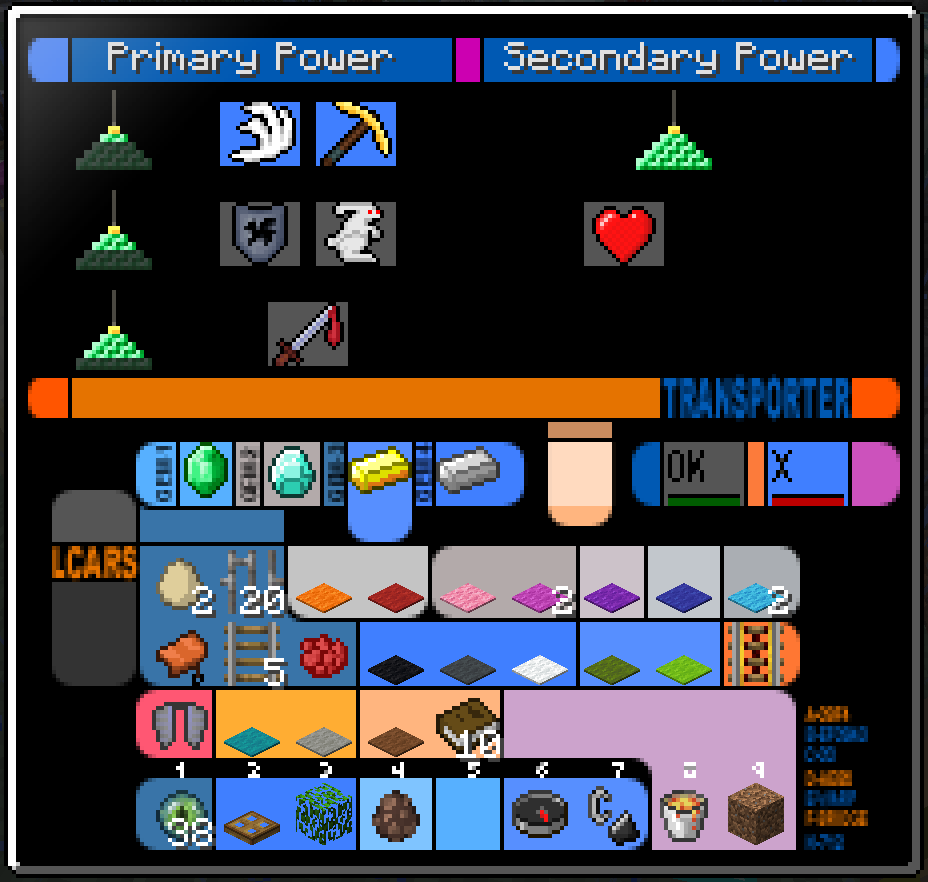
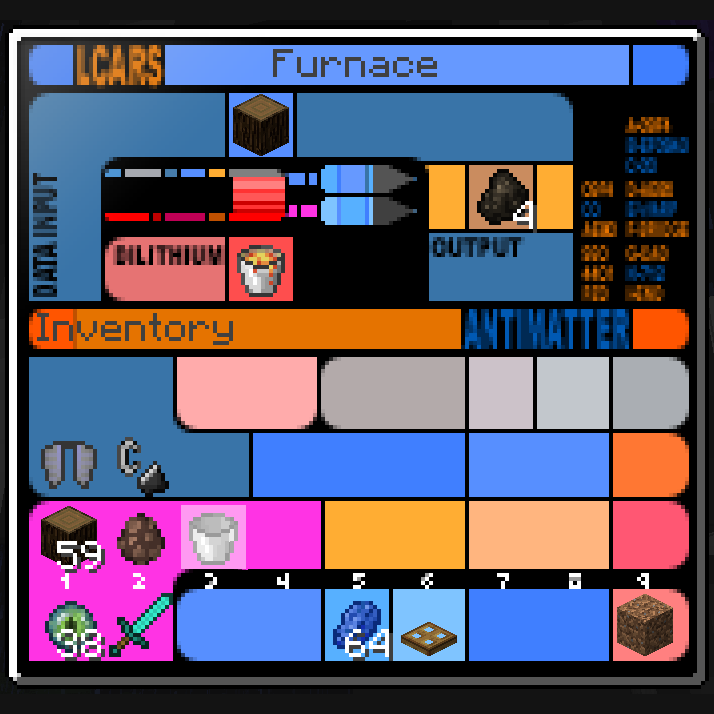
This LCARS GUI resource pack changes all of the GUI screens to look like the LCARS displays used on the old TV shows Star Trek Voyager and Star Trek The Next Generation. It also replaces iilagers with romulans, creepers with borg, and villagers and zombies with crew members of the USS Enterprise and their zombified counterparts.
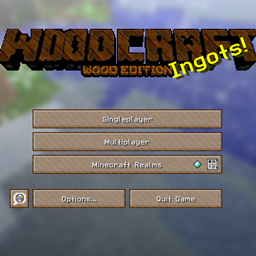
The most recent update adds LCARS elements to all the menus so it's no longer just in-game GUIs that are LCARS.
Since only the GUI, villagers, and creepers are altered, you won't notice any difference in Minecraft unless you open a GUI like the Furnace or Crafting table, or if you are in a village, woodland mansion, or have zombies or creepers nearby.
If you were wondering where the promised creeper borg were, oops. This is fixed in this latest version.
LCARS GUI is now available for Minecraft 1.13 snapshots! The 1.13 snapshots version should be compatible with all 1.13 snapshots up to at least 18w15a.
If you want to encourage my development efforts, you can provide one-time financial support here on Curse or ongoing monthly support on Patreon. Your donations make a difference!
Enjoy!








&business=pdlittell@hotmail.com&bn=PP-DonationsBF:btn_donateCC_LG.gif:NonHosted&cancel_return=https://minecraft.curseforge.com/projects/lcars-gui?gameCategorySlug=texture-packs&projectID=288944&lc=US&item_name=LCARS+GUI+(from+curseforge.com)&cmd=_donations&rm=1&no_shipping=1¤cy_code=USD)