For a long time, I have been shaping the elements of the Faithful pack to my own taste, but I often find that the next version is always a little nicer.
Coming to the point, I put together an add-on for the 64 pixel set, which might improve the game for many, while staying true to the original.
Most of the textures were created by me or modified to fit the Faithful's look. I also made some animated blocks and ore variations, before I realized that such an accessory already existed. I added that anyway, with some spectacular effects and my own mob variations.
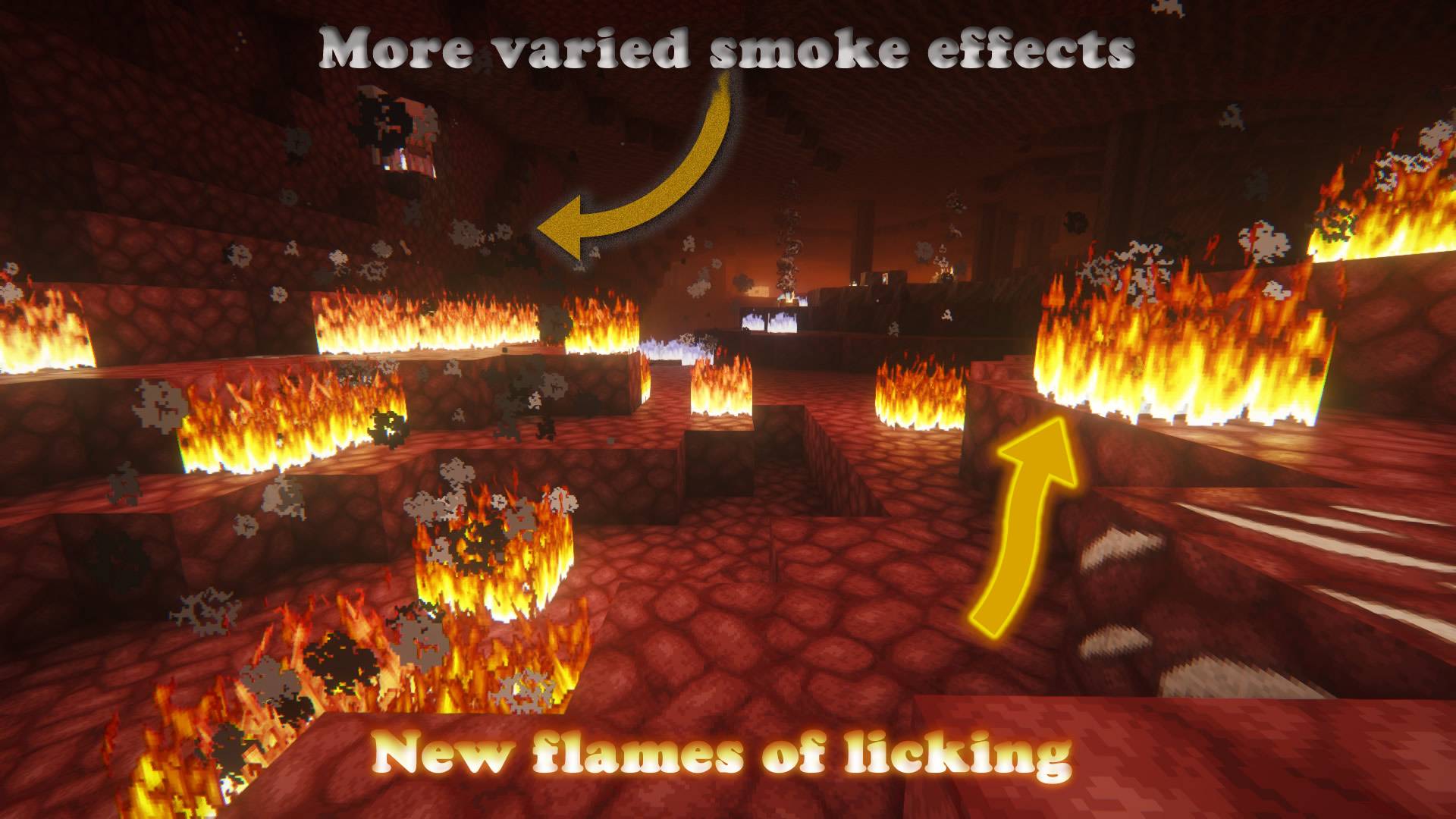
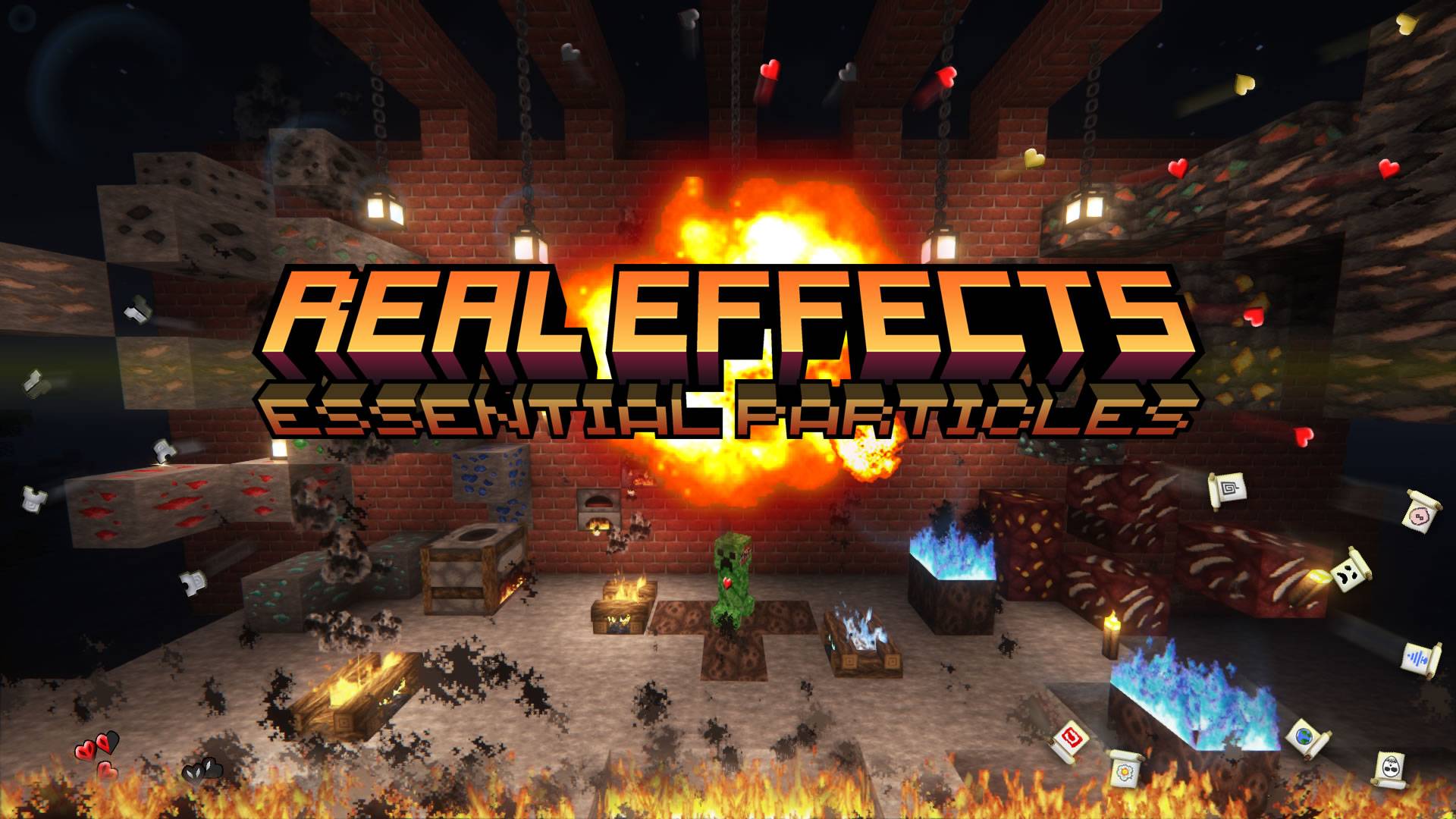
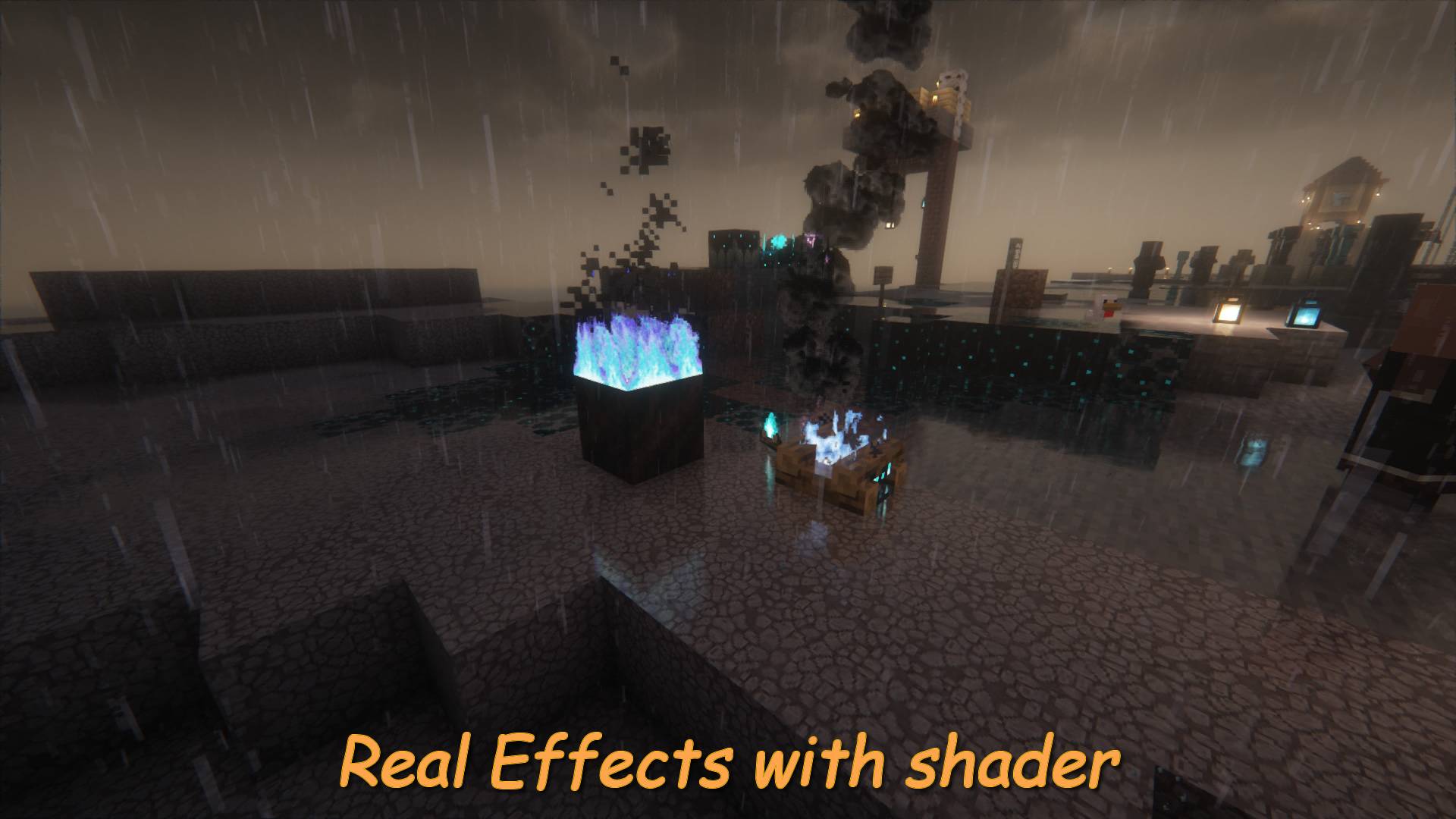
I was motivation is that if there are already such beautiful, uniform textures in the game, then the flames should no longer look like they are shaking a towel. Or for example, the orange fiery explosion (in my package) is much more expressive than the original popping white circles.
So, with the practical effects, I tried to shift the experience in a slightly more realistic direction.
Hence the name choice. The rest came naturally...
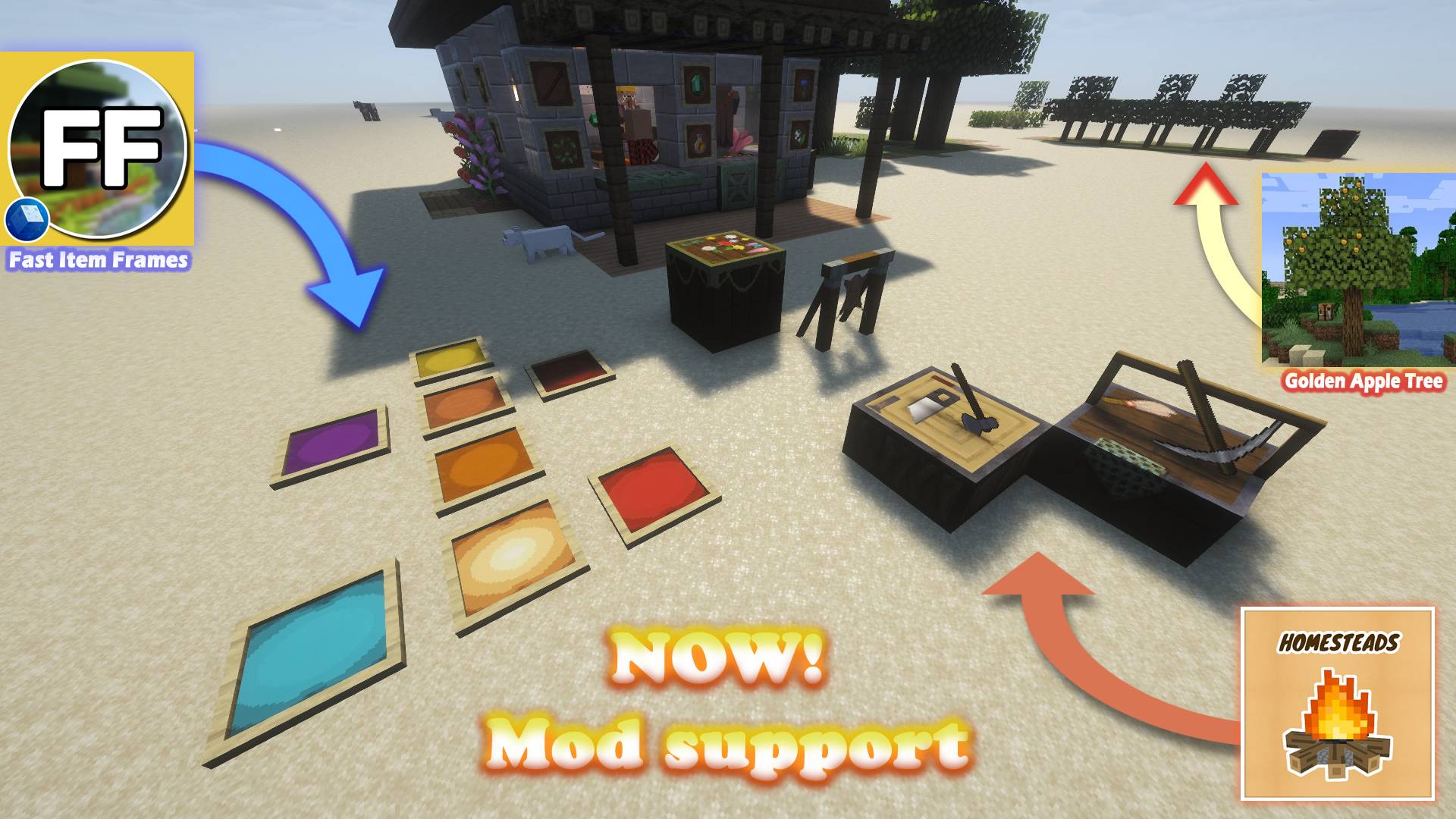
I tested it in 1.16, 1.20, 1.21, 26.1, and 26.2 versions, and with optifine, and with Fabric EMF mod. Obviously there are no mob variations without the latters, but most of the package can be used.
Particle effects
Black smoke, round water bubble, fiery explosion effect, sharper sweep effects.
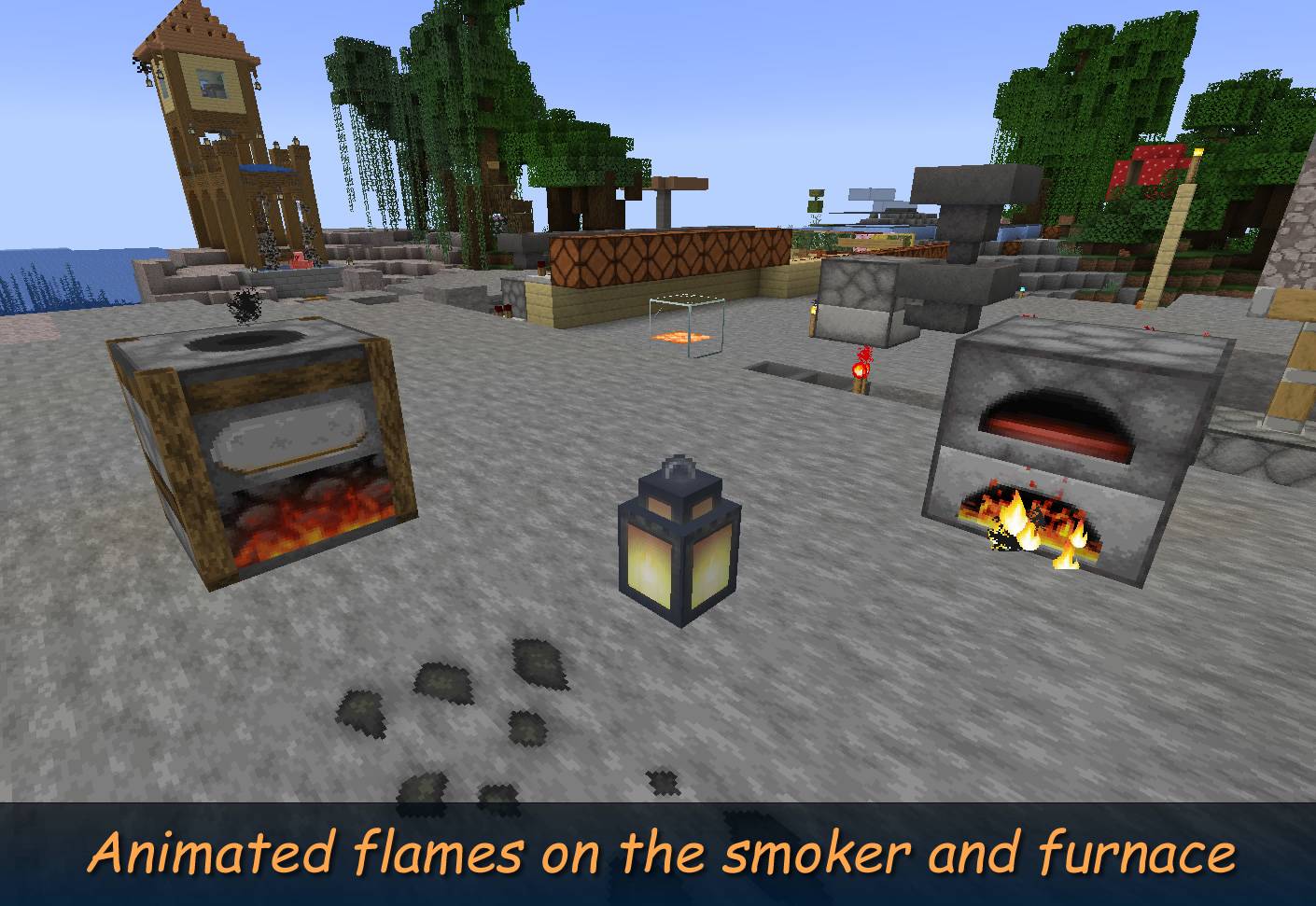
As well as animated flames. The same in block format.
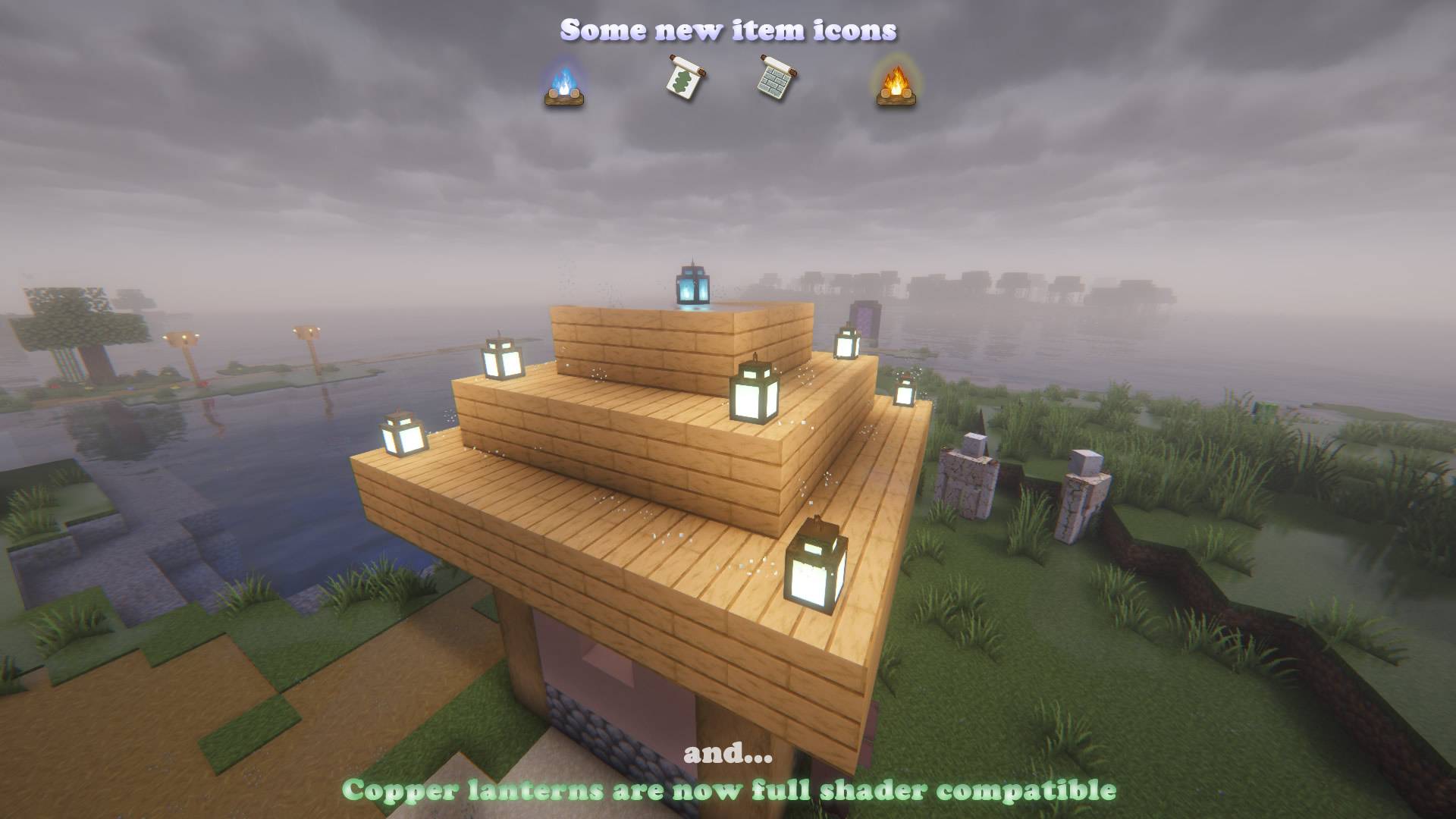
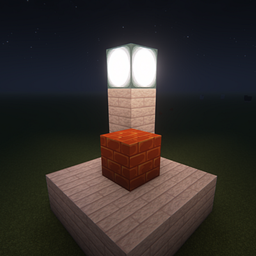
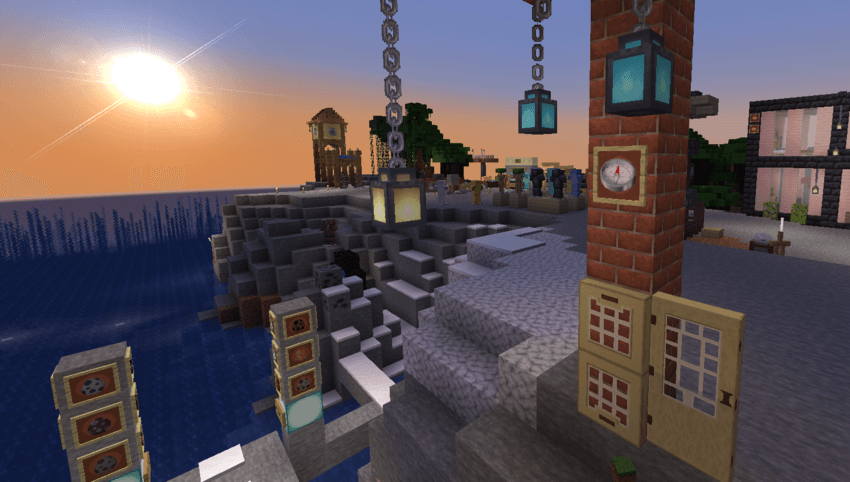
3D lanterns
New ornate textures for Copper Lanterns.

Animated blocks
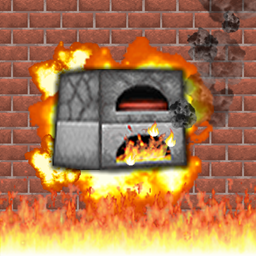
Furnace, smoker, glowstone, new fire, campfire, and soul campfire.
The new flame saturated and sharp. And the soul fire bluish.

GUI
Lighter highlighted menu buttons (no shiny frame)
Gradient heart and armor icons on HUD.
Smaller crosshair.
Unique pumpkin vignette (better view from the pumpkin head)
Mud brick background in versions before 1.21.
Exclusively for version 1.20: custom sunrise panorama in cherry biome with shader.
Environment
Realistic round sun and moon.
Items
White back cover for compass.
Custom graphic for all banner patterns.
The lanterns have a more lifelike model with a matching chain.
Blocks
Birch door and trap door with window, like acacia, bamboo, and jungle versions.
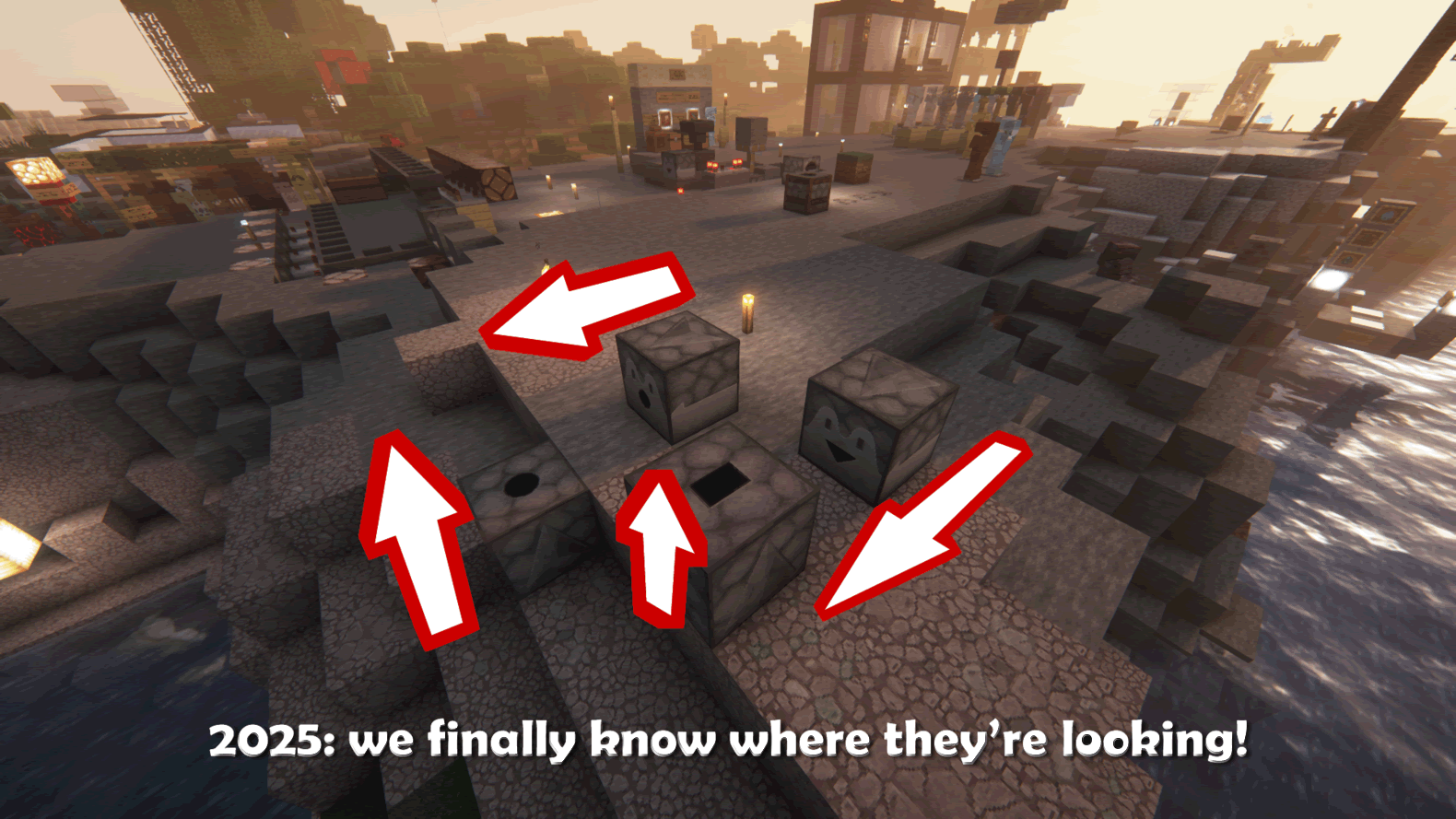
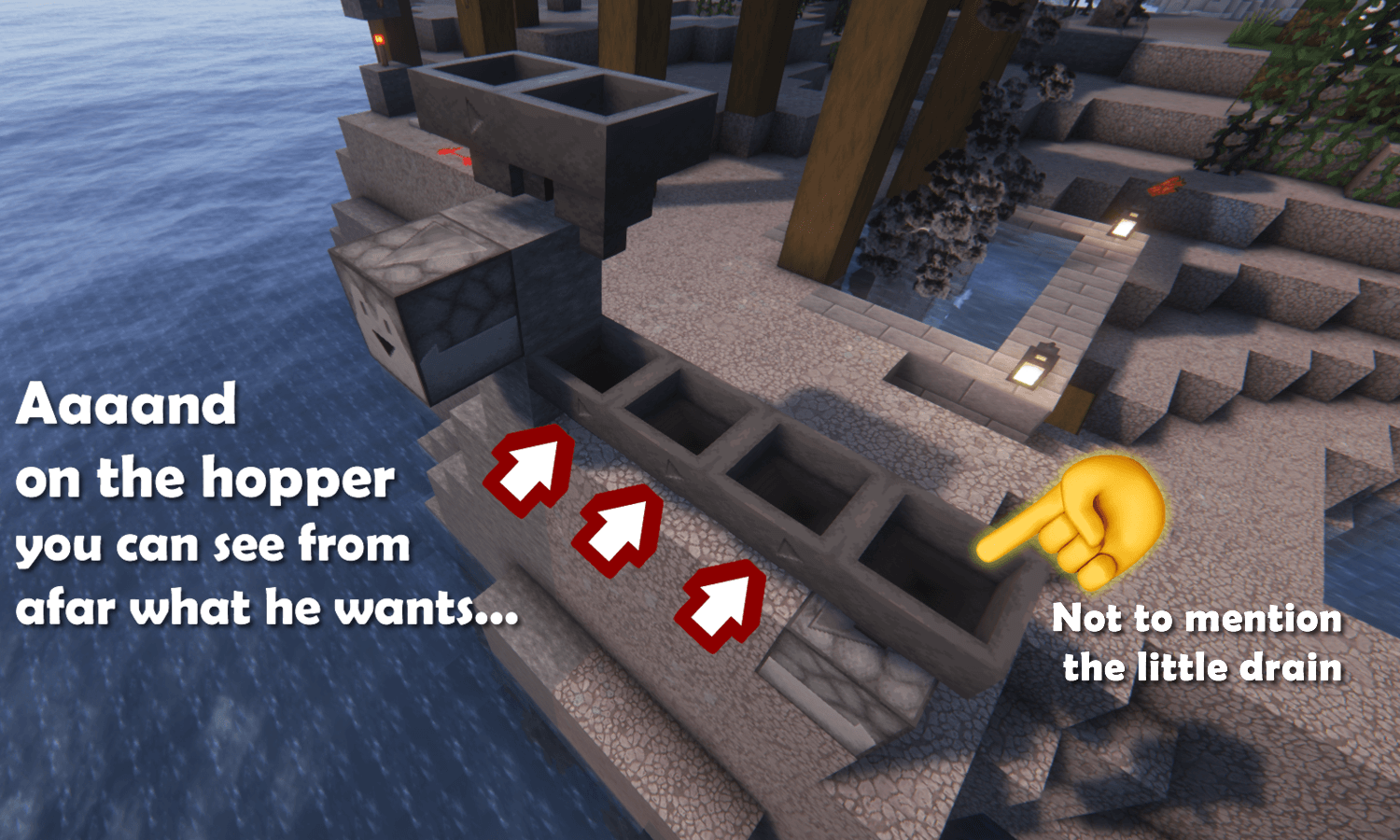
Custom suspicious gravel and gravel variations.
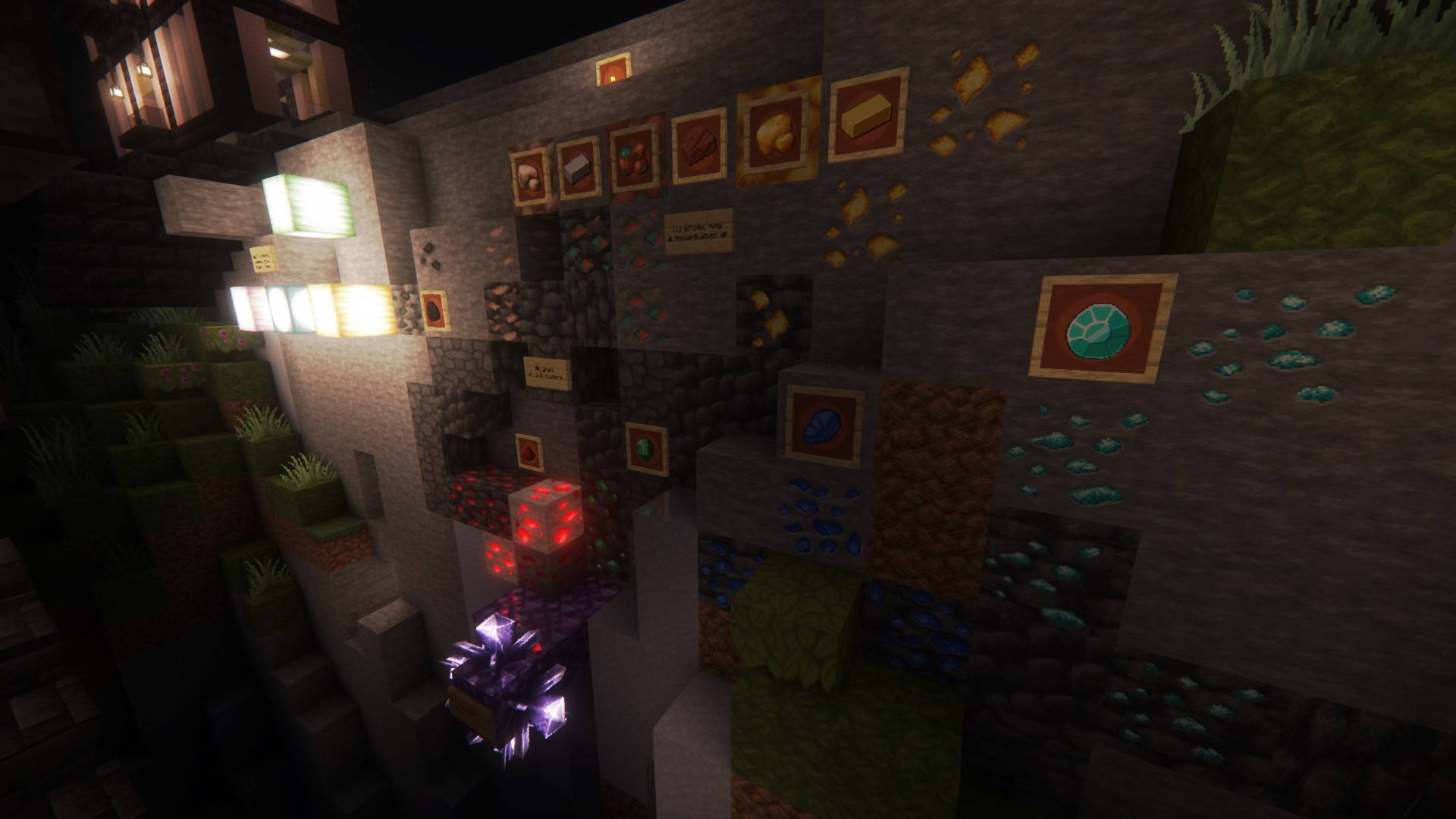
Variatoins for all ores.
Lily pad variations (from Faithful Alternative Enviroment pack)
Mobs variations
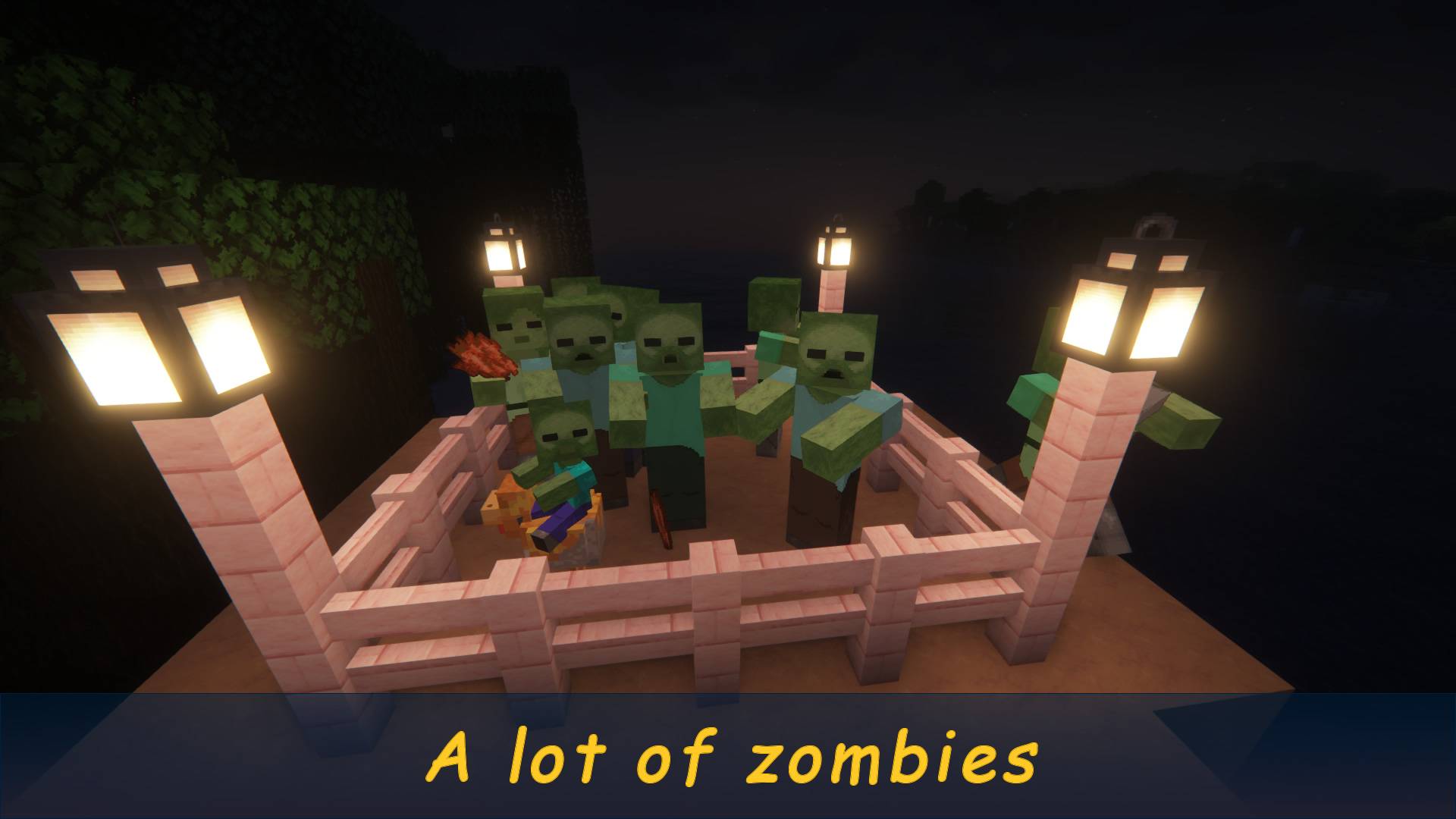
Chickens, cows, creepers, foxes, illigers, pigs, skeletons, villigers, wandering traders, zombies.

* Some are identical to the contents of the Faithful Alternative Enviroment pack, but I have more custom graphics.
** Attention! Requires Optifine or EMF mod for mob variants!
Created by Kalmix88