Mineuniverse
Resource Packs
Radioactive Steve Totem of Undying

Radioactive Steve Totem of Undying

RESOURCE PACK
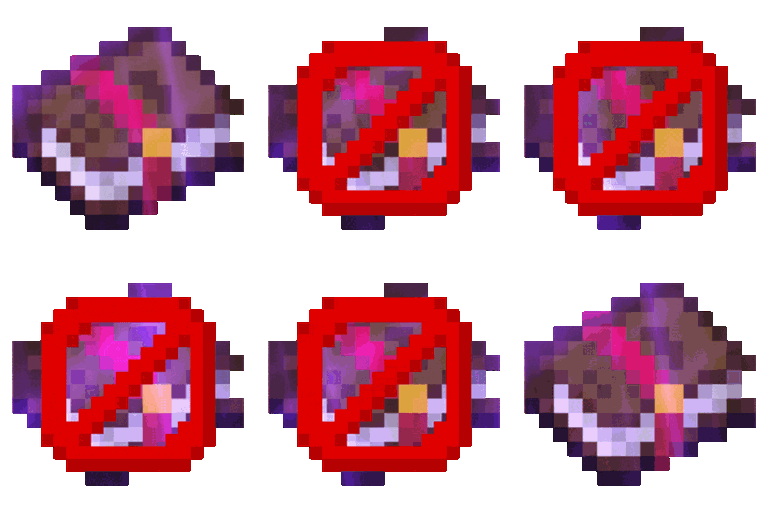
Radioactive Steve Totem customizes the Totem of Undying in Minecraft with a radioactive design inspired by Steve, adding a vivid and hazardous theme to the game.
by dihogenn
Download Claim this project
Add a badge to your pageLink to Radioactive Steve Totem of Undying from a README, website or forum post.
Preview: Badge

Badges update automatically and link to the resource pack page on MineUniverse.

13,863 downloads
0 likes
0 followers
Updated Oct 14, 2026
0 hypes
Follow0
16x Miscellaneous Modern Traditional
Advertisement Remove ads with Premium →

Enhance Your Gameplay with Radioactive Steve Totem

Transform Your Totem of Undying

The Radioactive Steve Totem Resource Pack changes the look of Minecraft's Totem of Undying to feature a design inspired by a radioactive version of Steve. This vibrant update adds a hazardous and glowing touch to your survival toolkit, enhancing your gameplay with its bright and warning aesthetic.

Resource Pack Feature

Feature:

  • Radioactive Design: The totem features a radioactive Steve motif, providing a visually striking and cautionary theme.

Illuminate your Minecraft survival with Radioactive Steve Totem and enjoy a more thrilling and visually engaging gameplay experience!

Thank You Banner

Experience the excitement of a radioactive adventure with the Radioactive Steve Totem, combining safety with striking visuals.


Radioactive Totem.zip
MC 1.17.1, 1.16.3, 1.13.1, 1.19.3, 1.20.2, 1.21, 1.16.1, 1.18.1, 1.20.5, 1.21.5, 1.14.4, 1.14.1, 1.12.1, 1.17, 1.12, 1.14.3, 1.15, 1.16, 1.13, 1.19.4, 1.16.5, 1.21.4, 1.18.2
Release 2025-02-04 Get

Requirements & install

How to use this resource pack in Minecraft
Resolution
16x
Minecraft
1.18.2 – 1.21.5
Install folder
.minecraft/resourcepacks

How to install resource packs

  1. Download the resource pack .zip file (do not extract it).
  2. In Minecraft open Options → Resource Packs → Open Pack Folder.
  3. Drop the .zip into the resourcepacks folder (.minecraft/resourcepacks).
  4. Move the pack to the Selected column and click Done.
Browse more: 16x resource packs 32x resource packs 64x resource packs 128x resource packs 256x resource packs 512x+ resource packs Resource Packs for 1.21.5 All resource packs

More from dihogenn

Advertisement Remove ads with Premium →

You Might Also Like