Badges update automatically and link to the resource pack page on MineUniverse.
Give your One More Layer experience a fresh look with custom 3D gambling items, detailed backpacks, distinctive ores, and a coordinated dark interface.
OML Starter Pack is a resource pack for Minecraft Java Edition 1.21.11, designed around the mining, gambling, and progression items used on One More Layer.
From your pickaxe to your next jackpot, the pack brings together emerald highlights, purple accents, dark materials, and custom models to give OML a consistent visual style.
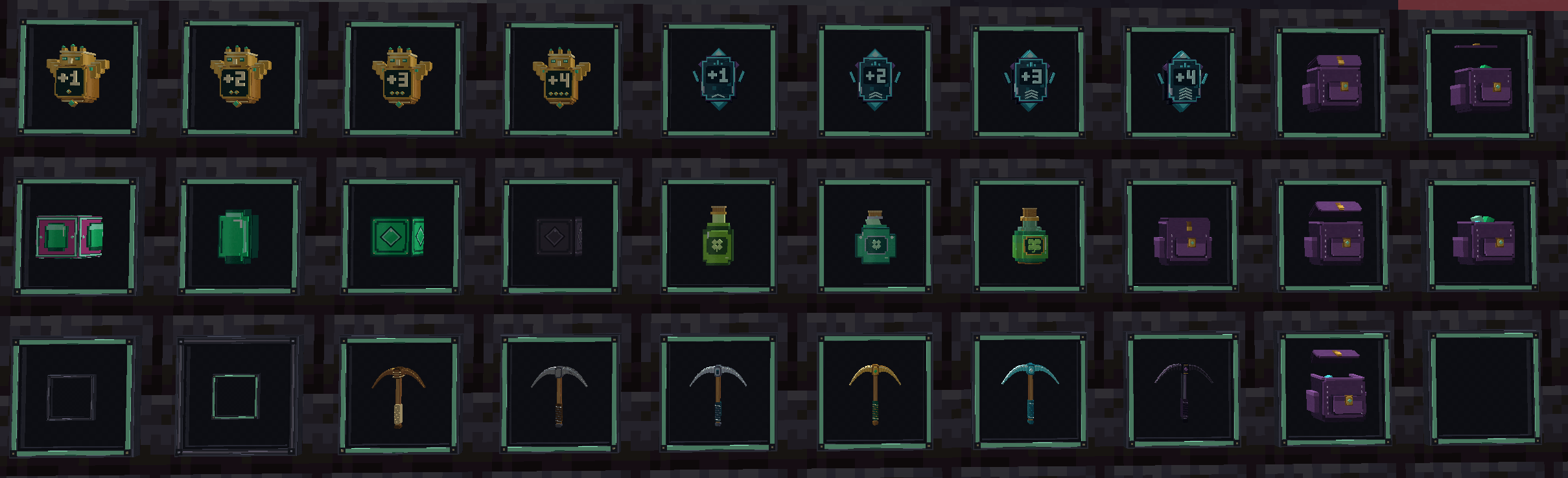
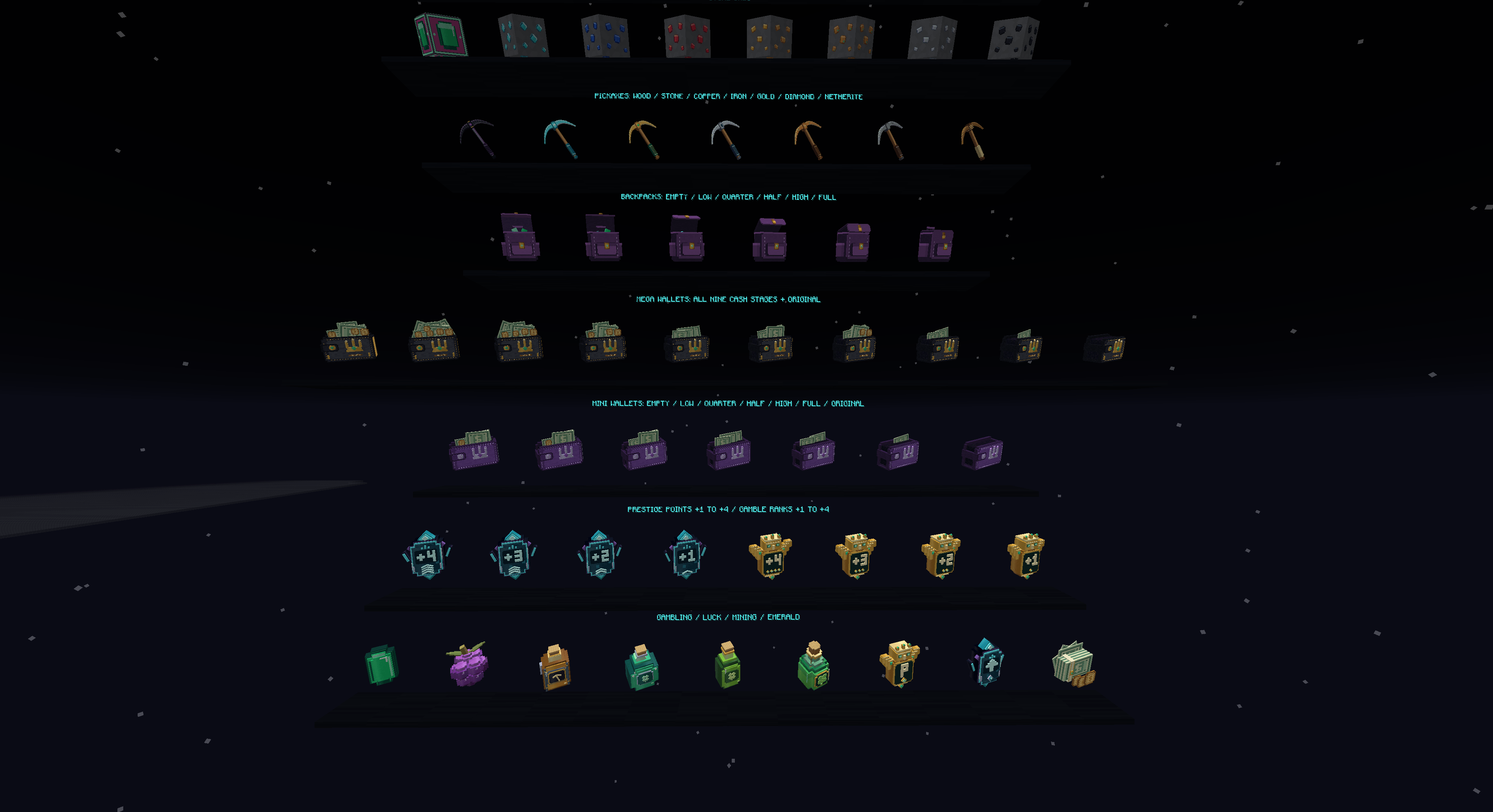
Give your rewards their own identity with custom models for:
Luck Juice
Luck and mining potions
Prestige Point tokens — +1, +2, +3, and +4
Gamble Rank tokens — +1, +2, +3, and +4
Money Gambling items
Gambling menu tokens
Mini and Mega Jackpot wallets
Custom appearances use item names and lore to identify supported OML items.
Backpacks and wallets have multiple visual states, helping their appearance reflect the information shown on the item.
Custom 3D backpack models
Backpack variants for different capacities and fill levels
Separate Mini and Mega Jackpot wallet designs
Wallet variants based on supported lore values
Detailed clasps, trim, and decorative accents
Subtle animated highlights on visible jackpot coins
Backpack and wallet variants depend on matching item lore. Items from other servers may use different formats and display differently.
Each pickaxe material receives a custom design that fits the pack’s mining theme.
Custom models across pickaxe tiers
Refined heads and handles
Material-specific colors and details
Adjusted positioning in hand
Coordinated styling with the pack’s other equipment
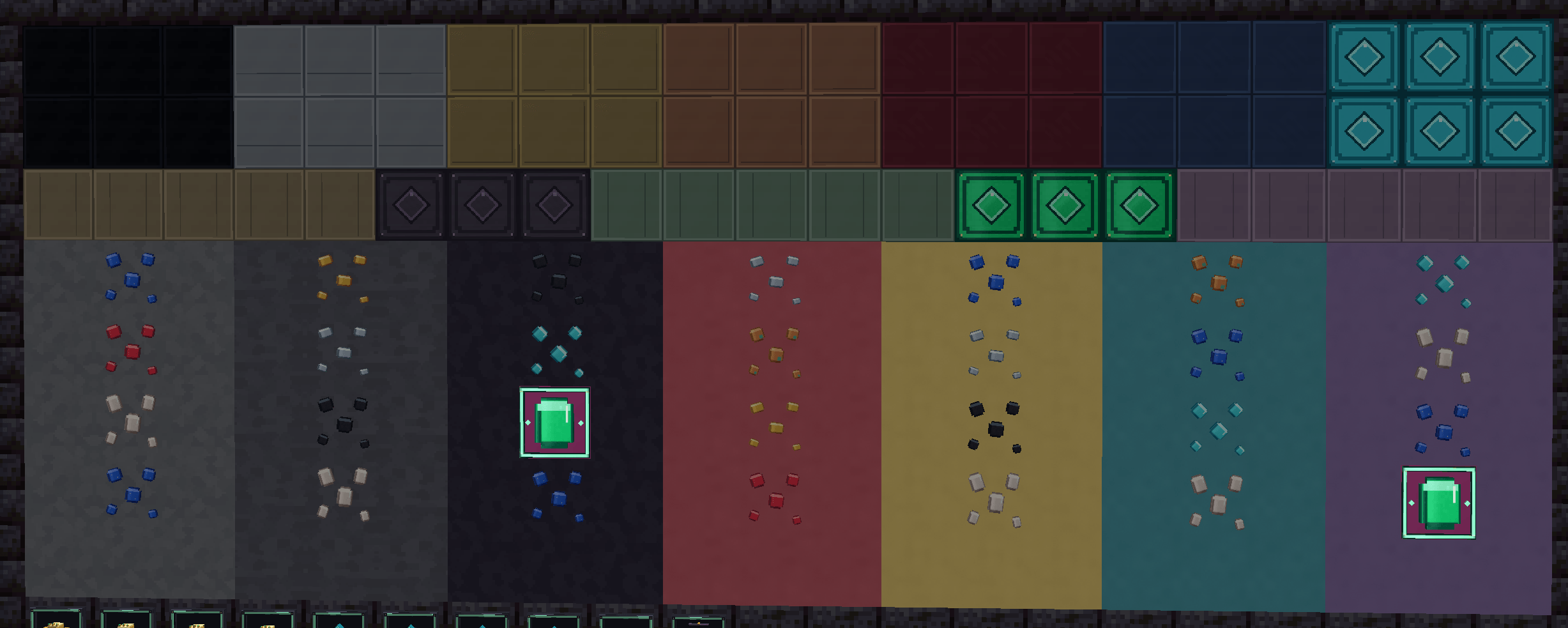
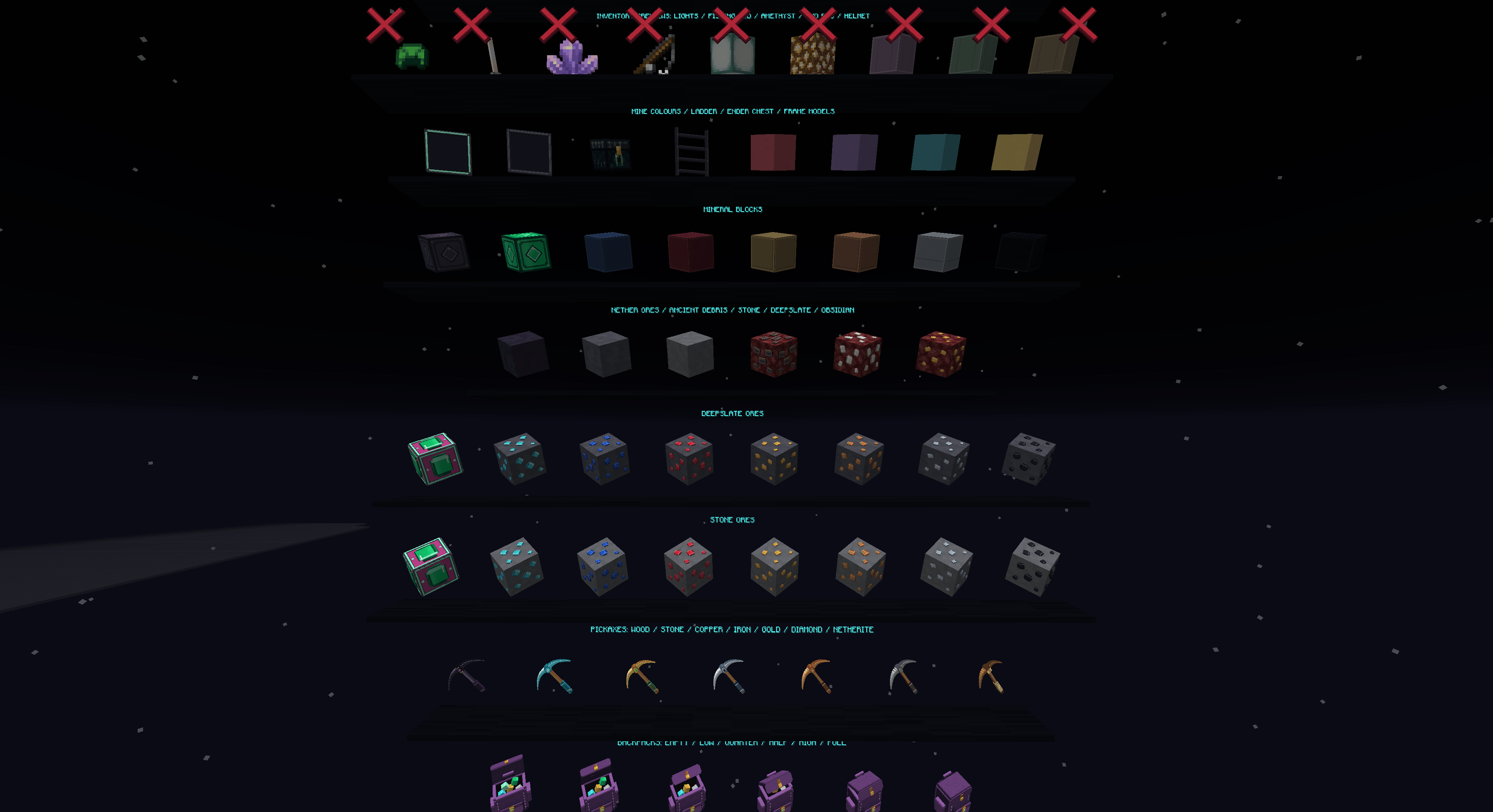
Emeralds are an important part of OML’s gambling system, so emerald ore gets a distinctive appearance.
Bright green emerald details
A contrasting pink background
Custom designs for both emerald ore and deepslate emerald ore
A subtle animated border highlight
Pink backgrounds that remain separate from surrounding host textures
The result is an emerald ore design that is easy to recognize while scanning a mine.
Raised 3D mineral details
Different shapes for different minerals
Varied ore layouts to reduce repetition
Custom normal and deepslate ore appearances
Reworked ancient debris
Background matching through supported Fusion rules
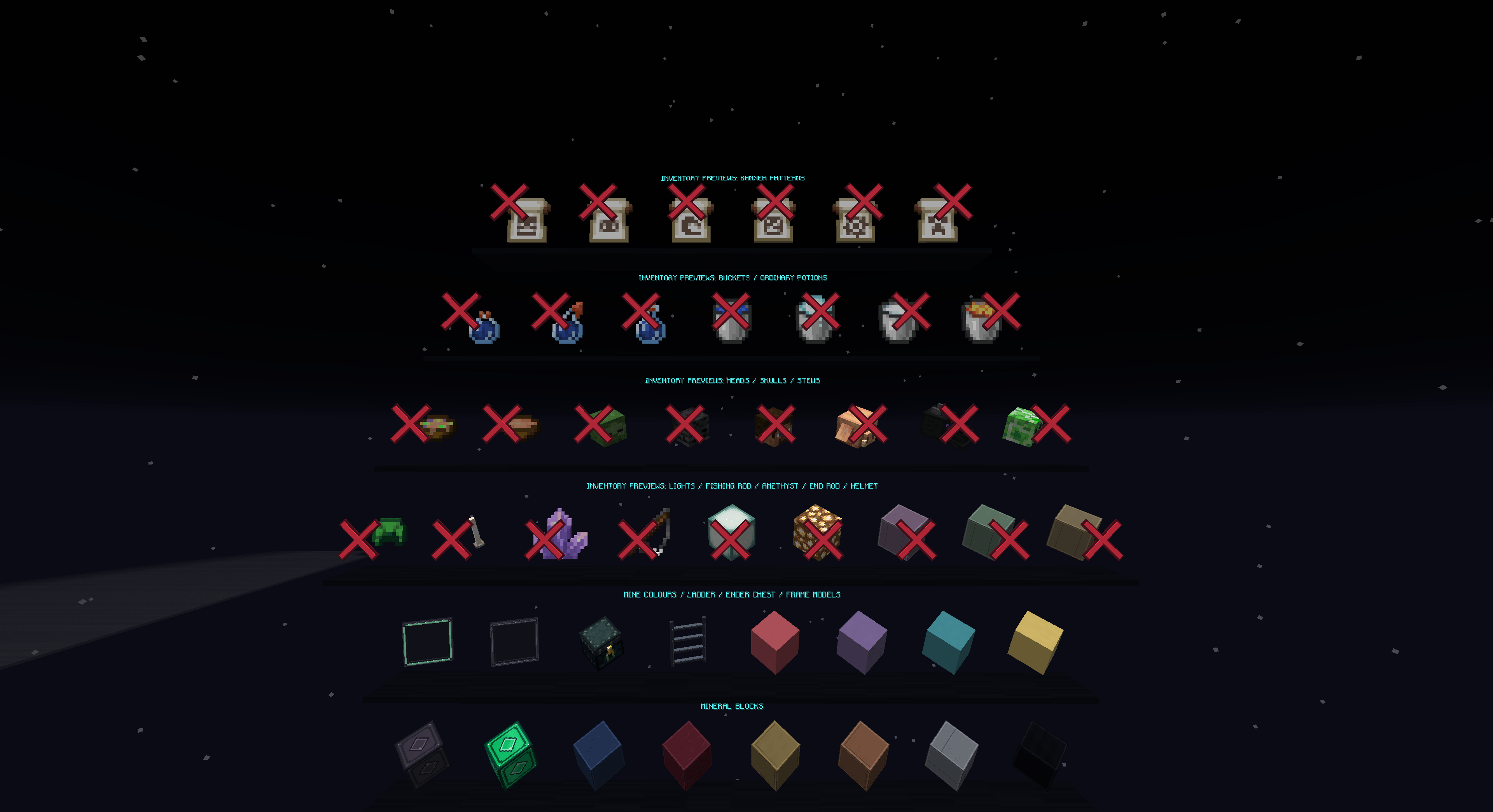
Matching emerald, diamond, and netherite blocks
Refined stone, deepslate, and obsidian
Darker purple, red, yellow, and cyan concrete
Softer-looking froglights
Dark ladders
Coordinated bars, chains, lanterns, doors, and trapdoors
Ore-background matching depends on nearby blocks and the pack’s connection rules. It may behave differently at material boundaries or inside dense ore-only clusters.
The interface uses charcoal and muted dark tones to complement the brighter items and ores.
Dark inventory and container backgrounds
Coordinated menu elements
Refined hotbar selection
Custom item frames and glow item frames
Cleaner block-breaking textures
Softer item and armor enchantment glint
The included Vault Sans font gives menus, chat, and item text a coordinated appearance.
Clear letters and numbers
Distinct shapes for commonly confused characters
Compact spacing for balances, ranks, and rewards
Support for common accented Latin characters
Existing fallback fonts for characters outside the custom set
Leave Force Unicode Font turned off to use Vault Sans.
| Component | Details |
|---|---|
| Minecraft Java Edition | 1.21.11 |
| Fusion (Connected Textures) | 1.3.13 or newer for Fusion-based model and connection features |
| CIT Resewn Continuation | Required for the intended name- and lore-based custom item appearances |
Install versions of these mods that support your Minecraft version and loader.
OML Starter Pack is a resource pack, not a standalone mod. Its custom item appearances and connection features rely on the appropriate supporting mods.
Download OML Starter Pack.
Place the ZIP inside your Minecraft resourcepacks folder.
Open Options → Resource Packs and enable the pack.
Move it above other resource packs that change the same items, blocks, or interface textures.
Leave Force Unicode Font off if you want the custom font.
You can leave the pack zipped.
The general block textures, interface styling, font, and standard item replacements can be used elsewhere. OML-specific models depend on matching item names and lore.
Check that CIT Resewn Continuation is installed and enabled, and that another resource pack is not overriding the item. The item must also match the pack’s supported name or lore rules.
Turn Force Unicode Font off and check your resource-pack order. Another font pack or a server-provided resource pack may take priority.
No. The pack changes its visual appearance, not the amount of light the block produces.
OML Starter Pack is an unofficial resource pack made for One More Layer players. It is not an official Minecraft product and is not approved by or associated with Mojang Studios or Microsoft.
All trademarks belong to their respective owners.