Mineuniverse
Resource Packs
NOTLIVES's Ancient harpoon-Trident

NOTLIVES's Ancient harpoon-Trident

RESOURCE PACK
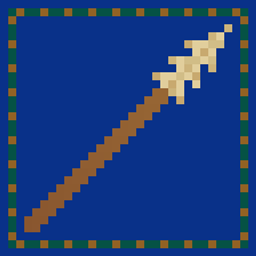
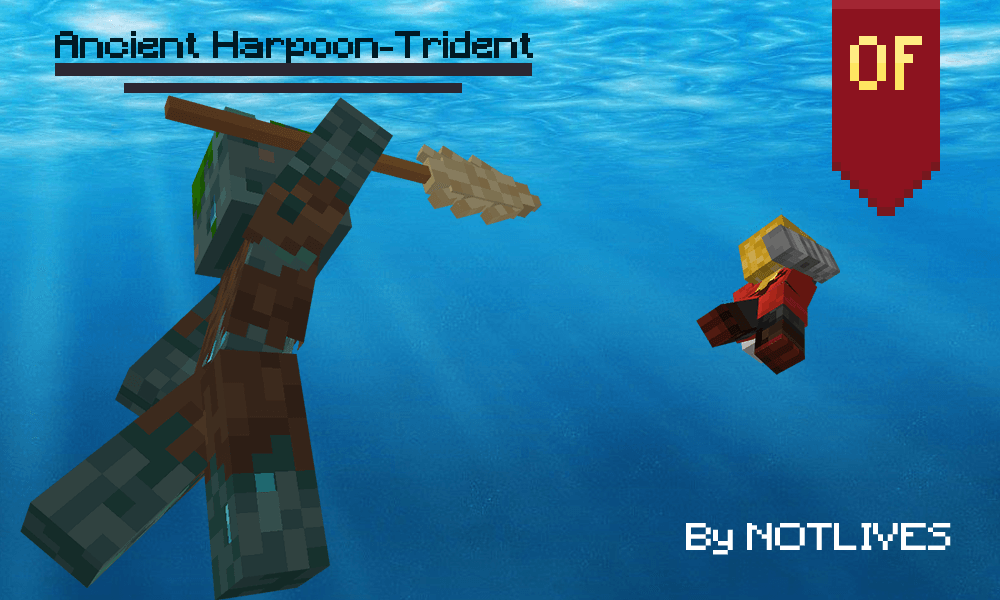
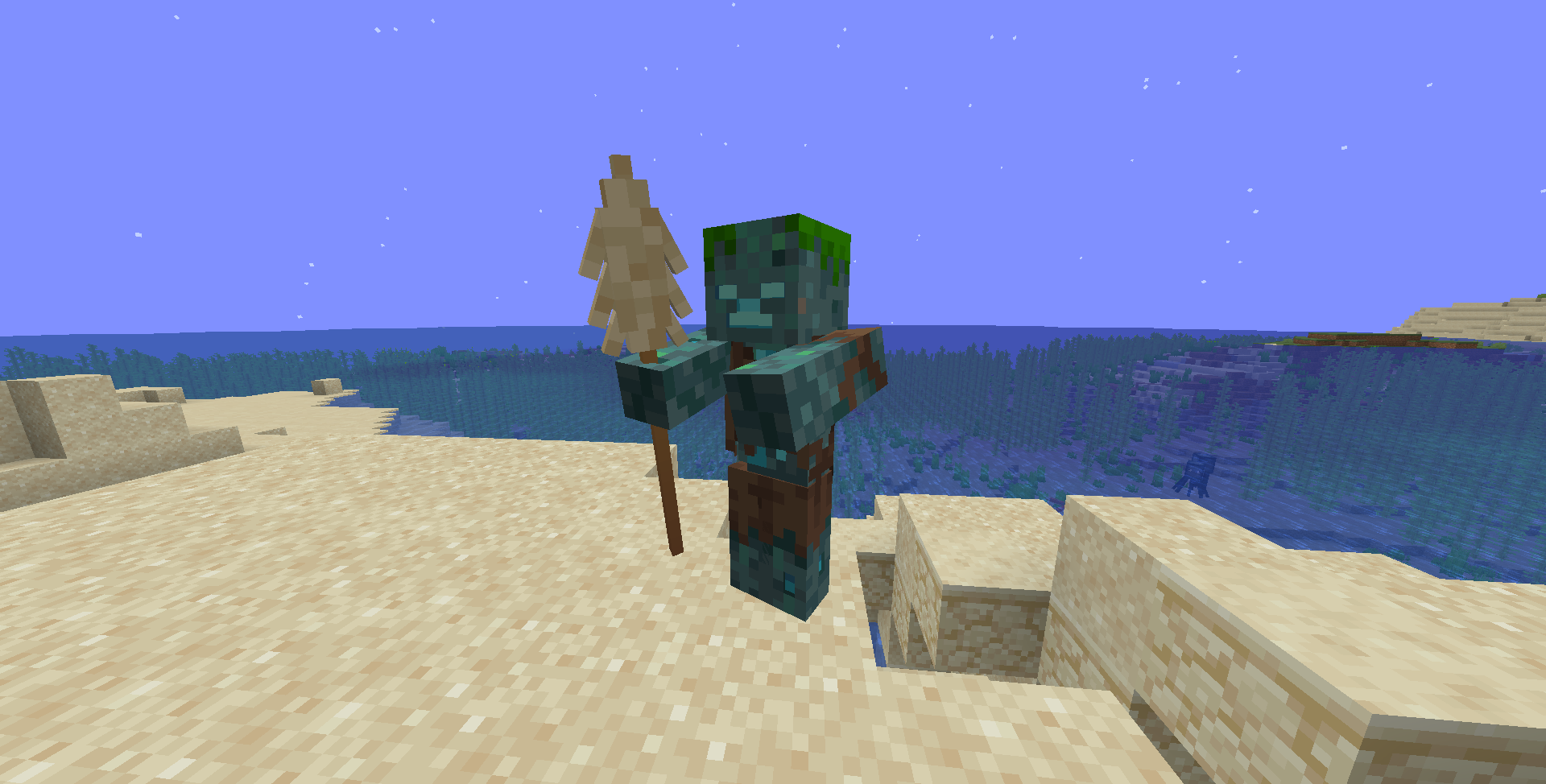
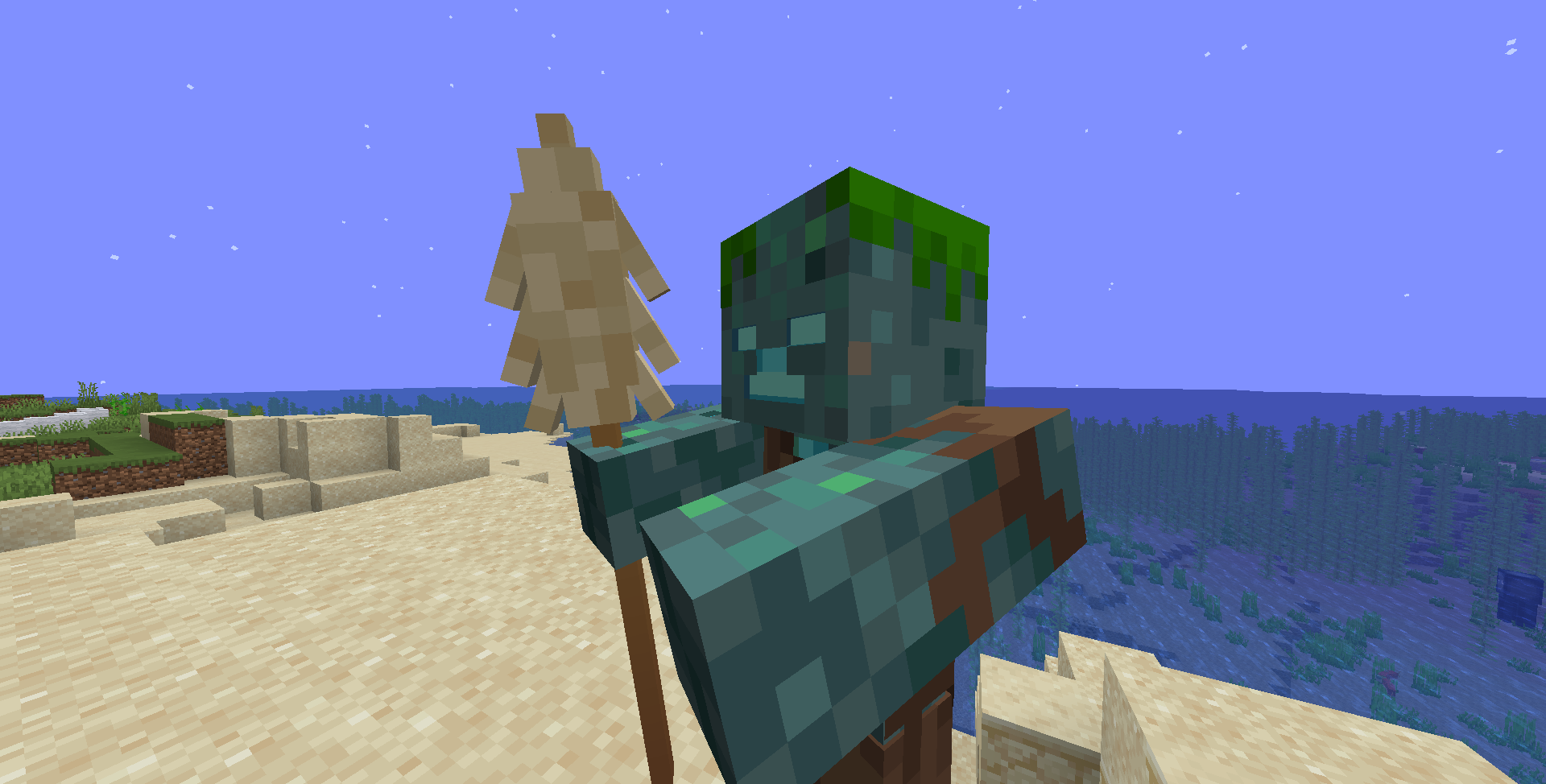
An ancient looking harpoon that replaces the trident
by notl1ves
Download Claim this project
Add a badge to your pageLink to NOTLIVES's Ancient harpoon-Trident from a README, website or forum post.
Preview: Badge

Badges update automatically and link to the resource pack page on MineUniverse.

1,673 downloads
0 likes
0 followers
Updated Oct 14, 2026
0 hypes
Follow0
16x
Advertisement Remove ads with Premium →

It has an appearance that would make you think of ancient civilizations,

the tip seems to be made from the bones of a very large animal,

and it was delicately carved to pierce a target and not come off easily,

on the other hand, the handle is made of a wood firm but flexible,

it somehow maintains its hardness and resistance,

in addition to not having mold, possibly it is wood from an ancient tree already extinct.

NOTLIVES's Ancient Harpoon 1.19.3
MC 1.19.3
Release 2024-07-09 Get
NOTLIVES's Ancient Harpoon 1.19.4
MC 1.19.4
Release 2024-07-09 Get
NOTLIVES's Ancient Harpoon 1.20.2
MC 1.20.2
Release 2024-07-09 Get
NOTLIVES's Ancient Harpoon 1.20.3-1.20.4
MC 1.20.3, 1.20.4
Release 2024-07-09 Get
NOTLIVES's Ancient Harpoon 1.20.5
MC 1.20.5
Release 2024-07-09 Get
NOTLIVES's Ancient Harpoon 1.20-1.20.1
MC 1.20.1, 1.20
Release 2024-07-09 Get
NOTLIVES's Ancient Harpoon 1.19-1.19.2
MC 1.19.2, 1.19.1, 1.19
Release 2023-01-18 Get
NOTLIVES's Ancient Harpoon 1.18-1.18.2
MC 1.18.1, 1.18.2, 1.18
Release 2023-01-18 Get
NOTLIVES's Ancient Harpoon 1.17-1.17.1
MC 1.17.1, 1.17
Release 2023-01-18 Get
NOTLIVES's Ancient Harpoon 1.16.2-1.16.5
MC 1.16.3, 1.16.5, 1.16.4, 1.16.2
Release 2023-01-18 Get

Requirements & install

How to use this resource pack in Minecraft
Resolution
16x
Minecraft
1.19.3 – 1.20.5
Install folder
.minecraft/resourcepacks

How to install resource packs

  1. Download the resource pack .zip file (do not extract it).
  2. In Minecraft open Options → Resource Packs → Open Pack Folder.
  3. Drop the .zip into the resourcepacks folder (.minecraft/resourcepacks).
  4. Move the pack to the Selected column and click Done.
Browse more: 16x resource packs 32x resource packs 64x resource packs 128x resource packs 256x resource packs 512x+ resource packs Resource Packs for 1.20.5 All resource packs

More from notl1ves

Advertisement Remove ads with Premium →

You Might Also Like