Mineuniverse
Resource Packs
Mmnm upscaled

Mmnm upscaled

RESOURCE PACK
Upscales all MineMineNoMi item and texture assets to a higher resolution; requires MineMineNoMi.
by Blast1232
Download Claim this project
114 downloads
0 likes
Updated Oct 14, 2026
0 hypes
512x and Higher Mod Support
Advertisement Remove ads with Premium →

MineMineNoMi Upscaled (Work in Progress)

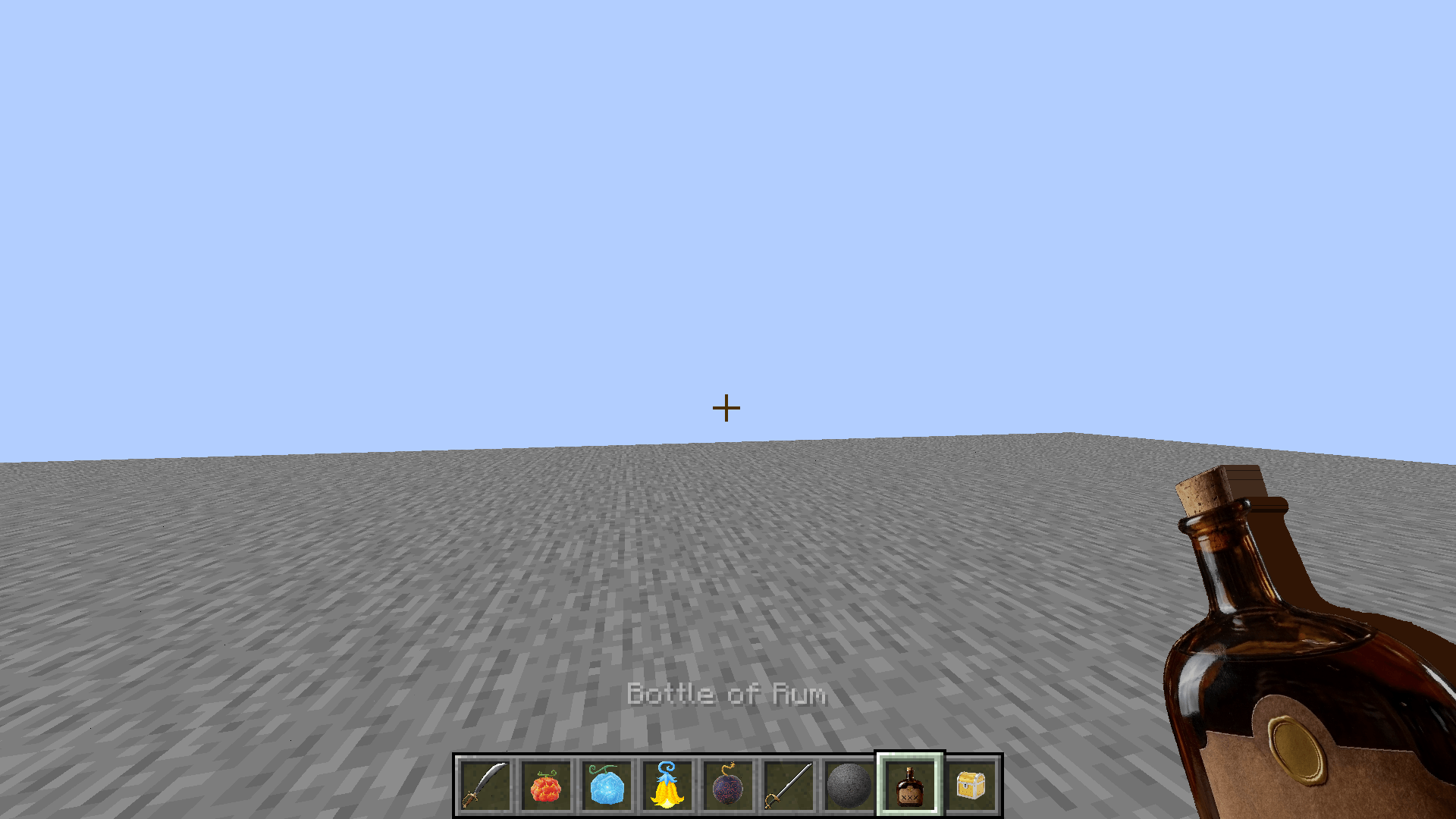
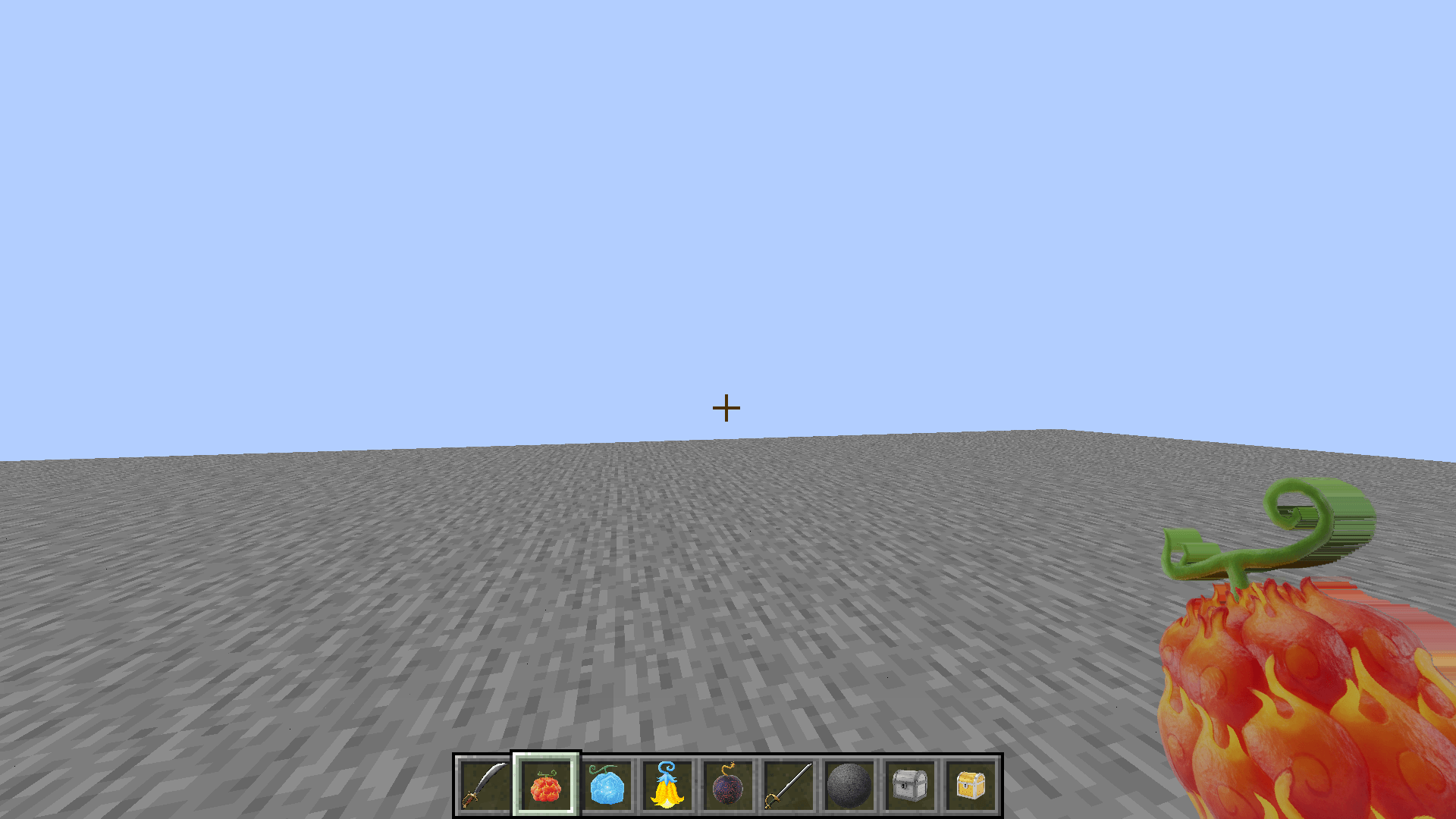
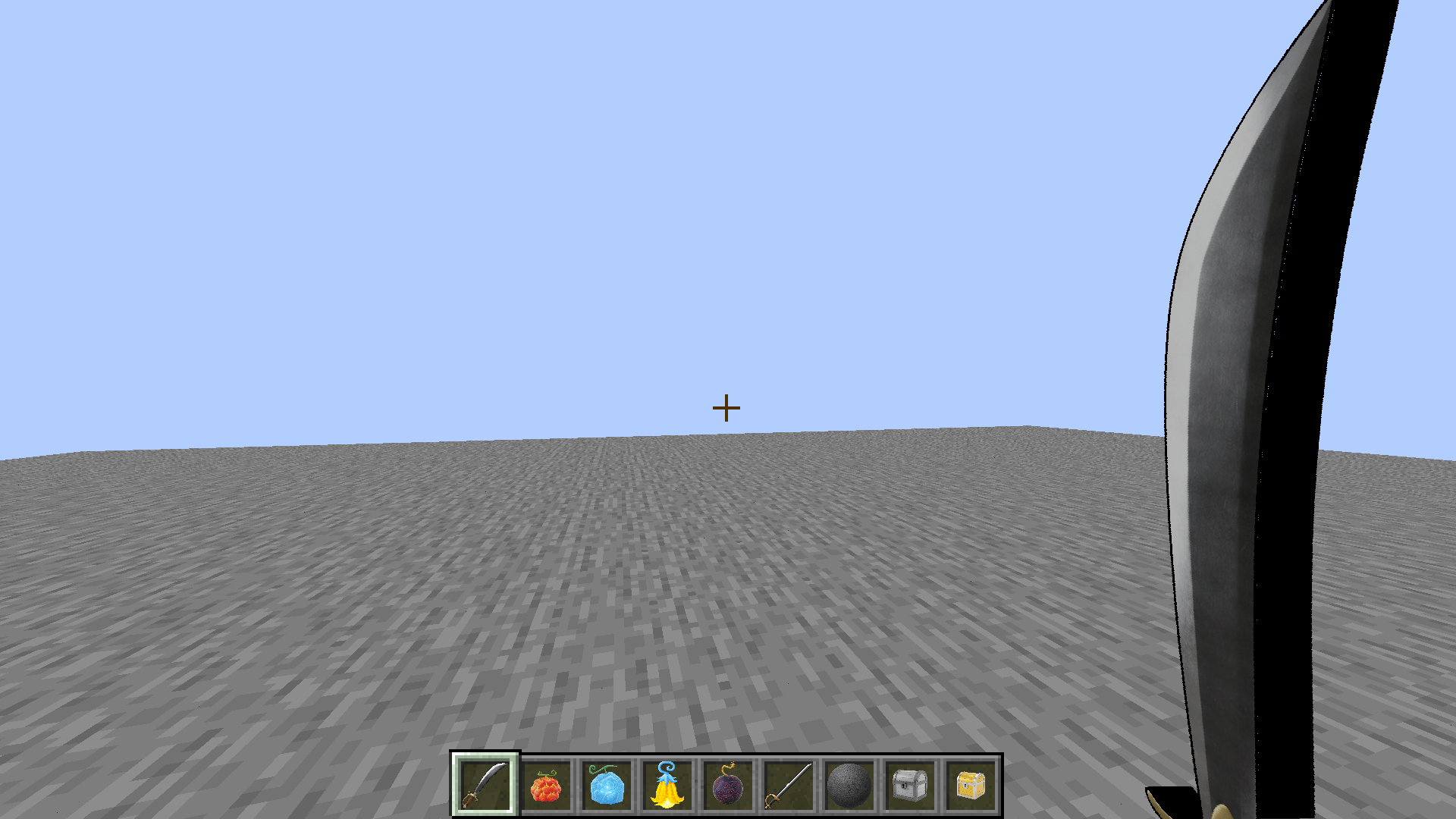
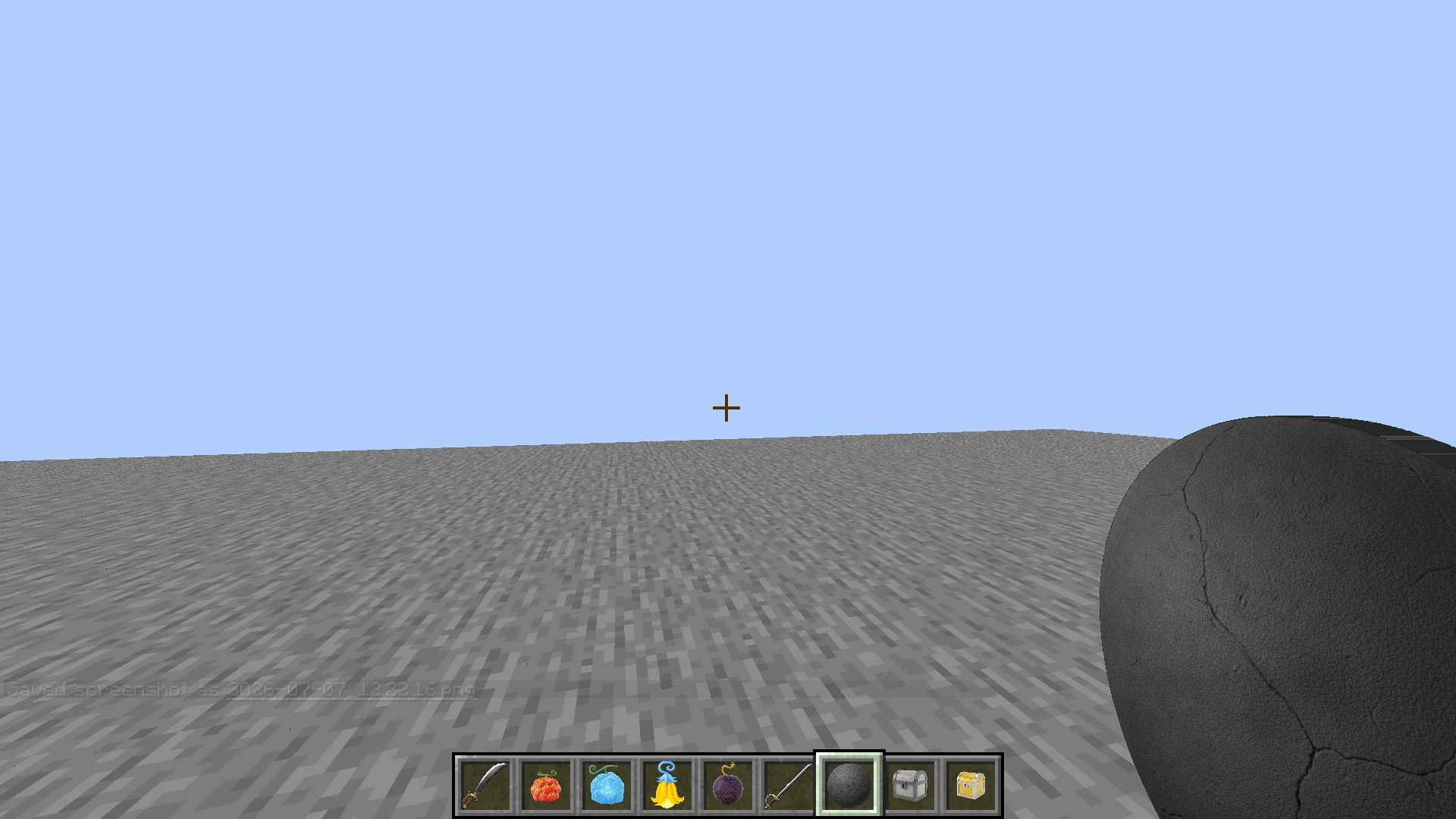
Upscales the textures of the MineMineNoMi mod to a higher resolution, giving items, blocks, armor, and entities a sharper, more detailed look while keeping the original art style intact. Textures were upscaled using AI upscaling followed by manual cleanup, to fix artifacts, restore sharp edges, and correct any details lost in the process.

This pack is a work in progress. Not every texture has been upscaled yet — anything not yet covered will simply fall back to the base mod's original textures. Expect updates over time as more assets get done.

Requirements

  • MineMineNoMi — required. This pack only replaces its textures and does nothing without it installed.

What's included so far

  • Upscaled item textures (Devil Fruits, weapons, armor, tools, and more)
  • Upscaled block textures
  • Upscaled entity/mob textures
  • Resolutions vary by asset, upscaled and cleaned individually rather than applying a single flat multiplier across the board

Installation

  1. Make sure MineMineNoMi is installed on your instance.
  2. Drop this resource pack into your resourcepacks folder.
  3. Enable it in-game under Options → Resource Packs (place it above other packs if you use several).

Compatibility

Built for Minecraft 1.20.1 (Forge). This pack only replaces textures and doesn't touch any lang files, so it's safe to use alongside the MineMineNoMi Item Descriptions pack.

Mmnm upscaled.zip
MC 1.20.1
Release 2026-07-07 Get

Requirements & install

How to use this resource pack in Minecraft
Resolution
512x+
Minecraft
1.20.1
Install folder
.minecraft/resourcepacks

How to install resource packs

  1. Download the resource pack .zip file (do not extract it).
  2. In Minecraft open Options → Resource Packs → Open Pack Folder.
  3. Drop the .zip into the resourcepacks folder (.minecraft/resourcepacks).
  4. Move the pack to the Selected column and click Done.

512x packs need a strong GPU and at least 4 GB of RAM for Minecraft; a performance mod such as Sodium is strongly recommended.

Browse more: 16x resource packs 32x resource packs 64x resource packs 128x resource packs 256x resource packs 512x+ resource packs Resource Packs for 1.20.1 All resource packs

More from Blast1232

Advertisement Remove ads with Premium →

You Might Also Like