Mineuniverse
Resource Packs
Magical Enchants

Magical Enchants

RESOURCE PACK
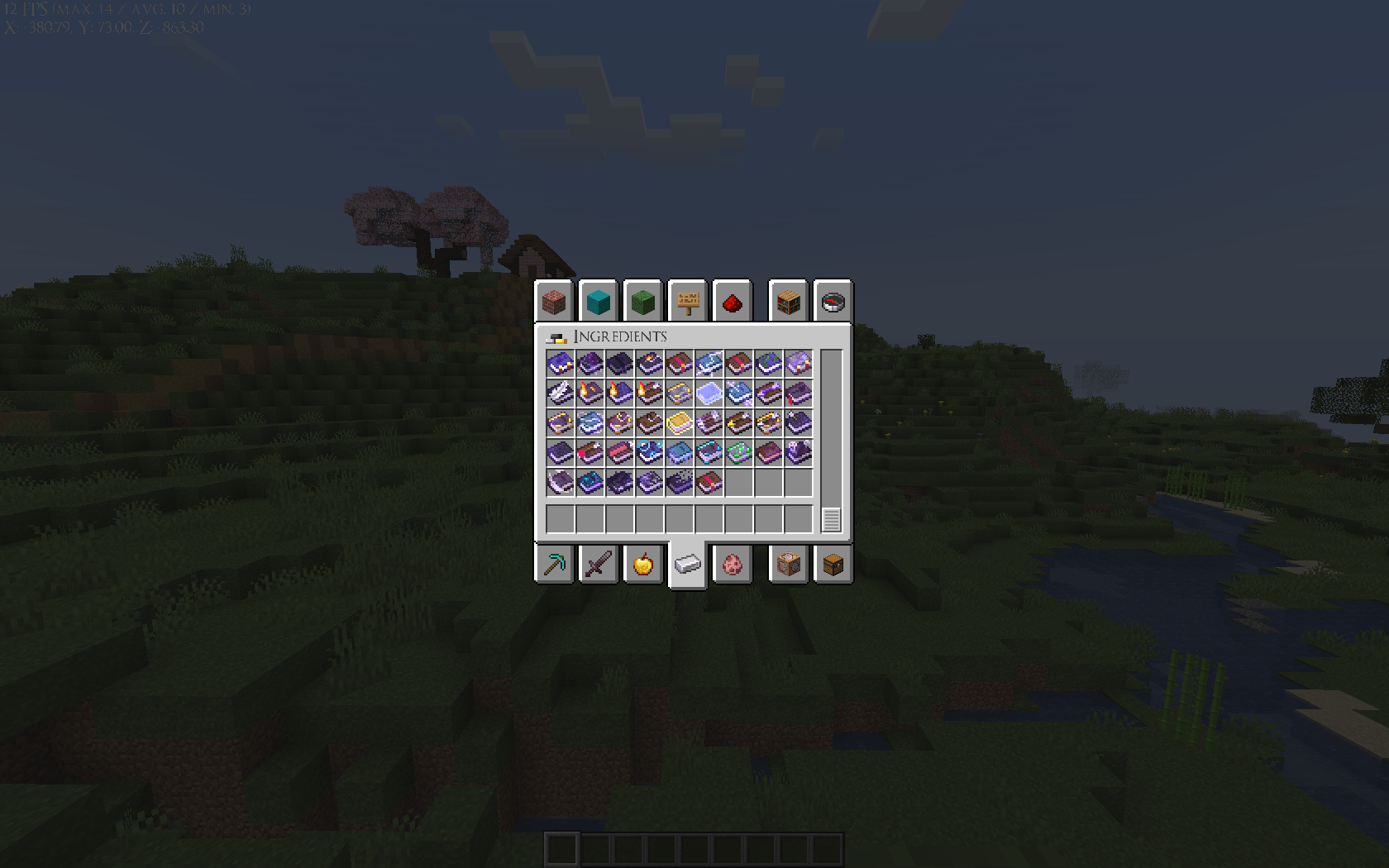
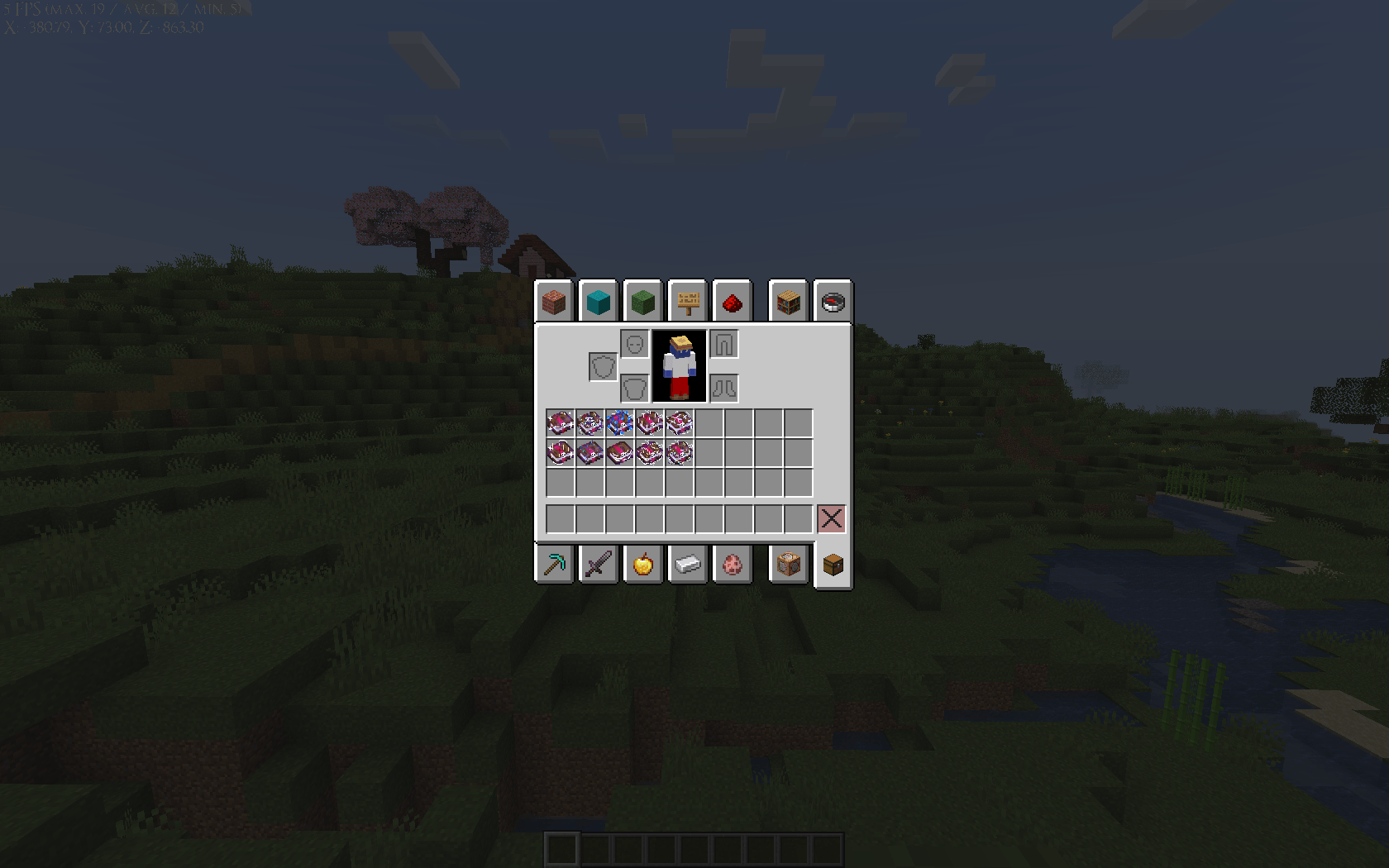
This changes 10 Enchantment Books' textures with its own effects!
by Yuui_Ki
Download Claim this project
195 downloads
0 likes
Updated Oct 14, 2026
0 hypes
64x Miscellaneous
Advertisement Remove ads with Premium →

Do you want a texture-pack that makes enchantments magical?
Do you want a texture-pack that changes your perspective in playing Minecraft?
Do you want a texture-pack that is detailed?
Then, You have come to the right place!

Introducing, Magical Enchants!
This currently introduces 10 Enchantment Books
that changes its texture into its relative effect!


- Made with Blockbench -

File paths are copied here
You need Enchants CIT for it to work!
Reference taken here made by this Gentleman

I also learned and got the idea of making a texture-pack
from other Enchantment Book texture-packs by downloading their pack,
referencing and getting the idea of how their pack is made!

Do not worry, not stolen! It took me a few hours just to learn
on how to make my own pack! :>

- Please do note that Enchants CIT comes with an Embedded Texture
and basically will be only overlayed by mine -

- Cancelled Project -
- I am too lazy, I am sorry. It is time consuming for me -

You are prohibited to:
- Repost on a different site and claim it as yours
- Modify it unless for personal use

You are allowed to:
- Showcase and share the pack, as long as given credit
into the original link of the pack


- Please Read -
In case of bugs, please consider putting the pack as the highest priority/on top

Magical Enchants (Use with Enchants CIT).zip
MC 1.21
Release 2024-08-11 Get

Requirements & install

How to use this resource pack in Minecraft
Resolution
64x
Minecraft
1.21
Install folder
.minecraft/resourcepacks

How to install resource packs

  1. Download the resource pack .zip file (do not extract it).
  2. In Minecraft open Options → Resource Packs → Open Pack Folder.
  3. Drop the .zip into the resourcepacks folder (.minecraft/resourcepacks).
  4. Move the pack to the Selected column and click Done.
Browse more: 16x resource packs 32x resource packs 64x resource packs 128x resource packs 256x resource packs 512x+ resource packs Resource Packs for 1.21 All resource packs

More from Yuui_Ki

Advertisement Remove ads with Premium →

You Might Also Like