Attention! You need to use with Forge the OptiFine mod for it to make it working!
And please read 1st the description carefully before you download, because need for few mods too!
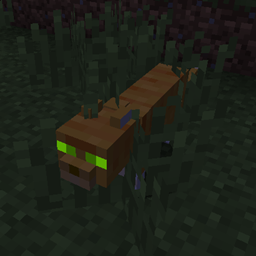
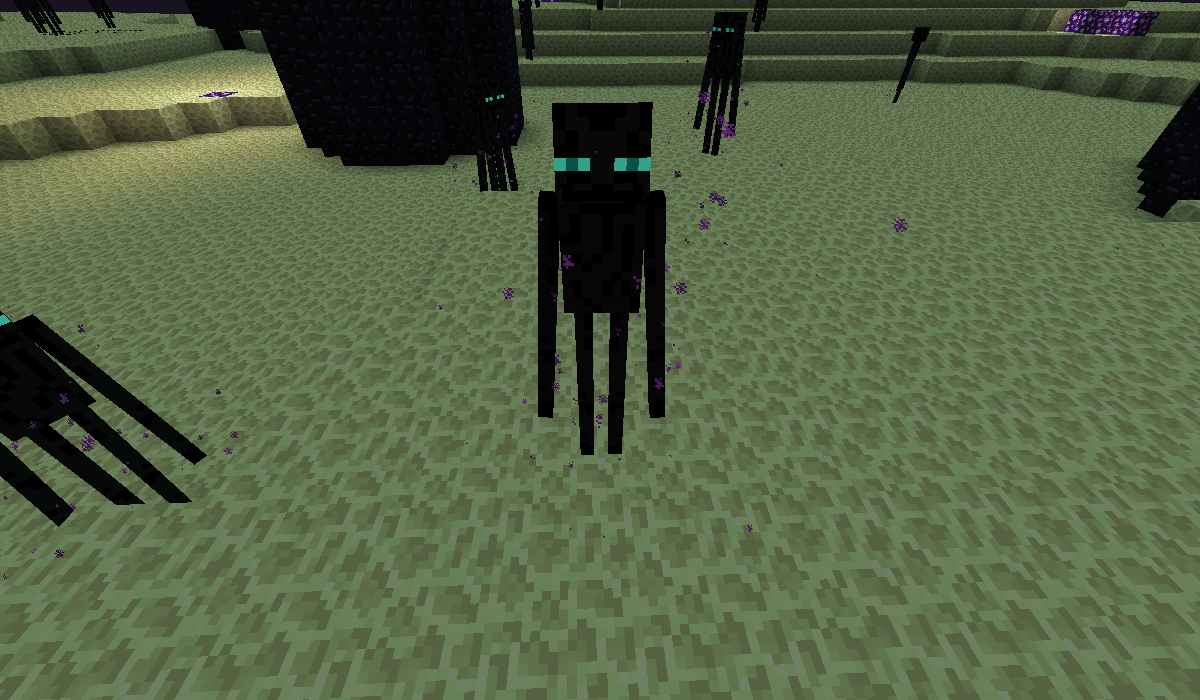
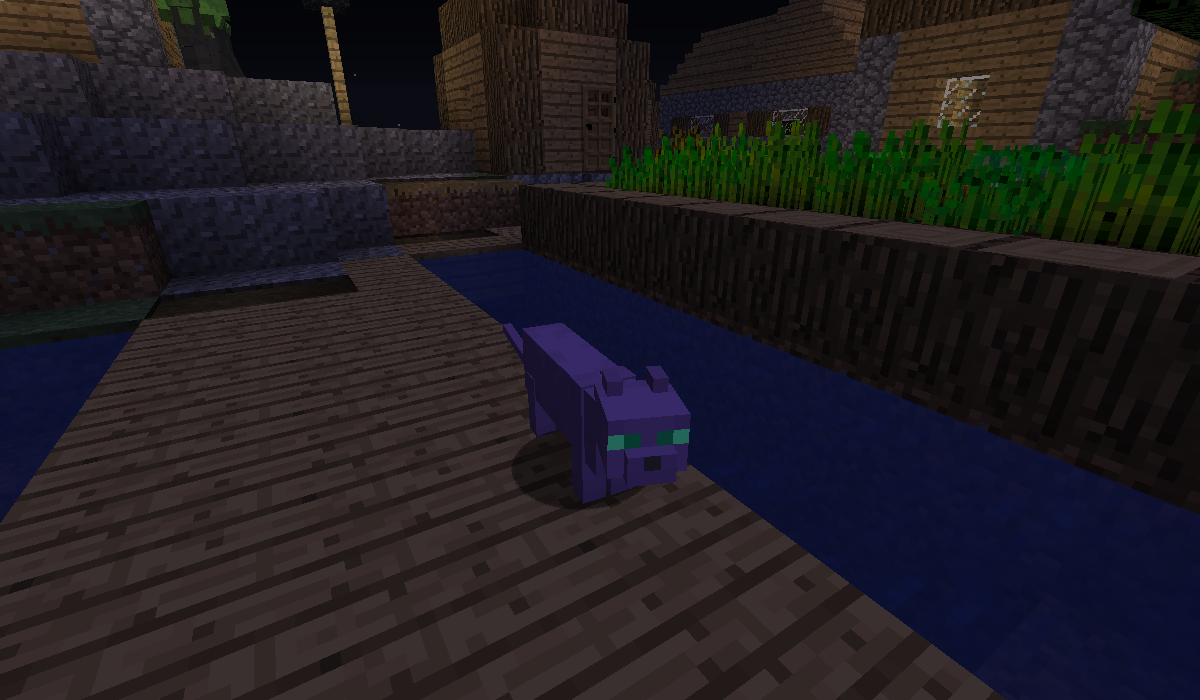
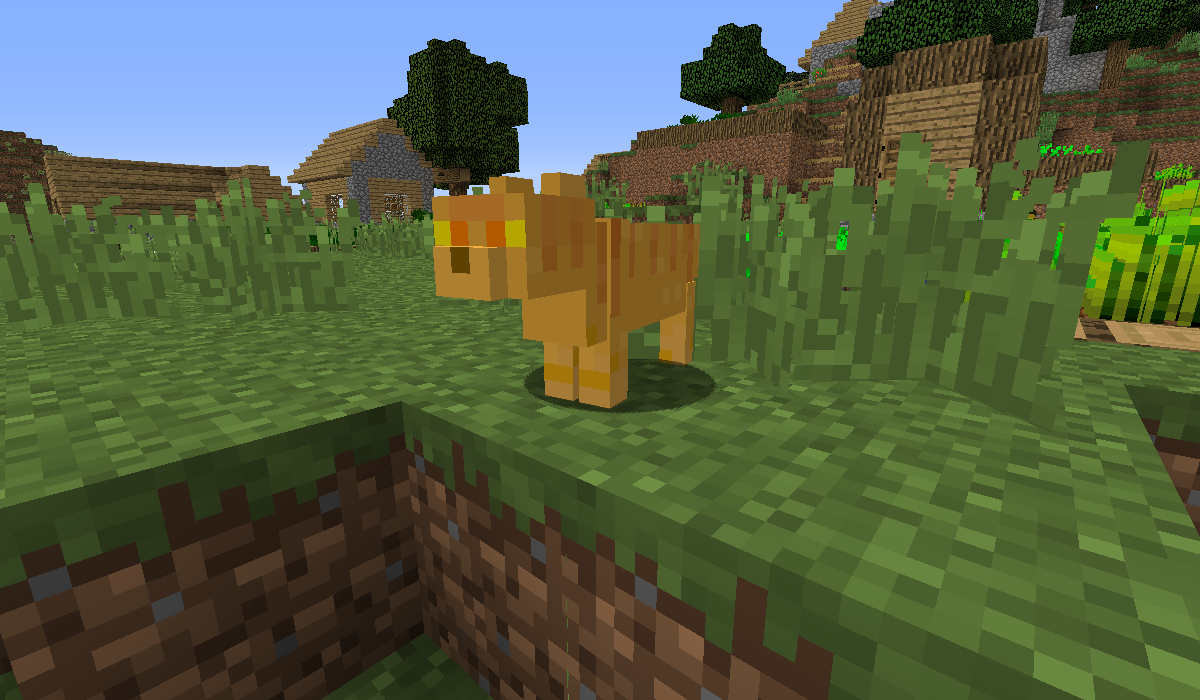
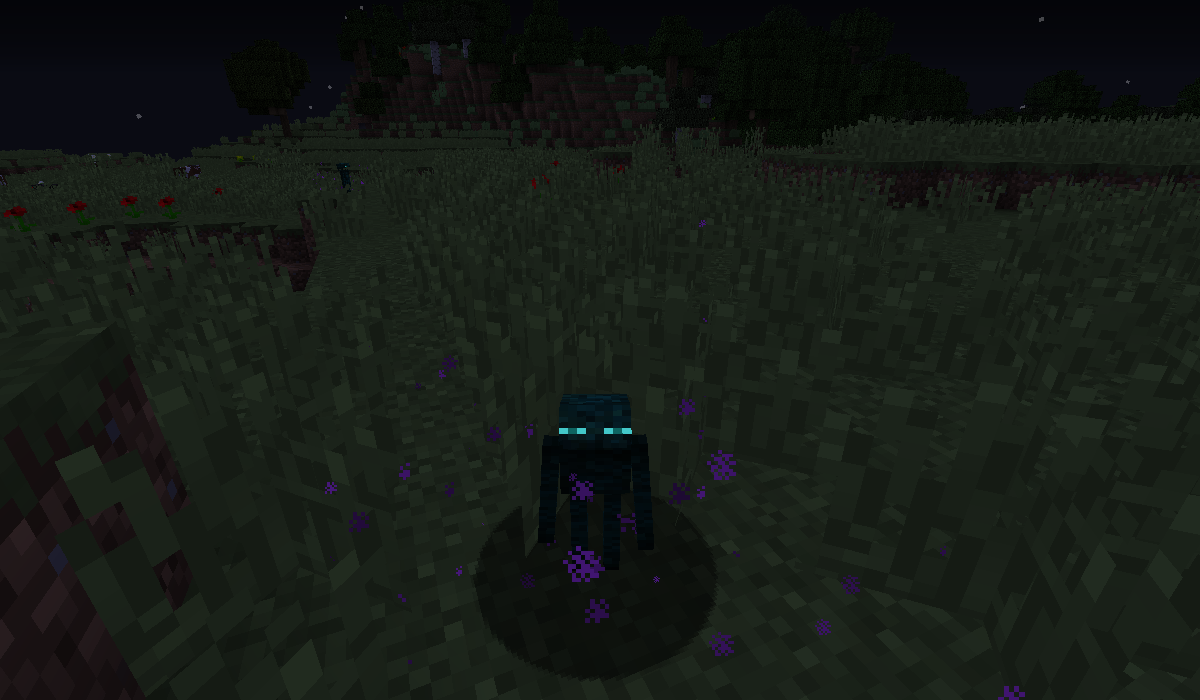
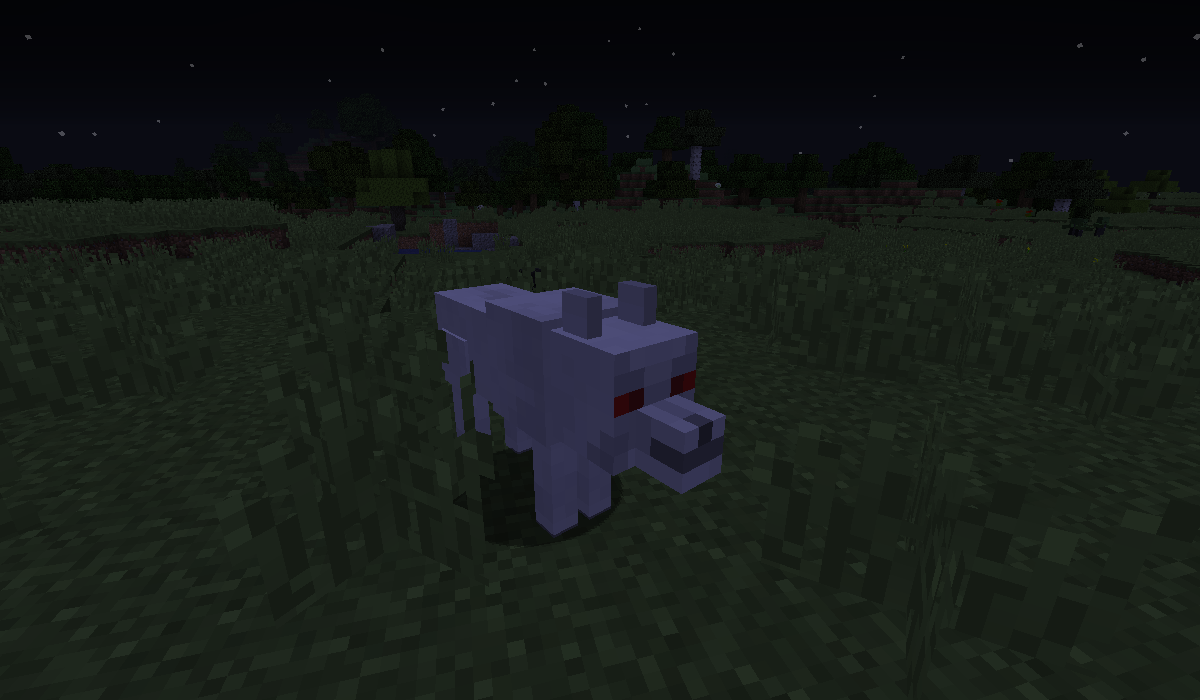
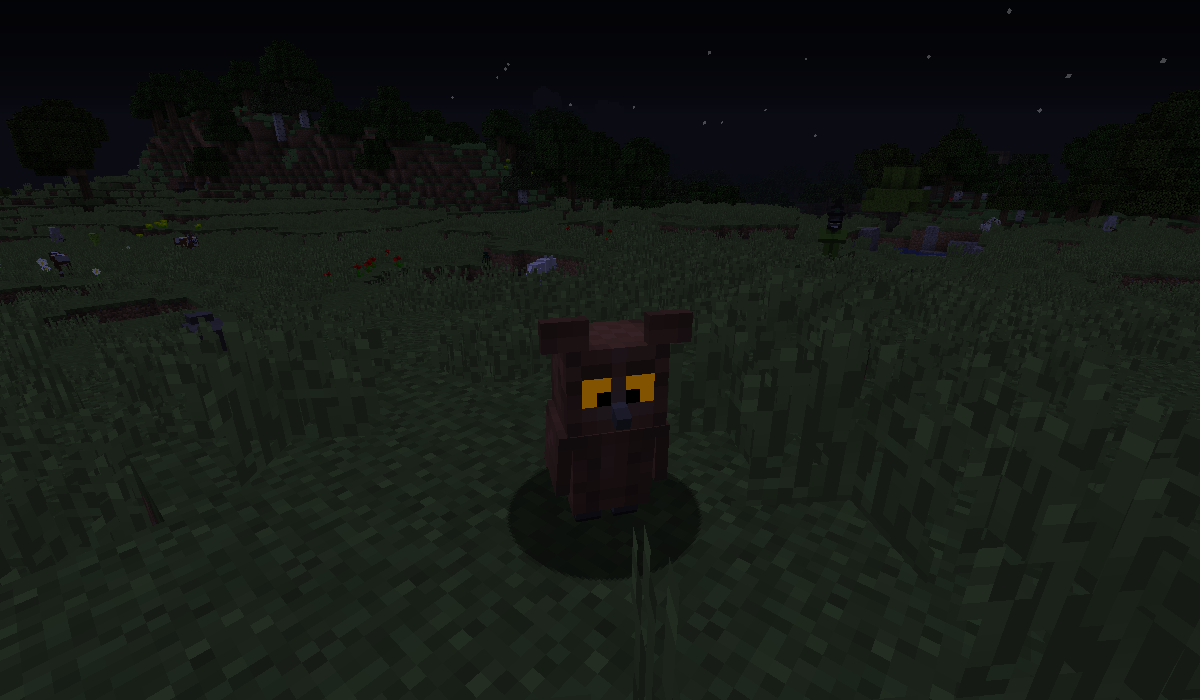
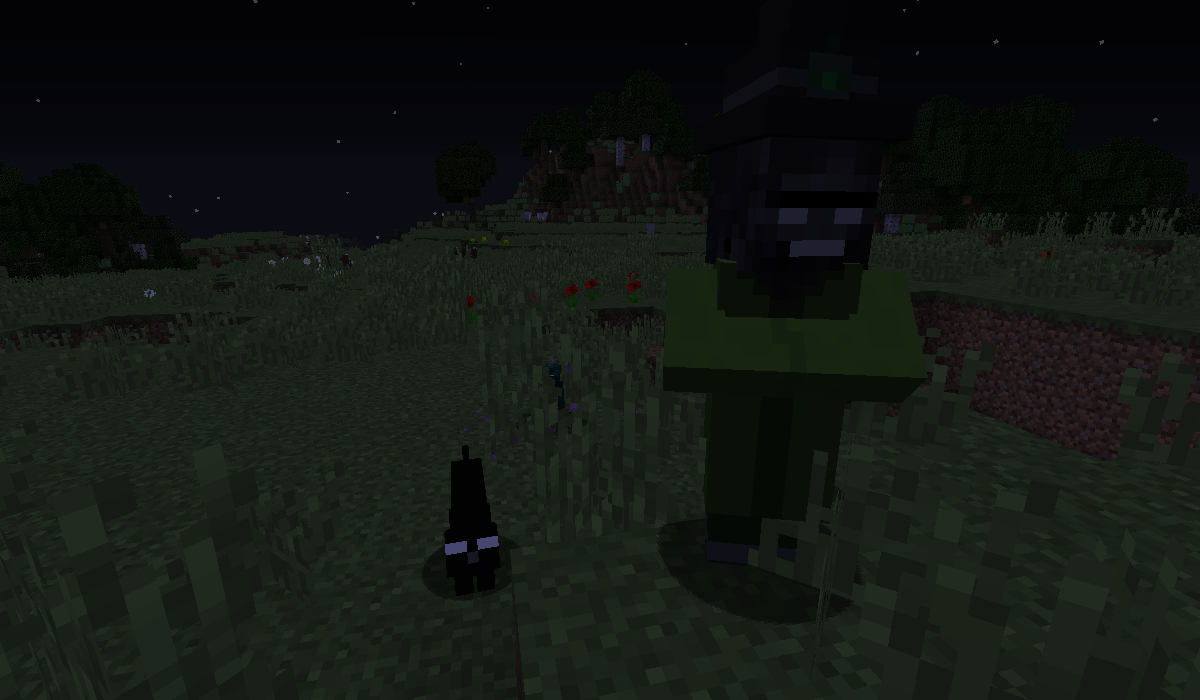
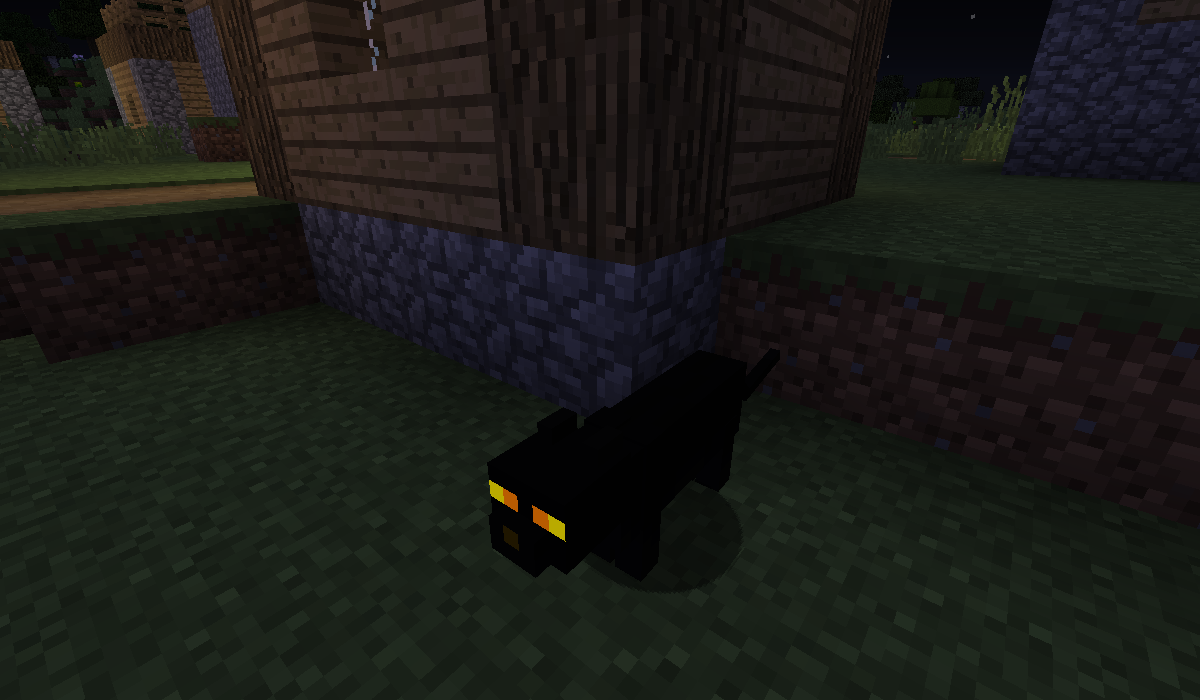
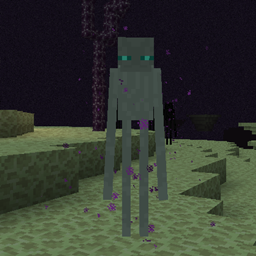
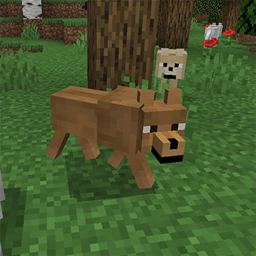
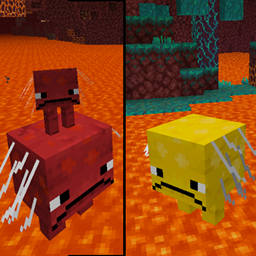
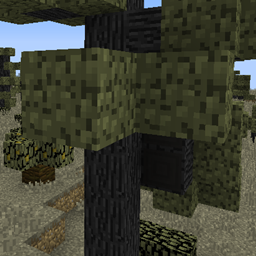
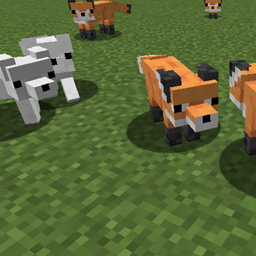
This is a mod supported resource pack for the Not Enough Cats mod. You can find here the Not Enough Cats mod. The resource pack is for 2 versions in the same time, for 1.11(.1, 2) and for 1.12(.1, 2). With this resource pack you can get luminous cat eyes at night in the Minecraft. Of course the ocelot eyes too and the ocelot eyes recolored to more similar like most of cats' eyes style. I changed a bit some cat textures too, not they eyes only. The standard vanilla ocelot eyes are replaced too. And i added a bonus in this resource pack: i changed some textures from the Ender Zoo mod (like the enderminy, the wither witch more like wither and the witch's wither cat and more), which ones are suit for the mod much better. So that resource pack support the Ender Zoo mod too. Click here, if you want to get for it the Ender Zoo mod. And for example the owl eyes from the Ender Zoo mod are same in the dark like the cat eyes, what you can see at the images too.
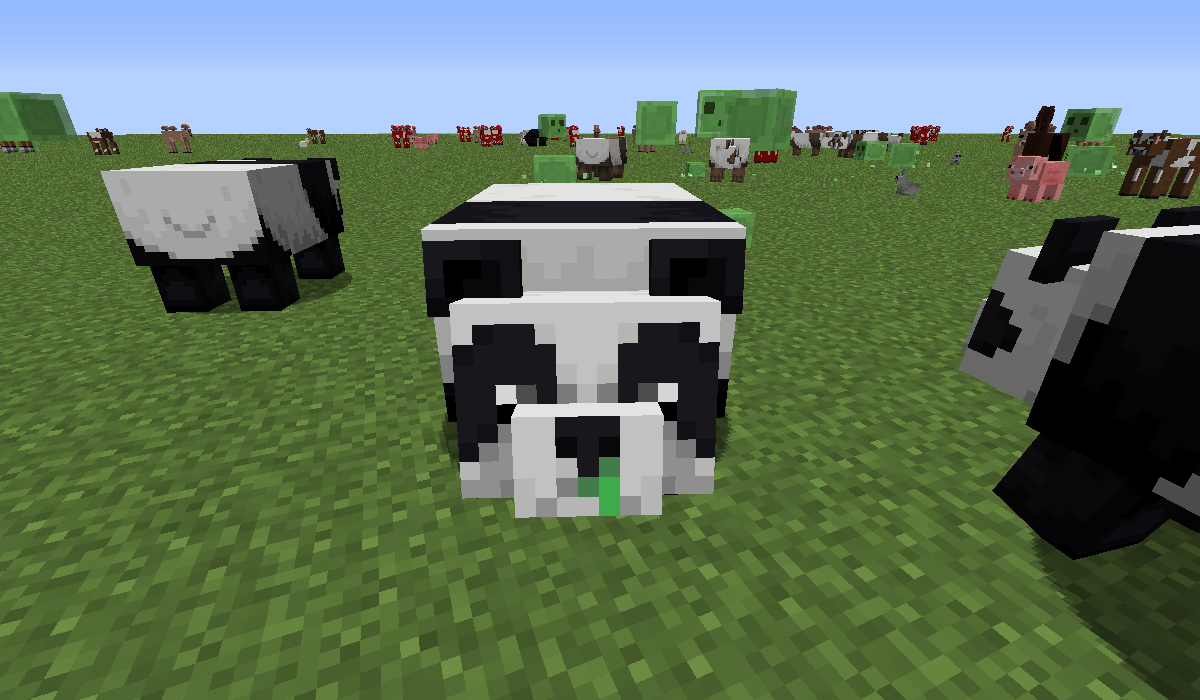
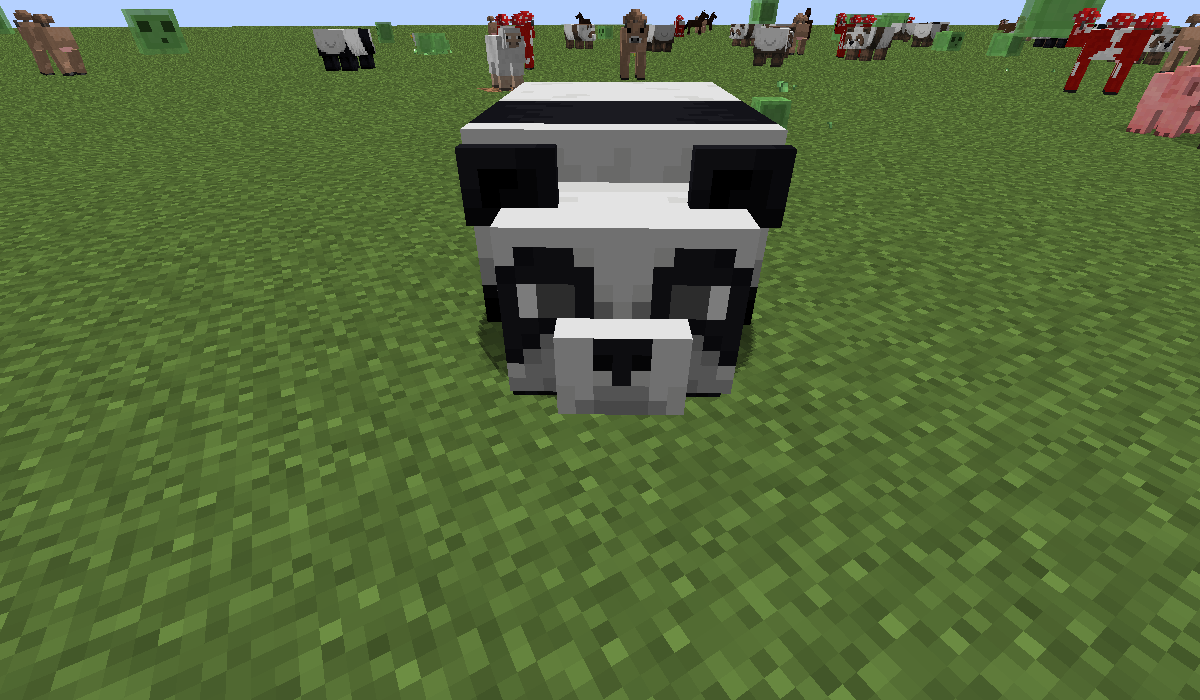
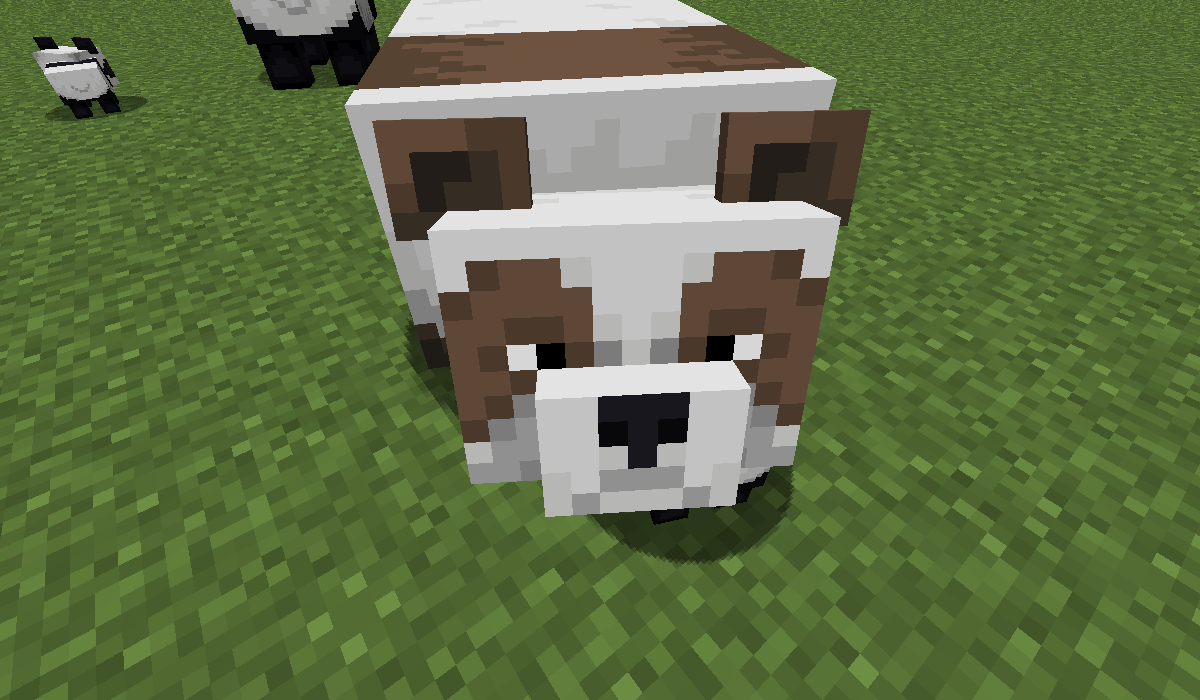
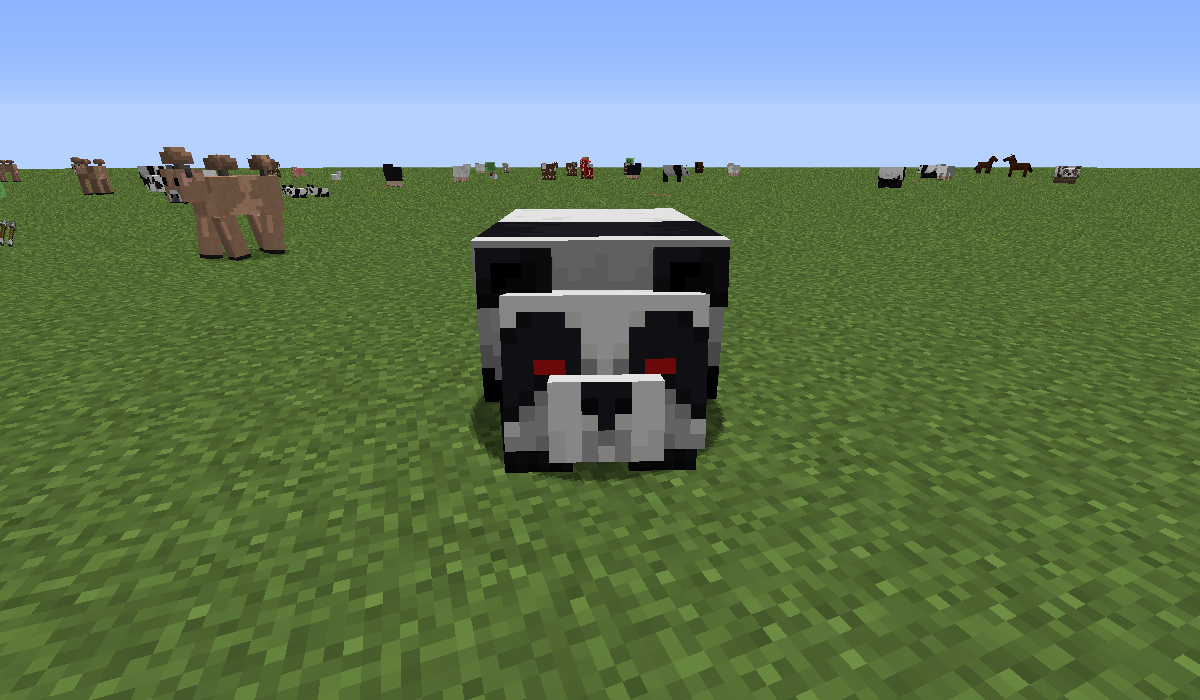
I made it for Minecraft 1.14.4 too, but not for mod like the 1.12.2, it's for standard cats in 1.14.4. And i added a small change of pandas faces too. For example the rare brown panda's nose is black too, like in real, it was strange, it was brown too, the aggressive panda's eyes a bit more scary with red eyes, similar to angry wolves, the worried panda got a bit bigger opened eyes, but not wet eyes etc.
Of course you can see some screenshots about the changes in the Images (about few pandas too).
I changed few things in the latest 1.11.2, 1.12.2 and 1.14.4 versions. Go and check, read them in the changelogs.
If you doesn't know how to add to the Minecraft a resource pack, i help you in that. After you downloaded the ZIP file to your Minecraft version, don't extract it, or it won't work. Copy the ZIP file in your Minecraft folder to the resourcepacks folder. After that run the Minecraft, go to the Settings, choose the Resource Packs and there add it to the Minecraft, wait a bit, after it's done. If you did it well, it should be working.
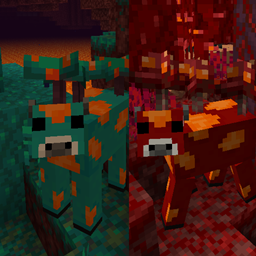
Here is a mod for which the mod's creator added as a little extra (i asked him) the brown mooshrooms for 1.12.2, 1.11.2, 1.7.10 and other older versions too, click here to check it! In that mod the brown mooshrooms can be breed with red mooshrooms well, not like in the Brown Mooshrooms mod, where it's sadly impossible.