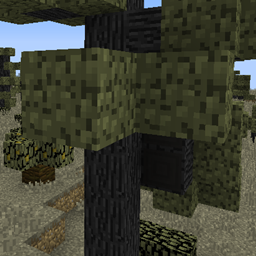
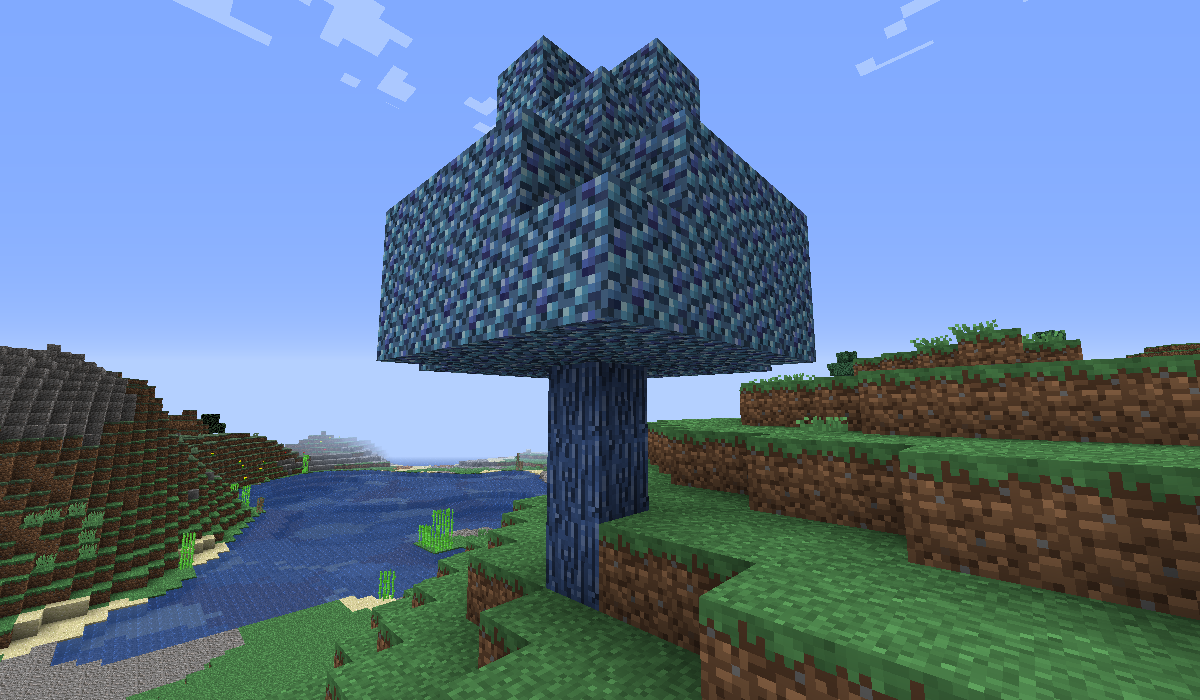
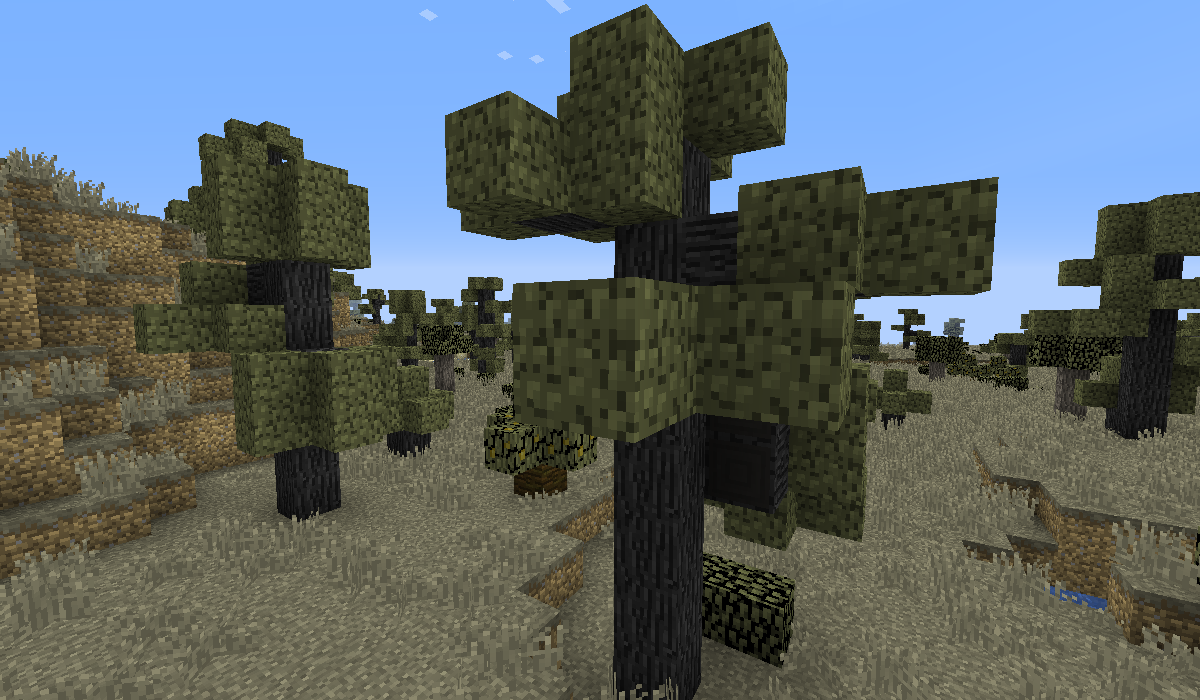
This resource pack is about the ebony trees and magic trees for the Biomes O Plenty mod. So it's a mod supported resource pack. The resource pack is for 1.12(.1, 2), but you can use it for 1.11(.1, 2) too. You can find these textures modify by me: the ebony trees' bark from now on dark gray (more realistic) and the magic trees' bark from now on more blue. Of course i changed their saplings bark color too. If you doesn't know about the Biomes O Plenty mod yet, then check out with click here. And at my Little Changes resource pack i added before Biomes O Plenty support changes too, check it here. I mean exactly for the 1.12.2 Extended 3 fixed and for the 1.12.2 Extended 4 versions.
Of course you can see some screenshots about the changes in the Images.
If you doesn't know how to add to the Minecraft a resource pack, i help you in that. After you downloaded the ZIP file to your Minecraft version, don't extract it, or it won't work. Copy the ZIP file in your Minecraft folder to the resourcepacks folder. After that run the Minecraft, go to the Settings, choose the Resource Packs and there add it to the Minecraft, wait a bit, after it's done. If you did it well, it should be working.
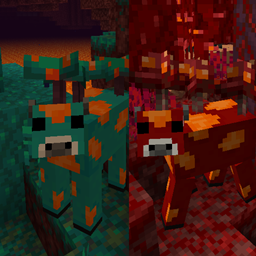
Here is a mod for which the mod's creator added as a little extra (i asked him) the brown mooshrooms for 1.12.2, 1.11.2, 1.7.10 and other older versions too, click here to check it! In that mod the brown mooshrooms can be breed with red mooshrooms well, not like in the Brown Mooshrooms mod, where it's sadly impossible.