Mineuniverse
Resource Packs
Lower Shield - Enhanced Combat Visibility

Lower Shield - Enhanced Combat Visibility

RESOURCE PACK
Lower Shield optimizes your combat visibility in Minecraft by lowering the shield position, enhancing your field of view and allowing for better awareness during battles.
by dihogenn
Download Claim this project
2,993,613 downloads
0 likes
Updated Oct 14, 2026
0 hypes
16x Medieval Miscellaneous Modern Traditional
Advertisement Remove ads with Premium →

Improve Your Combat Visibility with Lower Shield


Enhance Your Defensive Tactics

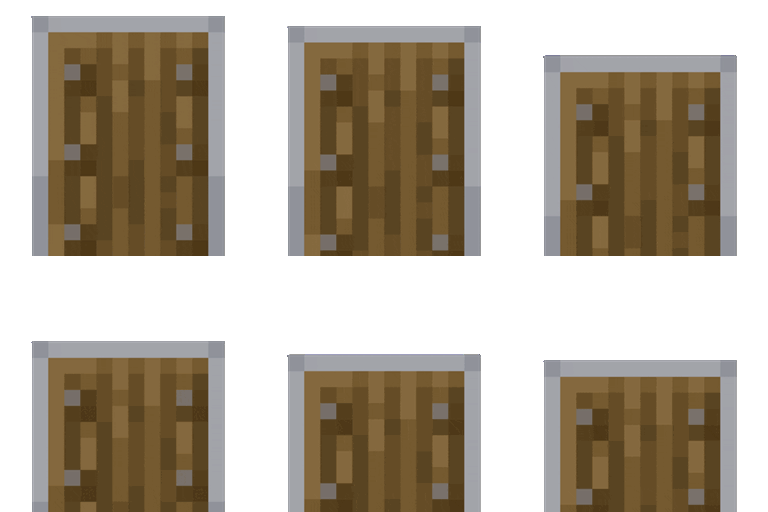
The Lower Shield Resource Pack adjusts the position of the shield in Minecraft, lowering it to improve visibility during combat. This minor adjustment allows players to maintain better situational awareness while still being protected.

Get the Resource Pack


Features Include:

  • Visibility Improvement: By lowering the shield, the pack enhances your field of view, making it easier to see incoming threats and allies.
  • Combat Efficiency: With better visibility, you can react more quickly and accurately in battles, improving your overall combat effectiveness.
  • Universal Compatibility: This resource pack works with all skins and mods without affecting game performance, ensuring a seamless integration into your Minecraft experience.

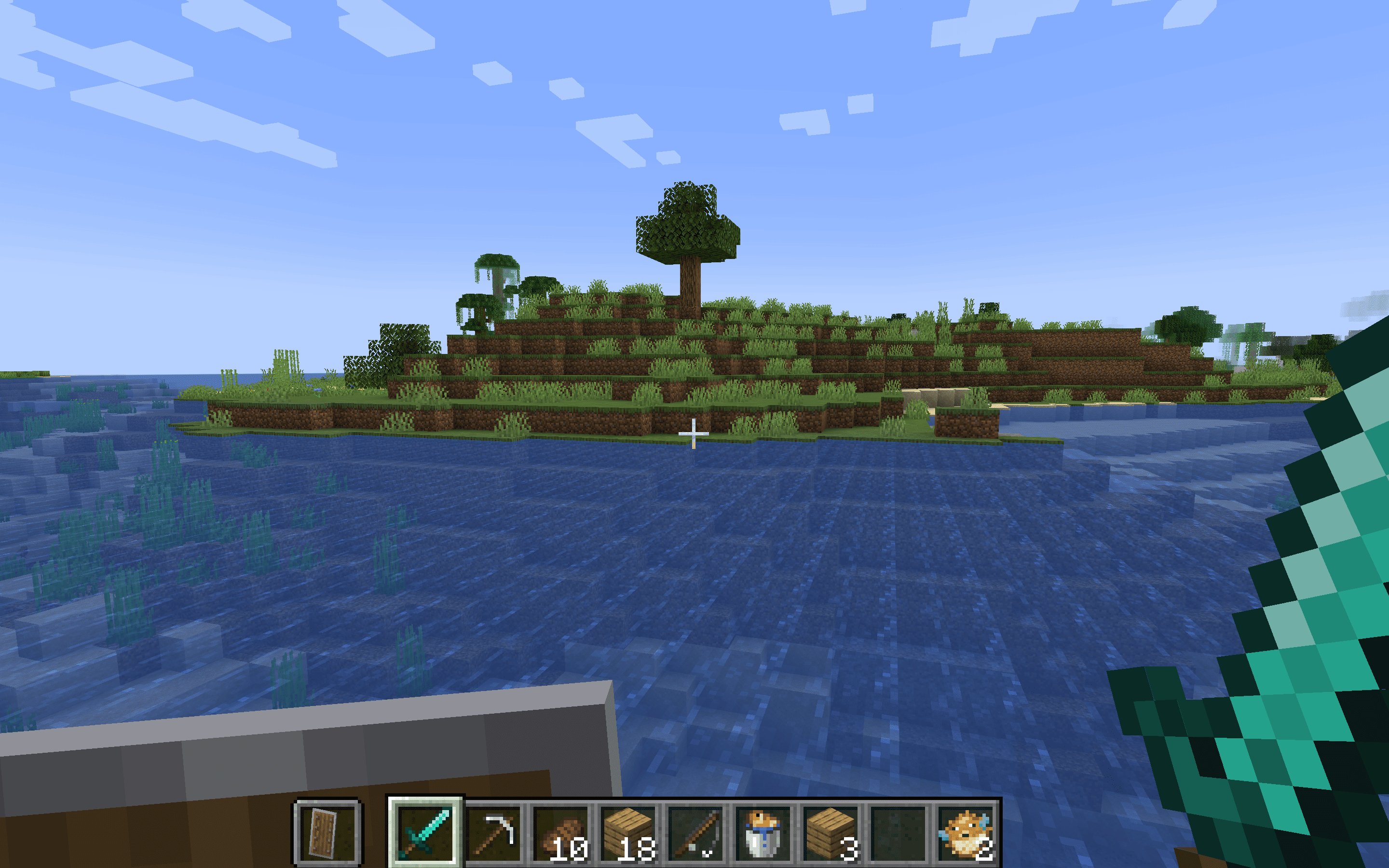
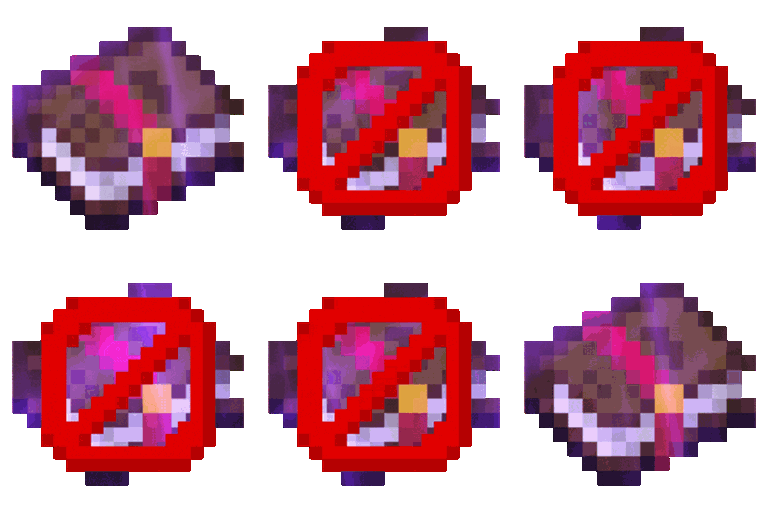
Normal Shield:

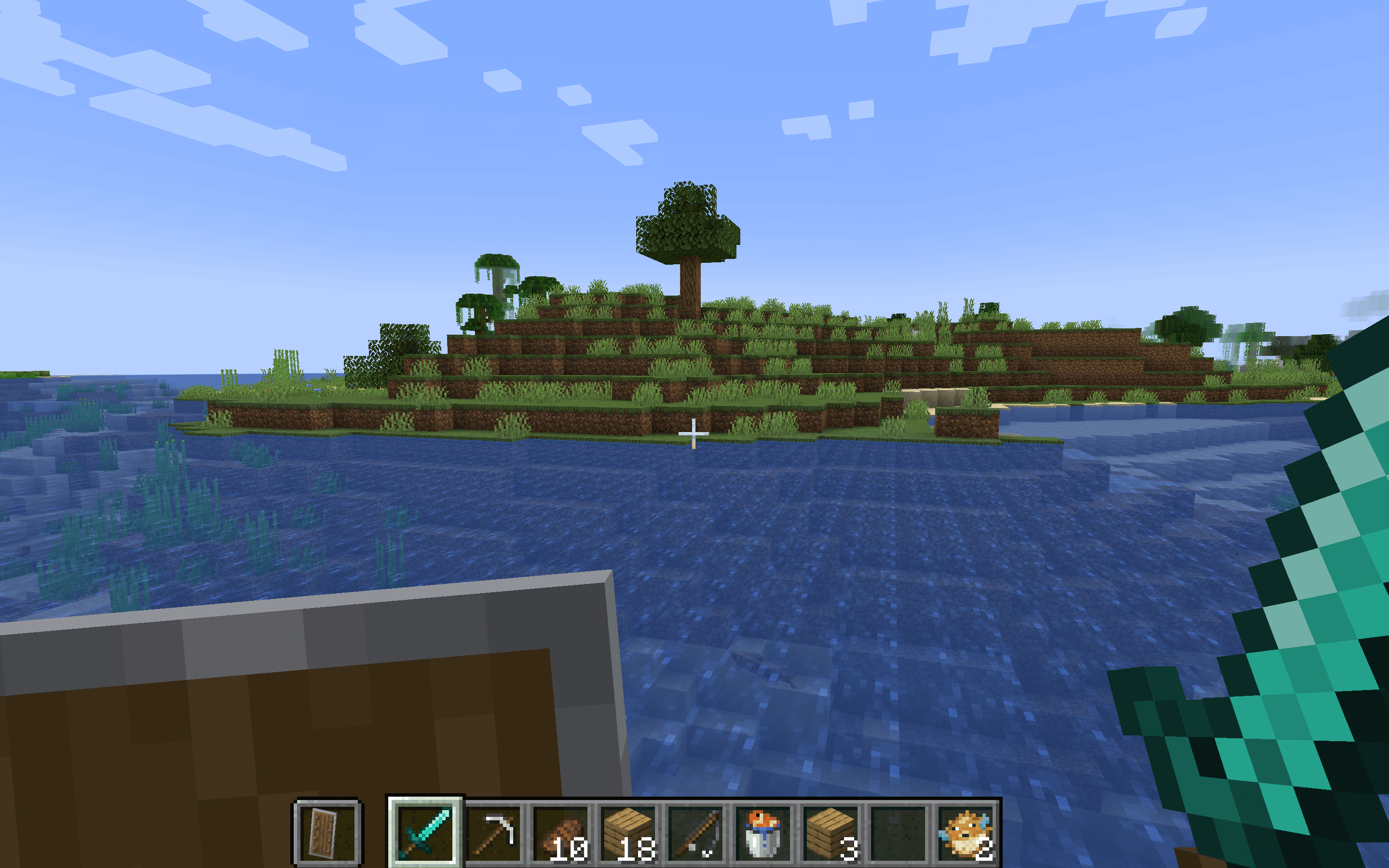
Lower Shield:


Boost your defensive gameplay with Lower Shield and gain the upper hand in combat!

Join Now


Choose Lower Shield for an optimized defensive posture that enhances both your safety and combat awareness. This resource pack is a crucial upgrade for any player looking to improve their combat skills in Minecraft.

Credits: You are free to use Lower Shield in your modpacks.

Lower Shield.zip
MC 1.16-Snapshot, 1.17.1, 1.9.1, 1.16.3, 1.13.1, 1.9.3, 1.19.3, 1.20.2, 1.21.2-Snapshot, 1.21, 1.15-Snapshot, 1.16.1, 1.18.1, 1.19.4-Snapshot, 1.20.5, 1.21.5, 1.10-Snapshot, 1.9.4
Release 2025-01-15 Get

Requirements & install

How to use this resource pack in Minecraft
Resolution
16x
Minecraft
1.18.1 – 1.21.5
Install folder
.minecraft/resourcepacks

How to install resource packs

  1. Download the resource pack .zip file (do not extract it).
  2. In Minecraft open Options → Resource Packs → Open Pack Folder.
  3. Drop the .zip into the resourcepacks folder (.minecraft/resourcepacks).
  4. Move the pack to the Selected column and click Done.
Browse more: 16x resource packs 32x resource packs 64x resource packs 128x resource packs 256x resource packs 512x+ resource packs Resource Packs for 1.21.5 All resource packs

More from dihogenn

Advertisement Remove ads with Premium →

You Might Also Like