Mineuniverse
Resource Packs
Kawaii World Texture Pack

Kawaii World Texture Pack

RESOURCE PACK
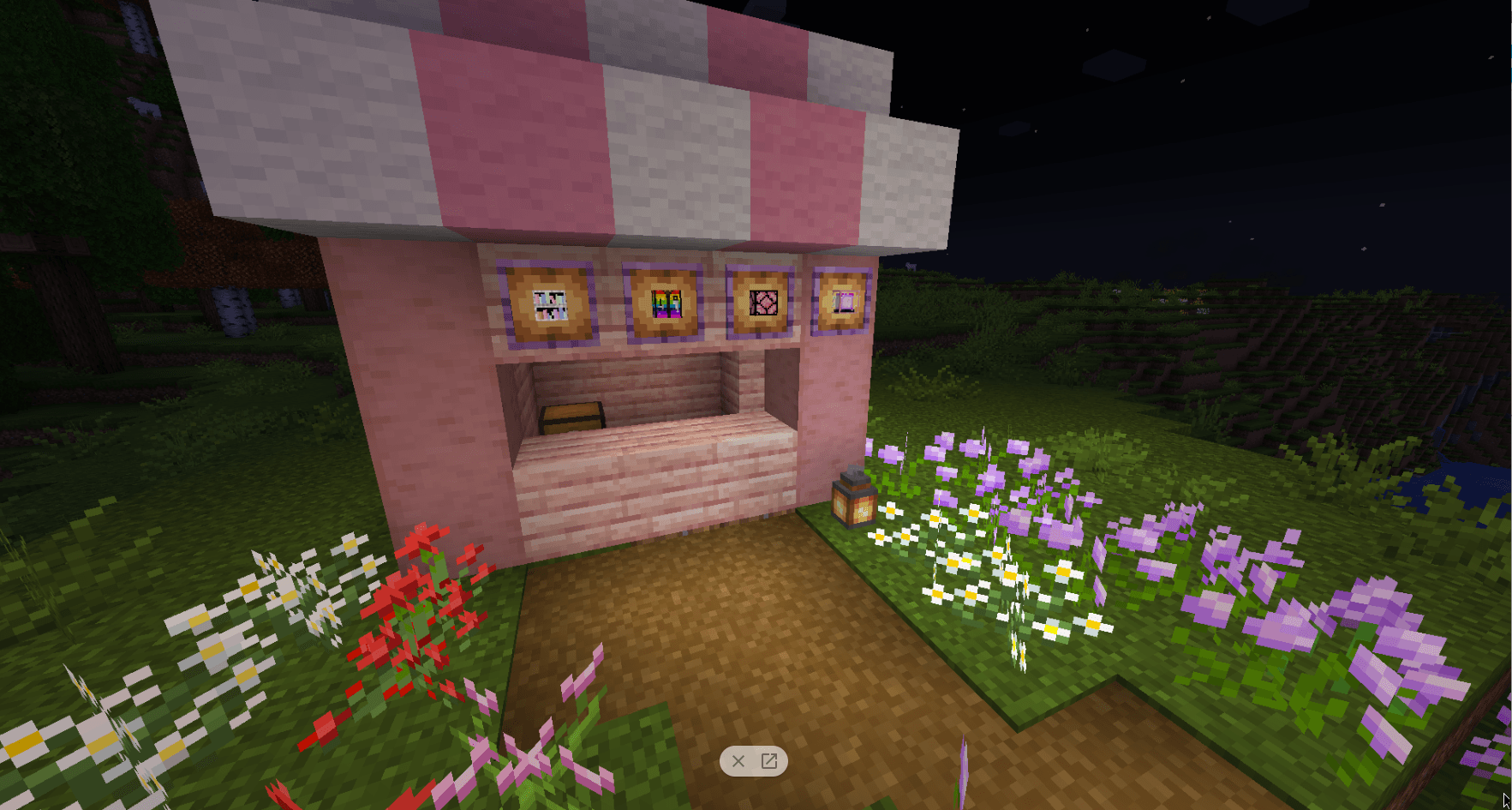
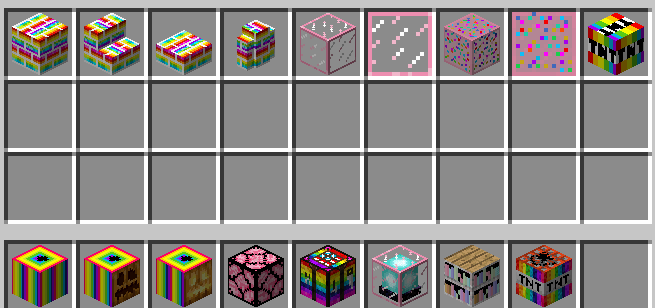
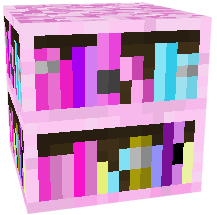
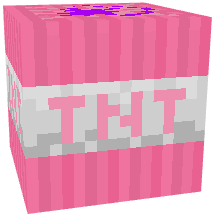
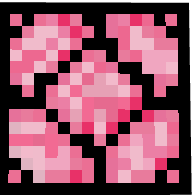
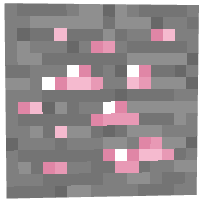
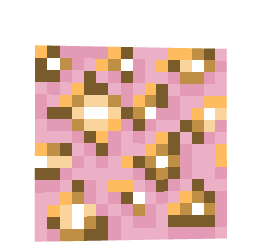
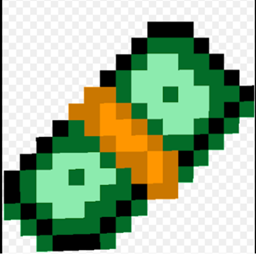
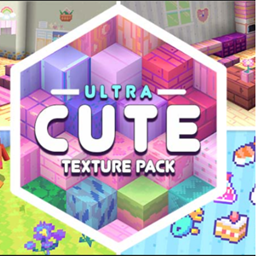
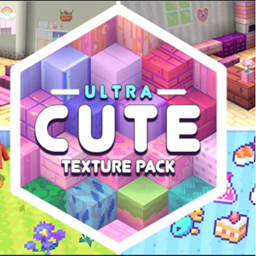
Cute blocks is a very cute pack that adds tons of cute blocks!
by RadientPrincess
Download Claim this project
11,014 downloads
0 likes
Updated Oct 14, 2026
0 hypes
16x Medieval Miscellaneous Modern Photo Realistic
Advertisement Remove ads with Premium →

Minecraft, a game renowned for its limitless creativity, is about to get a delightful upgrade with the introduction of cute blocks. These aren't just your ordinary blocks; they're designed to add a touch of charm and whimsy to your virtual world. With their vibrant colors and adorable designs, these cute blocks will transform your Minecraft landscapes into a wonderland of cuteness.

Imagine constructing buildings with blocks that bear the faces of cute animals, or decorating your spaces with blocks that resemble tiny, colorful cupcakes. The possibilities are endless, and the result is a Minecraft world that is not only fun to play in but also visually stunning. These cute blocks aren't just aesthetically pleasing; they're designed to inspire creativity and add a new layer of enjoyment to the game.

So, get ready to boost your Minecraft experience with these cute, pretty, and amazing blocks. Whether you're an experienced player or a beginner, these blocks will add a fresh and exciting dimension to your gameplay. Start building, designing, and exploring like never before with the addition of these adorable blocks to your Minecraft world.

Kawaii World texture pack.zip
MC 1.7.6, 1.17.1, 1.9.1, 1.5.3, 1.16.3, 1.13.1, 1.9.3, 1.8.7, 1.7.4, 1.7.7, 1.19.3, 1.20.2, 1.21, 1.7.5, 1.4.6, 1.6.1, 1.0, 1.16.1, 1.18.1, 1.20.5, 1.9.4, 1.9.2, 1.8.4, 1.7.9
Release 2024-09-02 Get
Kawaii world texture pack
MC 1.17.1, 1.16.3, 1.13.1, 1.19.3, 1.20.2, 1.16.1, 1.18.1, 1.14.4, 1.14.1, 1.12.1, 1.17, 1.12, 1.14.3, 1.15, 1.16, 1.13, 1.19.4, 1.16.5, 1.18.2, 1.19.2, 1.20.3, 1.15.2, 1.14
Release 2024-03-05 Get

Requirements & install

How to use this resource pack in Minecraft
Resolution
16x
Minecraft
1.18.2 – 1.21
Install folder
.minecraft/resourcepacks

How to install resource packs

  1. Download the resource pack .zip file (do not extract it).
  2. In Minecraft open Options → Resource Packs → Open Pack Folder.
  3. Drop the .zip into the resourcepacks folder (.minecraft/resourcepacks).
  4. Move the pack to the Selected column and click Done.
Browse more: 16x resource packs 32x resource packs 64x resource packs 128x resource packs 256x resource packs 512x+ resource packs Resource Packs for 1.21 All resource packs

More from RadientPrincess

Advertisement Remove ads with Premium →

You Might Also Like