Mineuniverse
Resource Packs
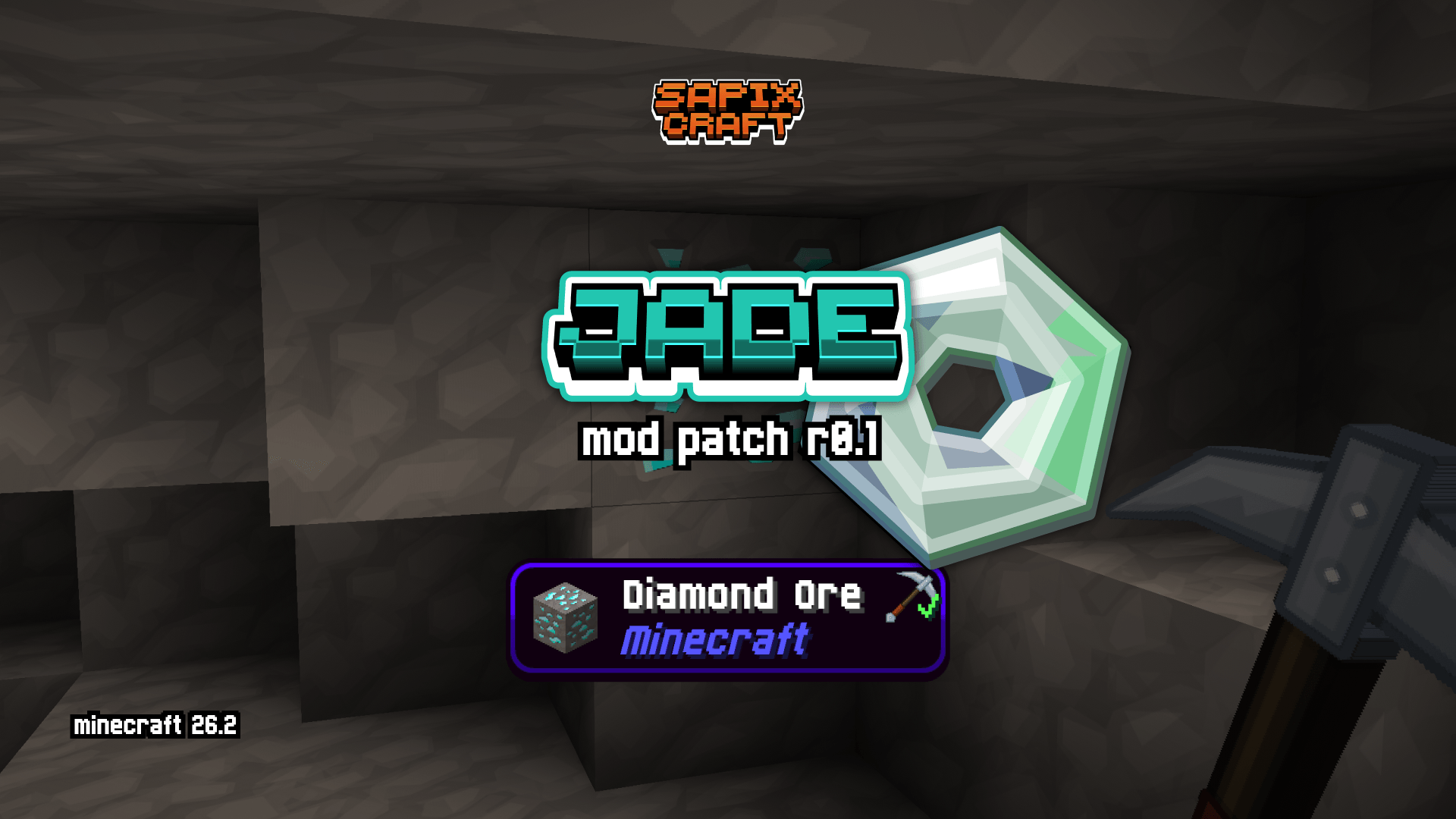
JadeπŸ”+ Sapixcraft Mod Support

JadeπŸ”+ Sapixcraft Mod Support

RESOURCE PACK
πŸ”Ά Jade compatibility for Sapixcraft - includes all themes & icons
by Sapix
Download Claim this project
716 downloads
0 likes
Updated Oct 14, 2026
0 hypes
64x Mod Support Modern
Advertisement Remove ads with Premium →

Want to use Sapixcraft together with Jade?

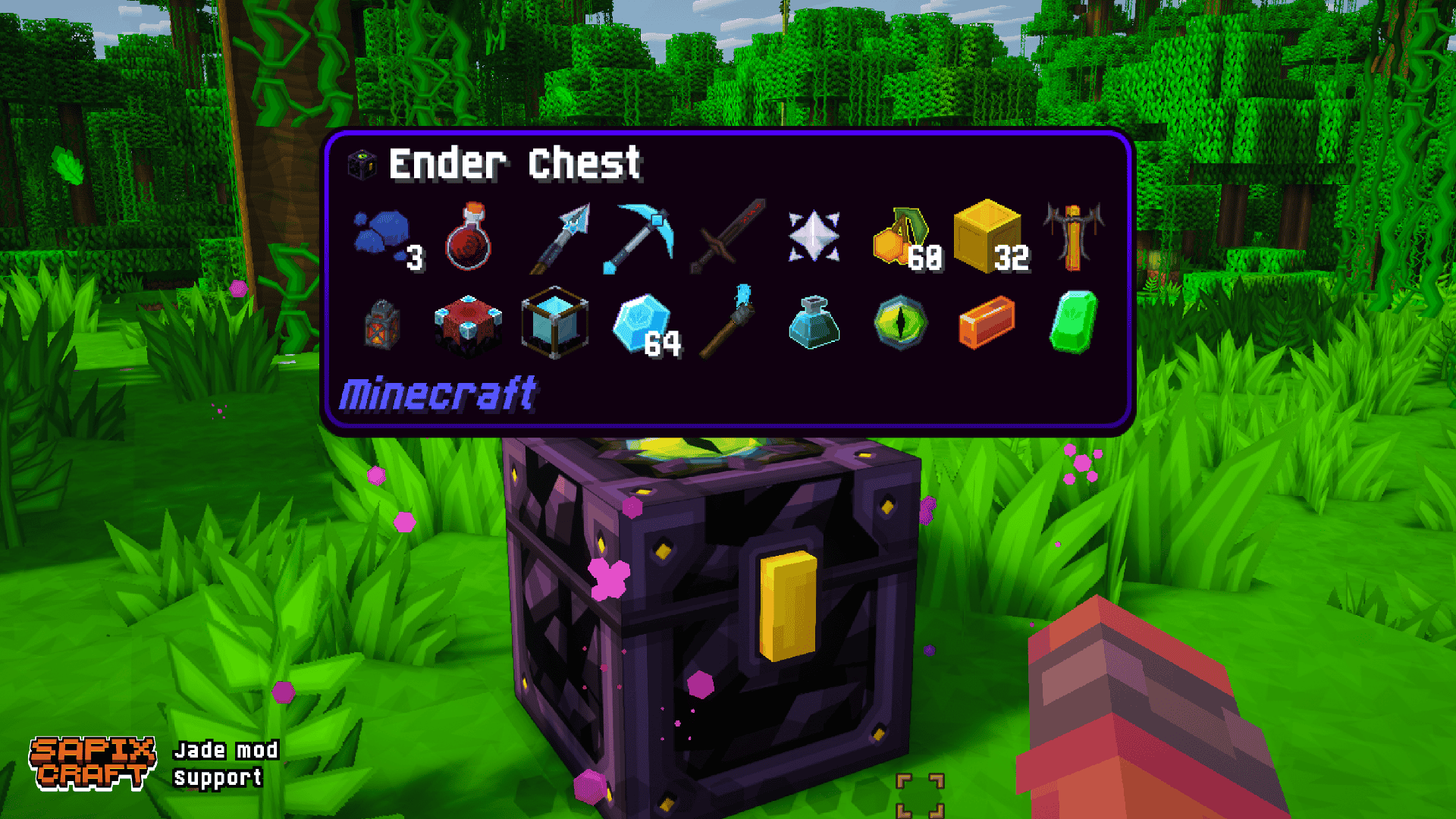
Jade is the modern information HUD mod - the successor to Hwyla/WAILA. It shows block names, mob health, furnace progress, chest contents, and more when you look at things in the world.

If the default Jade tooltip boxes feel out of place next to Sapixcraft’s UI, this patch fixes that.

This resource pack restyles Jade’s HUD with Sapixcraft-styled tooltip backgrounds, borders, and progress bars - so block info, mob health, and machine readouts all feel like part of the pack.


What this patch changes

  • Tooltip backgrounds β€” restyled for all built-in Jade themes
  • Slim borders & nested boxes β€” updated to match Sapixcraft’s look
  • Progress bars β€” furnace progress, brewing timers, and similar HUD elements

Restyled Jade themes

Jade ships with several built-in themes. This patch updates all of them:

Waila (default)

Waila theme

Dark

Dark theme

Create

Create theme

One Probe

One Probe theme


Load order: place this mod patch above Sapixcraft.
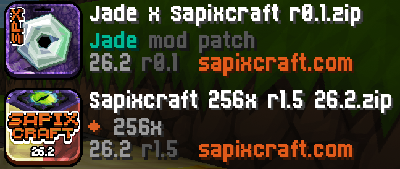
load order


This pack is designed specifically to use with Sapixcraft and the Jade mod.

Note: Jade can be installed on the client only, but some features (item storage, brewing stand fuel, bees in beehives, etc.) require Jade on the server as well.


Other Supported Mods

AppleSkin x Sapixcraft Jade x Sapixcraft Snad x Sapixcraft

(all FREE)

Sapixcraft Add-ons

FREE add-ons

Fancy Stands Sapixcraft add-on PvP Sapixcraft add-on Colossal items Sapixcraft add-on Christmas Sapixcraft add-on

Premium add-ons

Pristine PBR Sapixcraft add-on Lush Foliage Sapixcraft add-on

Join the Sapixcraft Discord

Community

Want to give feedback or hang out? Join the Sapixcraft Discord.


Thanks for downloading! 🧑
- Sapix

kitty kaboom

Sapixcraft x Jade r0.1
MC 26.2
Release 2026-06-21 Get

Requirements & install

How to use this resource pack in Minecraft
Resolution
64x
Minecraft
26.2
Install folder
.minecraft/resourcepacks

How to install resource packs

  1. Download the resource pack .zip file (do not extract it).
  2. In Minecraft open Options β†’ Resource Packs β†’ Open Pack Folder.
  3. Drop the .zip into the resourcepacks folder (.minecraft/resourcepacks).
  4. Move the pack to the Selected column and click Done.
Browse more: 16x resource packs 32x resource packs 64x resource packs 128x resource packs 256x resource packs 512x+ resource packs Resource Packs for 26.2 All resource packs

More from Sapix

Advertisement Remove ads with Premium →

You Might Also Like