Mineuniverse
Resource Packs
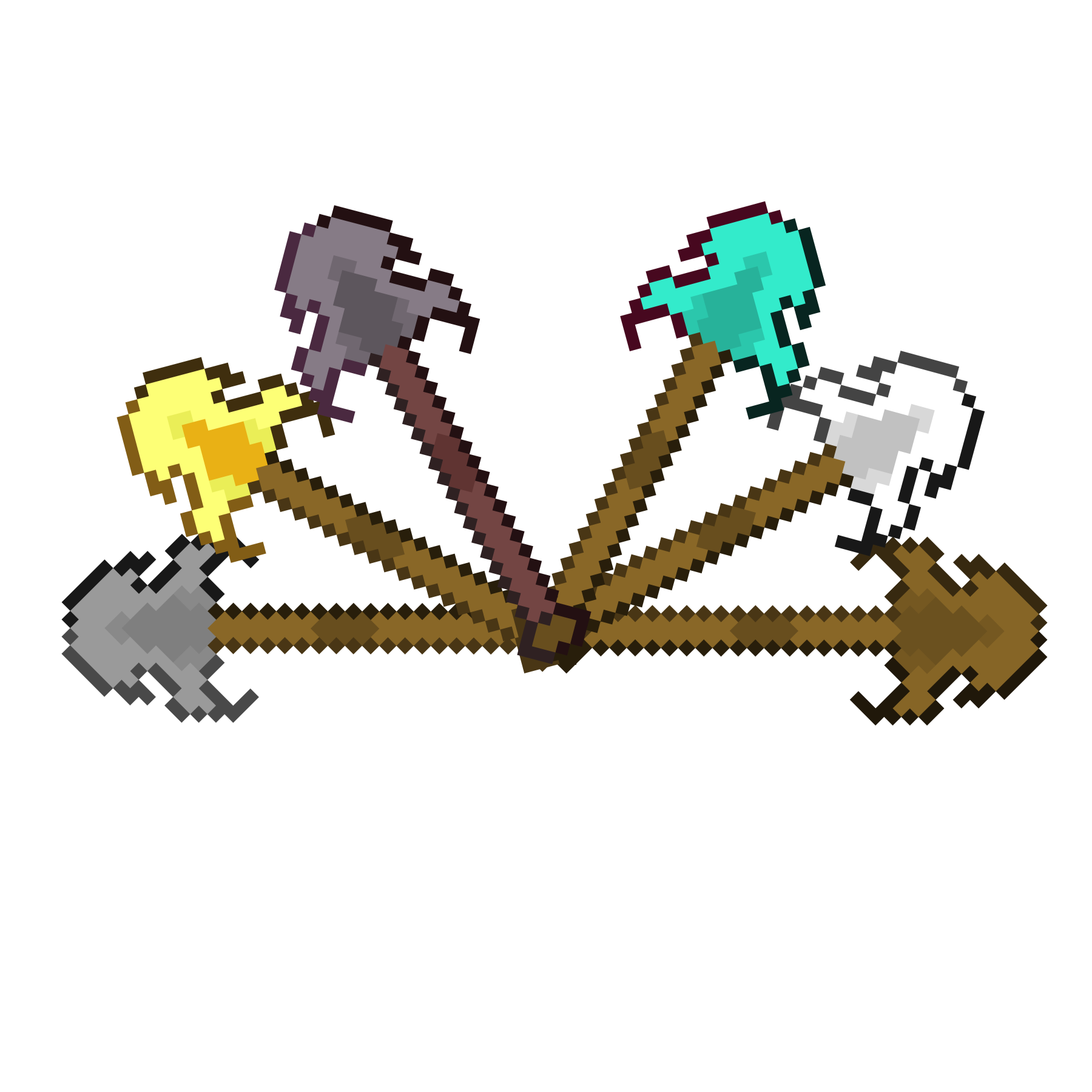
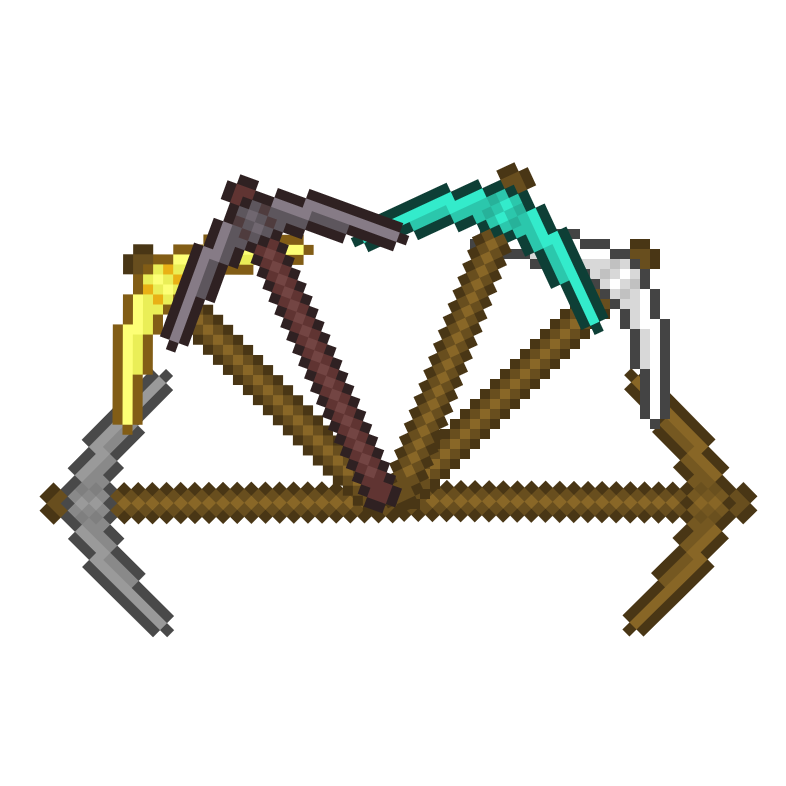
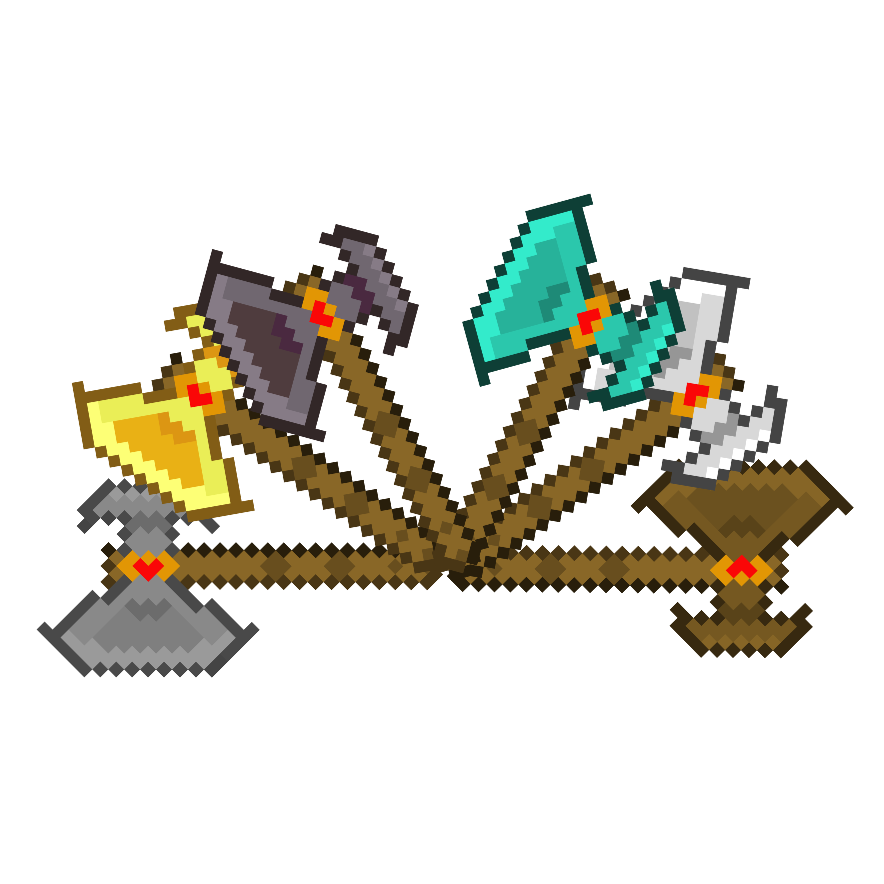
Itsme64's Tool Revamp

Itsme64's Tool Revamp

RESOURCE PACK
Revamps All Tools In A Minecrafty Way!
by itsme64
Download Claim this project
19,009 downloads
0 likes
0 followers
Updated Oct 14, 2026
0 hypes
Follow0
512x and Higher Miscellaneous Traditional
Advertisement Remove ads with Premium →

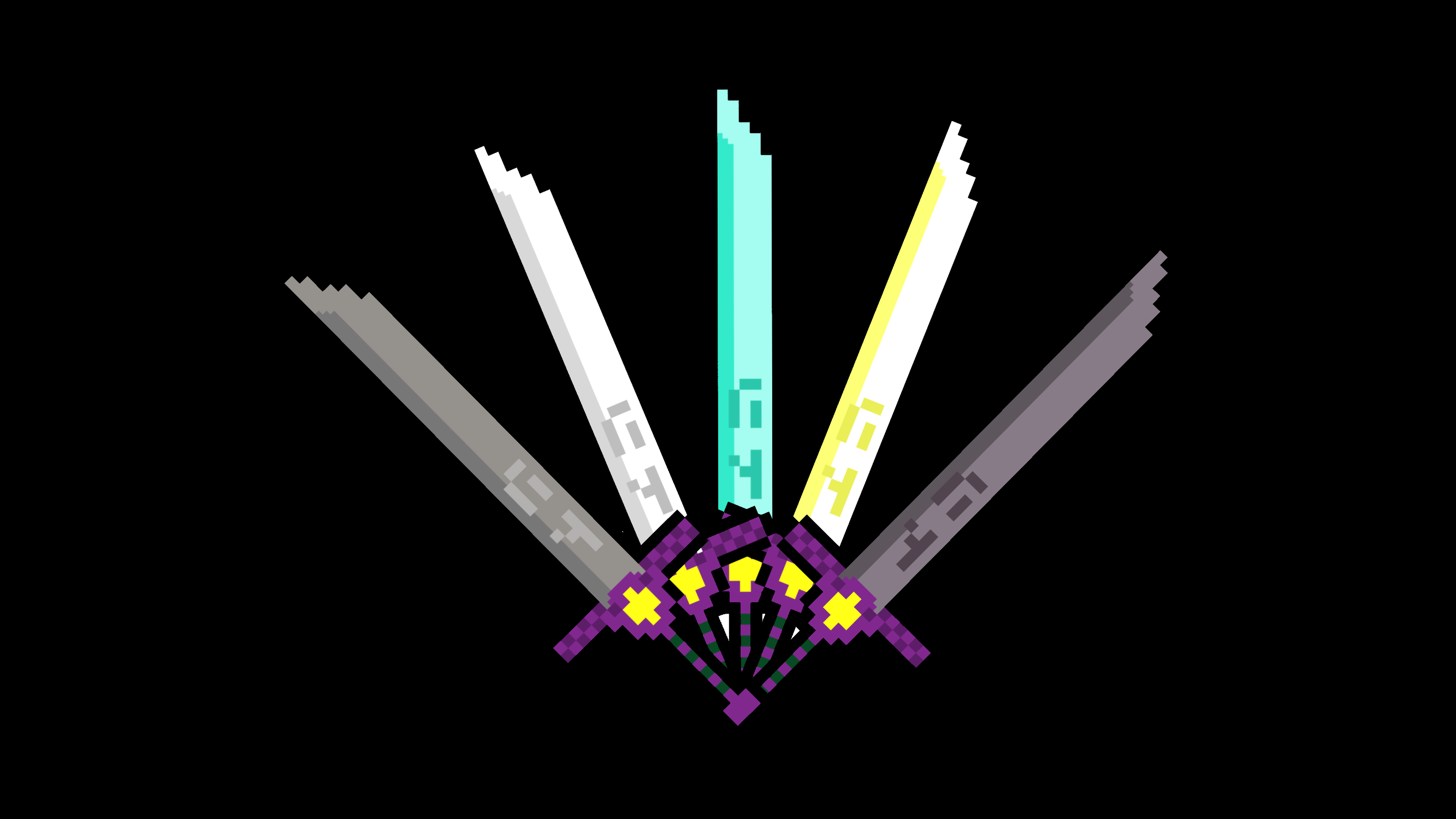
This is Itsme64's Sword to Katana texture!

This texture pack changes all 6 swords in Minecraft to Katanas. The katanas are all 1024p by 1024p, this is to ensure the diagonal look however, the katanas were designed in 128p by 128p to ensure the 'Minecrafty' appearance.

I am putting a lot of effort into this pack so if you like it consider subscribing to my YouTube: https://www.youtube.com/c/Itsme64

Video explaining the texture:

If you have any questions/comments/concerns, please leave those in the comments below or contact me via discord: https://discord.gg/f2TH4TQ3J5

Itsme64's Tool Revamp
MC 1.21.4
Release 2024-12-12 Get
Itsme64's Tool Revamp
MC 1.20.3, 1.20.4
Release 2023-12-14 Get
Itsme64's Tool Revamp
MC 1.20.2
Release 2023-09-24 Get
Itsme64's Tool Revamp [1.8.1]
MC 1.20.1, 1.20
Release 2023-06-13 Get
Itsme64's Tool Revamp [1.7.1]
MC 1.19.4
Release 2023-03-15 Get
Itsme64's Tool Revamp [1.6.1]
MC 1.19.3
Release 2023-01-05 Get
Itsme64's Tool Revamp [1.5.1]
MC 1.19-Snapshot, 1.19.2, 1.19.1, 1.19
Release 2022-12-03 Get
Itsme64's Tool Revamp 1.4.1
MC 1.19.3, 1.19-Snapshot, 1.19.2, 1.19.1, 1.19
Release 2022-11-05 Get
Itsme64's Tool Revamp 1.3.1
MC 1.19-Snapshot, 1.19
Release 2022-06-16 Get
Itsme64's Sword to Katana 1.2.1
MC 1.18.1, 1.18.2, 1.18, 1.18-Snapshot
Release 2022-05-13 Get
Itsme64's sword to katana 1.1.1.zip
MC 1.18.1, 1.18.2, 1.18, 1.18-Snapshot
Release 2022-03-06 Get

Requirements & install

How to use this resource pack in Minecraft
Resolution
512x+
Minecraft
1.19.3 – 1.21.4
Install folder
.minecraft/resourcepacks

How to install resource packs

  1. Download the resource pack .zip file (do not extract it).
  2. In Minecraft open Options → Resource Packs → Open Pack Folder.
  3. Drop the .zip into the resourcepacks folder (.minecraft/resourcepacks).
  4. Move the pack to the Selected column and click Done.

512x packs need a strong GPU and at least 4 GB of RAM for Minecraft; a performance mod such as Sodium is strongly recommended.

Browse more: 16x resource packs 32x resource packs 64x resource packs 128x resource packs 256x resource packs 512x+ resource packs Resource Packs for 1.21.4 All resource packs

More from itsme64

Advertisement Remove ads with Premium →

You Might Also Like