Mineuniverse
Resource Packs
IR American Caboose Pack

IR American Caboose Pack

RESOURCE PACK
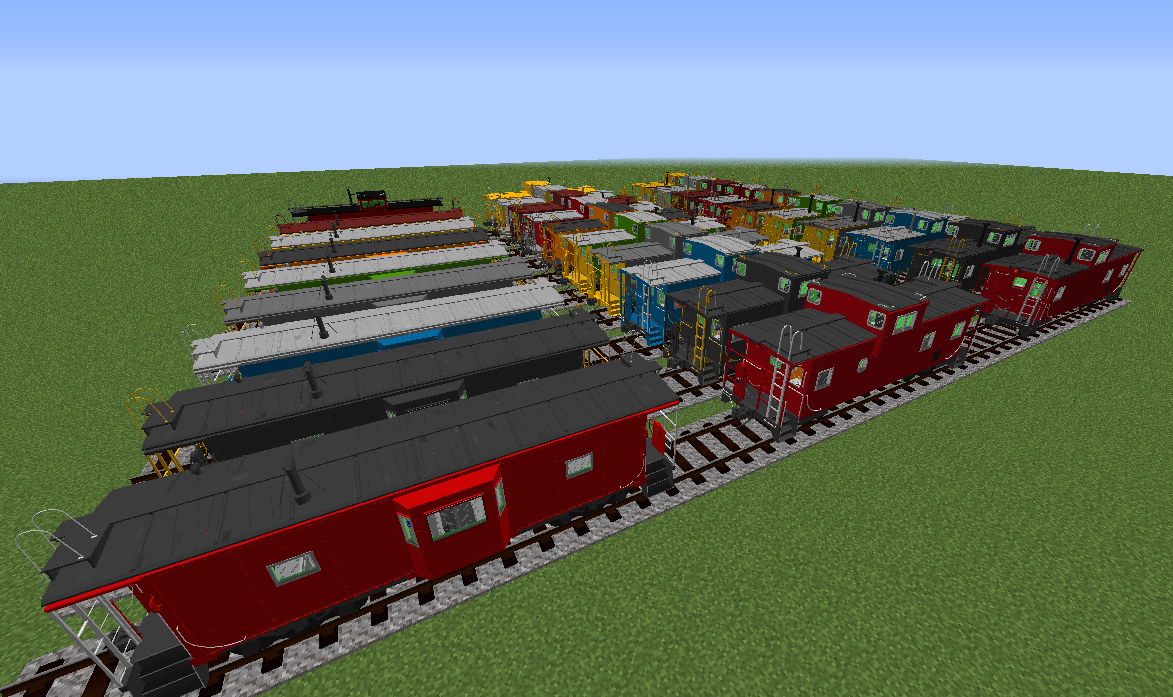
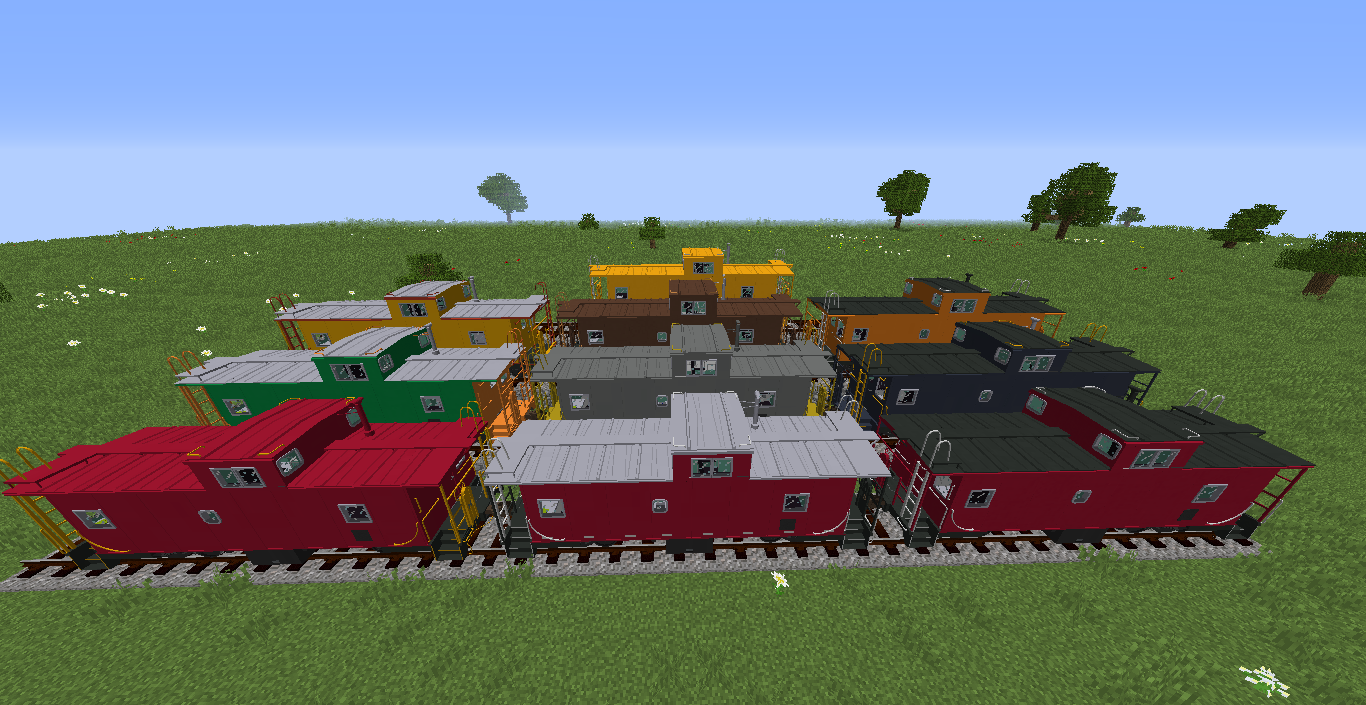
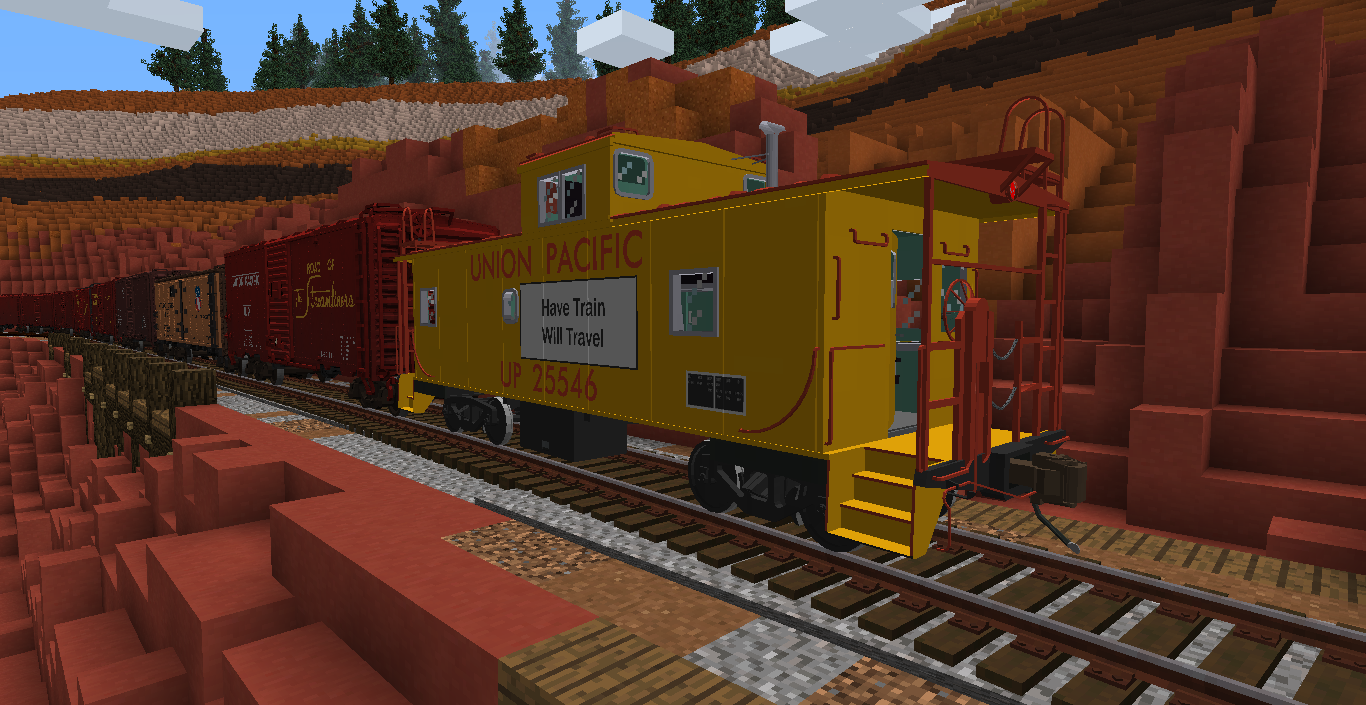
A collection of various cabooses made for Immersive Railroading
by DerGibster
Download Claim this project
8,649 downloads
0 likes
0 followers
Updated Oct 14, 2026
0 hypes
Follow0
512x and Higher Animated Mod Support Modern
Advertisement Remove ads with Premium →


This resource pack requires Immersive Railroading and Track API in order to function!


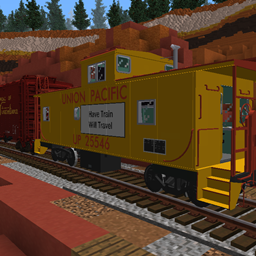
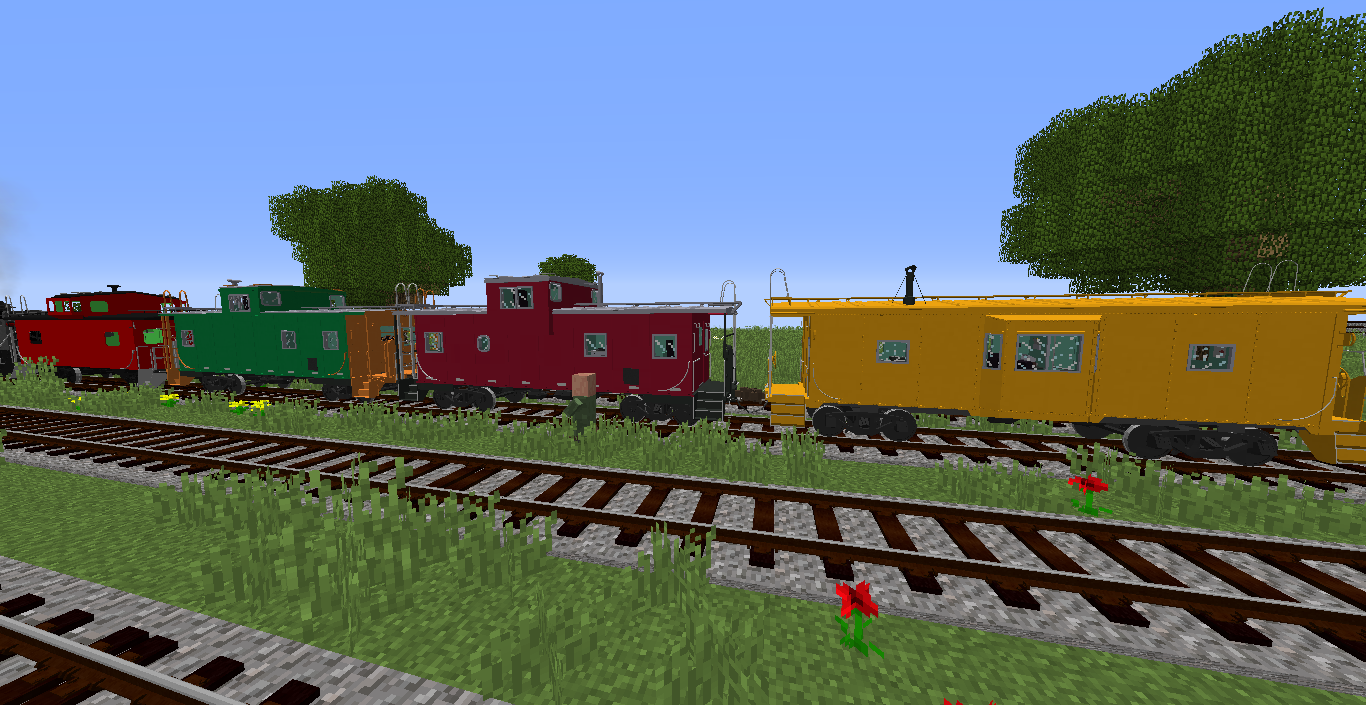
A collection of various American cabooses meant to be used with the mod Immersive Railroading. All are included with fully authentic and detailed interiors where possible.


Installation: Like any other resource pack, drop this into your resourcepacks folder and enable it in-game to use.

NOTE- For MC 1.10 you must change "pack_format": 3 to "pack_format": 2 in the pack.mcmeta file in order for this pack to work properly.


Contents as of v2.20

   - Bay Window caboose in Southern, CP Rail, N&W, NYC, Chessie, and ATSF liveries plus several unlettered extras.

   - Extended Vision caboose in NP, BN, Conrail, Chessie, and SAL liveries plus several unlettered extras.

   - Standard Cupola caboose in N&W, UP, GN, SCL, and Specialized liveries plus several unlettered extras. 

   - Another extended vision caboose in an alternate style (windows extended but not entire cupola) - No extra liveries. 


-paint schemes can be cycled through using the in-game paintbrush that comes with IR



American+Caboose+Pack+v2.20.zip
MC 1.12.1, 1.17, 1.12, 1.15, 1.16, 1.13, 1.11, 1.14, 1.20, 1.10, 1.7.10, 1.8, 1.18, 1.11.1, 1.16.2, 1.11.2, 1.9, 1.12.2, 1.19
Release 2024-05-24 Get
American+Caboose+Pack+v2.11.zip
MC 1.12, 1.11, 1.14
Beta 2019-11-25 Get

Requirements & install

How to use this resource pack in Minecraft
Resolution
512x+
Minecraft
1.14 – 1.20
Install folder
.minecraft/resourcepacks

How to install resource packs

  1. Download the resource pack .zip file (do not extract it).
  2. In Minecraft open Options → Resource Packs → Open Pack Folder.
  3. Drop the .zip into the resourcepacks folder (.minecraft/resourcepacks).
  4. Move the pack to the Selected column and click Done.

512x packs need a strong GPU and at least 4 GB of RAM for Minecraft; a performance mod such as Sodium is strongly recommended.

Browse more: 16x resource packs 32x resource packs 64x resource packs 128x resource packs 256x resource packs 512x+ resource packs Resource Packs for 1.20 All resource packs

More from DerGibster

Advertisement Remove ads with Premium →

You Might Also Like