this page should be viewed in the new Curseforge Web, the legacy somehow broke, WYSIWYG ahhhhh
This is my funny side project for practice lol
Hi everyone! Decostzaza here
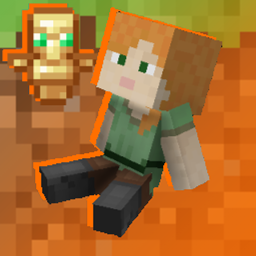
This is the Guardian Plushies, A Custom Totem where you can insert your custom skin and display it on a cute little plush!
you could even make an animated doll too! if you're a magician that is...
How To Insert My Skins???
Follow These Simple Steps!
1. After you download the pack, put the .zip file in your resourcepack folder

2. Right-Click the .zip File then click this

3. You should have a folder named the same as the .zip file, now you can delete the .zip file and keep the folder!

4. Now open up by looking at the path in the picture, it should lead you to this folder with the placeholder skin

5. Now Grab The Skin of your Choice (ONLY WIDE SKIN!!!, You will need Alternative Slim Model For Slim Skins) and place it in this folder
I'll bring my Custom Suit Skin here

6. Delete the "plush.png" Steve placeholder, then rename your skin as "plush.png"

7. Now Launch Minecraft then look for this pack

8. Apply it!, This warning may pop up, just click "Yes" and press Done

9. If you do all the steps above right, you'll see your selected skin displayed on the totem!

Cool!, Isn't it?
Q: Does it Support Layers?
A: Yes it does!
Q: Do I have permission to use it on Servers?/Modpacks?-
A: Feel Free to do so! Just give me Credits for the pack, I really appreciate it!
Q: Do I have permission to modify the model?
A: As soon as you're not uploading the modified copy without my permission, you do!